Empty The Checkout Cart
There are four ways to empty a product or a whole cart within a LaunchFlows checkout.
Remove Product Link
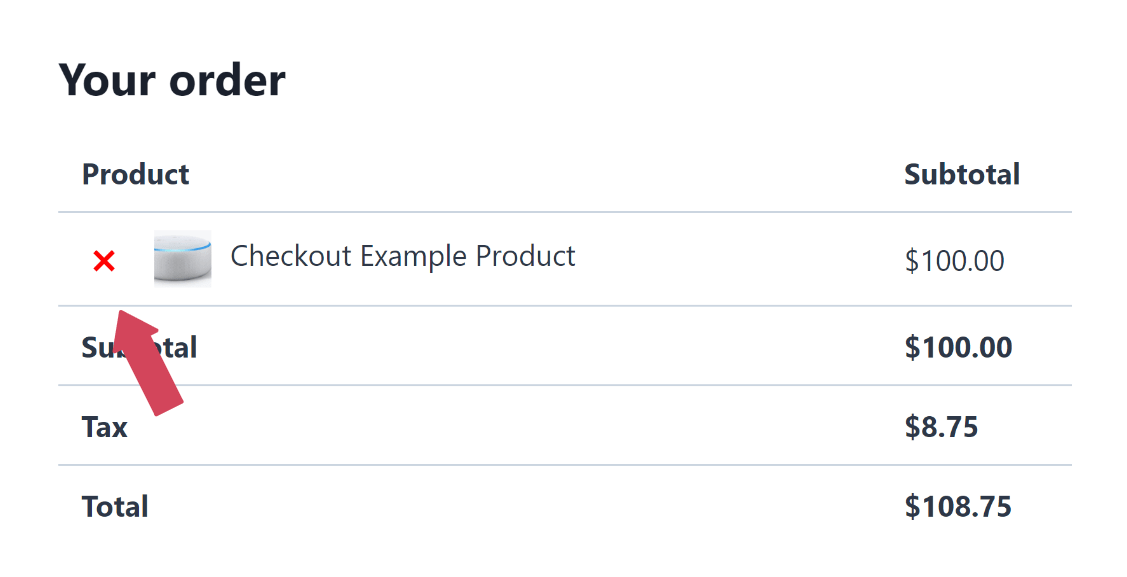
This remove product link is added by the LaunchFlows Order Review component, whether by way of the Widget or Shortcode.
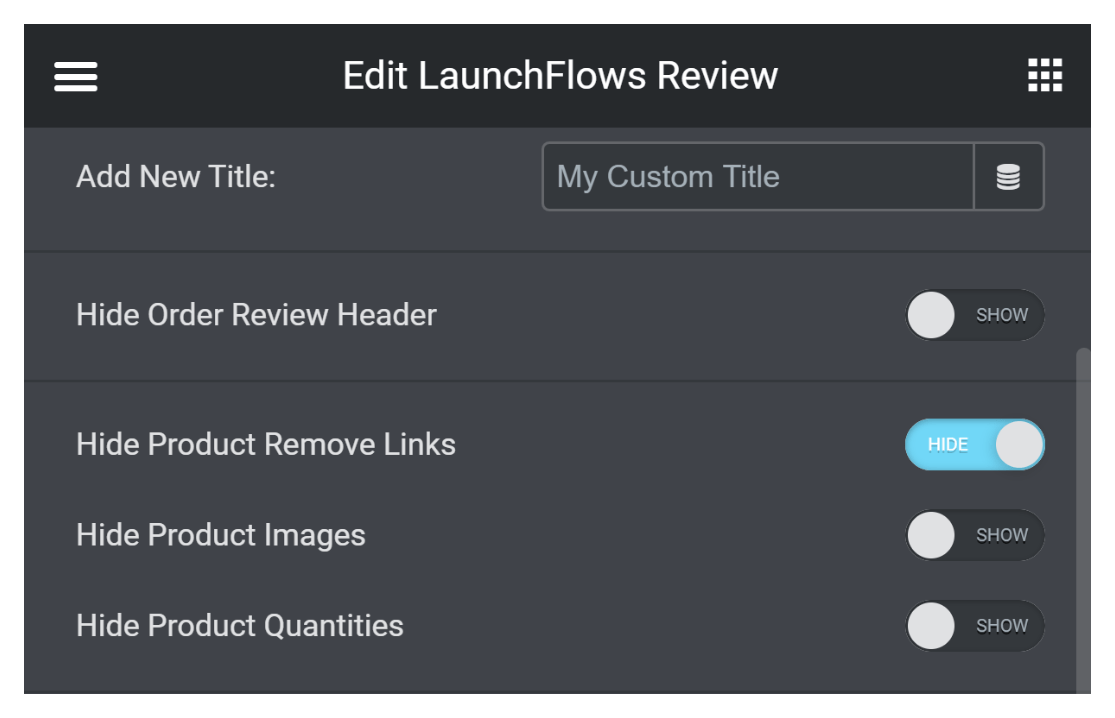
If you are using the Widget, you have the option to hide the Product Remove Links.
URL String
To empty all products in the cart, add this string to the end of any LaunchFlows Checkout Page url.
?emptycart=yes (or use & if following another parameter) ?add-to-cart=1234&emptycart=yesExample
https://yourdomain.com/custom-checkout/?emptycart=yesWidget
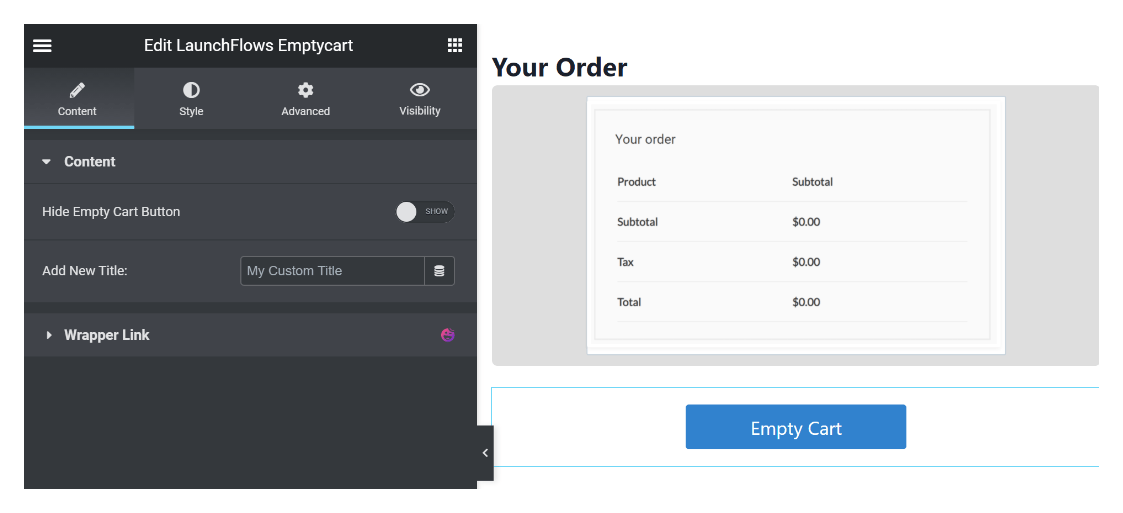
You may use the LaunchFlows Emptycart Widget within Elementor. Simply drag into your layout and style with the widget controls

Shortcode
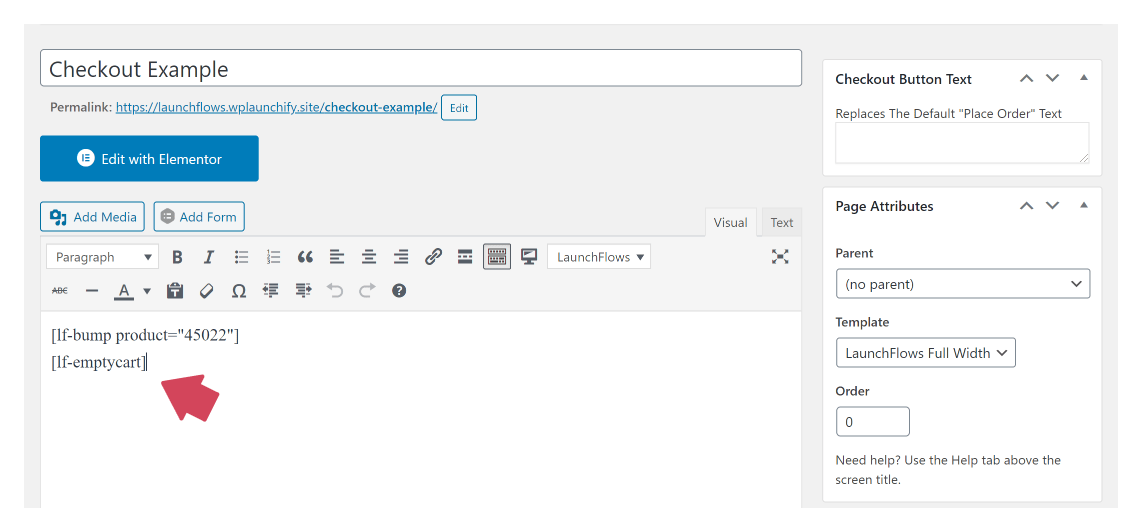
You may use the LaunchFlows Emptycart Shortcode within the WordPress Editor (Classic or Gutenberg).
Empty Cart Button Display
[lf-emptycart]