


Download LINE – Free Messaging, Voice & Video Calls, Stickers
Overview
LINE is a free, cross‑platform communications application that lets you stay in touch with friends, family, and colleagues without paying for international calls or SMS. Developed in Japan, the app has grown into a global phenomenon with more than 200 million active users, especially in Southeast Asia and the Pacific. What makes LINE stand out is its blend of traditional instant‑messaging features—text, images, voice notes, and group chats—with high‑quality VoIP calling, video conferencing, and a vibrant ecosystem of stickers, emojis, and mini‑games. Whether you are on an Android smartphone, an iPhone, a Windows PC, or a macOS laptop, LINE offers a consistent, FaceTime‑style interface that feels familiar yet uniquely playful. The app also supports “LINE Out,” a low‑cost service for calling landlines and non‑LINE numbers, and “LINE Pay,” which turns the messenger into a digital wallet for peer‑to‑peer transfers and online purchases. Recent updates have integrated OpenAI’s ChatGPT API, branded as “AI Chat‑kun,” allowing users to generate text, craft itineraries, or get instant advice without leaving the conversation. While the AI feature is currently limited to English and desktop environments, it signals LINE’s ambition to become more than a messaging tool—an all‑in‑one lifestyle hub. Security is handled through end‑to‑end encryption for one‑on‑one chats and regular security patches, ensuring that personal data stays protected. In short, LINE combines reliable communication, a fun sticker marketplace, and emerging AI capabilities into a single, free download that works on virtually any device you own.
Key Features, Compatibility, and System Requirements
- Free voice and video calls to any LINE user worldwide.
- Group calls with up to 200 participants for both audio and video.
- Extensive sticker store with animated stickers, themes, and limited‑edition packs.
- LINE Out: low‑cost calls to non‑LINE phones and landlines.
- AI Chat‑kun: integrated ChatGPT for text generation, translation, and creative tasks.
- End‑to‑end encryption for private chats and secure file transfer.
- LINE Pay: in‑app payments, money transfers, and QR‑code billing.
- Timeline feed for sharing moments with followers, similar to a social network.
- Built‑in games and official accounts for brands, news, and entertainment.
- Multi‑device sync: chat history, stickers, and settings are consistent across Android, iOS, Windows, and macOS.
LINE’s compatibility spans the major operating systems used today. On mobile, the app runs on Android 5.0 or higher and iOS 12.0 or later, supporting both smartphones and tablets. For desktop users, there are native clients for Windows 10 or newer and macOS 10.13 or later, plus a web version that works in any modern browser. System requirements are modest: a minimum of 150 MB of free storage, 2 GB of RAM, and a stable internet connection (Wi‑Fi or 4G/5G) for optimal call quality. Because LINE leverages VoIP technology, a broadband connection of at least 1 Mbps for audio and 3 Mbps for video is recommended. The app automatically updates itself via the Google Play Store, Apple App Store, or the built‑in updater on desktop, ensuring users always have the latest security patches and feature enhancements. This broad compatibility makes LINE an attractive option for households or teams that mix devices, eliminating the need for multiple messenger apps.
Installation, Usage, and Pros & Cons
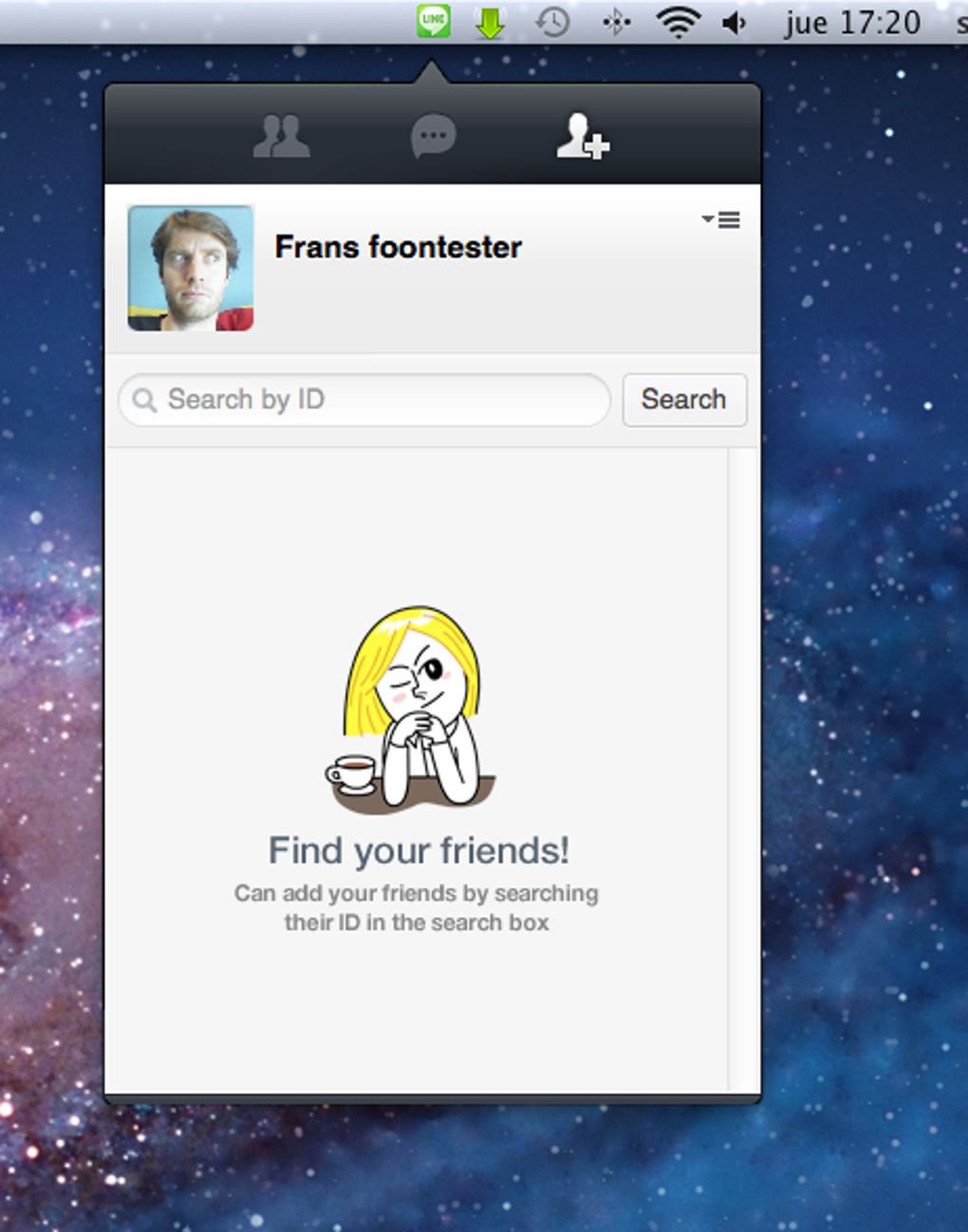
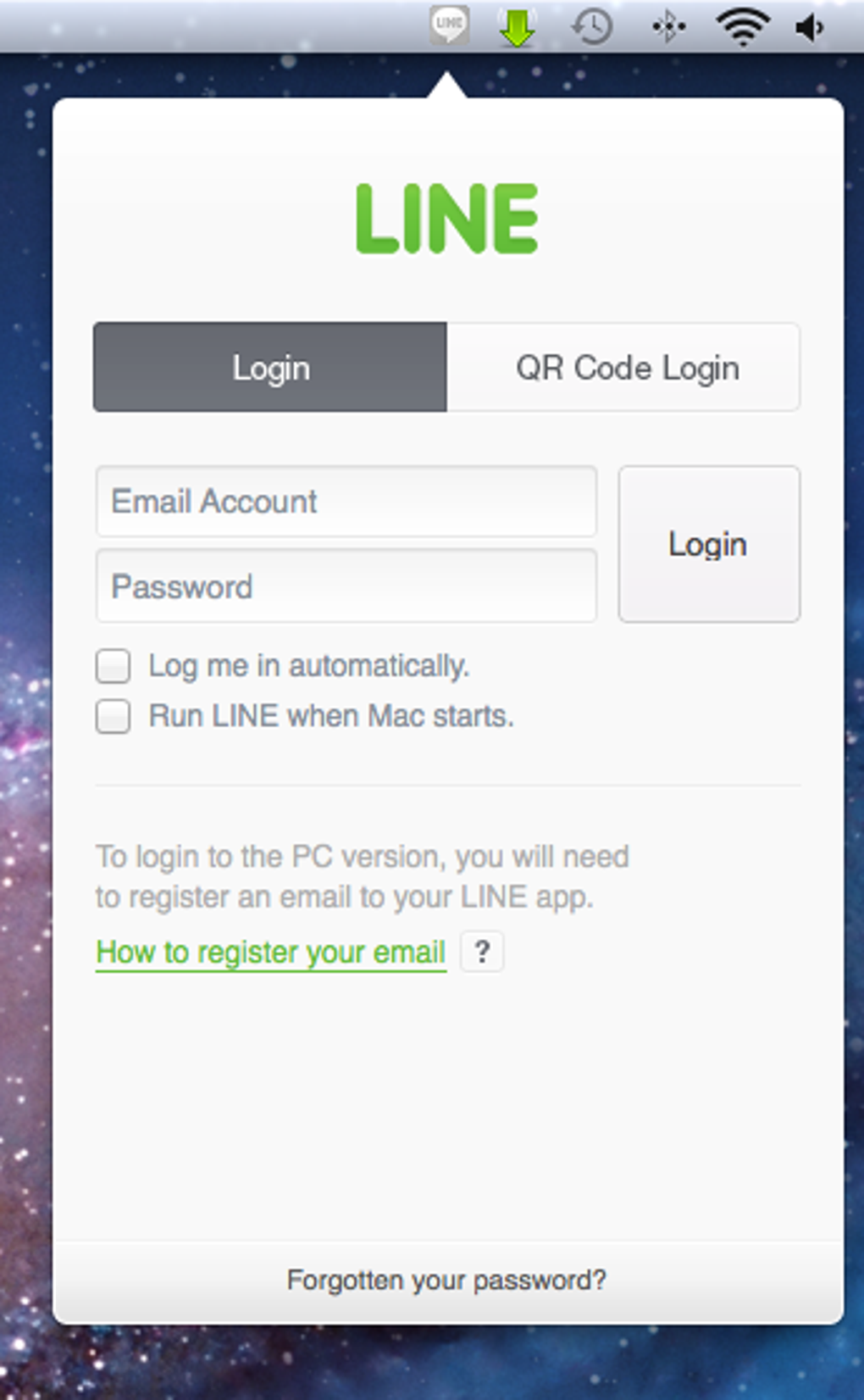
Getting started with LINE is straightforward. On Android, open the Google Play Store, search for “LINE,” and tap “Install.” iOS users visit the App Store, locate LINE, and press “Get.” For Windows, download the installer from the official LINE website; the macOS version is similarly available as a .dmg file. After installation, launch the app and register with a phone number—this serves as your unique identifier. A verification code is sent via SMS, which you enter to confirm the account. You can then set a display name, choose a profile picture, and optionally link an email address for password recovery. The initial setup includes an optional prompt to import contacts from your phone’s address book, making it easy to find friends already on LINE.
Using LINE is intuitive. The main screen presents a chat list, with recent conversations at the top. Tapping a chat opens a conversation pane where you can type messages, attach photos, videos, or voice notes, and send stickers with a single tap. The “Calls” tab offers quick access to voice or video calls; simply select a contact and choose the call type. For group interactions, the “Group” button lets you create a new group, add members, and assign a group name and icon. The “Timeline” tab works like a mini‑social feed, where you can post status updates, share articles, or like friends’ posts. To explore stickers, tap the smiley face icon and browse the store; many packs are free, while premium stickers can be purchased with LINE Coins, the app’s virtual currency.
Pros:
- High‑quality free voice and video calls across platforms.
- Rich sticker ecosystem that adds personality to chats.
- AI Chat‑kun integration for advanced text generation.
- Secure end‑to‑end encryption for private conversations.
- Multi‑device sync ensures continuity on phone, tablet, and desktop.
Cons:
- AI feature limited to English and desktop, reducing accessibility for non‑English speakers.
- Heavy reliance on stickers may feel gimmicky for professional use.
- Some features (LINE Pay, LINE Out) are region‑restricted.
- Occasional push‑notification delays on older Android devices.
- Large app size compared to lightweight messengers.
FAQ and Conclusion
Is LINE free to use?
Yes, downloading LINE and using its core messaging, voice, and video call features are completely free. Some optional services such as LINE Out calls to non‑LINE numbers or premium sticker purchases may incur charges.
Can I use LINE on multiple devices simultaneously?
Absolutely. LINE syncs your chat history, contacts, and settings across Android, iOS, Windows, and macOS. You can be logged in on a phone and a desktop at the same time without losing messages.
How secure is my conversation on LINE?
LINE uses end‑to‑end encryption for one‑on‑one chats and offers encrypted file transfers. Group chats are protected with server‑side encryption, and the company regularly releases security updates.
What is AI Chat‑kun and who can use it?
AI Chat‑kun is LINE’s integration of OpenAI’s ChatGPT. It lets users generate text, ask for advice, or create content directly in a chat. Currently it is available in English and only on the desktop version of LINE.
Do I need a LINE account to receive calls?
Yes. Both parties must have a LINE account to place or receive free voice and video calls. However, with LINE Out you can call regular phone numbers without the recipient needing LINE.
In conclusion, LINE delivers a robust, free communications suite that bridges the gap between different operating systems and cultural markets. Its combination of reliable VoIP calling, an ever‑expanding sticker marketplace, and the forward‑thinking AI Chat‑kun makes it more than just another messenger—it’s a versatile platform for personal expression and productivity. While the AI feature’s language limitations and region‑locked services may be a drawback for some users, the core experience remains strong, especially for those who value a fun, sticker‑rich environment and need seamless cross‑device connectivity. If you’re looking for a free, secure, and feature‑packed app that works on Android, iOS, Windows, and macOS, give LINE a download today and start exploring its vibrant ecosystem.








