
Download MacKeeper – All‑in‑One Mac Cleaner, Optimizer & Security Tool
Overview
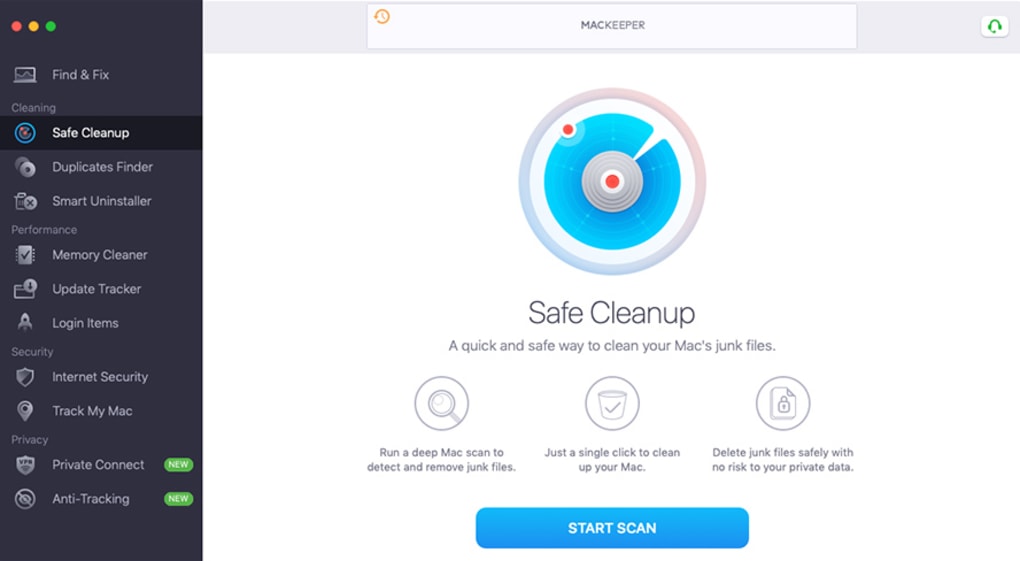
MacKeeper is marketed as a comprehensive solution for keeping Apple computers healthy, fast, and secure. The software bundles four core modules—Cleaning, Performance, Security, and Privacy—into a single, user‑friendly interface that promises to detect and resolve issues before they turn into serious problems. Whether you’re battling junk files that eat up precious SSD space, dealing with sluggish launch times, or worried about malware slipping past macOS’s built‑in protections, MacKeeper positions itself as the “one‑stop shop” for Mac owners. The program has earned Apple’s approval and an AppEsteem certification, which adds a layer of credibility for users who are skeptical about third‑party utilities. In practice, MacKeeper works by scanning the system for duplicate files, unused applications, and unnecessary cache data; it then offers a one‑click cleanup that does not touch personal documents or photos. On the performance side, it can free up RAM, manage startup items, and keep installed apps up‑to‑date. Security features include real‑time virus detection, ad‑ware removal, and a built‑in VPN that encrypts traffic and masks your IP address. Privacy tools add an ad blocker, tracker blocker, and an identity‑theft scanner that checks your email for exposure in known data breaches. While the basic scanner is free, unlocking the full suite requires a paid subscription, with plans ranging from a single‑month trial to a multi‑device annual package. Overall, MacKeeper aims to simplify Mac maintenance for both novices and power users by consolidating a suite of essential utilities under a single, polished dashboard.
Key Features & Tools
- Cleaning Module: Detects and removes junk files, duplicate documents, unused applications, and cache data. The cleanup process is safe, preserving personal files while freeing up to several gigabytes of storage on a typical Mac.
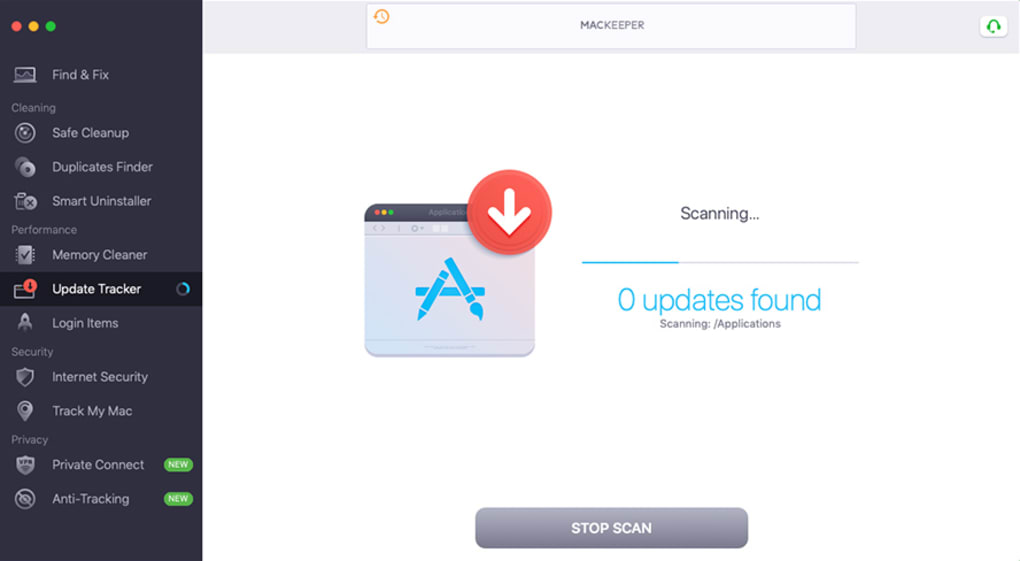
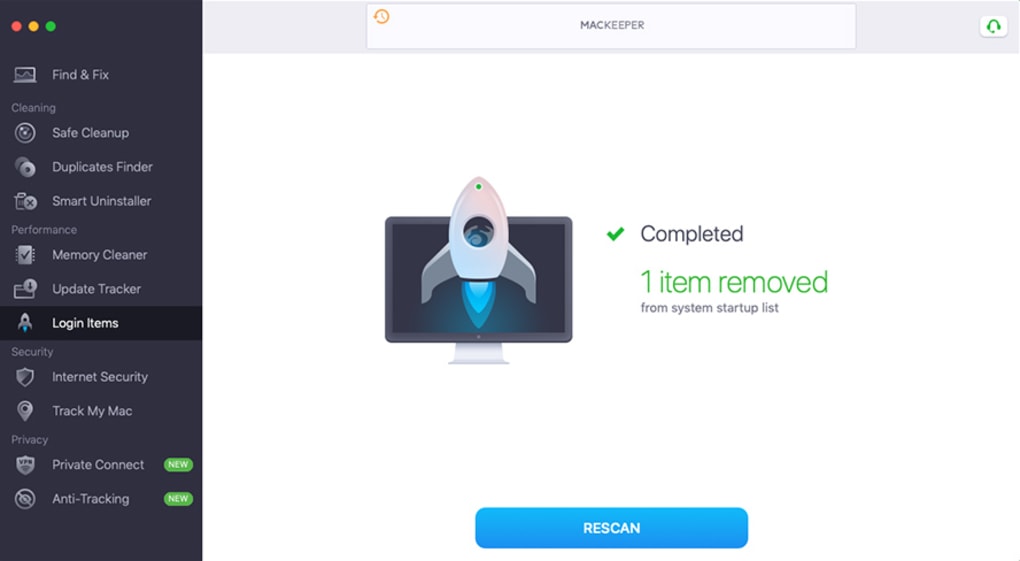
- Performance Optimizer: Offers RAM boost, startup manager, and automatic software updates. Users can free up memory with a single click, prioritize essential apps, and keep their system running smoothly after macOS updates.
- Security Suite: Real‑time antivirus engine, ad‑ware cleaner, and web protection. The engine scans for known macOS malware, blocks malicious websites, and removes unwanted programs that may have been bundled with downloads.
- Privacy Toolbox: Integrated VPN with dozens of global server locations, ad blocker, tracker blocker, and identity‑theft monitoring. The VPN encrypts traffic, while the ad and tracker blockers prevent invasive ads and data collection.
- System Health Dashboard: A visual health meter that shows overall system status as a percentage, highlighting areas that need attention and summarizing recent actions taken by the app.
- One‑Click Fix: After a scan, MacKeeper presents a concise “Find & Fix” list. Users can apply all recommended actions with a single click, eliminating the need for manual troubleshooting.
- Scheduled Scans & Automatic Cleanup: Users can set daily, weekly, or monthly scans, ensuring that the Mac stays clean and secure without manual intervention.
- Cross‑Device Licensing: The 12‑month plan for up to three Macs lets families or small businesses protect several machines under one subscription.
Installation, Compatibility & Usage Instructions
System Requirements – MacKeeper runs on macOS 10.13 (High Sierra) and later, including macOS Ventura and Sonoma. The application is optimized for both Intel‑based Macs and Apple Silicon (M1/M2) devices, automatically selecting the appropriate binary during installation.
Step‑by‑Step Installation
- Visit the official MacKeeper website and click the “Download for Mac” button. The installer file (
.dmg) will begin downloading. - Open the
.dmgfile and drag the MacKeeper icon into the Applications folder. - Launch MacKeeper from the Applications folder. macOS may prompt you to confirm that you want to open an app downloaded from the internet; click “Open”.
- Upon first launch, MacKeeper will request permission to access files, the camera (for VPN), and system extensions. Grant these permissions in System Settings → Security & Privacy.
- Enter your email address to create a free account. The free version will automatically start a quick system scan.
Using the Application
After the initial scan, you’ll land on the “Find & Fix” dashboard. This screen categorizes findings under Cleaning, Performance, Security, and Privacy. Each category displays a progress bar and a brief description of the issue. To resolve problems, click the “Fix All” button or address items individually for finer control.
For ongoing protection, enable Scheduled Scans in Settings → Automation. Choose a frequency that matches your usage pattern; weekly scans are a good balance for most users. The VPN can be toggled on the Privacy tab, and you can select a server location from the dropdown menu. Remember to keep the app updated; MacKeeper checks for updates automatically, but you can force a check via Settings → About → Check for Updates.
Should you decide to upgrade to a paid plan, navigate to the “Upgrade” tab, select a subscription, and complete the purchase using a credit card or PayPal. The license activates instantly, unlocking all premium tools.
Pros, Cons & Frequently Asked Questions
Pros
- All‑in‑one suite eliminates the need for multiple separate utilities.
- User‑friendly interface with one‑click cleanup and repair.
- Supports both Intel and Apple Silicon Macs.
- Integrated VPN and privacy blockers add extra layers of security.
- Regular automatic updates keep the detection engine current.
Cons
- Full functionality requires a paid subscription; the free version is limited to scanning.
- Some users report that the RAM optimizer provides modest performance gains.
- Annual pricing is higher than many competing Mac cleaners.
- Occasional false‑positive alerts can be confusing for beginners.
Frequently Asked Questions
Is MacKeeper safe to use on my Mac?
Yes. MacKeeper is Apple‑approved and holds an AppEsteem certification, meaning it meets strict security and privacy standards. The software runs with the necessary system permissions but never accesses personal documents unless you explicitly grant it permission.
Can MacKeeper remove malware that macOS’s built‑in protection misses?
While macOS includes XProtect and Gatekeeper, third‑party threats still appear. MacKeeper’s real‑time antivirus engine uses an updated signature database and heuristics to detect newer macOS‑specific malware, ad‑ware, and potentially unwanted programs that Apple’s tools might overlook.
Does the integrated VPN keep my internet speed fast?
The VPN uses high‑speed servers located in multiple regions. In most cases, users experience a negligible drop in speed, especially when connecting to nearby servers. For bandwidth‑intensive tasks, you can switch to a server with higher capacity from the VPN settings.
How many Macs can I protect with a single subscription?
The standard 12‑month plan protects one Mac, while the “Family” plan (also 12 months) covers up to three Macs. All devices must be running macOS 10.13 or later.
Is there a money‑back guarantee if I’m not satisfied?
Yes. MacKeeper offers a 14‑day money‑back guarantee on all paid plans. If you’re unhappy with the results, you can request a refund through the support portal within the guarantee window.
Conclusion & Call to Action
MacKeeper delivers a well‑rounded package that tackles the most common Mac maintenance headaches—junk file accumulation, sluggish performance, and emerging security threats—while also providing privacy tools that many users now consider essential. Its intuitive, single‑click interface makes it especially appealing for users who prefer a set‑and‑forget solution. Although the price point is higher than some niche cleaners, the breadth of features—especially the integrated VPN and identity‑theft monitoring—justifies the cost for many Mac owners. If you’re looking for a reliable, Apple‑certified utility that consolidates cleaning, optimization, and security under one roof, give the free version a try, and consider upgrading if the scan uncovers issues you want to resolve automatically.
Download MacKeeper now and start your 14‑day risk‑free trial to see how much cleaner, faster, and safer your Mac can become.








