
Download Magic Gallery – Photo Gallery, Online Gallery, Web Gallery, Photo Editing, PDF Gallery, FTP Uploader, Customizable Templates, Photo Resizing, Watermark, Color Adjustment, Web Album
Overview
Magic Gallery is a desktop software solution designed to streamline the creation of professional-grade online photo galleries while integrating essential photo editing tools. The application enables users to upload, organize, and customize images for web presentation, making it a valuable utility for photographers, designers, and content creators who need to showcase visual work efficiently. Its core purpose lies in simplifying the process of transforming personal or professional photo collections into visually appealing web albums with minimal technical effort.
By offering built-in tools for photo resizing, basic editing, and gallery export, Magic Gallery addresses common challenges such as inconsistent image dimensions, poor formatting, and time-consuming manual uploads. It serves both beginners seeking an accessible entry point into digital gallery creation and experienced users who value workflow efficiency. The software supports offline PDF gallery generation and includes an integrated FTP uploader, which enhances its utility for users managing websites or portfolios.
Developed by Magic Software, the application has been available since 2006, indicating a long-standing presence in the productivity software space. Although the developer did not provide additional technical details, its continued relevance suggests a stable and functional product. Magic Gallery plays a niche but meaningful role in the digital content ecosystem by bridging the gap between image management and web publishing.
Key Features & Functionality
- Easy Photo Resizing: Automatically adjusts image dimensions to fit predefined web album layouts while preserving quality, ensuring visual consistency across galleries.
- Basic Editing Tools: Includes cropping, color adjustment, and watermark addition to enhance images before gallery integration.
- PDF Gallery Creation: Enables users to compile photo collections into shareable, print-ready PDF documents for offline distribution.
- Built-in FTP Uploader: Simplifies the upload process by allowing direct transfer of completed galleries to remote servers without external tools.
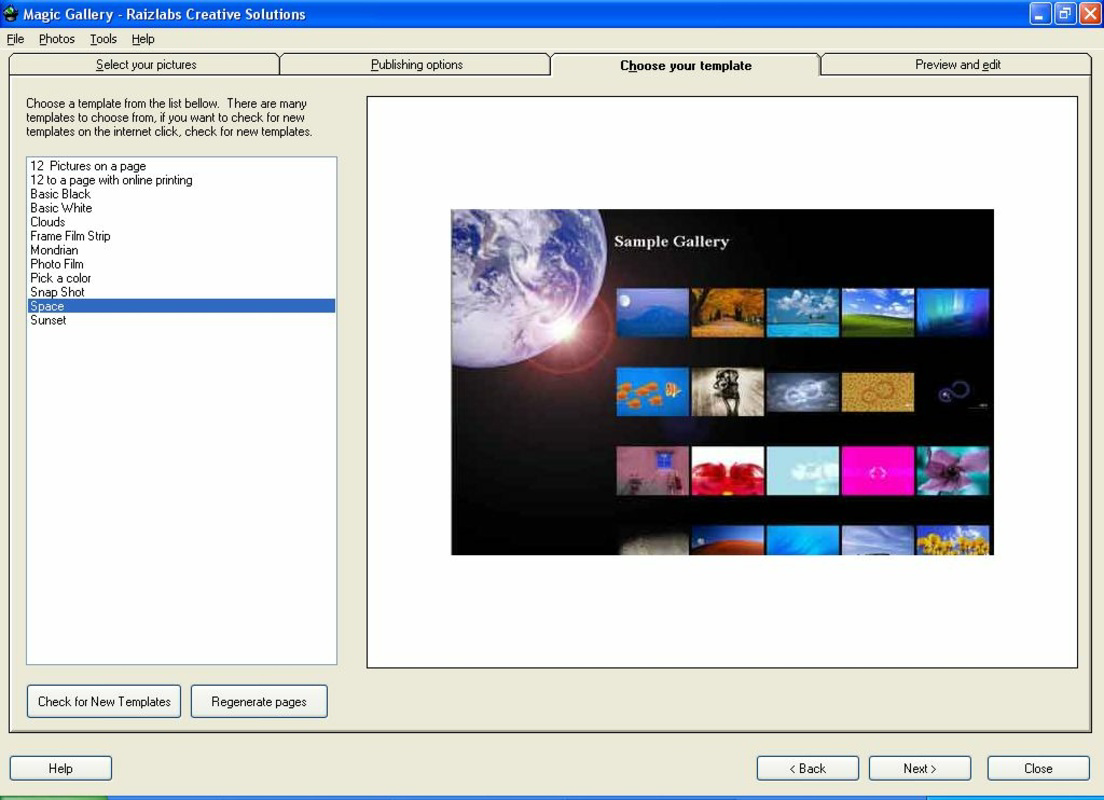
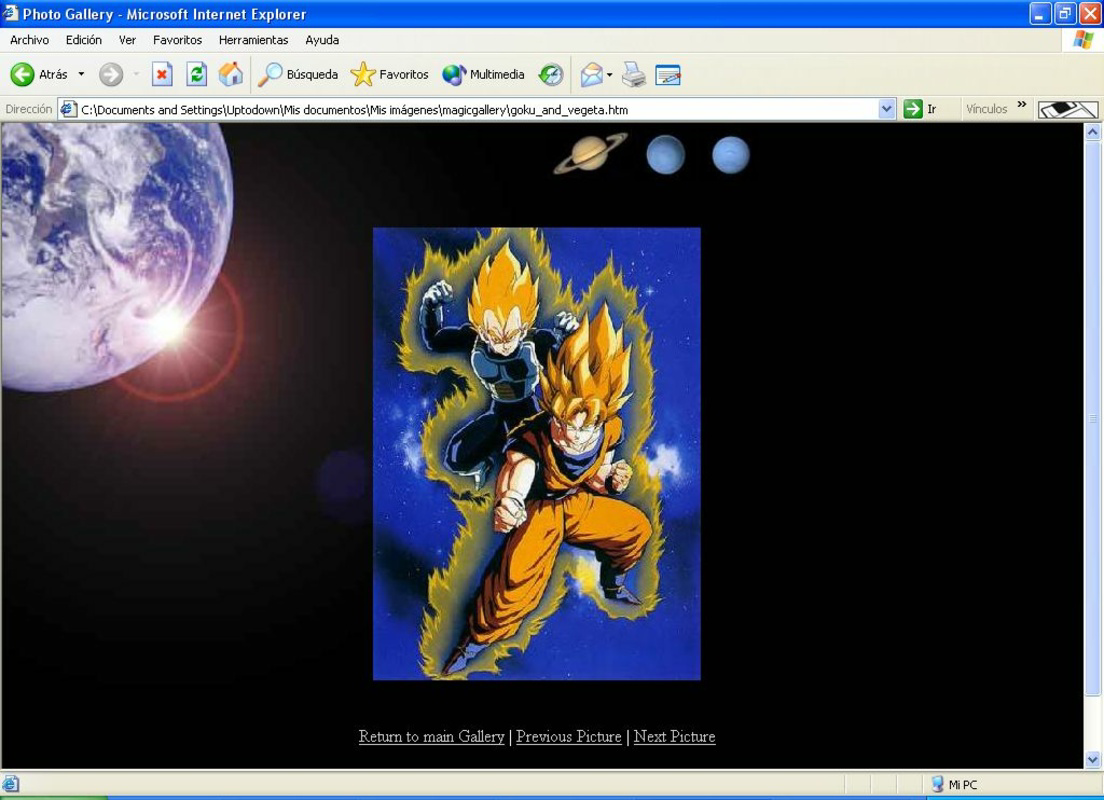
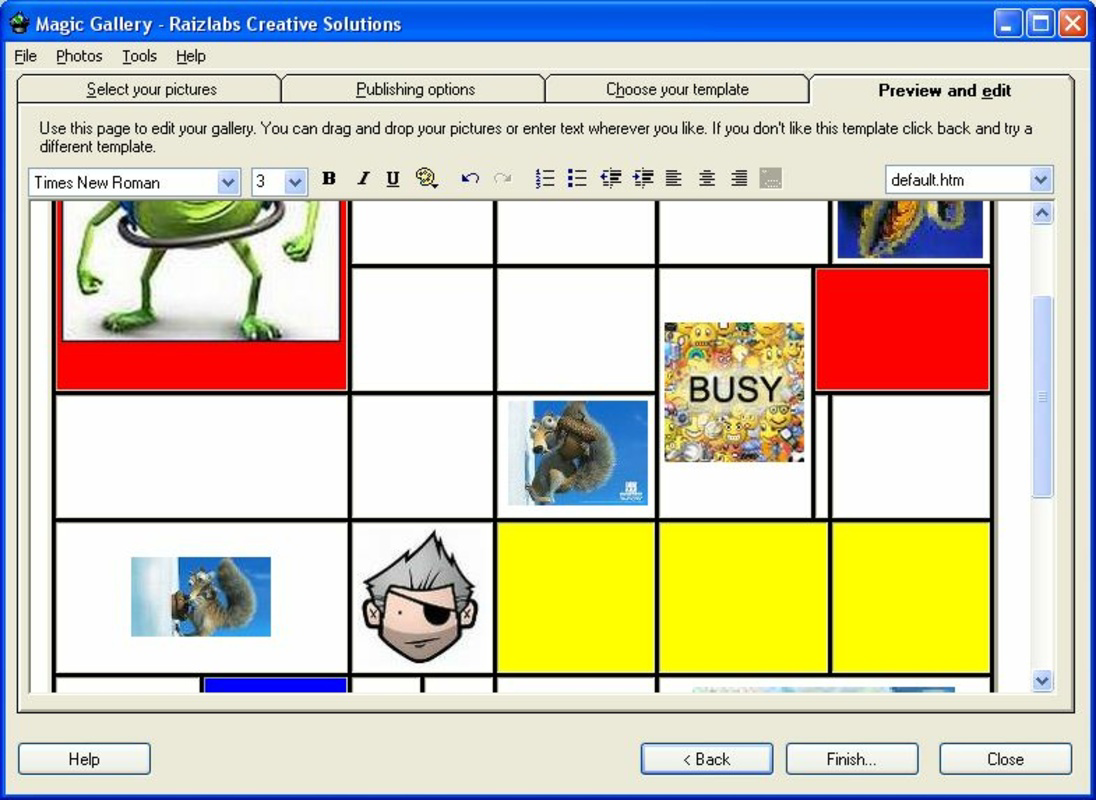
- Customizable Templates: Offers a range of templates that can be modified or fully redesigned to match personal or brand-specific aesthetics.
For example, a wedding photographer could use the photo resizing and watermark features to prepare client images, then generate a PDF album for print delivery while simultaneously uploading a web gallery via the built-in FTP uploader. Similarly, a travel blogger might use customizable templates to create a unique visual identity for their portfolio. These features work together to reduce the number of steps required to publish visual content online, enhancing productivity and reducing the risk of formatting errors.
Interface, UX & Performance
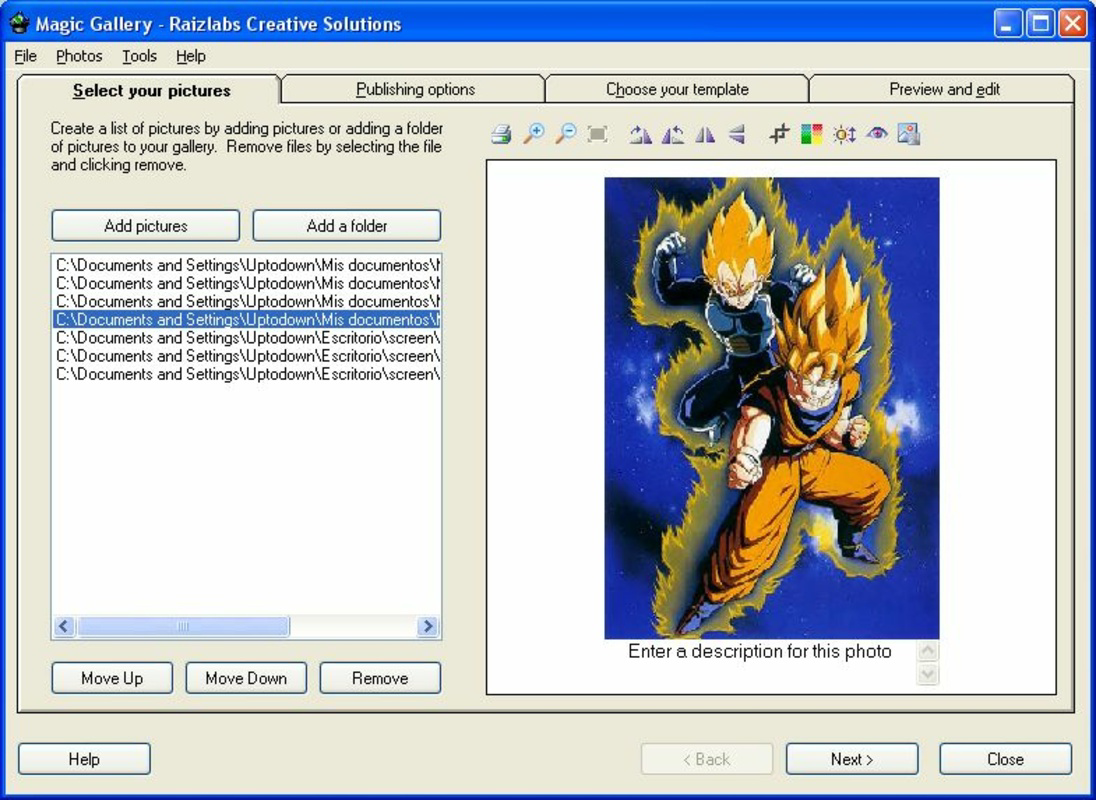
Magic Gallery features a clean, intuitive interface designed to guide users through the gallery creation process with minimal friction. The layout is organized around core workflows—upload, edit, customize, and publish—ensuring a logical progression from start to finish. Visual cues and tool grouping contribute to a streamlined user experience, particularly beneficial for users with limited technical expertise.
Navigating between functions is straightforward, with clearly labeled menus and accessible toolbars. The software responds promptly to user inputs, maintaining stability during image processing and file transfers. Although the developer did not list formal performance metrics, the application’s lightweight size of 3.4 MB suggests efficient resource usage, which may contribute to consistent performance across various Windows systems.
Responsiveness is maintained during routine operations such as resizing large image batches or generating PDFs. While specific compatibility with different Windows versions was not disclosed, the application’s long-standing presence implies broad support across legacy and modern systems. Stability appears to be a priority, with no reported issues related to crashes or data loss in publicly available documentation.
Platform Compatibility & Technical Requirements
Magic Gallery is designed for the Windows operating system, making it accessible to users on desktop environments running Windows. The software version is 2.1.0, with a file size of 3.4 MB, indicating a compact footprint suitable for systems with limited storage capacity.
Specific requirements such as minimum OS version, processor speed, or RAM were not listed by the developer. As such, compatibility with newer or older Windows versions remains unspecified. Users are advised to ensure their system meets standard desktop software requirements for running applications of similar size and function.
The application does not appear to be available on mobile platforms such as Android or iOS, nor is there any indication of cloud-based functionality. All operations are performed locally on the user’s device, which may appeal to users prioritizing data privacy and offline control.
Pros and Cons
Pros
- Intuitive interface suitable for both beginners and experienced users
- Comprehensive set of tools for photo editing and gallery creation
- Efficient workflow with built-in FTP uploader and PDF export
- Customizable templates allow for personal branding and visual uniqueness
- Lightweight file size ensures minimal system impact
Cons
- Not available for mobile platforms such as Android or iOS
- Specific system requirements were not disclosed
- Software has not been updated since 2006, raising concerns about modern OS compatibility
- Limited to Windows-only deployment
- Price point of $29.95 may be considered high for a desktop utility with no recent updates
FAQ
Is Magic Gallery available for Android or iOS?
Currently, Magic Gallery is only available for Windows. There is no official version for Android or iOS devices.
Can I use Magic Gallery without an internet connection?
Yes, the application operates entirely offline once installed. All editing, gallery creation, and file export functions can be completed without internet access.
Does Magic Gallery support batch processing?
While specific batch processing capabilities were not detailed, the software’s features such as bulk photo resizing and FTP uploading suggest support for handling multiple files efficiently.
Is the software secure to download and install?
As a desktop application with a long-standing release history, Magic Gallery is considered safe for installation on Windows systems. Users should ensure they download from official sources to maintain security.
Can I update Magic Gallery to a newer version?
The latest version available is 2.1.0, released in 2006. No updates have been released since then. Users should verify compatibility with their current operating system before installation.
Final Thoughts + CTA
Magic Gallery remains a functional tool for users who need to create professional online and offline photo galleries with minimal hassle. Its blend of photo editing, customizable templates, and built-in FTP upload functionality makes it a practical choice for photographers, designers, and content creators who rely on consistent, high-quality visual presentations. While the lack of mobile support and outdated release date may raise concerns about modern compatibility, its lightweight design and focused feature set still offer value.
For those working primarily on Windows and seeking a dedicated solution for web album creation, Magic Gallery delivers a reliable, no-frills experience. Its ability to generate PDFs and publish directly via FTP sets it apart from generic image viewers. Although it hasn’t evolved with recent trends, its core functionality remains intact.
Download Magic Gallery now


