
Screenshots


App details
- Version
- 1.2.11.56
- Size
- 9.34 MB
- Updated
- July 22, 2020
- Requires
- Windows ME
- Language
- English
- License
- Free
- Developer
- Mathsolver
- Category
- Windows OS
About Math Solver
Download Math Solver – Free Scientific Calculator with Plotting Capabilities
Overview
Math Solver is a full‑featured scientific calculator designed for anyone who needs quick, reliable answers to mathematical problems ranging from elementary arithmetic to advanced geometry and calculus. The application not only computes the exact result but also generates a visual plot whenever the expression represents a function that can be graphed. A built‑in database of constants (π, e, physical constants, etc.) and a library of common functions (trigonometric, logarithmic, hyperbolic, etc.) make it a one‑stop tool for students, engineers, and everyday shoppers who simply want to verify a calculation. Recent updates have added two new tutorials, refined solution steps, introduced a microsecond‑level timer, and expanded plot information, including a numerical derivative option. While the interface leans on a classic Windows skin, the program runs smoothly on modern Windows environments and provides a robust set of utilities such as a benchmark suite, reminder alerts, and a history window that tracks every expression entered during a session. The only notable downside is that the history does not persist after the program is closed, and the multi‑window layout can feel cluttered for users who prefer a single‑pane experience. Nonetheless, Math Solver remains a powerful, free, and secure app for anyone who wants accurate calculations paired with instant visual feedback.
Core Features
- Comprehensive Calculation Engine: Handles basic operations, algebraic expressions, matrices, complex numbers, and calculus functions.
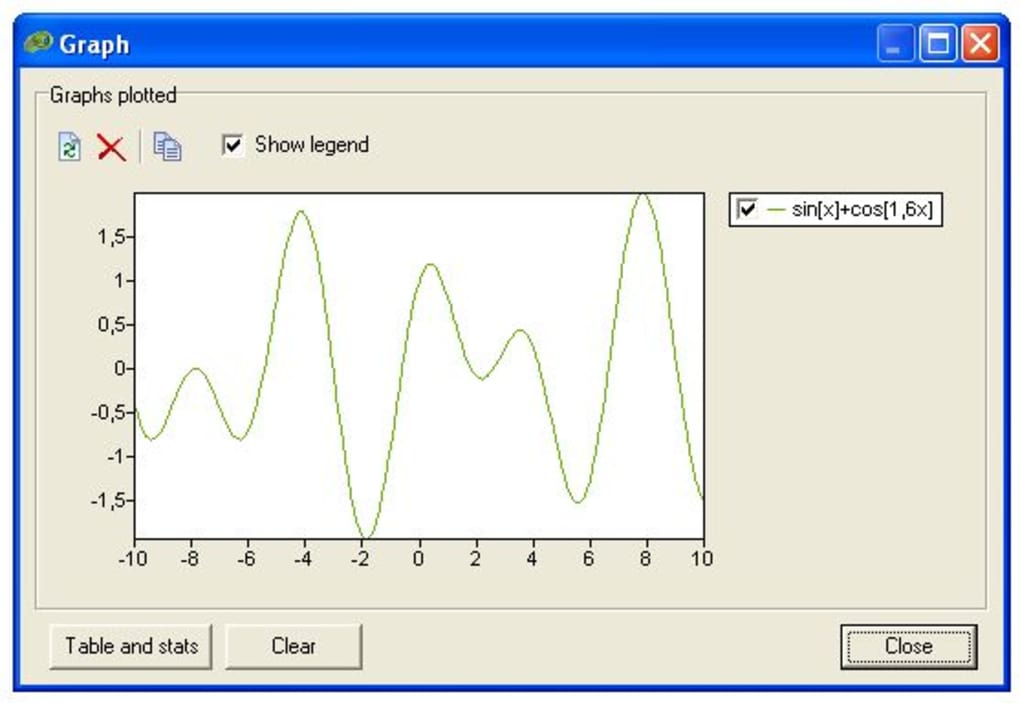
- Dynamic Plotting: Generates 2‑D graphs for any valid function, with real‑time zoom, pan, and grid options.
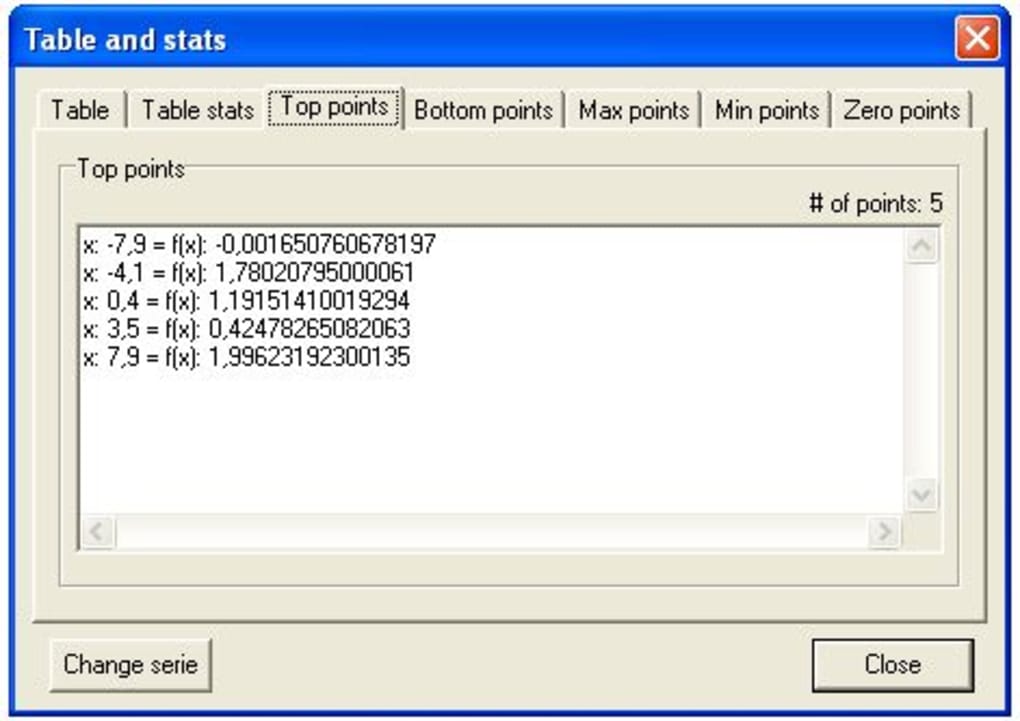
- Numerical Derivative: New in version 1.1, calculates the derivative of plotted functions directly from the plot options.
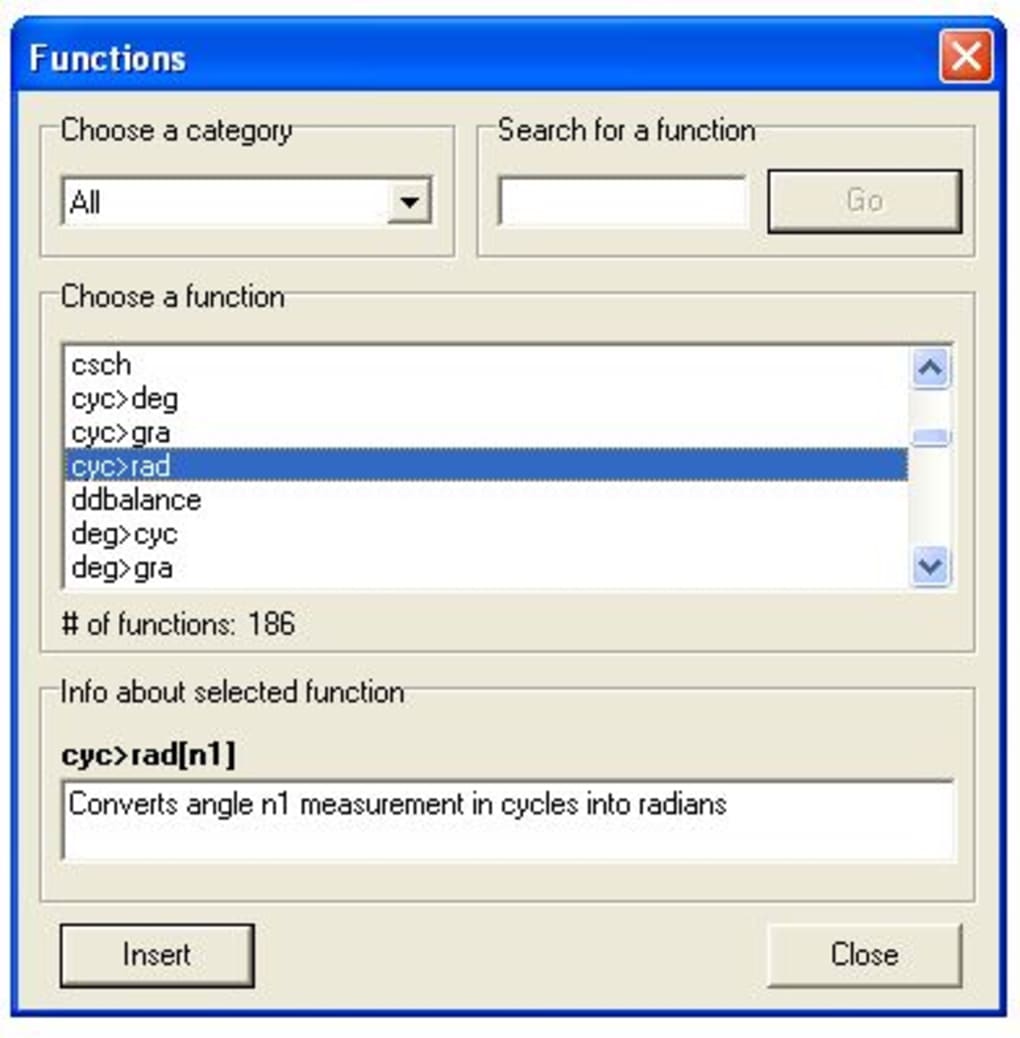
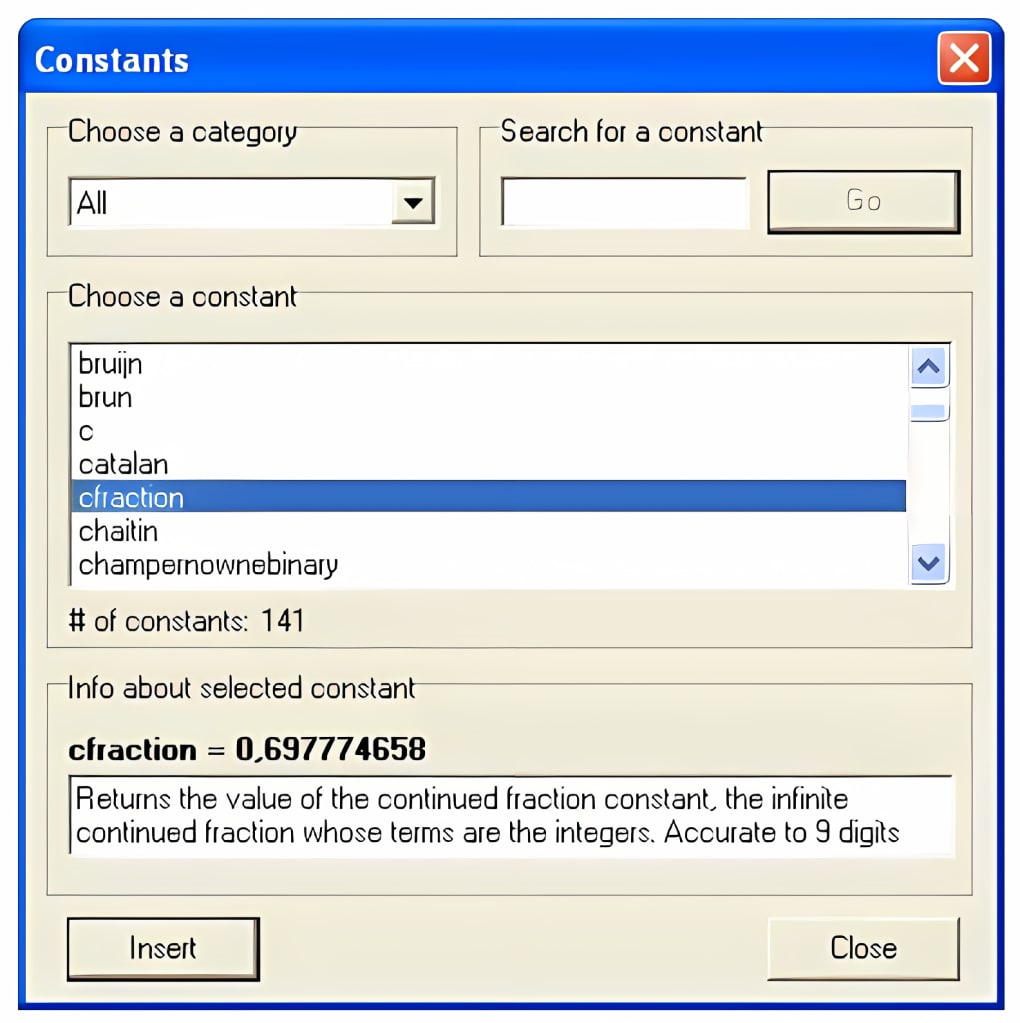
- Built‑In Constants & Functions Library: Access to scientific constants, unit conversions, and a wide range of mathematical functions.
- Step‑by‑Step Solution Display: Updated “Solution” form provides detailed breakdown of each computational step.
- Microsecond Timer: Precise performance measurement for benchmarking calculations.
- Interactive Tutorials: Two new tutorials added under Help → Tutorials, plus refreshed content for the default Windows skin.
- Reminder & Benchmark Tools: Set custom reminders for recurring calculations and compare execution speed across different hardware.
- History Window: Real‑time log of all expressions entered during the current session for easy reuse.
- Export Options: Copy results, export plots as PNG, or save calculations as text files.
The feature set positions Math Solver as more than a calculator—it’s an educational aid and a quick‑reference sandbox for professionals who need immediate visual insight into their equations. The addition of the numerical derivative directly within the plot interface is especially valuable for calculus students, allowing them to see how the slope changes across the domain without leaving the application.
Installation, Usage & Compatibility
Installation Steps
- Visit the official Math Solver download page and click the Download for Windows button.
- Run the installer (MathSolverSetup.exe). Follow the on‑screen wizard—accept the license agreement, choose the installation folder (default is C:\Program Files\Math Solver), and click Install.
- After installation, launch Math Solver from the Start menu or desktop shortcut. The first run may prompt you to install the optional Plotting Library; approve it to enable graphing features.
- Complete the initial configuration wizard: select preferred number format (decimal, scientific), enable or disable auto‑save of history, and choose a theme (Windows Classic or Light).
Basic Usage Workflow
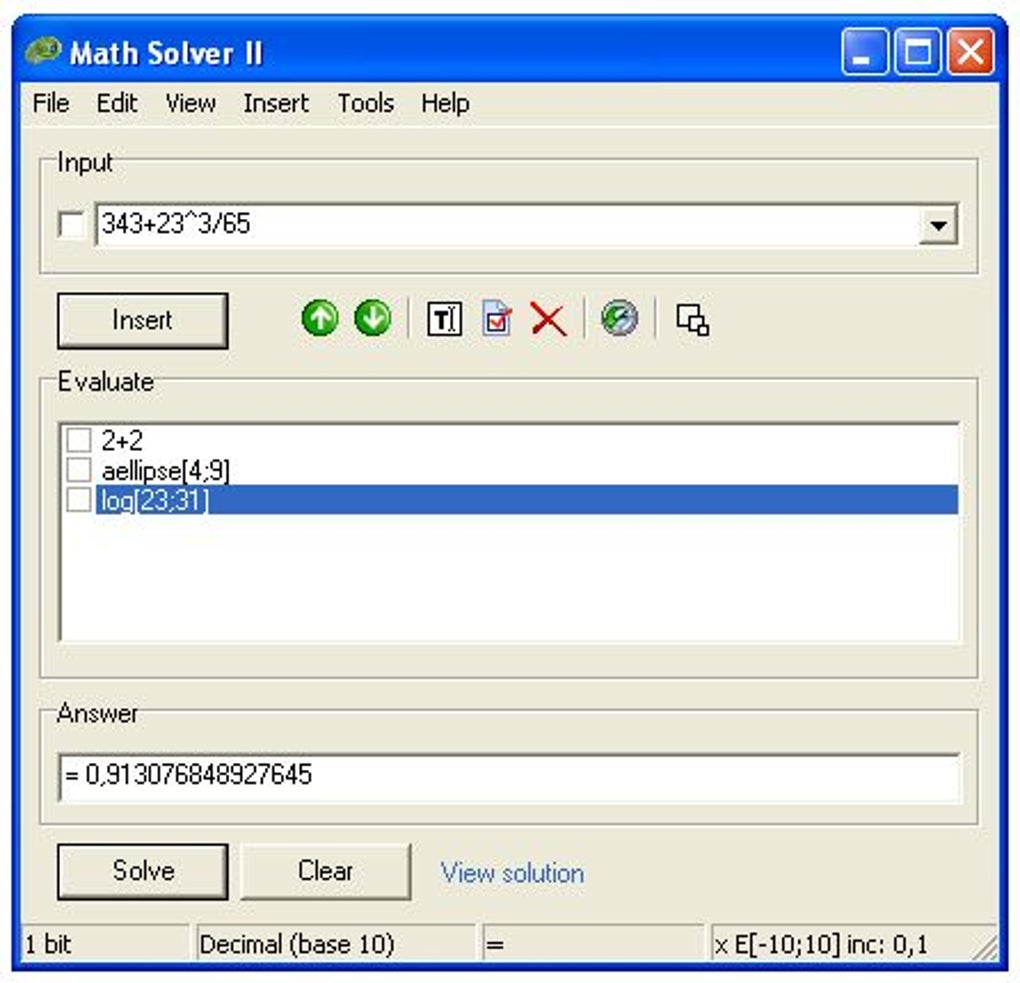
When the program opens, you’ll see the main calculator window on the left and a set of tool tabs on the right (Solution, Plot, Reminder, Benchmark, etc.). To solve an equation, type it into the input field and press Enter or click the Calculate button. The Solution tab will display the numeric answer and a step‑by‑step breakdown. If the expression is a function of x, switch to the Plot tab to generate a graph. Use the Plot options menu to enable the new Numerical derivative feature, adjust axis ranges, or add grid lines. All results can be copied to the clipboard or saved via the File → Export menu.
System Requirements
Math Solver is built for Windows 10 and later (64‑bit). It runs on Windows 8/8.1 with the .NET Framework 4.7.2 installed, and it is also compatible with Windows 7 SP1 when the appropriate runtime libraries are present. The application does not have native macOS, Android, or iOS versions at this time, but the Windows version can be executed on macOS through virtualization tools like Parallels or Boot Camp.
Minimum hardware: 2 GB RAM, 250 MB free disk space, and a graphics adapter that supports OpenGL 2.0 for plot rendering. The program is lightweight, launches in under two seconds, and consumes less than 50 MB of RAM during typical use.
Pros & Cons
Pros
- Free, secure download with no hidden fees.
- Extensive mathematical engine covering algebra, calculus, and statistics.
- High‑quality 2‑D plotting with zoom, pan, and derivative visualisation.
- Detailed step‑by‑step solution breakdown for learning purposes.
- Microsecond‑level timer for performance benchmarking.
- Rich tutorials and updated help files for beginners.
- History window for quick reuse of recent calculations.
- Export options for results and graphs.
Cons
- Multiple windows can clutter the desktop, especially on smaller screens.
- History is not saved after the program is closed, limiting long‑term reference.
- Interface requires several clicks to access advanced options, which may feel unintuitive.
- No native support for macOS, Linux, Android, or iOS.
- Customization of themes and layouts is limited to the default Windows skin.
FAQ
Can Math Solver plot 3‑D functions?
No, the current version only supports 2‑D plots. A future update may introduce 3‑D capabilities, but for now users can visualize functions of a single variable.
Is there a way to save the calculation history permanently?
History is cleared when the program exits. However, you can manually copy the history window contents or use the Export feature to save it as a text file for later reference.
Does Math Solver work on Windows 7?
Yes, with the .NET Framework 4.7.2 installed, Math Solver runs on Windows 7 SP1, though the user experience is optimized for Windows 10 and newer.
How accurate are the numerical derivatives?
The numerical derivative uses a central difference algorithm with a configurable step size, providing accuracy suitable for most educational and engineering tasks. For high‑precision needs, users should verify results with symbolic differentiation.
Is the software safe to download?
Absolutely. Math Solver is distributed from the official developer website, signed with a trusted certificate, and contains no adware or telemetry components.
Conclusion & Call to Action
Math Solver delivers a powerful, free scientific calculator with robust plotting capabilities, making it an excellent choice for students, professionals, and anyone who simply wants to verify everyday calculations. While the multi‑window layout and lack of persistent history may require a small adjustment period, the depth of features—especially the newly added numerical derivative and microsecond timer—far outweigh these minor inconveniences. If you’re looking for a secure, regularly updated tool that bridges the gap between basic calculators and full‑blown computer algebra systems, Math Solver is ready for download today.
Ready to solve your math problems instantly? Click here to download Math Solver for free and start exploring its powerful calculation and graphing features right away.
Guides & Tutorials
How to install Math Solver
- Click the Download button above.
- Once redirected, accept the terms and click Install.
- Wait for the Math Solver download to finish on your device.
How to use Math Solver
This software is primarily used for its core features described above. Open the app after installation to explore its capabilities.
User Reviews
No reviews yet. Be the first to share your experience.
You may also like
more
Llama 2
Free-to-use large language model As the new addition to Meta’s arsenal of langua...

NotebookLM
Revolutionizing the note-taking and idea-generation process NotebookLM is an exp...

Github co pilot
AI-inspired software development and coding platform GitHub Copilot is a browser...

Google Gemma
Google’s lightweight AI models Introducing Google Gemma , a family of cutting-ed...

AI Image Enlarger
A free app for Windows, by ai-image-larger. AI Image Enlarger is a free software...

DALL E
AI-driven text-to-image transformation engine DALL·E is a free graphic and desig...
