Math Solver

Math Solver

★ 0.0 · FREE · Windows OS

Capturas de pantalla
  • Screenshot 1 screenshot 1
  • Screenshot 2 screenshot 2
  • Screenshot 3 screenshot 3
  • Screenshot 4 screenshot 4
  • Screenshot 5 screenshot 5
  • Screenshot 6 screenshot 6
  • Screenshot 7 screenshot 7
  • Screenshot 8 screenshot 8

Detalles de la aplicación

Versión
1.2.11.56
Tamaño
9.34 MB
Actualizado
July 22, 2020
Requiere
Windows ME
Idioma
English
Licencia
Free
Desarrollador
Mathsolver
Categoría
Windows OS

Acerca de Math Solver

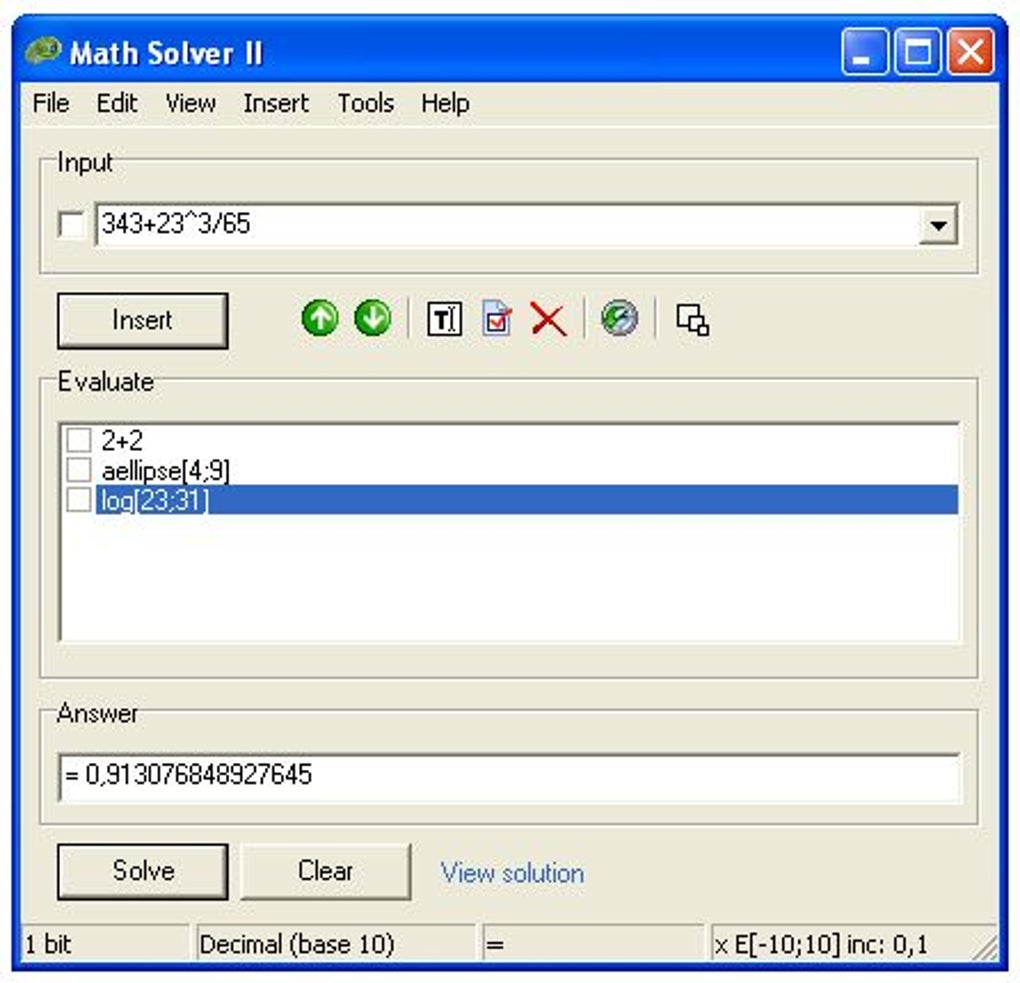
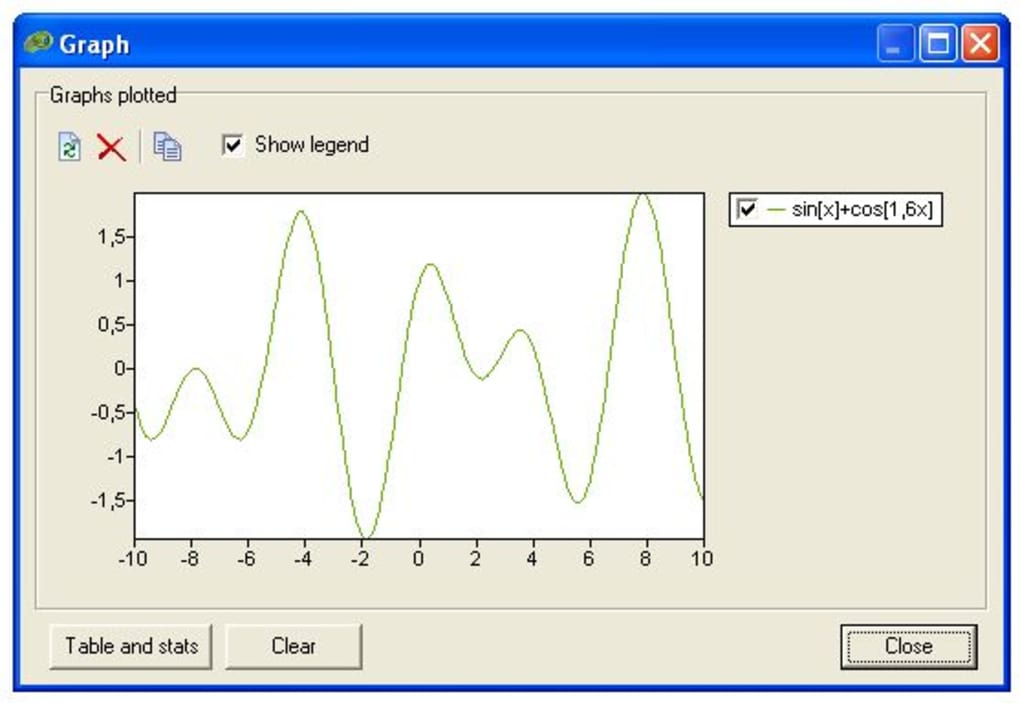
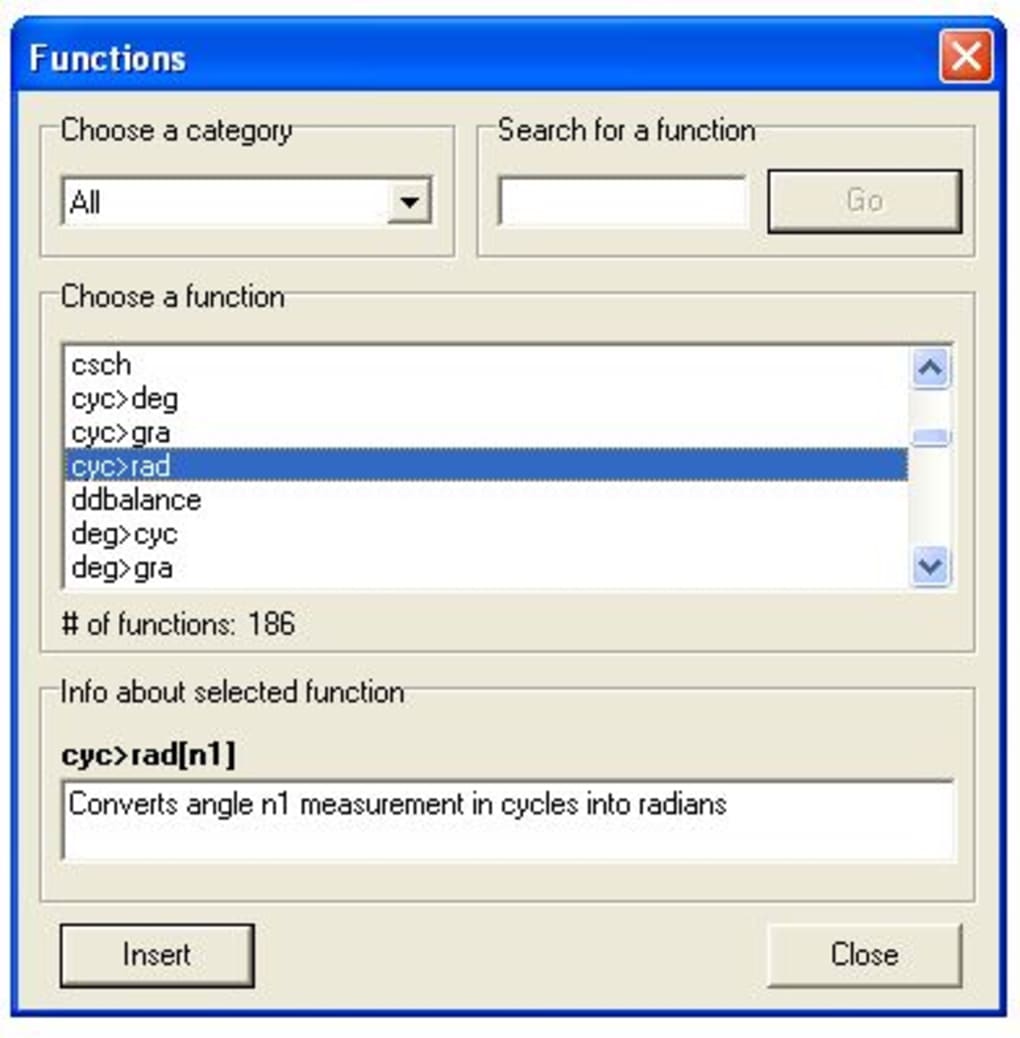
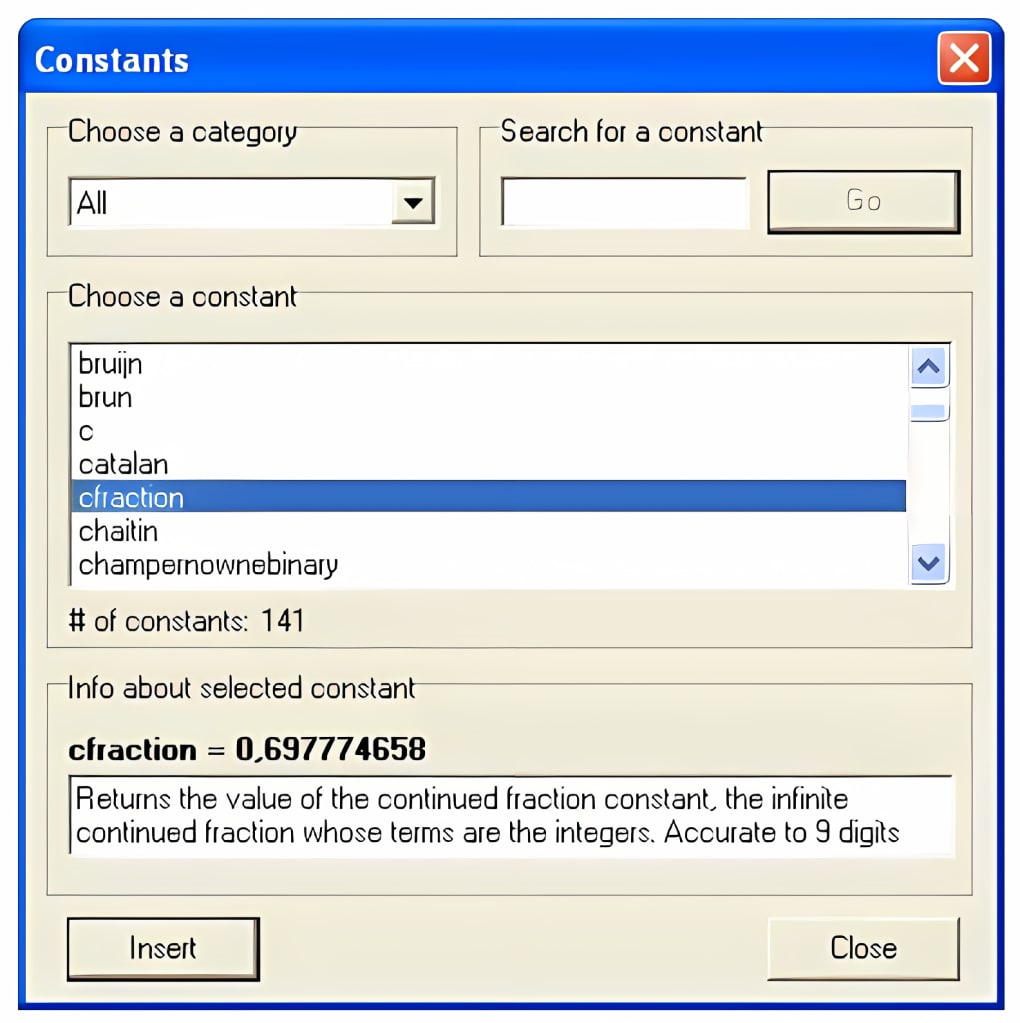
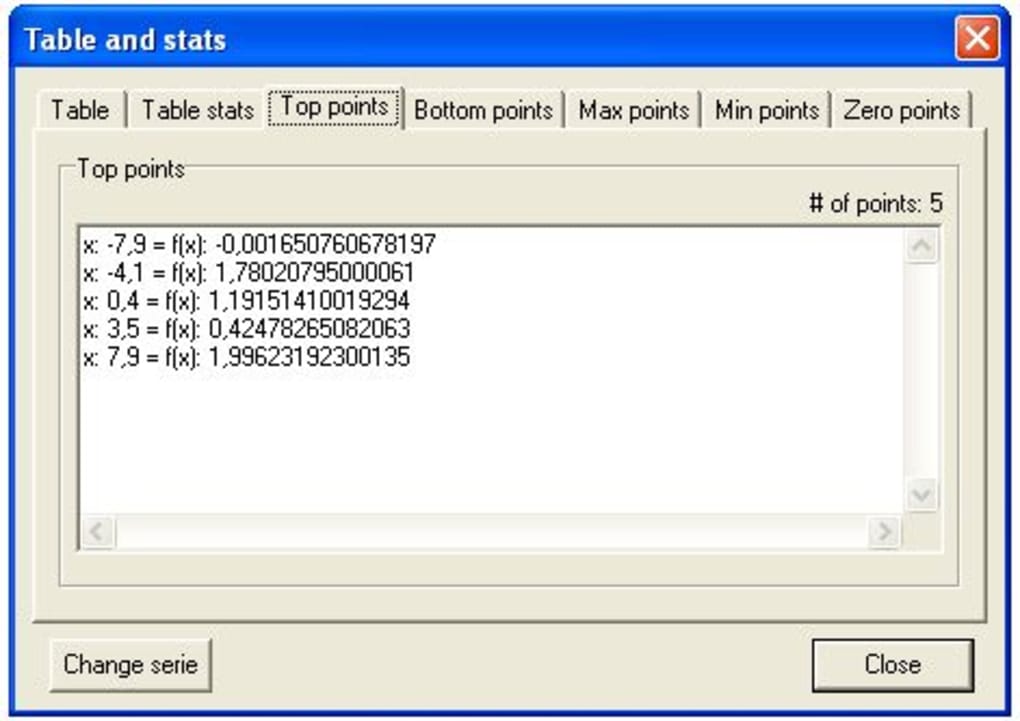
An excellent scientific calculator with plotting capabilities I must admit I'm a very math-challenged person. Numbers were my main weakness at school and even nowadays I have problems to check if my change is correct when I'm shopping. But this doesn't mean I can't appreciate a tool like Math Solver. This amazing program helps you solve all kinds of mathematical problems, from a simple addition to a complicated geometrical function. Not only does it solve the operation, but also draws a graph based on it if possible, and gives extra information about the generated graph. The program also includes an excellent database with constants and functions. On the downside, I think Math Solver is not really comfortable to use. Solving expressions and representing functions take too many clicks. Also, as each piece of information is offered in a separate window, your desktop can get really messy. Besides, Math Solver keeps a history of previously entered expressions so that you can review them or reuse them at any moment, but unfortunately they're not saved when you quit the program. Changes New: 2 new tutorials are added in (Help/Tutorials). Update: All tutorials are updated to show the default Windows skin and Math Solver II v1.1 interface. Update: Better solution steps. Now the 'Solution' form shows more detailed information about each step. Update: More plot information added to 'Plot info'. Update: More precise timer is added to provide a resolution of 1 microsecond (mu). 'Plot info', 'Reminder' and 'Benchmark' form is adjusted to use the new implementation. New: Added 'Numerical derivative' in the 'Calculations' section in 'Plot options'. Various other bugfixes and changes

Guías y tutoriales

Cómo instalar Math Solver
  1. Haz clic en el botón Descargar de arriba.
  2. Cuando se te redirija, acepta los términos y haz clic en Instalar.
  3. Espera a que la descarga de Math Solver termine en tu dispositivo.
Cómo usar Math Solver

Este software se usa principalmente para las funciones principales descritas arriba. Abre la aplicación después de instalarla para explorar sus capacidades.

Reseñas de usuarios

Aún no hay reseñas. Sé el primero en compartir tu experiencia.

También te puede gustar

más