

Download Microsoft Edit – command line, text editor, TUI, lightweight, simple, efficient, plain text, file editing, Windows, CLI, utility, tool, productivity
Overview
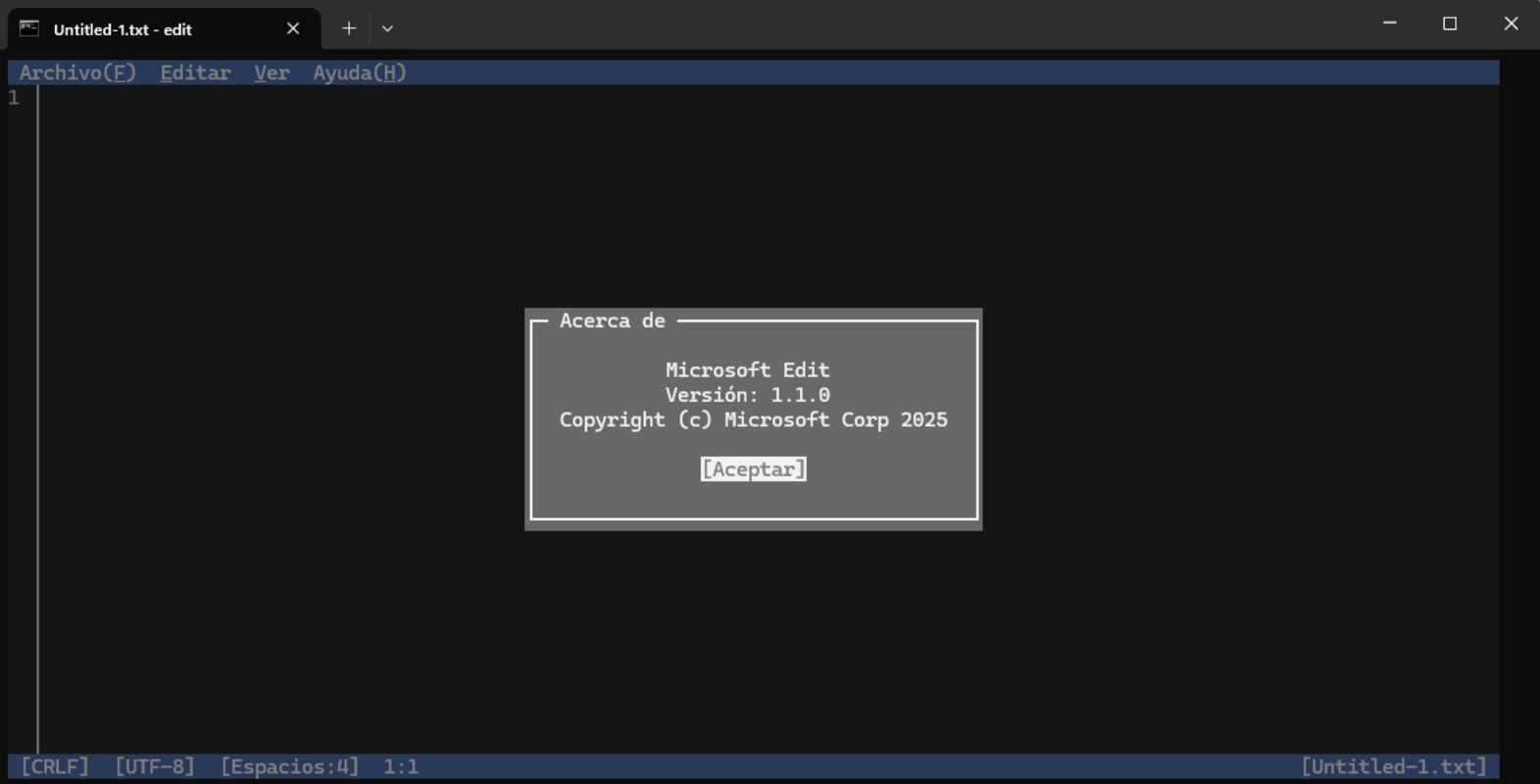
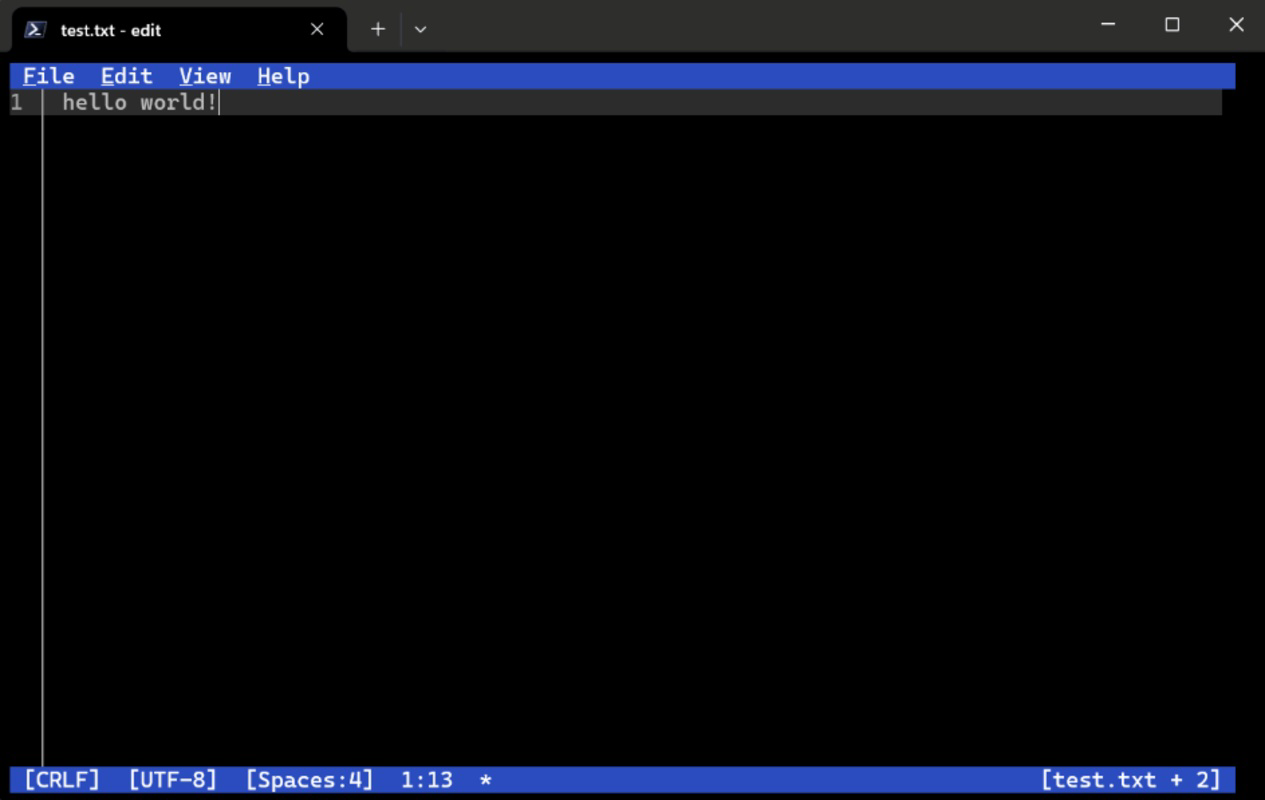
Microsoft Edit is a command-line text editor developed by Microsoft, designed with simplicity and efficiency at its core. Targeted primarily at developers, system administrators, and power users working within terminal environments, the app streamlines the process of editing plain text files directly from the command line. It eliminates the need to switch between multiple tools or environments, offering a focused editing experience tailored for routine file modifications. The editor operates with a TUI (Text User Interface) layout, providing a visual structure reminiscent of classic editors while maintaining the speed and minimalism of CLI tools. This makes it especially useful for tasks such as editing configuration files, scripts, or logs without launching a full-featured IDE or GUI editor.
While not intended to replace feature-heavy editors like Vim or Emacs, Microsoft Edit fills a niche by prioritizing accessibility and speed. Its lack of complex modes reduces cognitive load, making it ideal for users who want to edit files quickly without learning intricate command sets. The app is particularly beneficial in automated workflows, remote server management, or environments with limited graphical capabilities. As part of Microsoft’s growing suite of developer utilities, it reflects a strategic move toward lightweight, efficient tools that integrate seamlessly into modern development pipelines. The developer did not provide additional technical details about the app’s architecture or underlying framework.
Key Features & Functionality
- User-Friendly Interface: Microsoft Edit presents a clean, TUI-based layout that combines the clarity of a visual interface with the responsiveness of a command-line tool. Navigation is intuitive, with clearly labeled menus and real-time feedback, allowing users to make edits without memorizing obscure commands.
- Quick Installation via Winget: The app can be installed in seconds using the Windows Package Manager with the command
winget install Microsoft.Edit. This streamlined setup process ensures rapid deployment across multiple machines, ideal for DevOps and system configuration workflows. - Single-Mode Operation: Unlike modal editors such as Vim, Microsoft Edit operates in one consistent mode. This eliminates confusion around entering insert, command, or visual modes, enabling faster onboarding and reducing errors during editing sessions.
- Essential Keyboard Shortcuts: The editor supports a curated set of keyboard shortcuts for common actions like saving, navigating, searching, and replacing text. These shortcuts are designed to enhance workflow efficiency without overwhelming users with a steep learning curve.
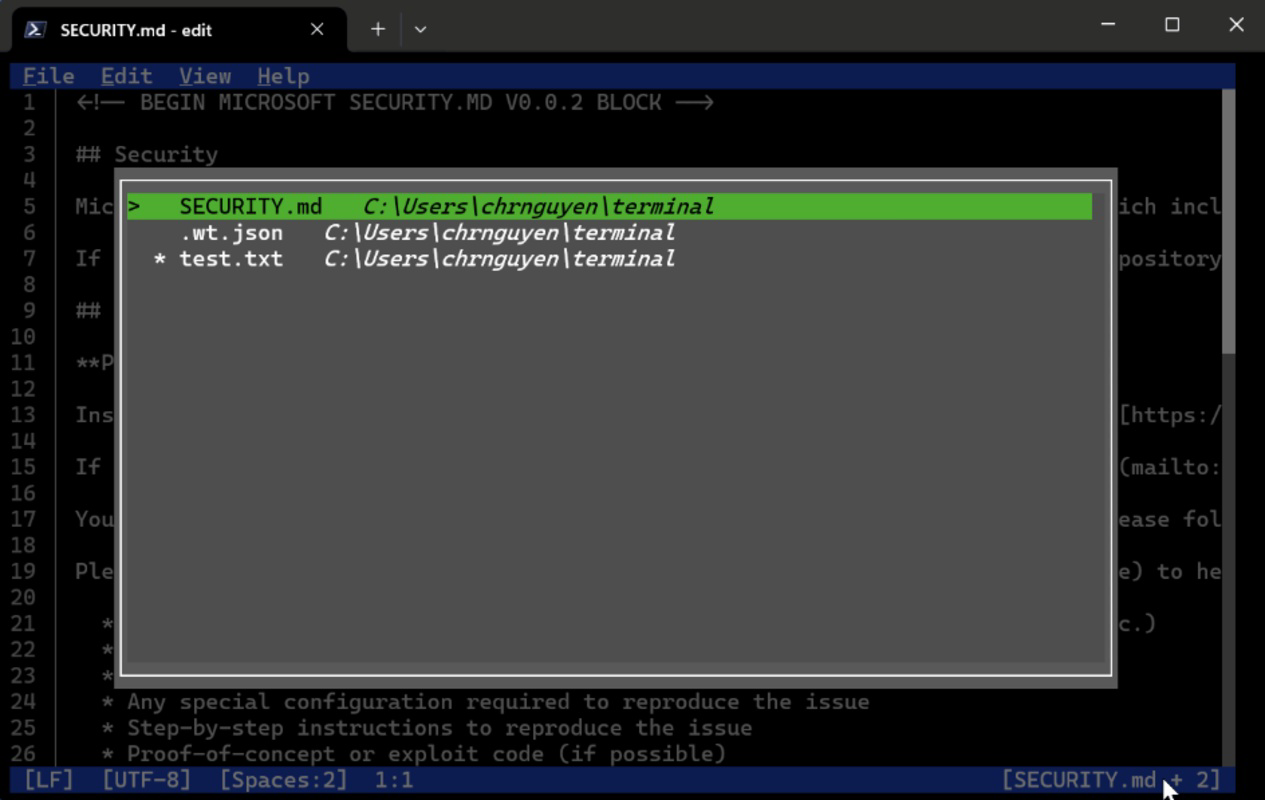
- Basic File Management: Users can open, edit, and save files directly from the terminal. The tool also supports search and replace functionality across multiple files, which is useful for updating configuration values or modifying code across a project directory.
For example, a system administrator managing server configurations can use Microsoft Edit to quickly modify a JSON or INI file without switching to a GUI editor. Similarly, a developer writing a shell script can open and edit it in place, make changes, and save immediately—streamlining the development loop. Although the developer did not list formal performance metrics, the app’s lightweight footprint suggests low latency and minimal resource consumption.
Interface, UX & Performance
Microsoft Edit features a minimalistic, text-based interface that prioritizes readability and ease of navigation. The layout is structured around a central editing pane flanked by status indicators and menu options, creating a balanced visual hierarchy. Colors are used sparingly, focusing on functional cues such as syntax highlighting for search results or error states. The editor responds promptly to keystrokes, and scrolling through large files remains smooth, indicating efficient rendering.
Navigation is consistent and predictable, with arrow keys, Tab, and Enter used for movement and action selection. Menus are accessible via keyboard shortcuts, reducing the need for mouse interaction—a key advantage in terminal-based workflows. The overall UX is optimized for users who spend significant time in command-line environments, where speed and consistency are critical.
Although the developer did not list formal performance metrics, the app’s 10.5 MB file size suggests a lightweight implementation. It is expected to run efficiently on a wide range of Windows devices, including older systems and low-spec machines. Responsiveness is likely to remain stable even when handling moderately sized files. Stability is implied by the app’s release under Microsoft’s official branding, though no user-reported crash logs or reliability data were provided.
Platform Compatibility & Technical Requirements
Microsoft Edit is available exclusively for the Windows platform. It requires Windows 10 or later, although the developer did not specify minimum OS requirements. The app is distributed as a standalone executable with a file size of 10.5 MB, indicating a compact footprint optimized for fast installation and minimal disk usage.
Users must have access to the Windows Package Manager (winget) to install the app via command line. This requirement limits availability to systems where the package manager is enabled and accessible. The developer did not list specific hardware requirements, such as CPU or RAM thresholds, nor did they provide compatibility details for alternative operating systems or virtual environments.
Pros and Cons
Pros
- Lightweight and fast, ideal for quick text edits in terminal environments
- Simple, single-mode interface reduces learning curve and mode confusion
- Easy installation via winget, enabling rapid deployment across systems
- Designed for productivity in CLI workflows, especially for developers and sysadmins
- Free to download and use, with no in-app purchases or subscriptions
Cons
- Not available on macOS or Linux, limiting cross-platform use
- Limited feature set compared to advanced editors like Vim or Nano
- Requires winget to install, which may not be available on all Windows systems by default
- Specific performance benchmarks or system requirements were not disclosed
- May lack advanced features such as multi-cursor editing or plugin support
FAQ
Is Microsoft Edit free to use?
Yes, Microsoft Edit is available at no cost. The app is distributed as a free utility under Microsoft’s official developer tools lineup.
Can I install Microsoft Edit on Windows 11?
Yes, Microsoft Edit is compatible with Windows 11. It is designed for modern Windows systems, though specific version compatibility was not listed by the developer.
Do I need to enable winget to install the app?
Yes, installation requires the Windows Package Manager (winget). If it is not already enabled, users may need to activate it through Windows Features or via PowerShell.
Is Microsoft Edit safe to download and use?
Yes, Microsoft Edit is distributed through official Microsoft channels and is signed with a trusted certificate. It is considered secure for use on Windows systems.
Can I use Microsoft Edit on older versions of Windows?
While the app is likely to function on Windows 10, compatibility with older versions such as Windows 8.1 or earlier has not been confirmed. The developer did not specify minimum OS requirements.
Final Thoughts
Microsoft Edit represents a thoughtful addition to the Windows developer ecosystem—a no-frills, efficient tool for users who value speed and simplicity over advanced functionality. Its TUI design, single-mode operation, and seamless integration with the command line make it a practical choice for everyday file editing tasks. While it may not replace full-featured editors, it excels in scenarios where quick, reliable text modifications are needed without the overhead of a complex interface.
Developers, system administrators, and DevOps engineers will benefit most from its streamlined workflow and low resource footprint. For users already working in terminal environments, Microsoft Edit offers a frictionless way to edit files without switching tools. With its free availability and straightforward installation, it delivers tangible value in productivity-focused workflows.
Download Microsoft Edit now


