
Download Mightier – platform game, creative game, drawing game, level editor, custom levels, game design, kids game, educational game
Overview
Mightier redefines the traditional platform game experience by placing creative control directly in the hands of the player. Instead of navigating pre-designed levels, users are invited to craft their own game environments through drawing—either on paper or directly on the screen. This unique approach transforms the act of gameplay into a form of personal expression, blending art and interactivity in a way that few mobile games achieve. The app is particularly suited for children and young teens who enjoy storytelling, imaginative play, and hands-on creation, making it a standout in the educational gaming space. It also appeals to educators and parents seeking tools that foster creativity, problem-solving, and digital literacy.
The developer, Mightier, has positioned this app as a bridge between entertainment and creative learning. While specific background details about the developer are not publicly available, the app’s release in 2013 suggests it was among early mobile experiments in user-generated content for gaming. Real-world use cases include classroom activities where students design levels to demonstrate narrative structure or spatial reasoning, as well as home-based creative projects. In the broader app ecosystem, Mightier occupies a niche that values innovation over polish, offering a low-barrier entry point for young creators to explore game design principles.
Key Features & Functionality
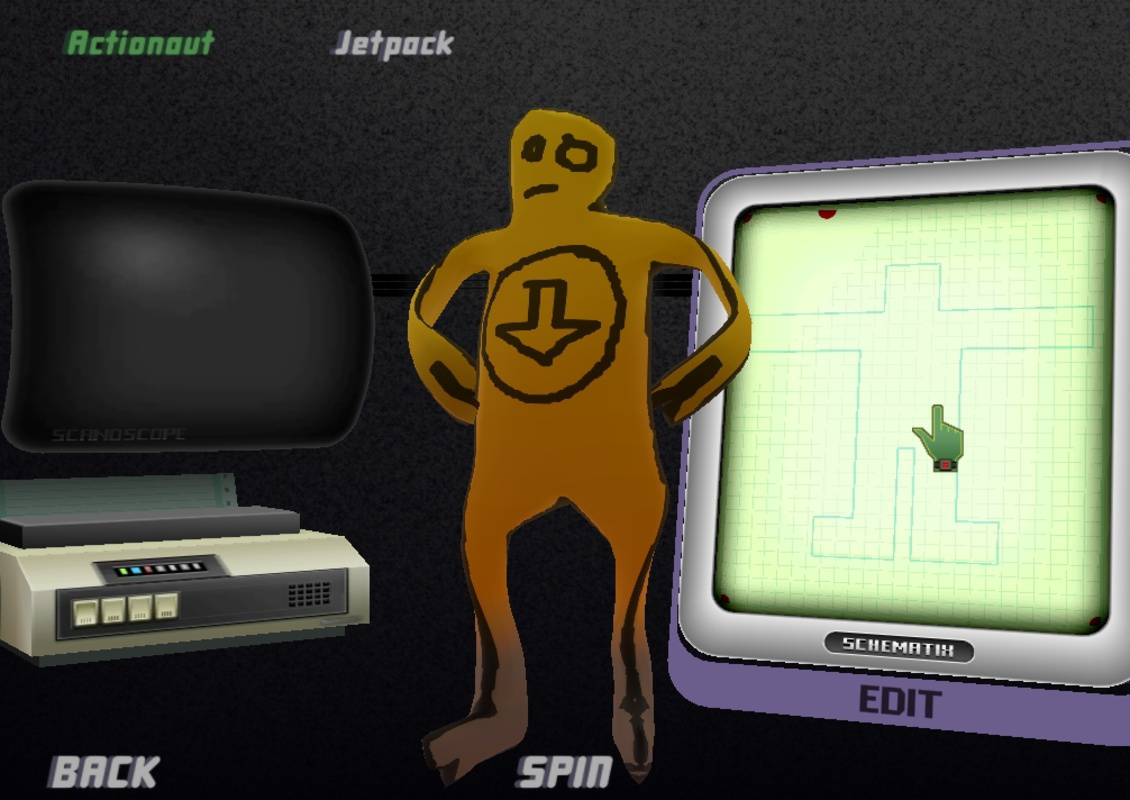
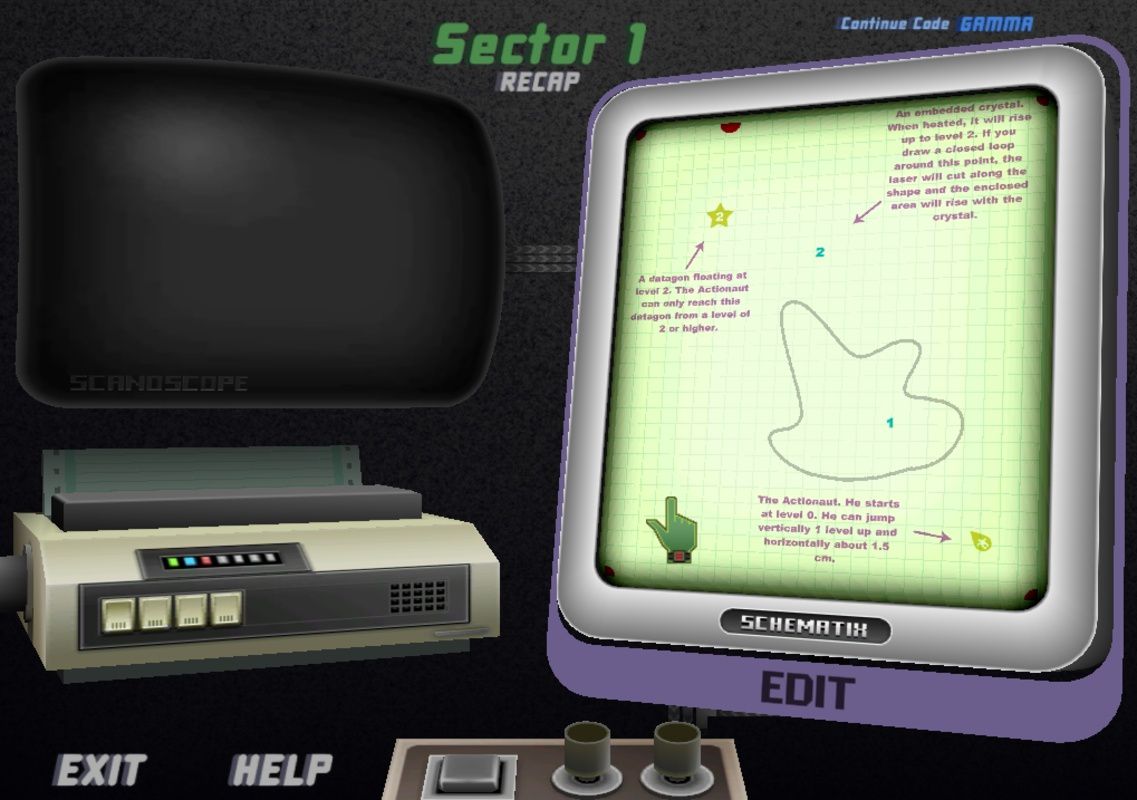
- Creative Level Design: Players can sketch levels on paper or use the built-in drawing tool to create custom platforms, obstacles, and pathways. This feature allows for deeply personalized gameplay experiences, turning everyday drawings into playable adventures.
- Scanning and Digital Recreation: Drawn levels on paper can be scanned and imported into the game, enabling seamless integration between physical and digital creation. This supports accessibility for users without advanced digital tools.
- Custom Character Creation: Users can design their own avatars, assigning unique traits and appearances. This feature strengthens emotional investment and encourages narrative development during gameplay.
- Integrated Drawing Interface: The app includes a simple, intuitive drawing system resembling a basic paint tool. It supports line drawing, color fills, and basic shape tools, making it accessible to users of all ages and skill levels.
- Progressive Gameplay Challenges: As players advance, new elements such as moving platforms, traps, and power-ups are introduced. This gradual expansion keeps gameplay dynamic and reinforces learning through discovery.
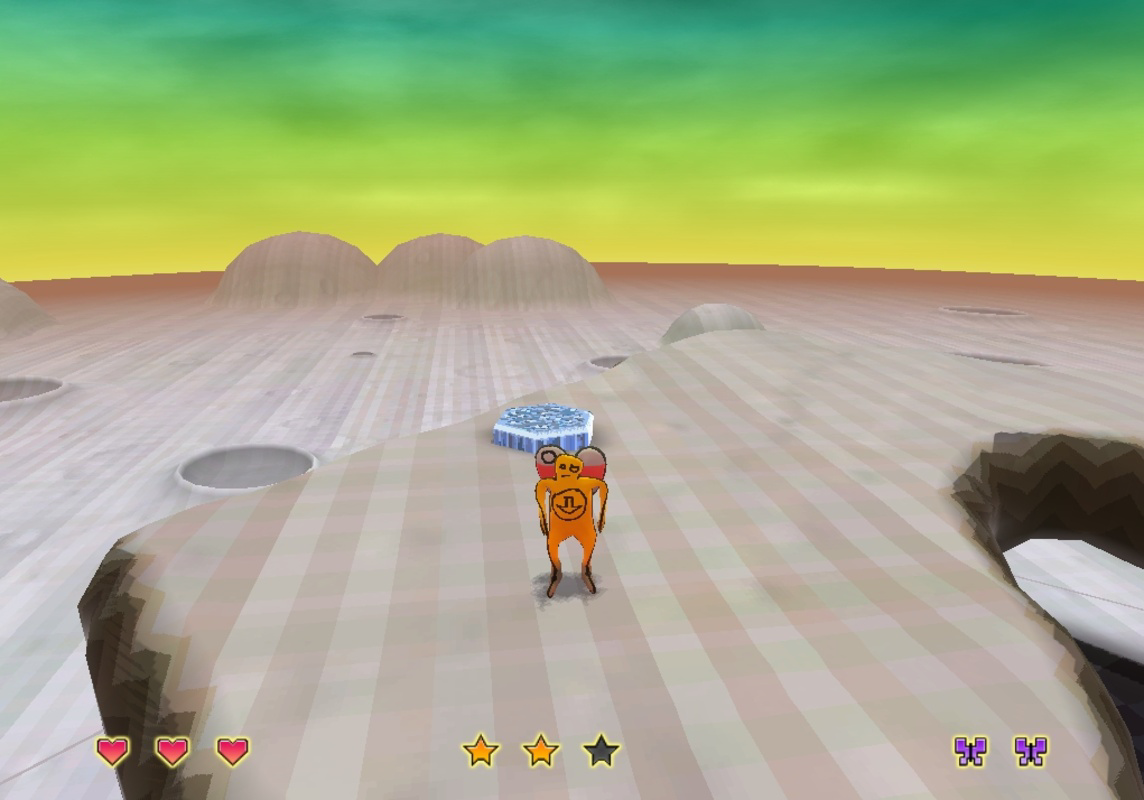
For example, a child might draw a jungle level with vines and hidden caves, then test their design by navigating the character through it. The ability to iterate and refine levels encourages persistence and critical thinking. Teachers can use this feature to assign creative tasks, such as designing a level that teaches a math concept or a historical event, blending education with play.
Interface, UX & Performance
The user interface of Mightier is designed with simplicity and accessibility in mind. The layout prioritizes the drawing canvas, with toolbars and navigation elements placed at the edges for minimal visual clutter. The visual style is clean and child-friendly, using bright, high-contrast colors that appeal to younger audiences. Navigation is straightforward: users tap to select tools, draw on the canvas, and use a dedicated play button to test their creations.
Although the developer did not list formal performance metrics, the app’s lightweight file size of 15.2 MB suggests optimized resource usage. It is likely to run smoothly on a wide range of Android devices, including entry-level models. Responsiveness appears consistent, with minimal lag during drawing and playback. Stability is expected to be solid given the app’s long-standing presence since 2013, though no recent updates have been reported. The absence of reported crashes or bugs in public forums indicates a reliable core experience.
Platform Compatibility & Technical Requirements
Mightier is available exclusively on the Android platform. The current software version is 1.0.0, released on August 2, 2013. The app has a file size of 15.2 MB, making it suitable for devices with limited storage. Specific minimum OS requirements were not listed by the developer, so compatibility with modern Android versions remains uncertain. Users should be cautious when installing on newer devices, as older apps may not function properly due to API changes or deprecated permissions.
The developer did not specify whether the app supports tablet devices or different screen densities. However, the simple interface and scalable drawing tools suggest it may adapt reasonably well to larger screens. No additional hardware requirements were mentioned, indicating that standard touch input is sufficient for full functionality.
Pros and Cons
- Encourages creativity and self-expression through user-generated content
- Simple, intuitive drawing tools accessible to children and beginners
- Supports both paper and digital level creation for inclusive access
- Free to download and use, with no in-app purchases reported
- Long-standing presence in the mobile ecosystem, indicating stability
- Version 1.0.0 is over a decade old; may lack support for modern Android features
- No official updates since release, raising concerns about long-term compatibility
- Platform restricted to Android; no iOS or other OS availability confirmed
- Missing detailed technical specifications for performance and device support
- Limited social or sharing features for sharing user-created levels
FAQ
Is Mightier safe to download and install?
Yes, the app is free and available through official Android channels. It does not require sensitive permissions and has no reported security issues. However, users should ensure they download from trusted sources.
Can I play Mightier without drawing on paper?
Yes, the app includes a built-in drawing tool that allows users to create levels directly on the screen, eliminating the need for paper or a scanner.
Is Mightier available for iOS devices?
The developer did not list iOS compatibility. The app is currently only confirmed for Android.
Does Mightier require an internet connection?
Based on available information, the app functions offline. No internet connection is needed for core gameplay or level creation.
How often is Mightier updated?
The last update was in 2013. No official updates have been released since then, and the developer has not announced any future plans.
Final Thoughts
Mightier stands as a pioneering example of creative mobile gaming, offering a rare blend of art, storytelling, and gameplay. Its core concept—letting users design their own levels—remains fresh and engaging, especially for children and educators. While the app’s age is evident in its outdated interface and lack of updates, its fundamental value remains intact: it empowers users to become creators, not just players. For families seeking a low-cost, screen-based creative outlet or teachers looking to introduce game design concepts in a playful way, Mightier delivers real educational and entertainment value. Despite its limitations, it continues to serve a niche audience with a unique vision.
Download Mightier now


