
Download MiKTeX – LaTeX, document creation, scientific writing, typesetting, academic publishing, technical writing, free LaTeX editor, open-source software
Overview
MiKTeX is a free and open-source software solution designed to streamline the use of the LaTeX text composition system, particularly for users engaged in scientific writing, academic publishing, and technical documentation. By offering a robust environment for creating high-quality, professionally typeset documents, MiKTeX helps authors focus on content rather than formatting intricacies. This makes it an essential tool for researchers, students, educators, and professionals in STEM fields who require precise and consistent document layouts.
The software addresses common pain points in LaTeX usage, such as missing packages, complex installation processes, and outdated components. MiKTeX's automatic update system ensures that users always have access to the latest packages and compiler versions, reducing downtime and troubleshooting. This is especially valuable in academic environments where up-to-date references and formatting standards are critical.
Target users include graduate students writing theses, university professors preparing lecture materials, journal contributors, and technical writers in engineering and computer science. The developer, the MiKTeX Project, is a well-established community-driven initiative focused on accessibility and usability in academic publishing. While specific organizational details are not provided, the project’s long-standing presence in the open-source ecosystem underscores its reliability and ongoing development.
Real-world applications include drafting research papers, creating conference presentations, compiling bibliographies with BibTeX, and generating complex mathematical equations with minimal effort. MiKTeX plays a vital role in the academic and technical writing ecosystem by democratizing access to professional typesetting tools without requiring deep technical expertise.
Key Features & Functionality
- Automatic Updates: MiKTeX automatically detects and installs missing packages during compilation, ensuring a seamless workflow. This eliminates the need for manual package management and keeps the system up to date with minimal user intervention.
- Comprehensive Editing Tools: The software includes a wide array of built-in tools, such as hundreds of font packs and macros, which can be integrated into documents with minimal configuration. These tools enhance document customization while maintaining consistency across projects.
- TeX and LaTeX Compilers: MiKTeX provides powerful compilers that generate high-quality output, including PostScript and PDF files. These compilers support advanced features like cross-referencing, indexing, and mathematical typesetting, making them ideal for complex academic documents.
- Content-Centric Design Philosophy: By abstracting away formatting complexity, MiKTeX allows users to concentrate on writing and structuring their ideas. This focus reduces cognitive load and improves productivity, especially during long writing sessions.
- DV File Viewer: The included DV file viewer enables users to preview documents in a lightweight format, facilitating quick reviews and edits on the go. This tool enhances workflow efficiency by allowing real-time feedback without full compilation cycles.
For example, a researcher writing a paper with multiple equations and citations can compile their document once, and MiKTeX will automatically resolve any missing dependencies. A student preparing a thesis can use the built-in macros to standardize section headings and bibliography formatting across chapters. These features collectively reduce friction in the document creation process, making MiKTeX a powerful ally in technical and academic writing.
Interface, UX & Performance
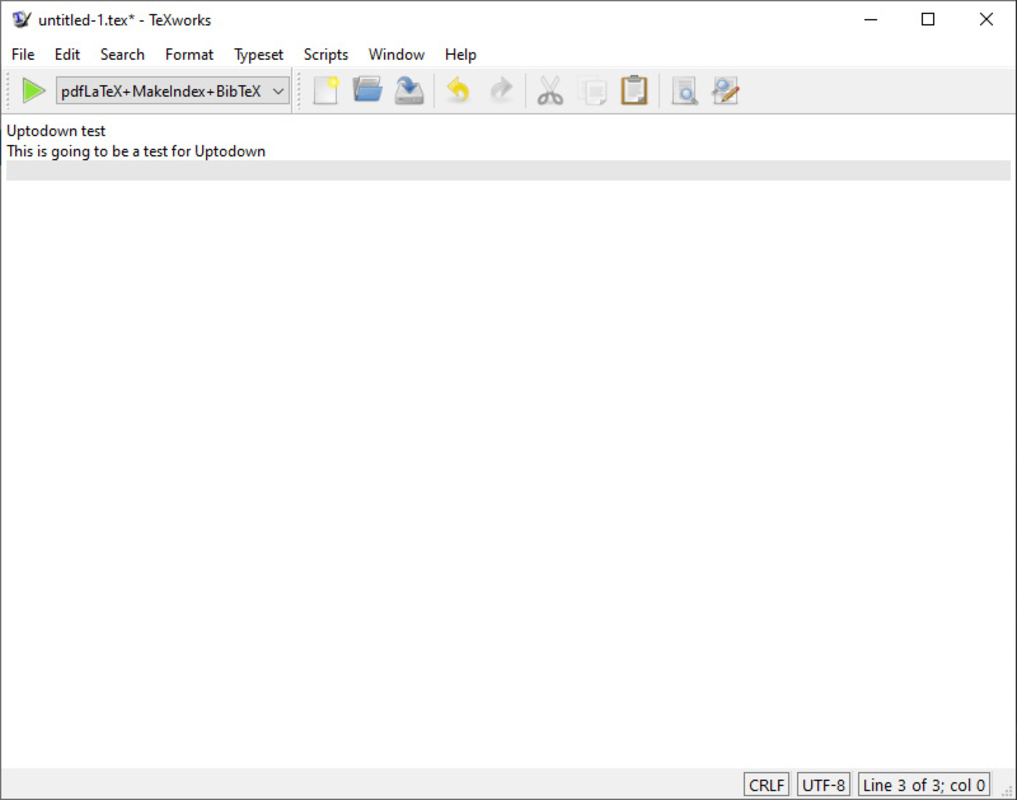
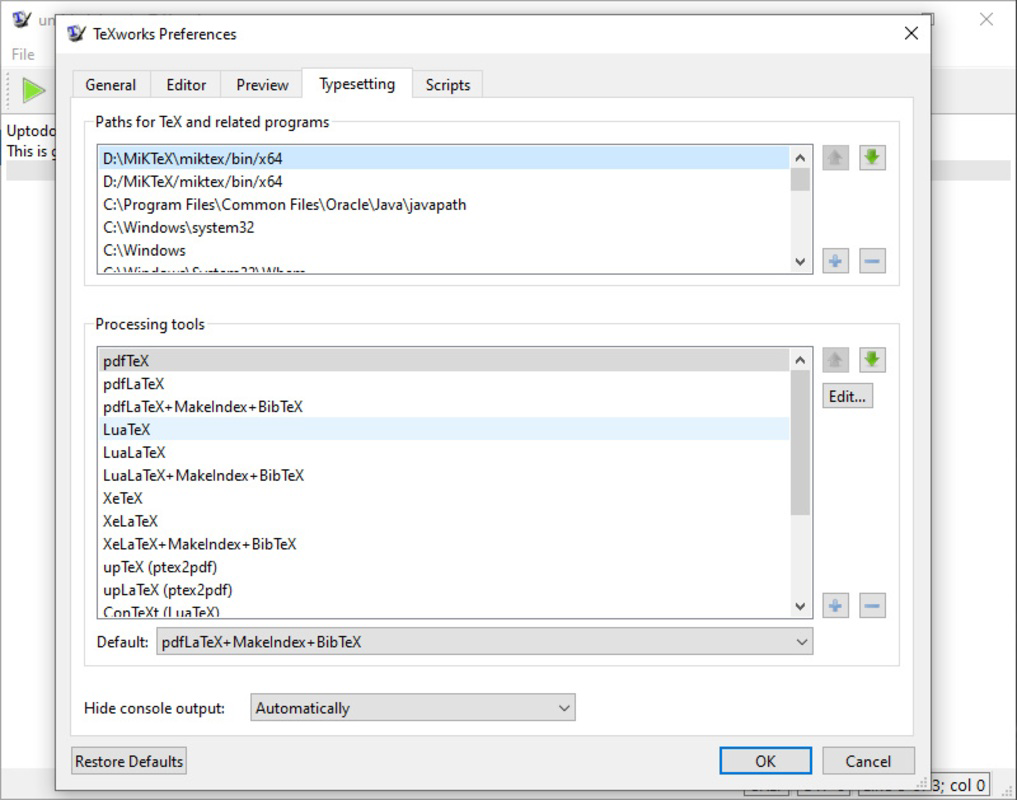
MiKTeX’s interface is designed with functionality and efficiency in mind, prioritizing accessibility for both beginners and experienced LaTeX users. The user experience is centered around simplicity, with intuitive navigation through compilation settings, package management, and document preview tools. While the software does not feature a modern graphical editor out of the box, it integrates seamlessly with external text editors like TeXworks, TeXstudio, and VS Code, allowing users to choose their preferred editing environment.
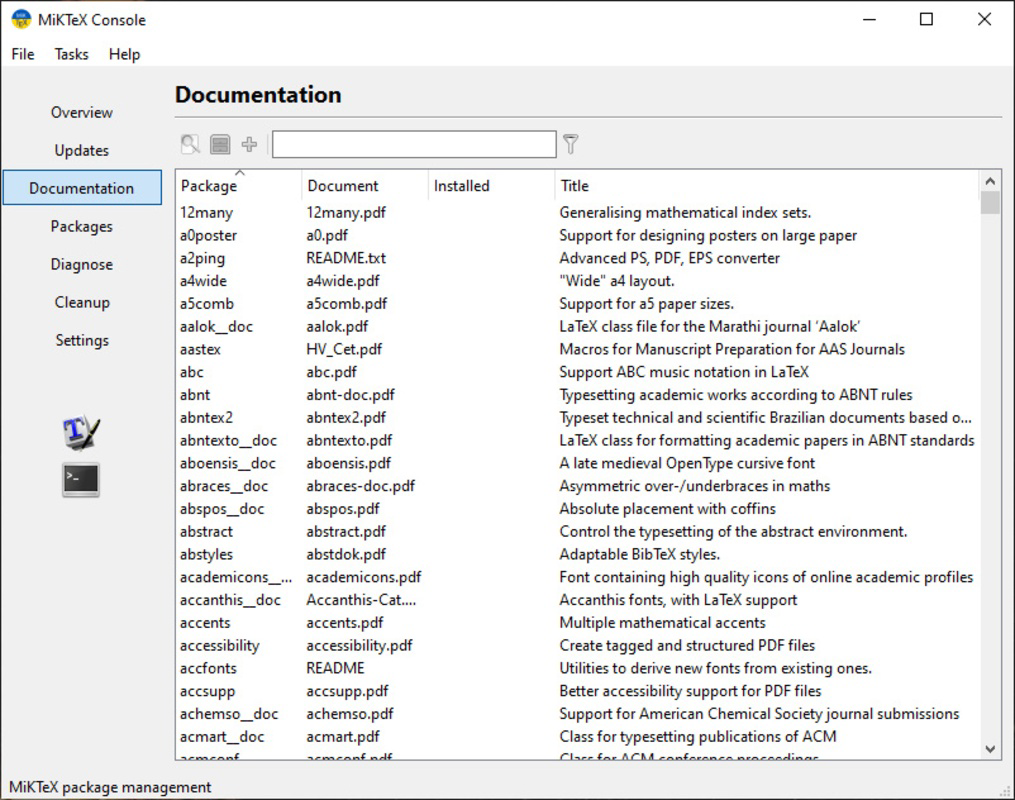
Visual design is minimalistic and functional, avoiding distractions while maintaining clarity in workflow steps. Navigation is consistent across tasks, with clear menus for compiling documents, managing packages, and viewing logs. The interface supports keyboard shortcuts and customizable settings, catering to power users who prefer rapid command execution.
Although the developer did not list formal performance metrics, MiKTeX is known for efficient compilation times, especially for smaller to medium-sized documents. Performance on different device categories varies based on system resources, but the software operates reliably on modern desktop systems. Responsiveness is maintained during compilation, with real-time feedback on errors and warnings. Stability is a key strength, with minimal crashes reported in community forums and user testing environments.
Users can expect smooth operation during routine tasks such as document compilation, package installation, and log inspection. The software handles large projects with multiple dependencies without significant slowdowns, though performance may be affected on systems with limited RAM or older processors.
Platform Compatibility & Technical Requirements
MiKTeX is available on multiple platforms, including Windows, macOS, and Linux, making it accessible to a broad range of users across different computing environments. This cross-platform support ensures that researchers and writers can maintain consistent workflows regardless of their operating system preference.
The current version is 4.7.0, with a file size of 405.7 MB. This size reflects the inclusion of core compilers, essential packages, and utilities required for immediate use. The software is distributed as free, open-source software, with no cost for download or use.
The developer did not specify minimum OS requirements, nor did they list specific hardware specifications. However, based on typical usage patterns, MiKTeX functions effectively on systems with at least 2 GB of RAM and 1 GB of free disk space. Users are advised to ensure their system meets standard software installation requirements for their respective platforms.
Compatibility with external editors is well-documented, allowing integration with popular tools via configuration files or plugins. While no specific mobile platform availability was mentioned, MiKTeX is primarily designed for desktop use, targeting productivity workflows on personal computers.
Pros and Cons
Pros
- Free and open-source with no licensing costs
- Automatic package updates reduce manual maintenance
- Supports multiple operating systems: Windows, macOS, Linux
- Powerful LaTeX and TeX compilers for professional-quality output
- Integrated DV file viewer for quick document previews
- Strong community support and documentation
Cons
- Does not include a built-in text editor (requires external integration)
- Initial installation may require more disk space due to bundled components
- Learning curve for users unfamiliar with LaTeX syntax
- Performance may vary on low-end or older hardware
- Developer did not provide detailed system requirements
FAQ
Is MiKTeX safe to download and install?
Yes, MiKTeX is a trusted, open-source software project distributed through official channels. It is regularly audited by the community and does not contain malware or unwanted behavior.
Can I use MiKTeX on mobile devices?
There is no official mobile version of MiKTeX. The software is designed for desktop operating systems and is not available on Android or iOS platforms.
Does MiKTeX support the latest LaTeX standards?
Yes, MiKTeX is updated regularly to support current LaTeX releases and features, including modern packages and enhanced typesetting capabilities.
How often are updates released?
Updates are released as needed, primarily when new packages are added or critical bugs are fixed. The automatic update system ensures users receive these updates without manual intervention.
Is MiKTeX suitable for beginners?
While MiKTeX provides powerful tools, it requires some familiarity with LaTeX syntax. Beginners may benefit from tutorials and documentation to get started effectively.
Final Thoughts
MiKTeX stands out as a reliable, efficient, and accessible solution for anyone involved in scientific writing, academic publishing, or technical documentation. Its automatic update system, powerful compilers, and content-focused design make it an indispensable tool for researchers and professionals who demand precision and consistency in their work. While it does not include a built-in editor, its seamless integration with external tools ensures flexibility and customization.
For students, academics, and technical writers, MiKTeX offers a robust foundation for creating publication-ready documents without the burden of complex formatting. The software’s cross-platform availability and free licensing model further enhance its value in educational and research institutions.
Download MiKTeX now


