
Record & Mirror Samsung Screens with Ease
Mobizen for SAMSUNG is a dedicated desktop application designed to extend the functionality of mobile screen recording and mirroring to Samsung device users. Built specifically for Samsung smartphones and tablets, the software enables seamless screen capture and real-time mirroring to a PC or Mac. It serves as a bridge between mobile and desktop environments, allowing users to record gameplay, create instructional videos, or present content on larger screens. The tool is particularly useful for content creators, educators, and professionals who need to share mobile content with precision and clarity. By syncing both mobile and desktop apps, Mobizen ensures consistent control and output quality across devices. Real-world applications include recording mobile tutorials, streaming gameplay live, or displaying mobile content during business presentations. The software supports customizable video settings such as resolution, frame rate, and transparency, offering users flexibility in output quality and file size. While the app is free to use, its full potential is unlocked through synchronized use with the mobile version.
Key Features & Capabilities
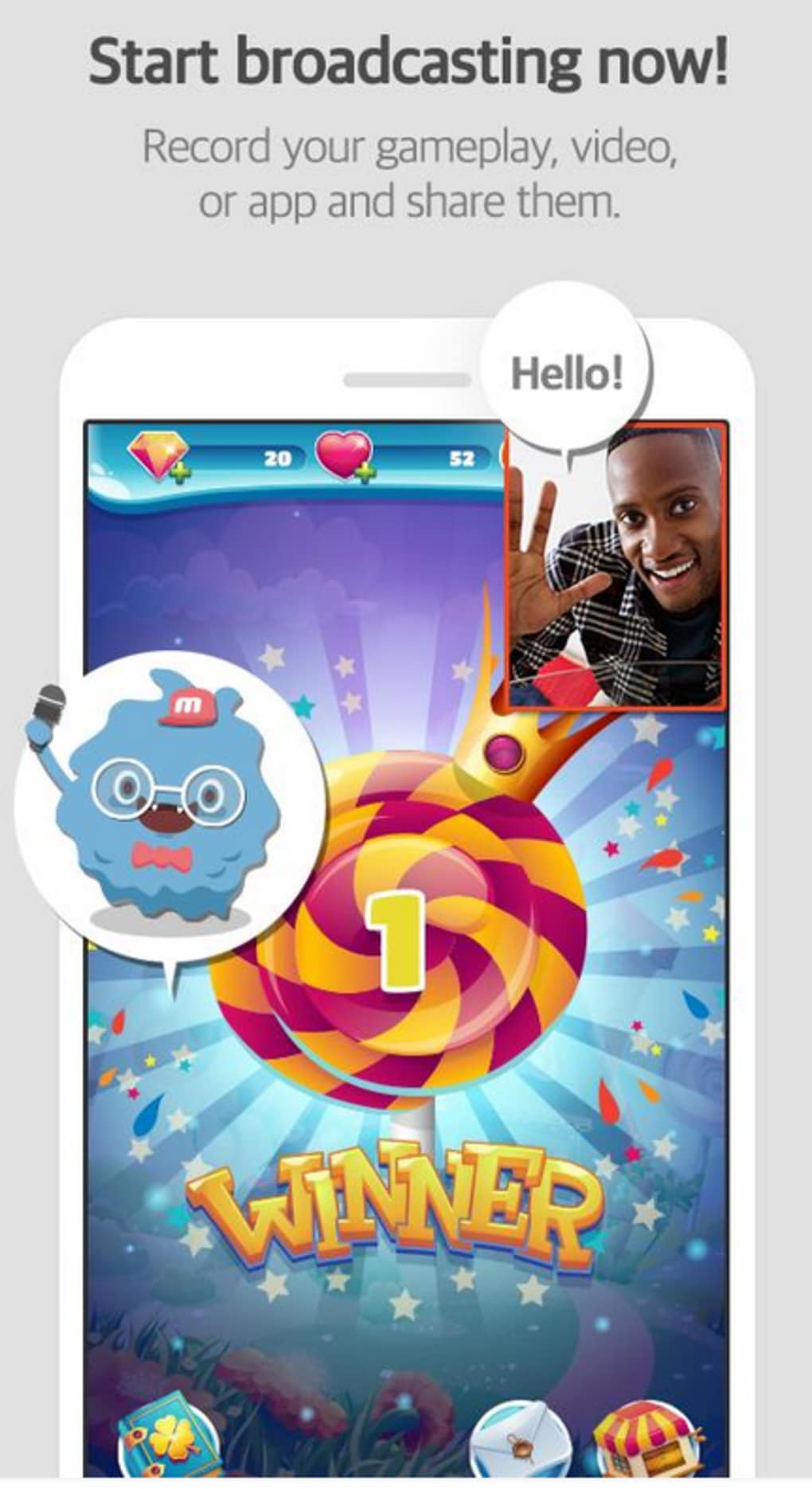
- Screen Recording on Samsung Devices – Capture high-quality video directly from your Samsung smartphone or tablet, ideal for recording gameplay, app walkthroughs, or mobile tutorials.
- Real-Time Screen Mirroring – Project your Samsung device’s screen onto a PC or Mac for larger displays, useful during presentations or collaborative work sessions.
- Audio Recording Control – Toggle audio recording on or off during screen capture, allowing users to record game sound, voice commentary, or system audio as needed.
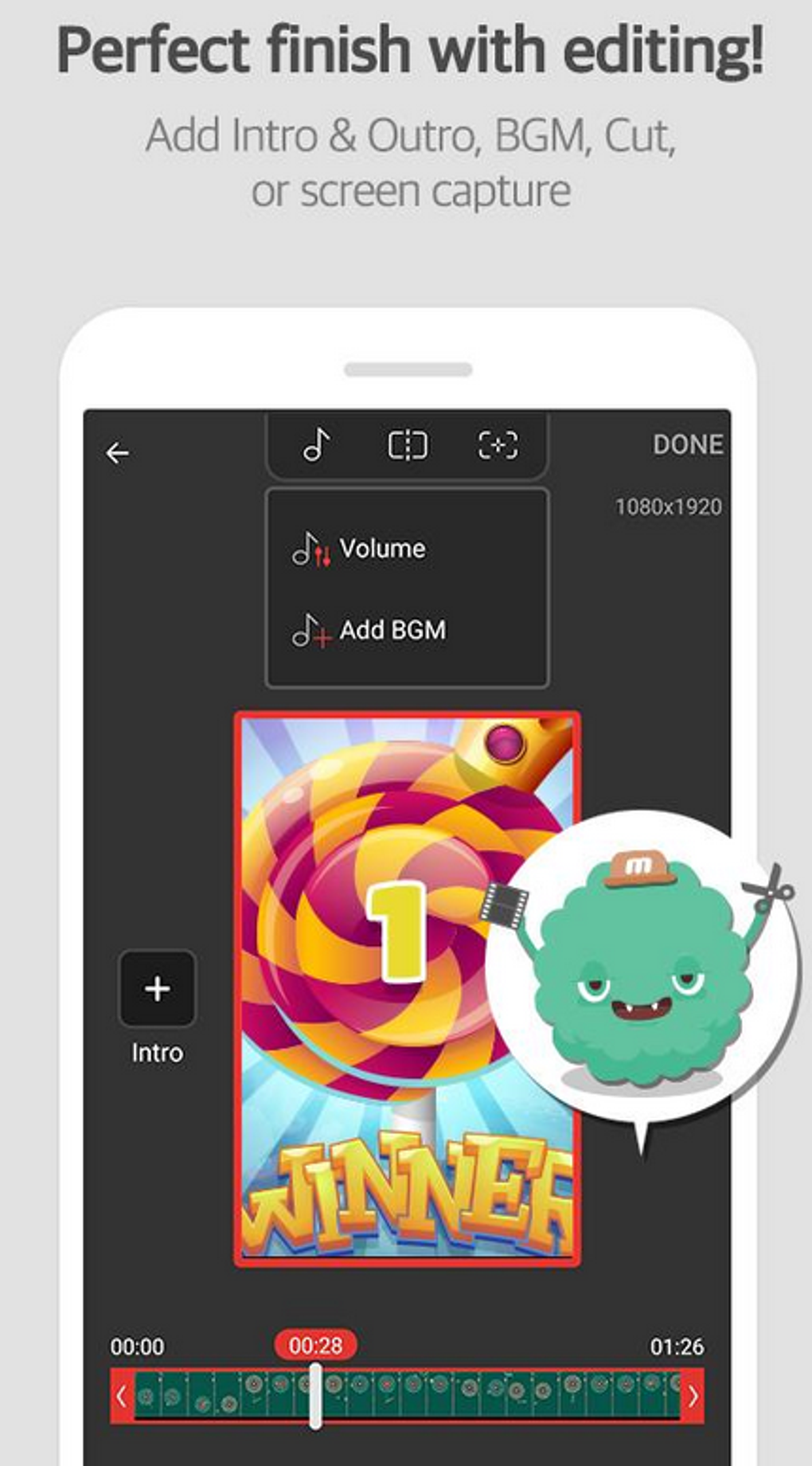
- Customizable Output Settings – Adjust resolution, frame rate, and transparency levels to optimize video quality and file size for different use cases.
- Notification Forwarding – Receive mobile notifications on your desktop, enabling uninterrupted workflow while monitoring messages or alerts.
- Multi-Device Synchronization – Requires the Mobizen app on both mobile and PC to enable full functionality, ensuring secure and stable connections.
These features make Mobizen for SAMSUNG a versatile tool for both personal and professional use. Gamers can capture flawless gameplay footage, educators can demonstrate mobile apps in class, and business users can mirror presentations from their phones. The ability to send notifications to a desktop enhances multitasking efficiency, especially during long recording sessions. Customizable settings allow users to balance performance and quality based on their needs. While the software does not support direct standalone recording from the PC, its integration with mobile devices ensures consistent results across platforms.
User Interface, Workflow & Performance
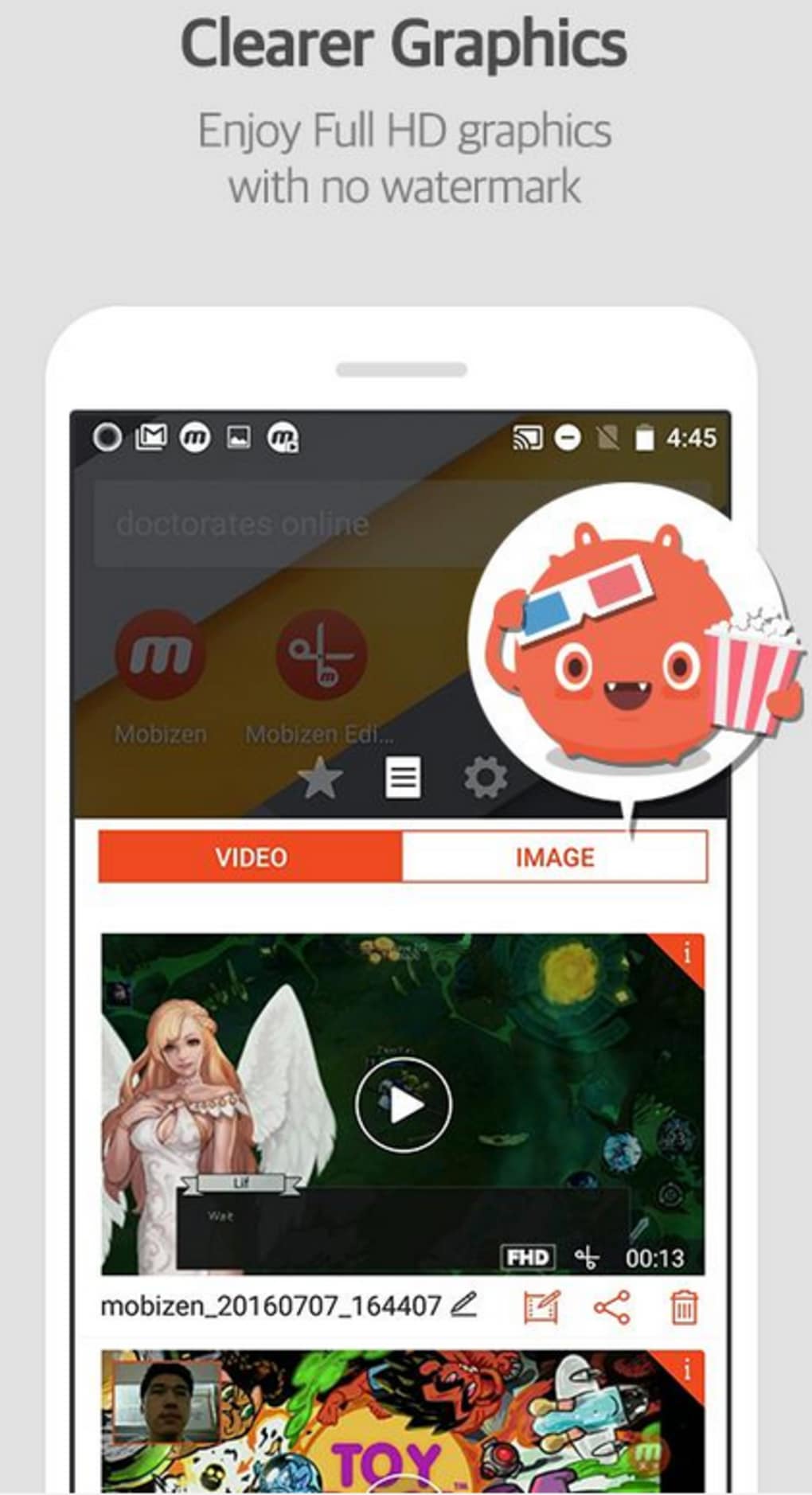
The user interface of Mobizen for SAMSUNG is designed for simplicity and efficiency. The main dashboard presents core functions—record, mirror, and settings—within a clean, intuitive layout. Navigation is straightforward, with clearly labeled buttons and minimal visual clutter. Users can quickly start recording or initiate mirroring with a single click. The workflow follows a logical sequence: launch the app, connect to the mobile version, configure settings, and begin. This streamlined process reduces setup time and supports rapid content creation. The software maintains stable performance during recording and mirroring sessions, with no reported crashes or freezes. However, the developer did not specify resource usage details, so CPU and RAM behavior remain unknown. Performance may vary depending on network conditions, especially when using 3G connections, where lag has been observed. Overall, the app operates smoothly under typical conditions, with minimal delays in response time. Stability appears consistent across multiple sessions, though exact benchmarks were not provided.
Compatibility & System Requirements
Mobizen for SAMSUNG is compatible with both Windows and Mac operating systems, making it accessible to a wide range of users. The software version is 1.0.0, with an installation size of 48.5 MB, which is relatively lightweight for a screen recording tool. It is designed specifically for Samsung devices, ensuring optimal integration with the manufacturer’s hardware and software ecosystem. The app requires the Mobizen mobile application to be installed on the connected Samsung device to function. Platform compatibility information is limited to the operating systems listed. Exact system requirements were not listed, so users should ensure their PC or Mac meets general desktop software standards. No specific hardware demands were mentioned, though a stable internet connection is recommended for mirroring and streaming. The app supports both Wi-Fi and 3G connections, though performance may degrade on slower networks.
Pros and Cons
Pros
- Free to use with no hidden costs
- Optimized for Samsung devices with smooth integration
- Supports high-quality screen recording and mirroring
- Customizable video output settings for better control
- Notification forwarding enhances multitasking
- Lightweight installation at 48.5 MB
Cons
- Requires the mobile Mobizen app for full functionality
- Performance may lag over 3G connections
- No standalone recording from PC without mobile sync
- Exact system requirements not disclosed
- Limited compatibility details beyond Windows and Mac
FAQ Section
Is Mobizen for SAMSUNG free to download?
Yes, Mobizen for SAMSUNG is available at no cost. The software is offered as a free tool for users who want to record and mirror their Samsung devices.
What devices are compatible with Mobizen for SAMSUNG?
The software is designed for Samsung smartphones and tablets. It requires the Mobizen app to be installed on the mobile device and the desktop application on Windows or Mac systems.
Can I use Mobizen without an internet connection?
While the app can record locally, mirroring and streaming require a stable network connection. Offline recording is possible if the mobile and desktop apps are synchronized beforehand.
Does Mobizen support audio recording during screen capture?
Yes, users can enable or disable audio recording during screen capture. This allows for recording game sound, voiceovers, or system audio as needed.
How often are updates released for Mobizen for SAMSUNG?
Updates are released periodically to improve stability, performance, and compatibility. The latest version is 1.0.0, with the release date of March 15, 2024.
Final Thoughts + CTA
Mobizen for SAMSUNG delivers a focused, reliable solution for Samsung users seeking to record and mirror their mobile screens. Its seamless integration with Samsung devices, combined with customizable output settings and notification forwarding, makes it a valuable tool for content creators, educators, and professionals. While it requires the mobile app for full functionality and may experience lag on slower networks, its core features perform consistently. The free pricing model and lightweight design enhance accessibility. For anyone using a Samsung device and needing to capture or share mobile content, this software offers a practical, efficient workflow. Download Mobizen for SAMSUNG now.




.png)



