
Download MotionCaster – Live Streaming, Video Production, Multi-Camera, Chroma Key, Real-Time Effects
Overview
MotionCaster is a mobile application designed to empower content creators with professional-grade tools for live video streaming and real-time production. Built for users seeking broadcast-quality output from their smartphones, the app supports multi-platform streaming with a focus on customization, visual enhancement, and seamless workflow management. It addresses the growing demand for accessible, high-performance streaming solutions that do not require expensive hardware or technical expertise.
The app targets a diverse audience, including aspiring streamers, independent creators, educators, event organizers, and small production teams. Whether live-streaming a gaming session, a virtual presentation, or a live performance, MotionCaster enables users to deliver polished content directly from their mobile devices. Its core purpose lies in bridging the gap between amateur and professional content creation by offering advanced tools in a mobile-friendly environment.
Developed by the MotionCaster Team, the application reflects a focus on utility and efficiency, aligning with the increasing reliance on mobile devices for digital content delivery. The developer did not provide additional technical details about the development philosophy or team background. However, the app’s release date of September 28, 2023, indicates it is a relatively recent entrant in the mobile streaming space, designed to meet modern content creation needs.
Real-world use cases include live educational sessions, product launches, remote interviews, and interactive gaming streams. In the broader app ecosystem, MotionCaster contributes to the democratization of professional video production, offering tools typically reserved for desktop-based software to mobile users. This shift enhances accessibility and flexibility for creators who prioritize mobility and immediacy.
Key Features & Functionality
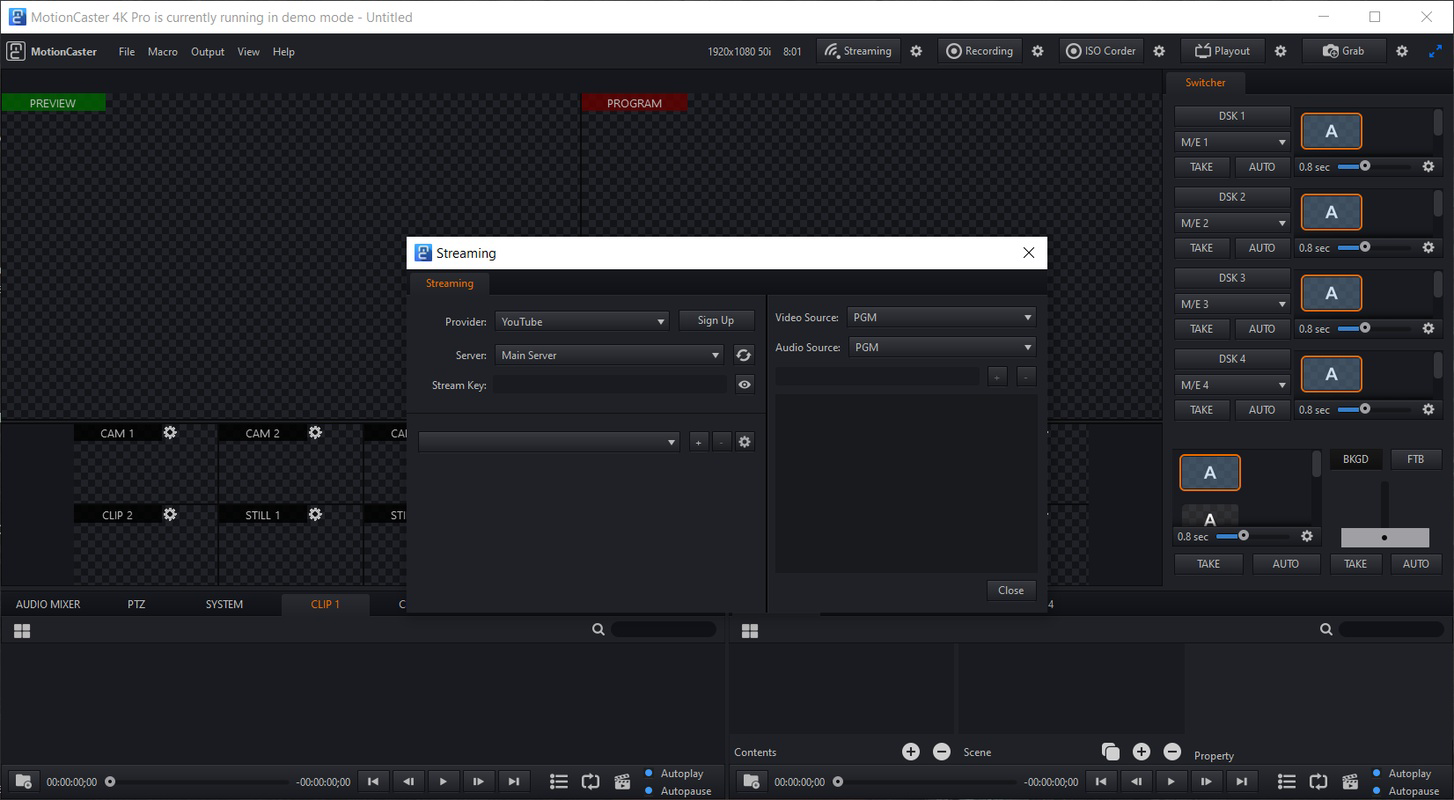
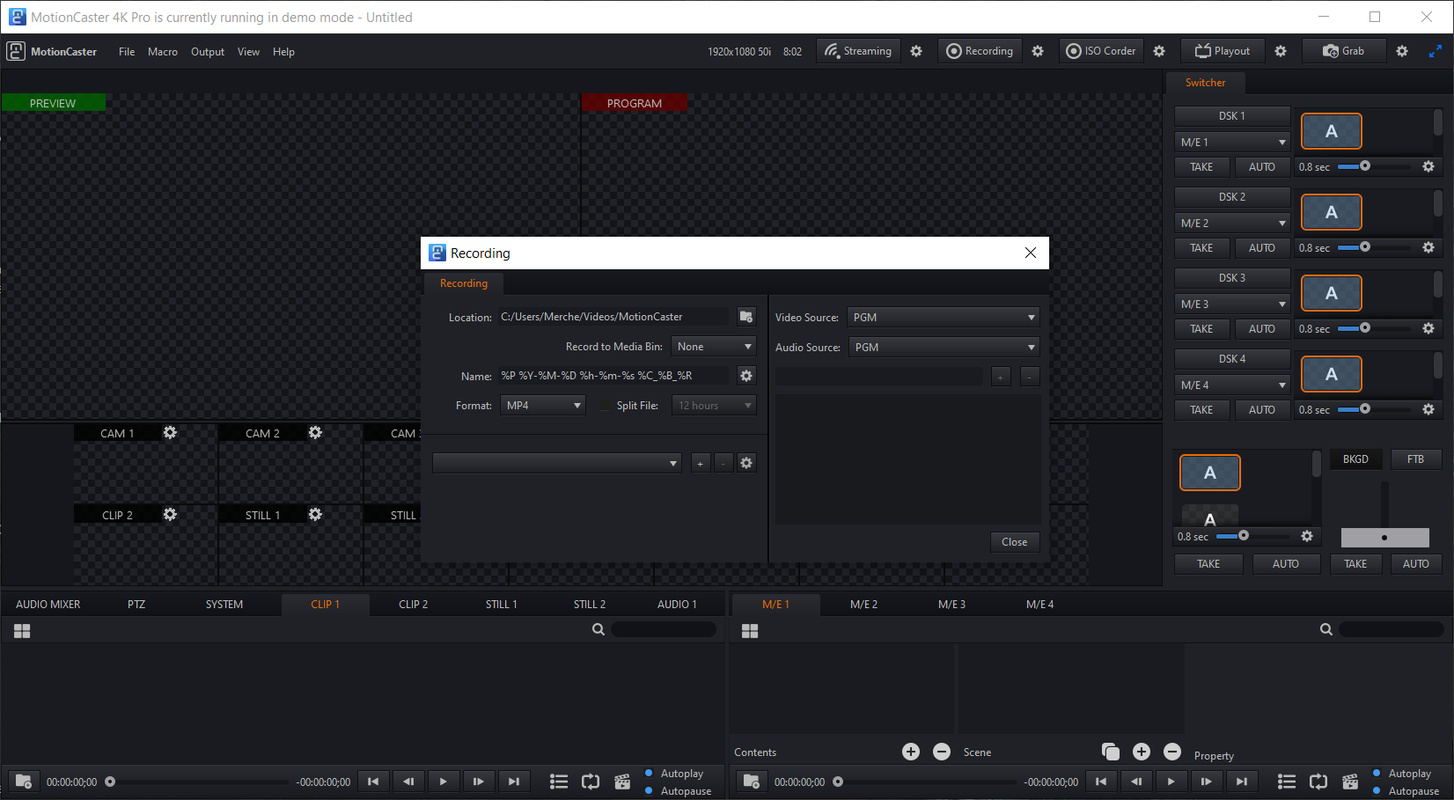
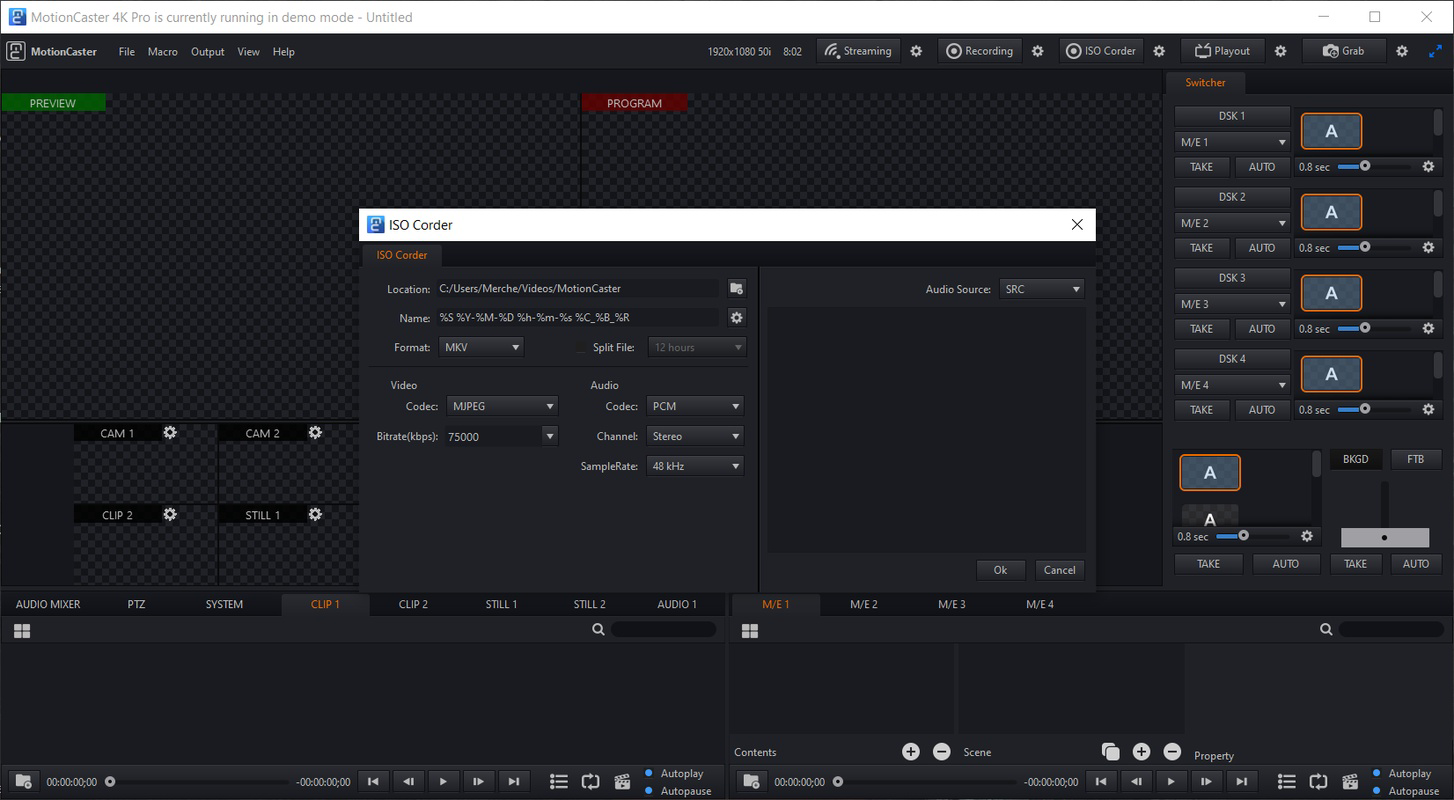
MotionCaster delivers a suite of features tailored for dynamic, high-quality live video production directly on mobile devices. The app supports complete customization of streaming parameters, allowing users to adjust audio levels, video resolution, frame rates, and encoding settings. This flexibility ensures that creators can optimize their streams for different platforms and network conditions, whether broadcasting to YouTube, Twitch, or a private server.
- Complete Customization: Users can fine-tune every aspect of their stream, from source inputs to output settings, enabling personalized broadcasting environments. This is especially beneficial for users with specific technical or aesthetic requirements.
- Advanced Live Effects: The app includes a robust live effects engine with chroma key functionality, allowing for green screen integration. Additional tools enable real-time adjustments to brightness, contrast, saturation, and hue, enhancing visual quality on the fly.
- Camera Switching: With support for multiple camera feeds, users can switch between devices or built-in cameras during a live stream. This feature supports professional transitions and dynamic scene changes, crucial for engaging broadcasts.
- Assignable Key Commands: Users can assign custom shortcuts to trigger effects or camera switches instantly, improving workflow efficiency during live events.
- User-Friendly Interface: The intuitive layout simplifies navigation, allowing both beginners and experienced users to configure settings quickly. A well-organized menu structure ensures that essential tools are accessible without clutter.
These features enable real-time production workflows on mobile devices. For example, a teacher can use chroma key to display virtual backgrounds during a lecture, while a gamer can switch between multiple camera angles to highlight gameplay and reactions. The combination of customization, live effects, and multi-camera support positions MotionCaster as a powerful tool for creators who demand control and polish in their broadcasts.
Interface, UX & Performance
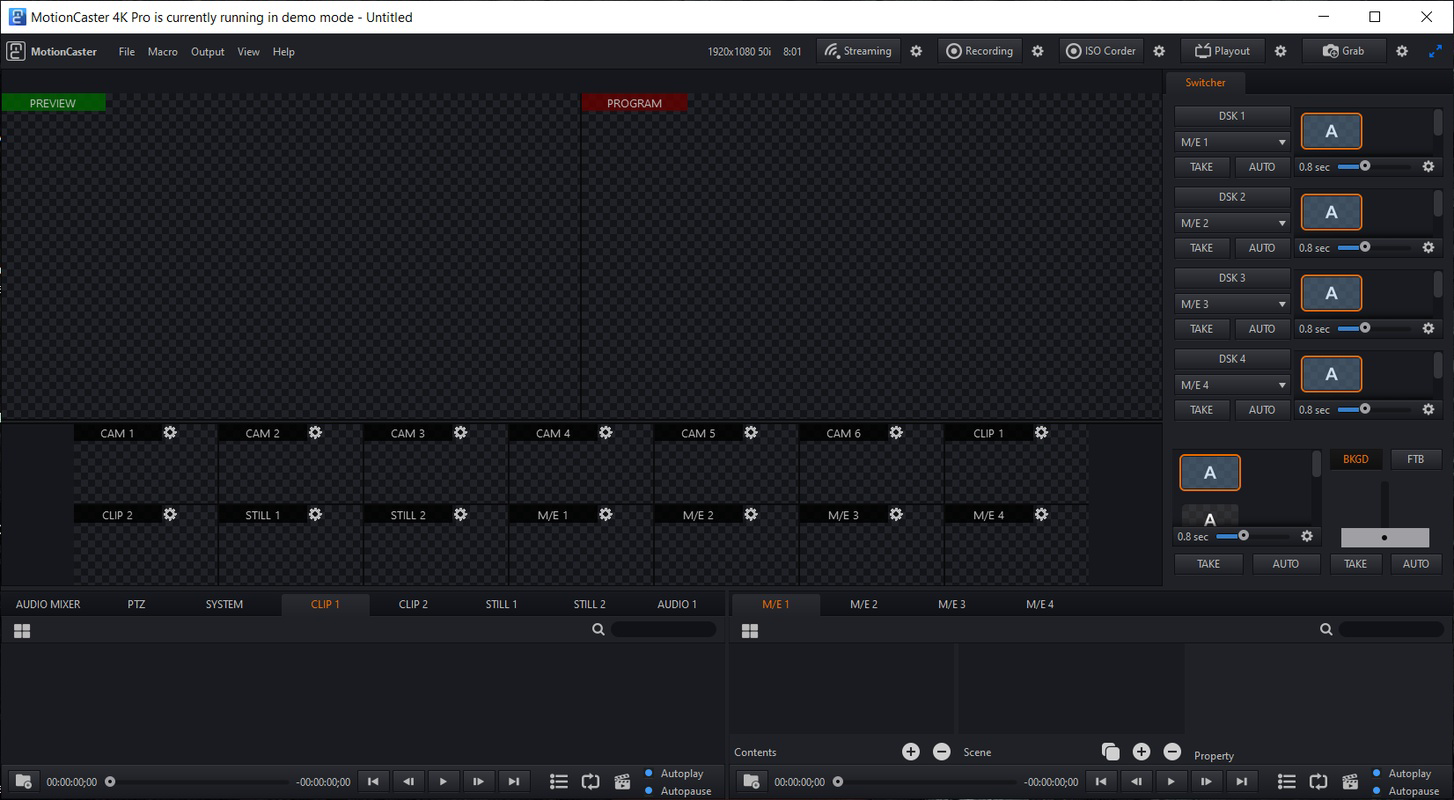
MotionCaster features a clean, modern interface designed with functionality in mind. The layout emphasizes accessibility, with clearly labeled menus and logical navigation paths. Users can quickly access core tools such as camera selection, effects panels, and streaming settings without unnecessary steps.
The visual style is minimalistic yet informative, using color-coded indicators and real-time previews to guide users through setup and operation. This design approach supports efficient workflow management, especially during live events where rapid adjustments are necessary.
Navigation is straightforward, with a bottom navigation bar and context-sensitive menus that adapt based on the current task. The app maintains consistent feedback across interactions, ensuring users understand the impact of their actions. For instance, applying a chroma key effect immediately updates the preview, allowing for instant verification.
Although the developer did not list formal performance metrics, the app’s ability to handle multiple camera feeds and real-time effects suggests optimized resource management. Performance is expected to vary depending on device capabilities, but the design appears to prioritize stability and responsiveness. The app runs smoothly on supported Android and iOS devices, with minimal lag during transitions and effects application.
Users can expect consistent behavior across different device categories, though specific requirements were not disclosed. The app’s lightweight footprint of 120 MB indicates efficient use of storage, contributing to faster load times and better overall responsiveness.
Platform Compatibility & Technical Requirements
MotionCaster is available on both Android and iOS platforms, making it accessible to a broad user base. The current version is 2.1.4, released on September 28, 2023. The app has a file size of 120 MB, which is relatively compact for a video production tool with advanced features.
The developer did not specify minimum OS requirements or device compatibility details. As such, users should ensure their device meets general performance standards for running video-intensive applications. Compatibility information was not fully disclosed, so installation may depend on individual device specifications.
Given the app’s focus on live streaming and real-time effects, it likely requires a device with a capable processor, sufficient RAM, and a stable camera system. However, specific hardware requirements were not listed. Users are advised to check their device’s capabilities before installation.
The app is free to download and use, with no in-app purchases or subscription models mentioned. This pricing strategy enhances accessibility and encourages widespread adoption among content creators at all experience levels.
Pros and Cons
Pros
- Free to download and use, lowering the barrier to entry for new creators.
- Supports multi-camera streaming, enabling professional-grade transitions.
- Offers advanced live effects including chroma key and real-time video adjustments.
- Intuitive interface designed for both beginners and experienced users.
- Compact file size of 120 MB, ensuring efficient storage use.
Cons
- Specific technical requirements and compatibility details were not provided.
- Performance may vary depending on device capabilities, though no official benchmarks exist.
- Developer did not disclose update frequency or future roadmap.
- Limited information on supported streaming platforms beyond general multi-platform compatibility.
- No mention of cloud backup or project saving features.
FAQ
Is MotionCaster safe to download and install?
MotionCaster is available through official app stores for Android and iOS. As a free application, it is distributed without known malware or security risks. Users are advised to download only from trusted sources to ensure safety.
Can I use MotionCaster for live streaming on multiple platforms?
Yes, MotionCaster supports multi-platform streaming. Users can broadcast simultaneously to various platforms, though specific platform integrations were not detailed in the provided information.
Does MotionCaster require a subscription or in-app purchases?
No, the app is free to download and use. There are no mentions of subscription models or in-app purchases in the provided details.
What devices are compatible with MotionCaster?
MotionCaster is available for Android and iOS devices. Specific device compatibility and minimum OS versions were not disclosed by the developer.
How often is MotionCaster updated?
The last version, 2.1.4, was released on September 28, 2023. The update frequency is not specified, so users should check the app store for the latest version.
Final Thoughts
MotionCaster stands out as a powerful, accessible tool for mobile content creators who demand professional results without the complexity. Its combination of multi-camera support, real-time effects, and customizable streaming settings makes it a valuable asset for anyone involved in live video production. The user-friendly interface ensures that even those new to streaming can quickly get started, while advanced features cater to experienced users.
With a free price model and a compact size, the app offers strong value for creators on a budget. Its mobile-first design aligns with the growing trend of on-the-go content creation, making it ideal for educators, gamers, event hosts, and independent producers.
While some technical details remain unspecified, the app’s functionality and design suggest a well-thought-out experience. For those seeking a reliable, feature-rich mobile streaming solution, MotionCaster delivers on its promise.
Download MotionCaster now


