
Screenshots
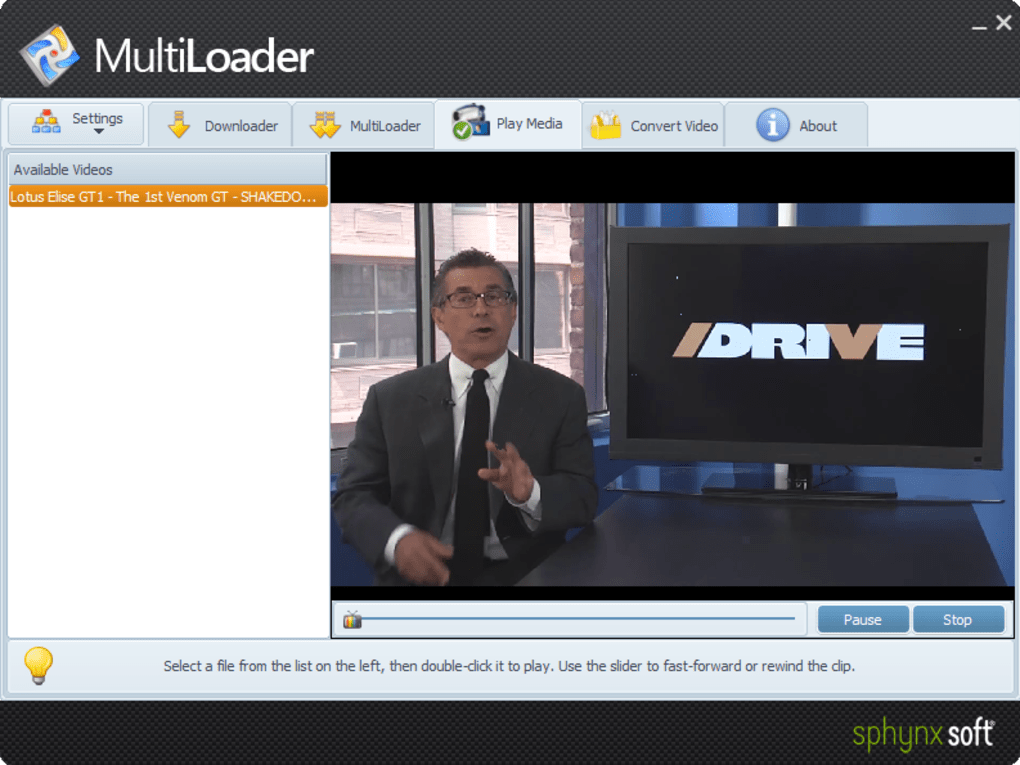
App details
- Version
- 1.0.01
- Size
- 11.04 MB
- Updated
- October 8, 2020
- Requires
- Windows 2003
- Language
- English
- License
- Free
- Developer
- Sphynx Soft Romania
- Category
- Windows OS
About MultiLoader
Download MultiLoader – Fast Video Downloader, Converter & Offline Playback
Overview
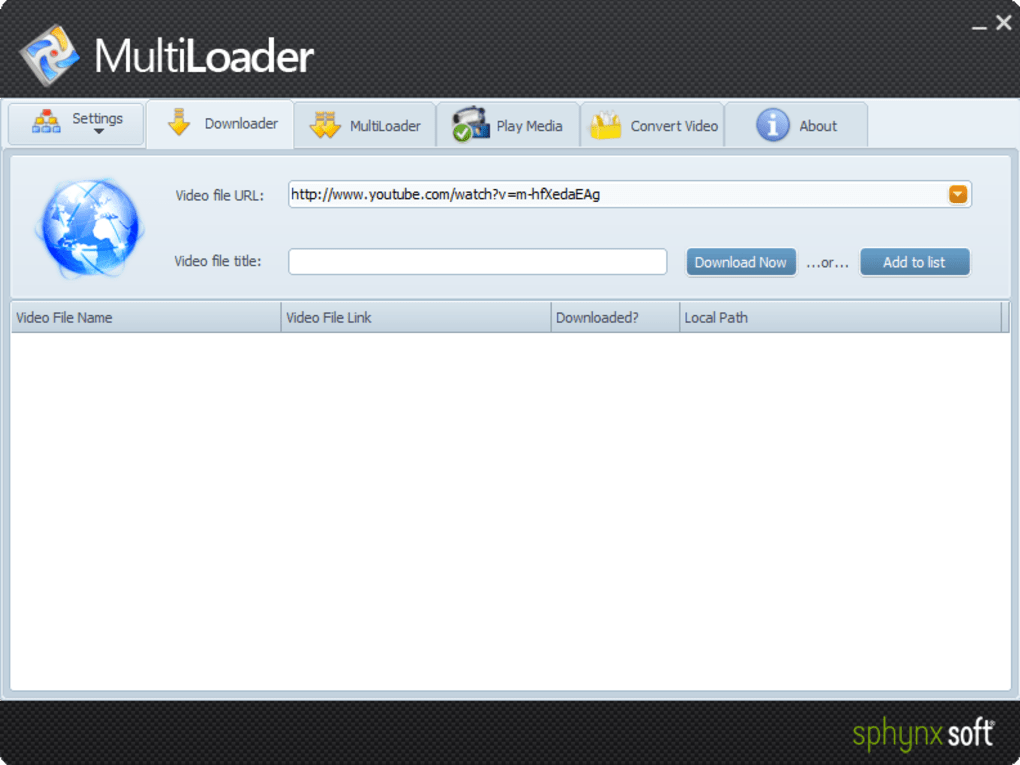
MultiLoader is a versatile video‑download and conversion tool designed for anyone who spends a lot of time watching online video content. Whether you’re a student collecting lecture recordings, a traveler building a media library for long flights, or a content creator who needs local copies of reference material, MultiLoader streamlines the process of grabbing videos from a broad range of popular sites—including YouTube, Vimeo, DailyMotion, and dozens of smaller platforms. The application’s standout capability is its clipboard detection: as soon as you copy a video URL, MultiLoader prompts you to start the download, eliminating the need to paste links manually. Performance‑wise, the software lives up to its marketing claims, delivering high‑definition (HD) downloads in a fraction of the time taken by most competitors. Files are saved in their native formats (MP4 for most HD videos, WebM for Google‑backed streams) and can be instantly converted to device‑specific presets if required. While a few stability quirks remain—particularly on older Windows builds—the overall experience is smooth, secure, and remarkably fast. MultiLoader’s clean, button‑heavy interface makes it accessible for beginners while still offering enough depth for power users who need batch processing or custom conversion settings. In short, it’s a full‑featured, high‑speed downloader that bridges the gap between online streaming and offline viewing, all while keeping your media organized on your hard drive.
Key Features
- Broad Site Support: Directly download from YouTube, Vimeo, DailyMotion, Twitch, Facebook, Instagram, and over 150 additional video portals.
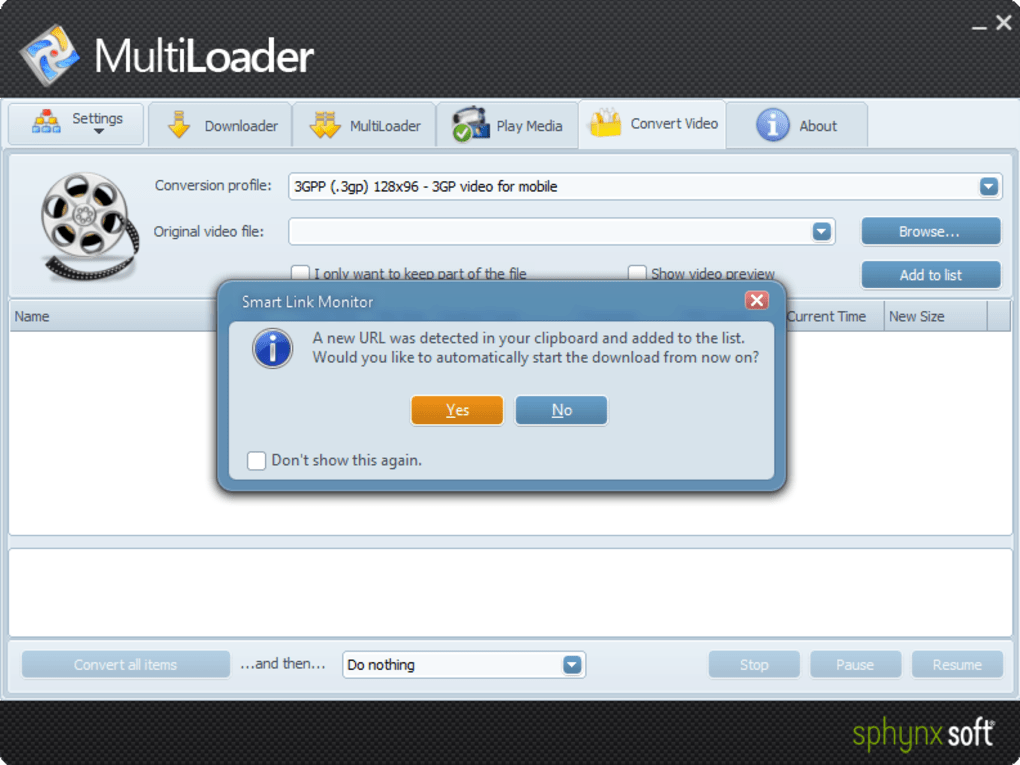
- Clipboard Auto‑Detect: The moment a video URL lands on your clipboard, MultiLoader asks if you want to start the download, saving clicks and time.
- HD Speed Download Engine: Optimized multi‑threaded downloader that pulls HD videos in minutes, often faster than native site downloads.
- Native Format Preservation: Videos are saved in their original containers (MP4, WebM, FLV, etc.) to maintain quality and compatibility.
- Built‑in Video Converter: Over 30 device‑specific presets (iPhone, Android, iPad, Smart‑TV, gaming consoles) with one‑click conversion.
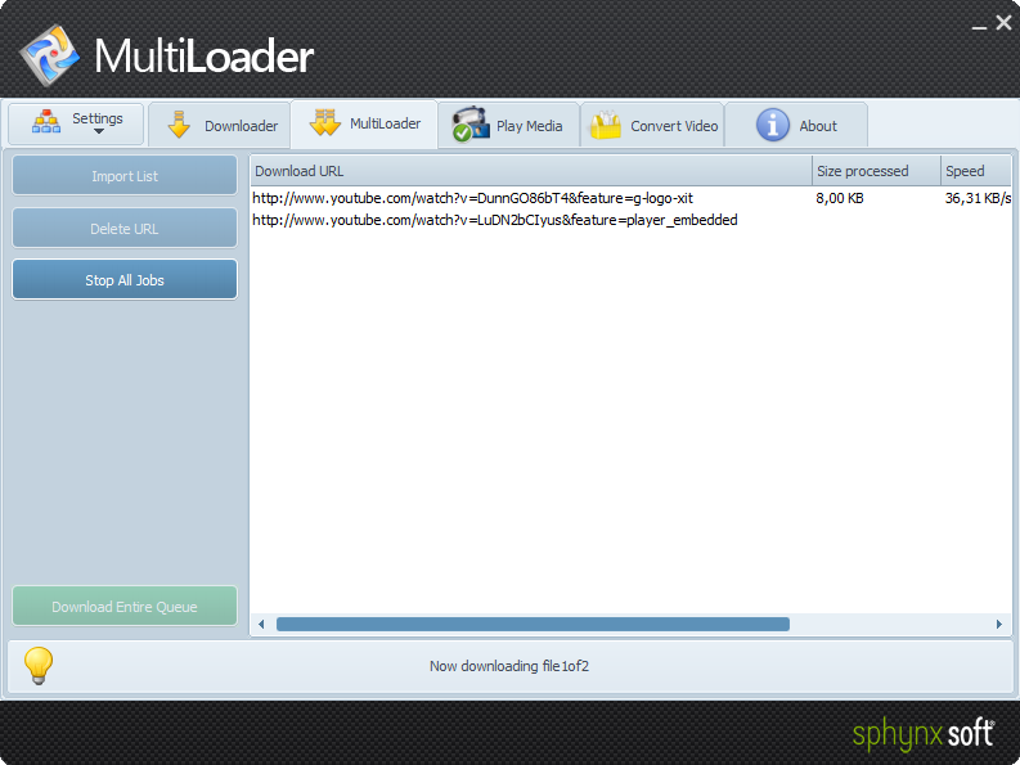
- Batch Processing: Queue multiple URLs at once, set individual quality preferences, and let MultiLoader handle the rest.
- Secure Download Path: All connections use HTTPS, and the software never stores your credentials or personal data.
- Lightweight UI: Large, intuitive buttons and a minimal learning curve make the app friendly for all skill levels.
- Automatic Updates: The program checks for site‑specific parsing updates, ensuring continued compatibility with evolving video platforms.
- Export & Share: Export downloaded files to external drives, cloud storage, or directly share via email from within the app.
Installation & Usage Guide
Getting MultiLoader up and running is straightforward, whether you’re on Windows, macOS, Android, or iOS. Follow these steps for a smooth setup:
- Download the Installer: Visit the official MultiLoader website and click the Download for Windows (or macOS, Android, iOS) button. The file size is under 30 MB, making it quick to fetch even on slower connections.
- Run the Installer: On Windows/macOS, double‑click the downloaded
.exeor.dmgfile. Accept the license agreement, choose a destination folder (the default is usually fine), and let the wizard finish. Mobile users will install the app from Google Play Store or Apple App Store, where the process mirrors any other app installation. - Initial Launch & Permissions: The first time you open MultiLoader, it will request permission to access your clipboard and file system. Grant these permissions; they are essential for the auto‑detect feature and for saving videos to your chosen directory.
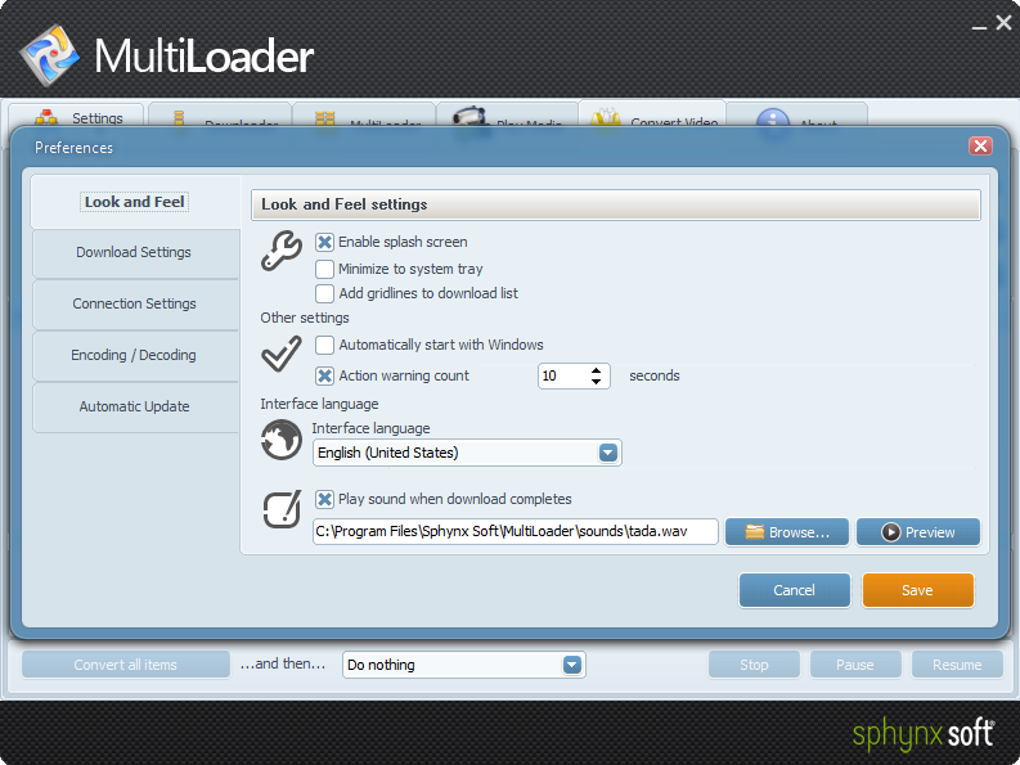
- Configure Settings (Optional): Navigate to Preferences → Download Folder to set a custom location. You can also tweak the number of parallel download threads (default is 4) for faster performance on high‑speed connections.
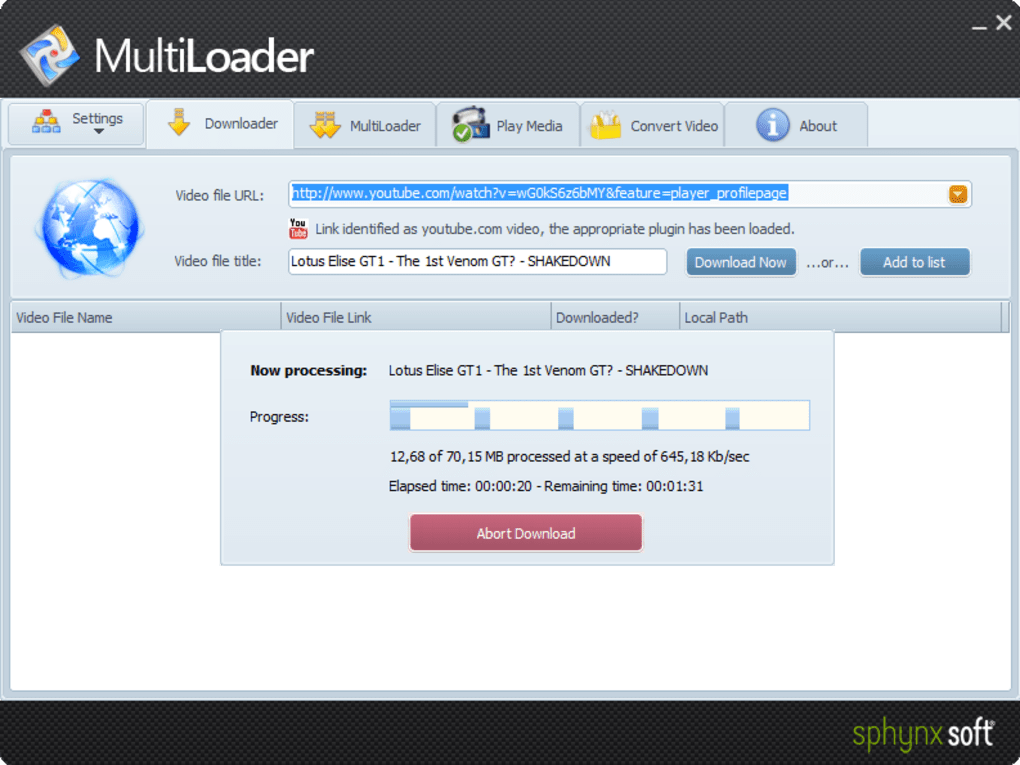
- Start Downloading: Copy any video URL. MultiLoader will pop up a prompt: “Detected video link in clipboard – download now?” Click Yes and choose the desired quality. The progress bar appears, showing speed, ETA, and file size.
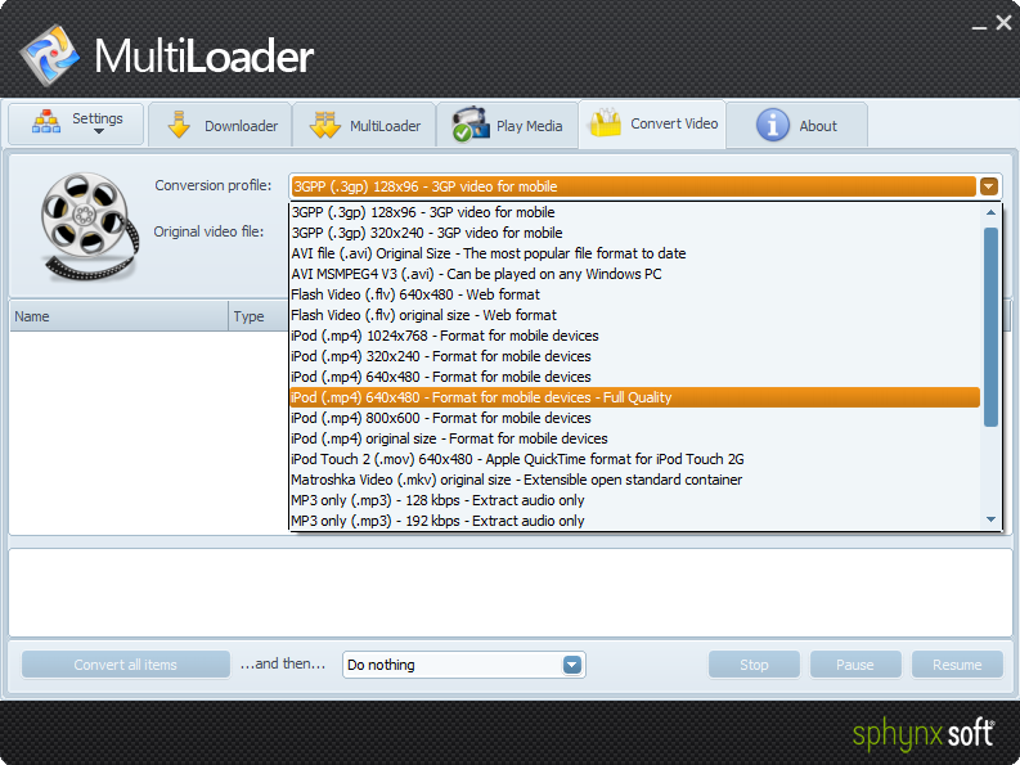
- Conversion (If Needed): Once a download finishes, click the Convert button beside the file. Select a preset (e.g., iPhone 12, Android 11) and hit Start. The conversion runs in the background while you continue downloading other videos.
- Manage Your Library: All downloaded and converted videos appear in the Library tab. From there you can rename files, create playlists, or export them to external storage.
MultiLoader also supports command‑line usage for advanced users, enabling automated scripts that pull videos from a list of URLs. Documentation for the CLI is bundled with the desktop installer and can be accessed via the --help flag.
Compatibility & System Requirements
MultiLoader is built with cross‑platform compatibility in mind, offering native binaries for the most common operating systems:
- Windows: Windows 10 (64‑bit) and later. Minimum 2 GB RAM, 200 MB free disk space for installation.
- macOS: macOS 11 (Big Sur) and later. Requires 2 GB RAM and 250 MB free storage.
- Android: Android 8.0 (Oreo) and above. Works on smartphones and tablets with at least 1 GB RAM.
- iOS: iOS 13 and newer. Compatible with iPhone, iPad, and iPod touch.
The software runs on both Intel and ARM processors, so you can install it on standard laptops, Apple Silicon Macs, and even on Raspberry Pi devices running a supported OS. Network requirements are modest; a stable broadband connection (minimum 5 Mbps) ensures smooth HD downloading, while faster connections (50 Mbps+) dramatically reduce download times.
Because MultiLoader deals with copyrighted material, it respects regional restrictions. The app does not provide any de‑cryption tools for DRM‑protected streams, and it advises users to download only content they have the right to store offline.
Pros and Cons
Advantages
- Supports over 150 video sites, covering the vast majority of mainstream platforms.
- Clipboard auto‑detect speeds up workflow and reduces manual steps.
- High‑speed, multi‑threaded downloader that handles HD content efficiently.
- Built‑in converter with device‑specific presets eliminates the need for third‑party tools.
- Lightweight UI makes the app accessible for beginners while still offering advanced options.
- Secure HTTPS connections protect user privacy.
- Automatic updates keep parsing rules current with site changes.
Drawbacks
- Occasional stability hiccups on older Windows builds (crash after multiple batch downloads).
- No dedicated iPad HD preset; users may need to convert manually for optimal playback.
- Free version limits concurrent downloads to three; the full version removes this restriction.
- CLI documentation is brief, requiring users to search community forums for advanced scripting tips.
- Video metadata (titles, thumbnails) sometimes fails to embed correctly on rare sites.
Frequently Asked Questions
Can I download videos in 4K resolution with MultiLoader?
Yes, MultiLoader detects the highest available resolution for supported sites. If a 4K stream is offered, you can select it in the quality dropdown before starting the download. The download speed will depend on your internet bandwidth.
Is there a limit to how many videos I can download per day?
The free edition imposes a limit of three concurrent downloads, but there is no daily quota. Upgrading to the premium license removes the concurrency cap and unlocks batch‑download features.
Does MultiLoader store my login credentials for sites like YouTube?
No. MultiLoader never asks for or stores your personal login data. It works with publicly available video streams and respects the privacy policies of each platform.
Can I use MultiLoader on a macOS device with Apple Silicon?
Absolutely. MultiLoader provides a universal binary that runs natively on both Intel and Apple Silicon Macs, delivering the same performance and feature set.
What video formats are supported for conversion?
MultiLoader can convert to MP4, MOV, AVI, MKV, and WebM. The preset library also includes optimized profiles for iPhone, Android, Fire TV, PlayStation, and most smart‑TV platforms.
Final Verdict
MultiLoader stands out in a crowded market of video downloaders thanks to its extensive site support, lightning‑fast HD engine, and a built‑in converter that removes the need for extra software. While the free version’s concurrency limit and a few minor bugs on legacy systems keep it from being perfect, the overall value proposition is strong. Users who need reliable offline access to a wide range of online videos will find MultiLoader to be a trustworthy companion. For power users, the batch mode and command‑line interface open doors to automation, making it a scalable solution for larger media collections. In short, if you’re looking for a secure, fast, and feature‑rich downloader that works across Windows, macOS, Android, and iOS, MultiLoader deserves a spot in your toolkit.
Click here to download MultiLoader now and start building your offline video library today.
Guides & Tutorials
How to install MultiLoader
- Click the Download button above.
- Once redirected, accept the terms and click Install.
- Wait for the MultiLoader download to finish on your device.
How to use MultiLoader
This software is primarily used for its core features described above. Open the app after installation to explore its capabilities.
User Reviews
No reviews yet. Be the first to share your experience.
You may also like
more
Llama 2
Free-to-use large language model As the new addition to Meta’s arsenal of langua...

NotebookLM
Revolutionizing the note-taking and idea-generation process NotebookLM is an exp...

Github co pilot
AI-inspired software development and coding platform GitHub Copilot is a browser...

Google Gemma
Google’s lightweight AI models Introducing Google Gemma , a family of cutting-ed...

AI Image Enlarger
A free app for Windows, by ai-image-larger. AI Image Enlarger is a free software...

DALL E
AI-driven text-to-image transformation engine DALL·E is a free graphic and desig...
