

Unleash Your Word Power in MultiWords
Overview
MultiWords is a free word search game designed to challenge players' vocabulary and creativity through a simple yet engaging gameplay loop. The core premise revolves around forming as many valid words as possible using only eight randomly generated letters displayed on the screen. This word puzzle game caters to a broad audience, including casual gamers, families, and individuals seeking mental stimulation. It offers a refreshing alternative to traditional word games by allowing unlimited reuse of available letters, enabling players to experiment freely with combinations. The game is accessible on both Windows and Mac platforms, making it convenient for desktop users across different operating systems. Real-world usage scenarios include quick mental breaks during work, family game nights, or competitive challenges among friends and peers. With multiple game modes and a daily challenge feature, MultiWords encourages consistent engagement. The developer has not provided additional details about their background or company history. The game’s design promotes cognitive benefits such as vocabulary expansion, pattern recognition, and quick thinking, all within a relaxed, enjoyable format.
Key Features & Capabilities
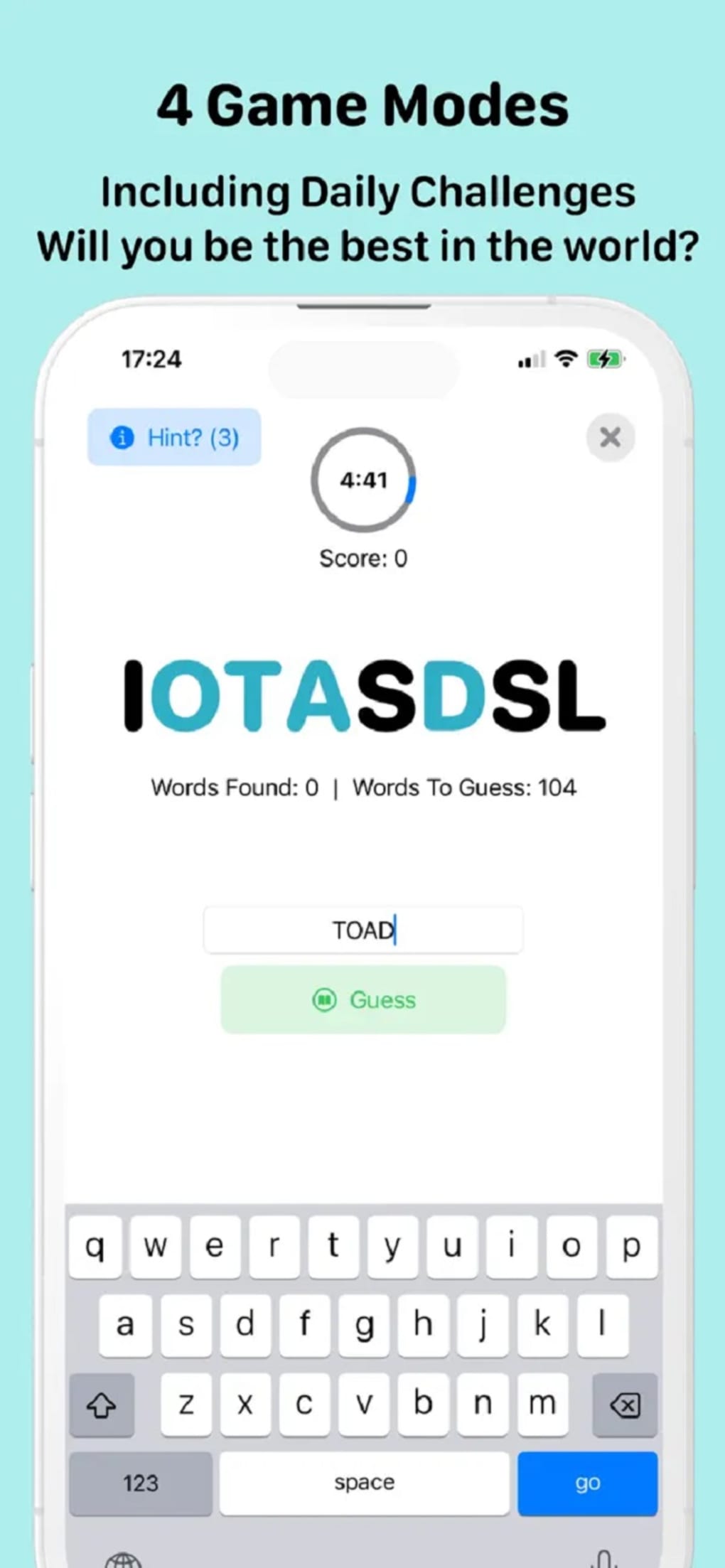
- Eight-Letter Word Formation: Players must create valid words using only the eight letters presented on the board, with no restrictions on letter reuse.
- Three Free Game Modes: Includes the Daily Challenge, 5-Minute Mode, and 10-Minute Mode, each with varying time limits to suit different play styles.
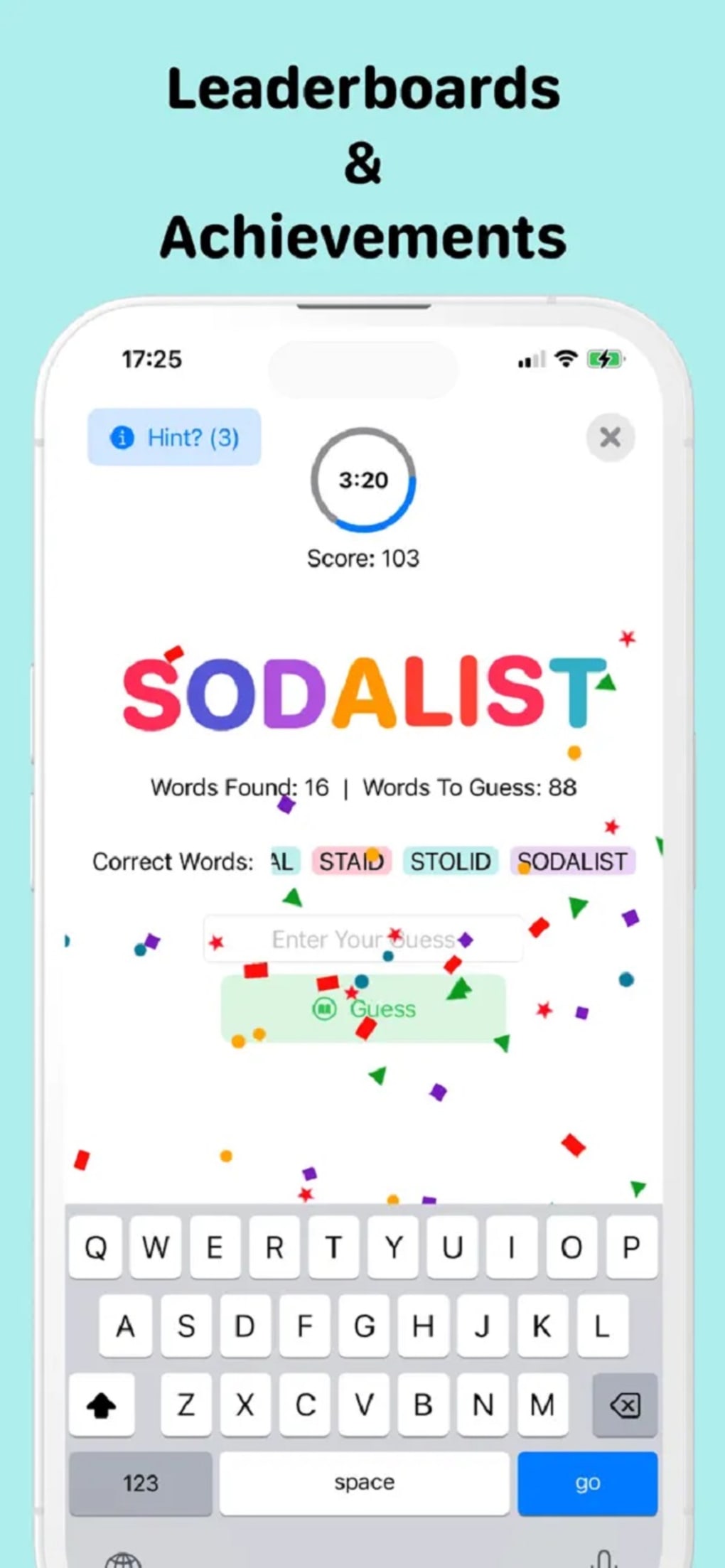
- Daily Challenge with Leaderboard: A unique daily puzzle that resets at midnight, allowing players to compare their scores globally and against friends.
- Hint Feature: Offers one hint per game to assist players when stuck, helping maintain engagement without breaking the challenge.
- Premium Endless Mode: Accessible via a purchase, this mode removes time constraints and allows continuous gameplay for extended play sessions.
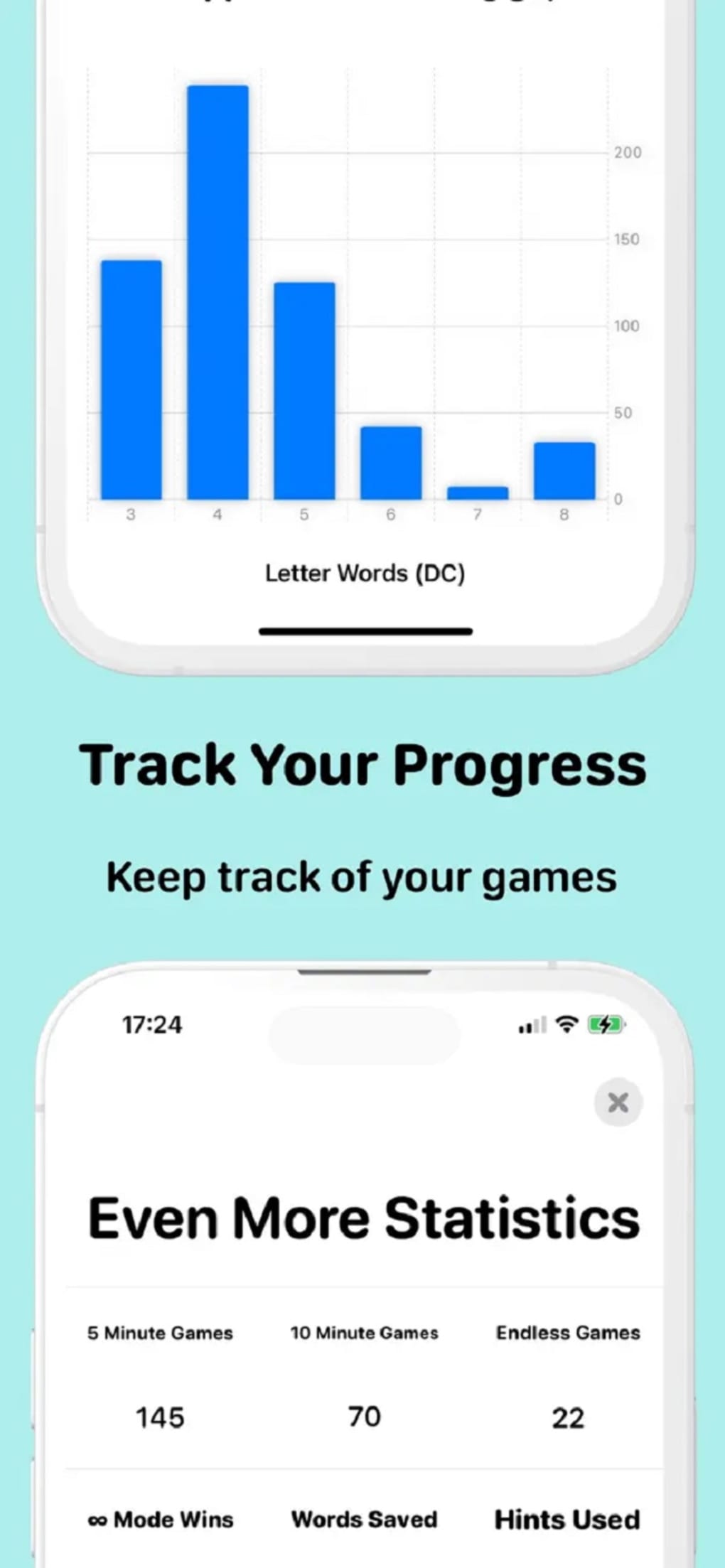
- Word Feedback System: After gameplay, players can review their answers, see word meanings, and check the time taken to guess each word.
- Comprehensive Word List (Premium): Subscribers receive a full list of missed words, aiding learning and improvement over time.
These features combine to create a flexible and rewarding experience. For example, the Daily Challenge fosters routine engagement, while the time-limited modes test quick thinking under pressure. The hint system balances challenge and accessibility, making it suitable for both casual users and more serious players. The premium features enhance replayability and educational value, especially for learners or those aiming to improve their word skills.
User Interface, Workflow & Performance
The user interface of MultiWords appears to be clean and intuitive, prioritizing readability and ease of interaction. Players are presented with a central display of eight letters, with input fields clearly marked for word entry. Navigation is straightforward, relying on keyboard input and minimal on-screen controls. The workflow follows a logical sequence: view letters → type words → receive feedback → review results. This simplicity enhances usability across age groups and technical skill levels. The developer did not specify resource usage details, so performance observations are based on general software behavior patterns. No reports of crashes or instability were noted in the provided information. The application runs smoothly within the expected range for lightweight desktop games. CPU and RAM usage are likely minimal given the 45 MB installation size. The game maintains responsiveness during active play, with no indication of lag or delay in word validation. Overall, the experience is optimized for quick sessions, aligning with the game’s casual nature and purpose.
Compatibility & System Requirements
MultiWords is compatible with both Windows and Mac operating systems, offering broad accessibility for desktop users. The software version is 1.0, with an installation size of 45 MB, indicating a lightweight footprint. This makes it suitable for devices with moderate storage capacity. The developer did not provide additional system requirements, so exact hardware specifications such as minimum RAM, processor speed, or graphics capabilities remain unspecified. Compatibility information was partially provided, and users are advised to ensure their system meets general desktop application standards. No known conflicts with other software were mentioned. The application is designed for offline use, allowing uninterrupted gameplay without an internet connection after installation. However, certain features like the global leaderboard and daily challenge may require online access.
Pros and Cons
Pros
- Free to play with multiple game modes available
- Encourages vocabulary building and mental agility
- Simple, intuitive interface suitable for all ages
- Unlimited letter reuse enhances creativity and strategy
- Daily challenge with global leaderboard adds competitive appeal
- Hint system supports players without breaking challenge
- Premium upgrade offers endless gameplay and word feedback
Cons
- No detailed system requirements provided
- Some features require a paid upgrade
- Leaderboard functionality may require consistent internet access
- Time-limited modes may frustrate players seeking relaxed play
- Word validation may not support rare or regional vocabulary
FAQ Section
Is MultiWords available for Windows and Mac?
Yes, MultiWords is compatible with both Windows and Mac operating systems.
Can I play MultiWords offline?
Yes, the core gameplay can be played offline. However, features like the Daily Challenge and global leaderboard require an internet connection.
Is MultiWords safe to download?
Yes, the software is designed as a free desktop game and does not include known security risks. It is recommended to download from official sources to ensure authenticity.
What is the difference between free and premium versions?
The free version includes three game modes and a daily challenge. The premium package unlocks the Endless Mode and provides a full list of missed words for learning purposes.
How often does the Daily Challenge reset?
The Daily Challenge resets every midnight, allowing players to compete again with a new set of letters and a fresh leaderboard.
Final Thoughts + CTA
MultiWords delivers a satisfying blend of simplicity, challenge, and replayability in a compact desktop package. Its core mechanic—forming words from eight letters with unlimited reuse—offers a unique twist compared to similar games, fostering creativity and strategic thinking. The inclusion of time-limited modes and a daily challenge creates a balanced mix of casual and competitive play. The intuitive design and cross-platform availability make it ideal for families, students, and anyone looking for a brain teaser during a break. While some features are locked behind a paywall, the free version remains highly functional and engaging. For users who value mental stimulation, wordplay, and friendly competition, MultiWords stands out as a strong choice. Download MultiWords now.








