
Create AI Avatars from Your Photos
Overview
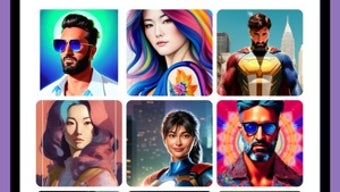
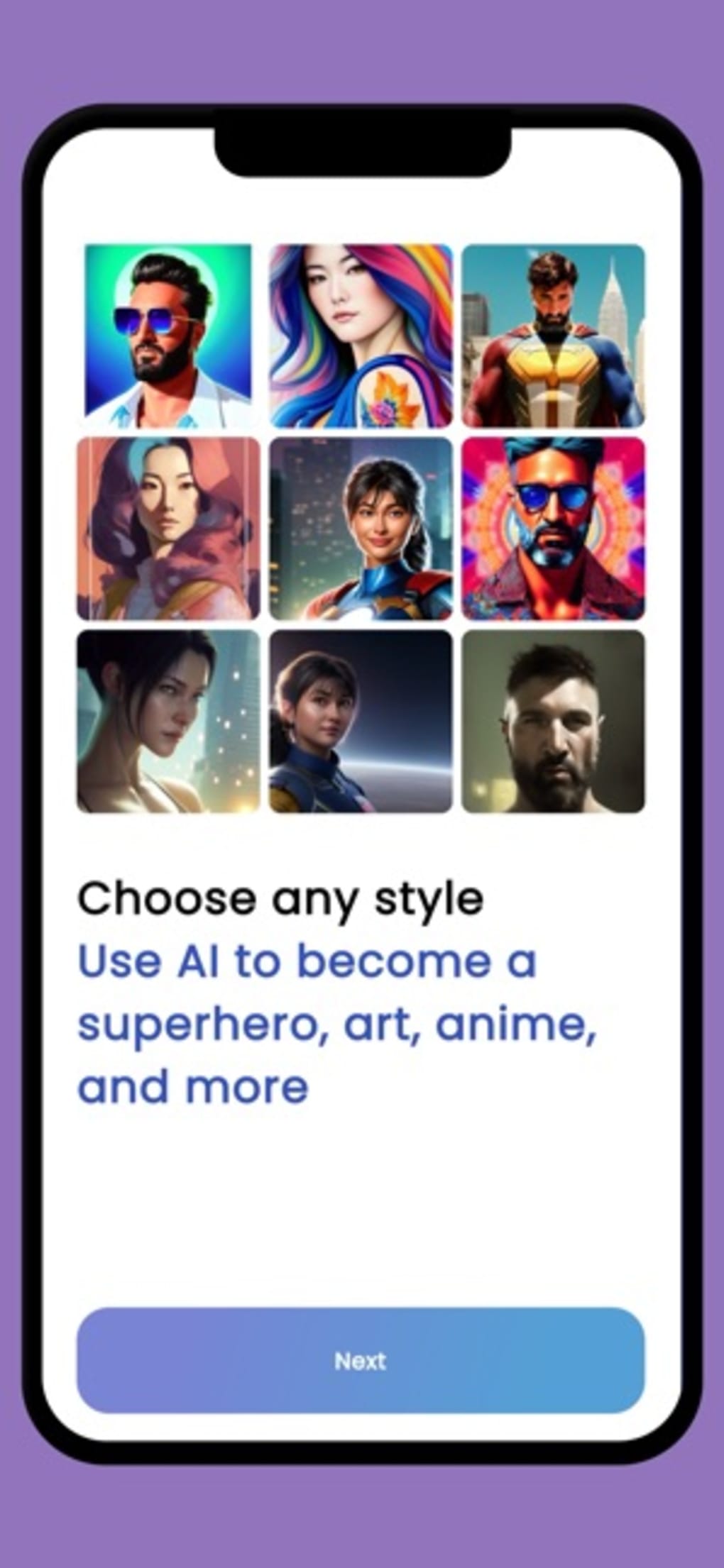
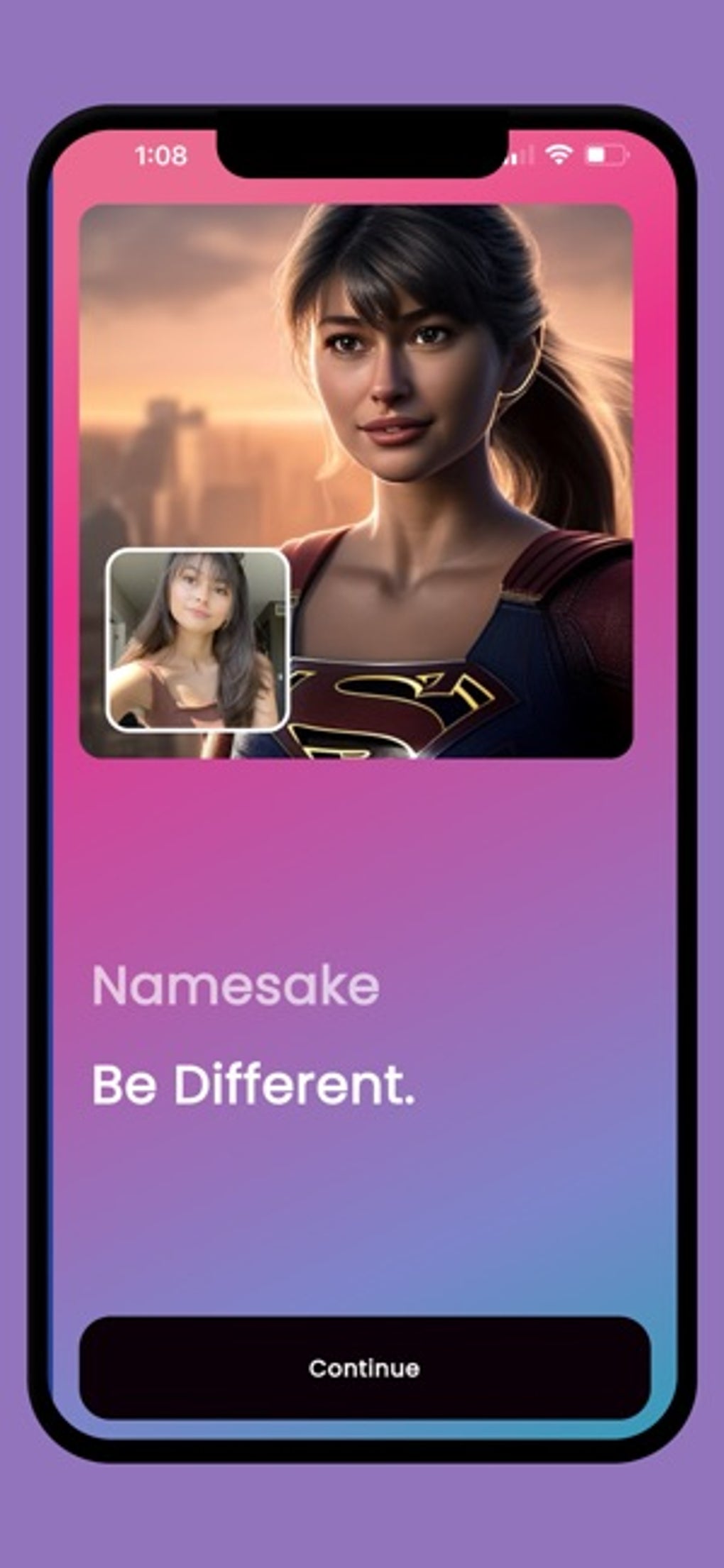
Namesake - AI Avatars is a free desktop application designed for users seeking to transform their photos into imaginative, character-style avatars. Developed by FunFunFun INC, the software leverages artificial intelligence and Stable Diffusion technology to generate high-quality, realistic images based on user-uploaded selfies. The primary purpose of the software is to enable individuals to visualize themselves as superheroes, anime characters, mythological figures, or cinematic personas—all with minimal effort.
Target users include social media enthusiasts, digital artists, gamers, and content creators who want to enhance their online presence with unique, personalized avatars. The software supports real-world use cases such as profile picture customization, avatar creation for online games, and creative exploration in digital art. It is available for both Windows and Mac platforms, making it accessible to a broad audience.
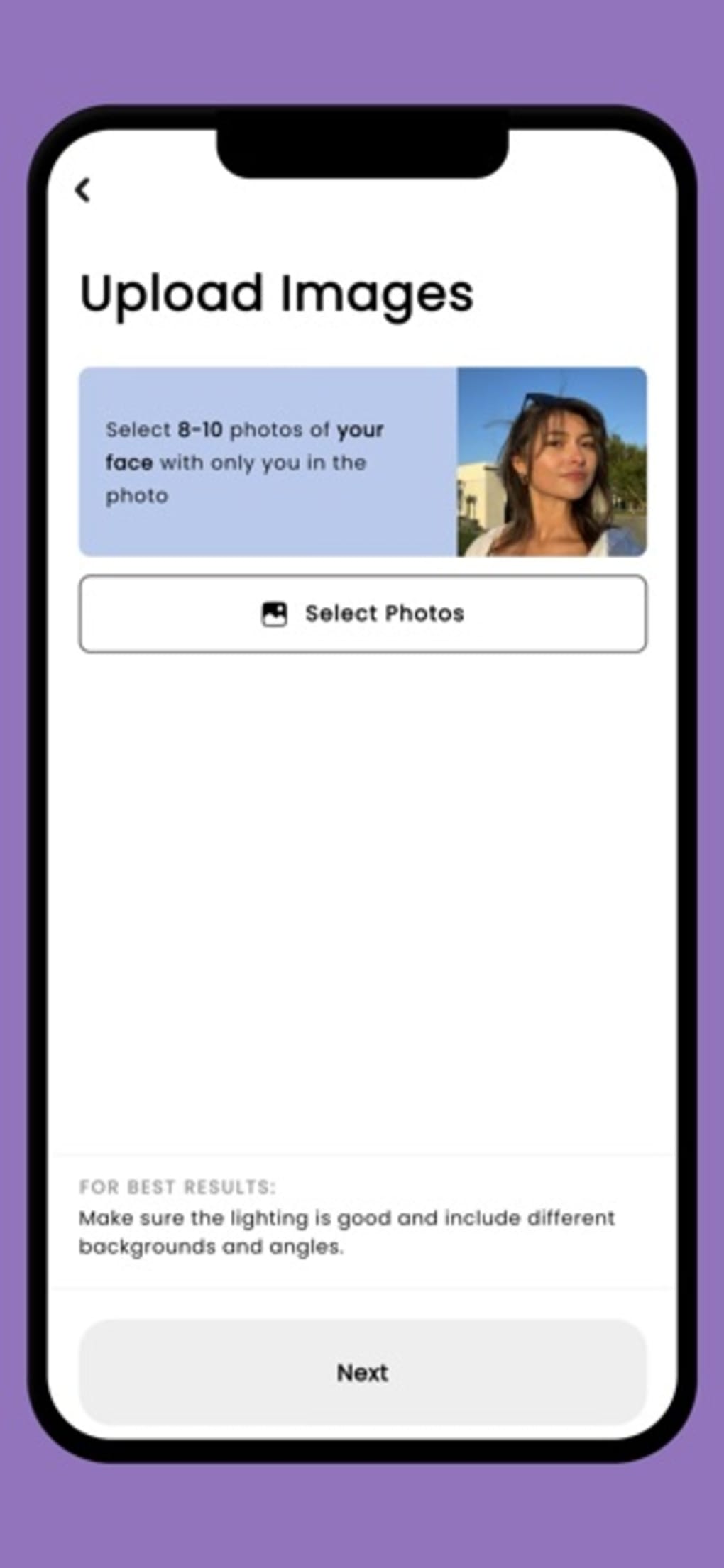
Users are prompted to upload eight to ten close-up selfies with varied facial expressions, good lighting, and diverse backgrounds. The application advises against group shots, children’s photos, covered faces, or nude images. Once uploaded, the AI processes the images to generate a set of stylized avatars, offering a fast and intuitive way to explore creative identities.
Key Features & Capabilities
- AI-Powered Avatar Generation – Uses advanced artificial intelligence and Stable Diffusion to transform user photos into character-style avatars based on diverse themes such as superheroes, anime, and mythology.
- Batch Image Processing – Supports the upload of multiple selfies (8–10 recommended) to improve the accuracy and variety of generated avatars.
- 40 Auto-Generated Images – Delivers a batch of 40 unique avatar variations, enabling users to choose the most suitable representation for their needs.
- Stylistic Variety – Offers a range of photo styles that evolve over time, allowing users to explore different visual themes without manual editing.
- Export and Share Instantly – Enables quick export and sharing of generated avatars across social platforms, messaging apps, or gaming profiles.
- Intuitive User Interface – Designed with simplicity in mind, guiding users through the process with clear on-screen prompts and minimal technical barriers.
These features streamline the avatar creation process, making it accessible even to users without design or technical experience. The software is ideal for those who want to experiment with digital personas or enhance their online identity with visually striking content.
User Interface, Workflow & Performance
The user interface of Namesake - AI Avatars is structured around a clean, step-by-step workflow. After launching the application, users are guided through the process with minimal on-screen clutter. The navigation is straightforward, focusing on uploading images, reviewing generated avatars, and exporting results.
Workflow efficiency is enhanced by the application’s intuitive design, which requires no prior experience in image editing or AI tools. Users simply upload their selfies, follow the on-screen instructions, and wait for the AI to generate the avatars. The process is designed to be fast and seamless, although performance observations are based on general software behavior patterns.
Exact performance details were not specified. The developer did not provide additional system requirements or resource usage data. Performance may vary depending on the user’s hardware and internet connection. Stability is expected to be consistent for a desktop application of this type, but real-world testing is required to confirm long-term reliability.
Compatibility & System Requirements
Namesake - AI Avatars is compatible with both Windows and Mac operating systems. The software is available in version 1.0.0 and has a download size of 500 MB. This indicates a moderately sized application with potential for high-quality image processing capabilities.
Exact system requirements were not listed. The developer did not specify minimum CPU, RAM, or GPU specifications. Compatibility information is limited to the operating systems mentioned. Users should ensure their devices meet general standards for running modern desktop applications, especially those involving AI processing.
Installation is straightforward, and the application runs as a standalone desktop tool. No external dependencies or online accounts are required for basic functionality, though some features may rely on cloud-based AI processing.
Pros and Cons
Pros
- Free to use with no upfront cost
- AI-driven avatar creation with Stable Diffusion technology
- Generates 40 unique avatar variations per upload
- Simple, intuitive interface suitable for beginners
- Supports diverse creative themes: anime, superheroes, mythology
- Fast export and sharing options for social media
Cons
- Slow loading and processing times reported
- No detailed system requirements provided
- Requires multiple high-quality selfies for best results
- May not support all image types or formats
- Dependence on cloud-based AI processing may affect speed
FAQ Section
Is Namesake available for both Windows and Mac?
Yes, the software is compatible with both Windows and Mac operating systems.
Is Namesake free to download and use?
Yes, Namesake is available at no cost. There are no subscription fees or hidden charges for basic functionality.
What types of avatars can I create?
Users can generate avatars inspired by superheroes, anime characters, mythological figures, and cinematic personas using AI-driven styling.
Do I need an internet connection to use the app?
While the app functions as a desktop application, AI processing likely requires an internet connection for cloud-based image generation.
Can I use Namesake offline after installation?
It is unclear whether full functionality is available offline. The app may require an online connection during image processing and generation.
Final Thoughts + CTA
Namesake - AI Avatars delivers a compelling, accessible way to transform personal photos into imaginative, character-style avatars. Its use of advanced AI and Stable Diffusion technology sets it apart in the growing field of AI-powered creative tools. The intuitive interface and batch generation of 40 unique images make it ideal for casual users and digital creators alike.
While the software is free and offers a rich creative experience, performance delays and lack of detailed system requirements are notable limitations. Users should be prepared for potential processing delays, especially on lower-end hardware.
For anyone looking to explore new digital identities or enhance their online presence with striking visuals, Namesake offers a powerful and fun solution. The combination of accessibility, creativity, and AI innovation makes it a standout choice in the graphics and design space.
Download Namesake - AI Avatars now








