
Download Node Video – video editor, mobile video editing, AI video editor, video effects, video editing tools
Overview
Node Video is a powerful video editing application designed for mobile users seeking advanced editing capabilities directly from their smartphones or tablets. Developed by Shallway Studio, this free software offers a comprehensive suite of tools tailored for users who want to create polished, professional-grade videos without relying on desktop systems. The app targets content creators, social media managers, and amateur videographers who demand precision and creative control in a portable format.
It addresses the growing need for high-quality, on-the-go video production by combining layered editing, AI-driven features, and professional-level presets into a single mobile platform. Real-world usage scenarios include editing vlogs, short-form content for platforms like TikTok and Instagram Reels, promotional clips, and event recordings. The app’s ability to handle complex edits such as multi-layer composition, color grading, and foreground-background separation positions it as a strong contender in the mobile video editing space.
While the developer’s background is limited to Shallway Studio, the app’s feature depth suggests a focus on innovation and user empowerment. The release date of April 15, 2024, marks its entry into a competitive market, aiming to bridge the gap between mobile convenience and desktop-level functionality.
Key Features & Capabilities
- Layered Editing – Allows users to stack multiple video, image, and audio clips independently, enabling complex compositions and precise timing control.
- AI-Powered Processing – Includes intelligent tools such as automatic foreground-background separation, enhancing the ability to create dynamic visual effects and green screen-like results.
- Professional-Level Presets – Offers a range of customizable templates for color grading, transitions, and effects, accelerating workflow for users seeking consistent, high-quality output.
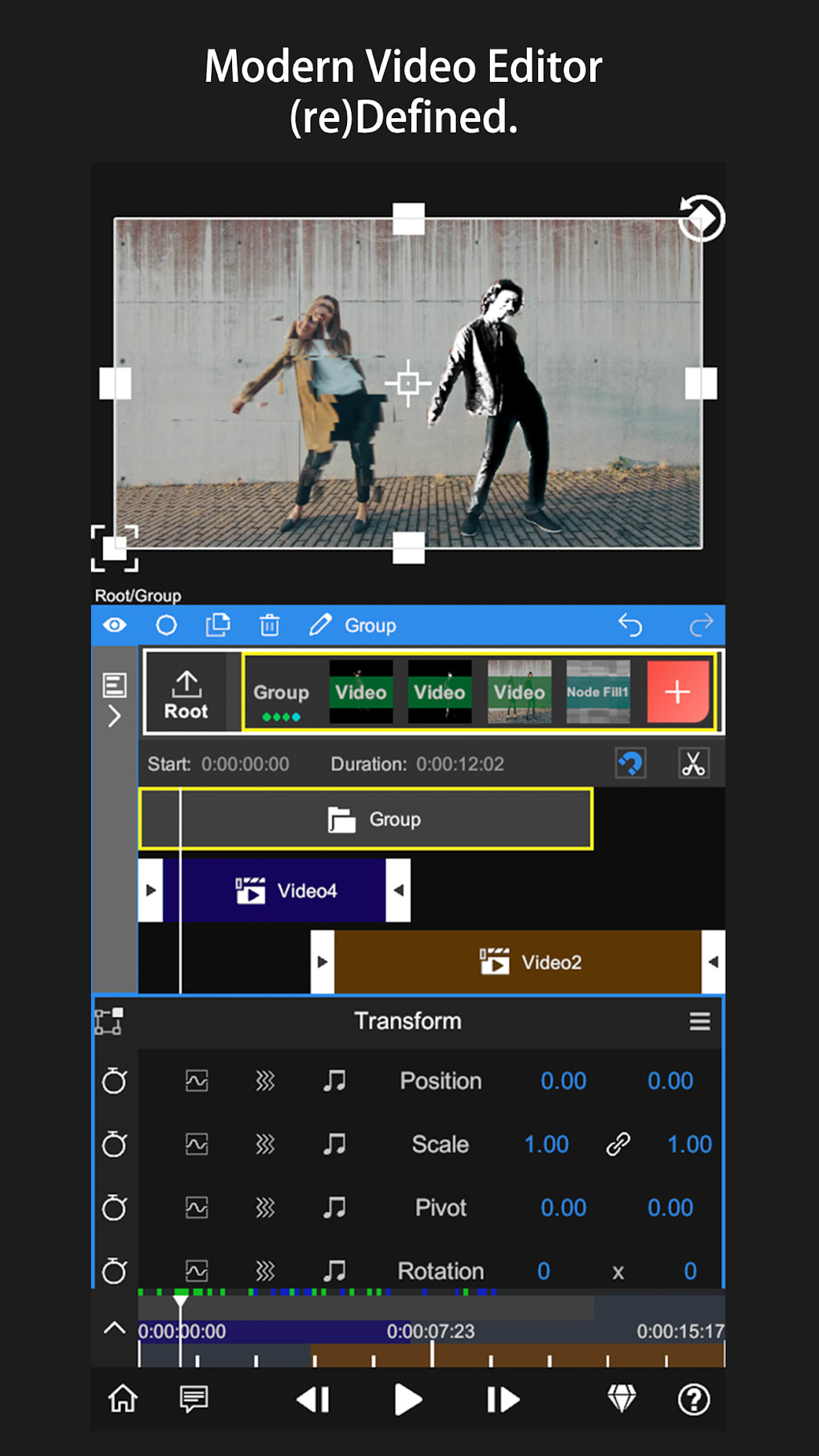
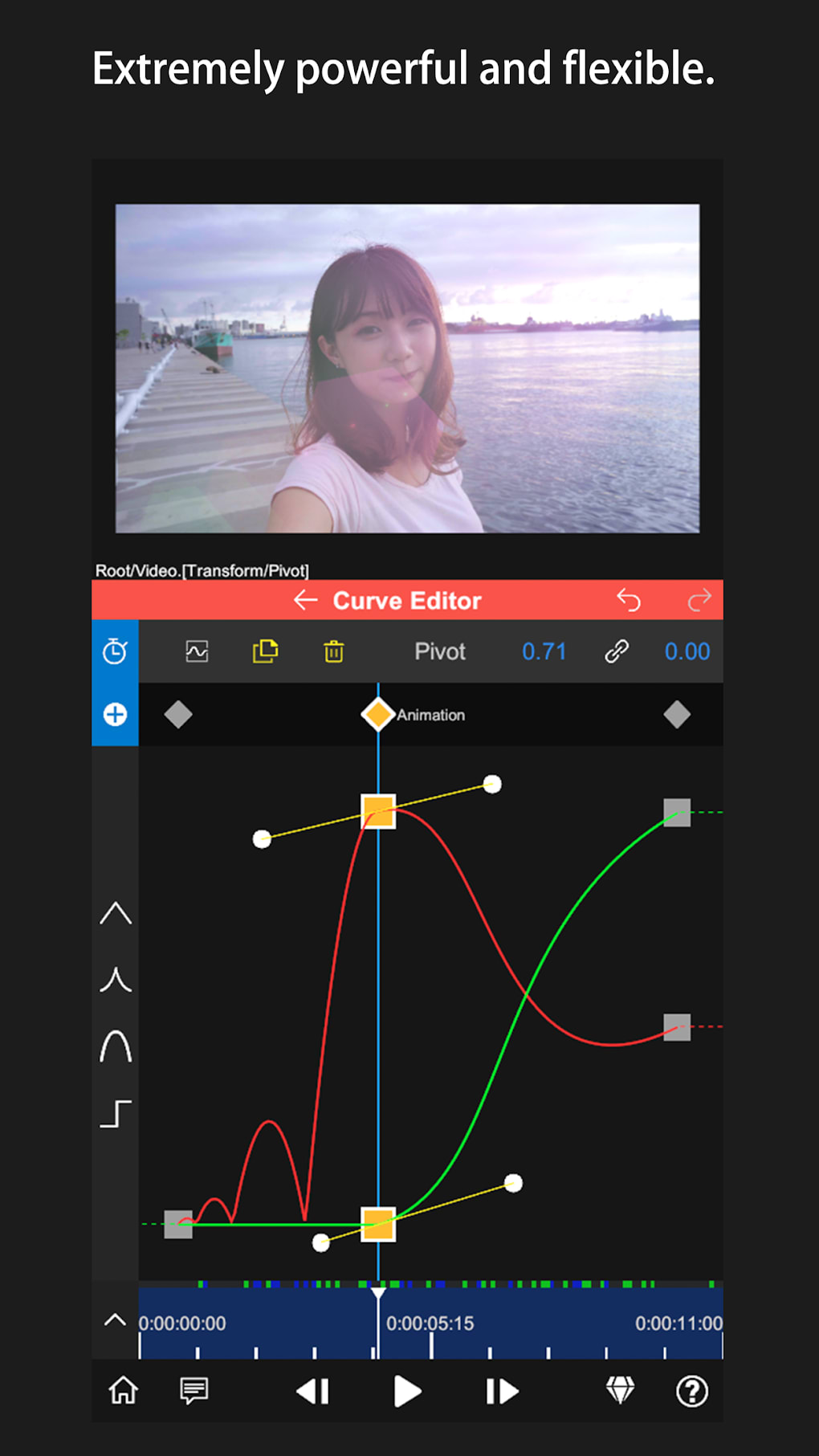
- Transform and Property Controls – Provides detailed adjustment options for each clip, including scale, rotation, position, opacity, and keyframe animation.
- Advanced Timeline Interface – Features a bottom timeline for scrubbing and precise editing, a functionality typically found in desktop-grade editors.
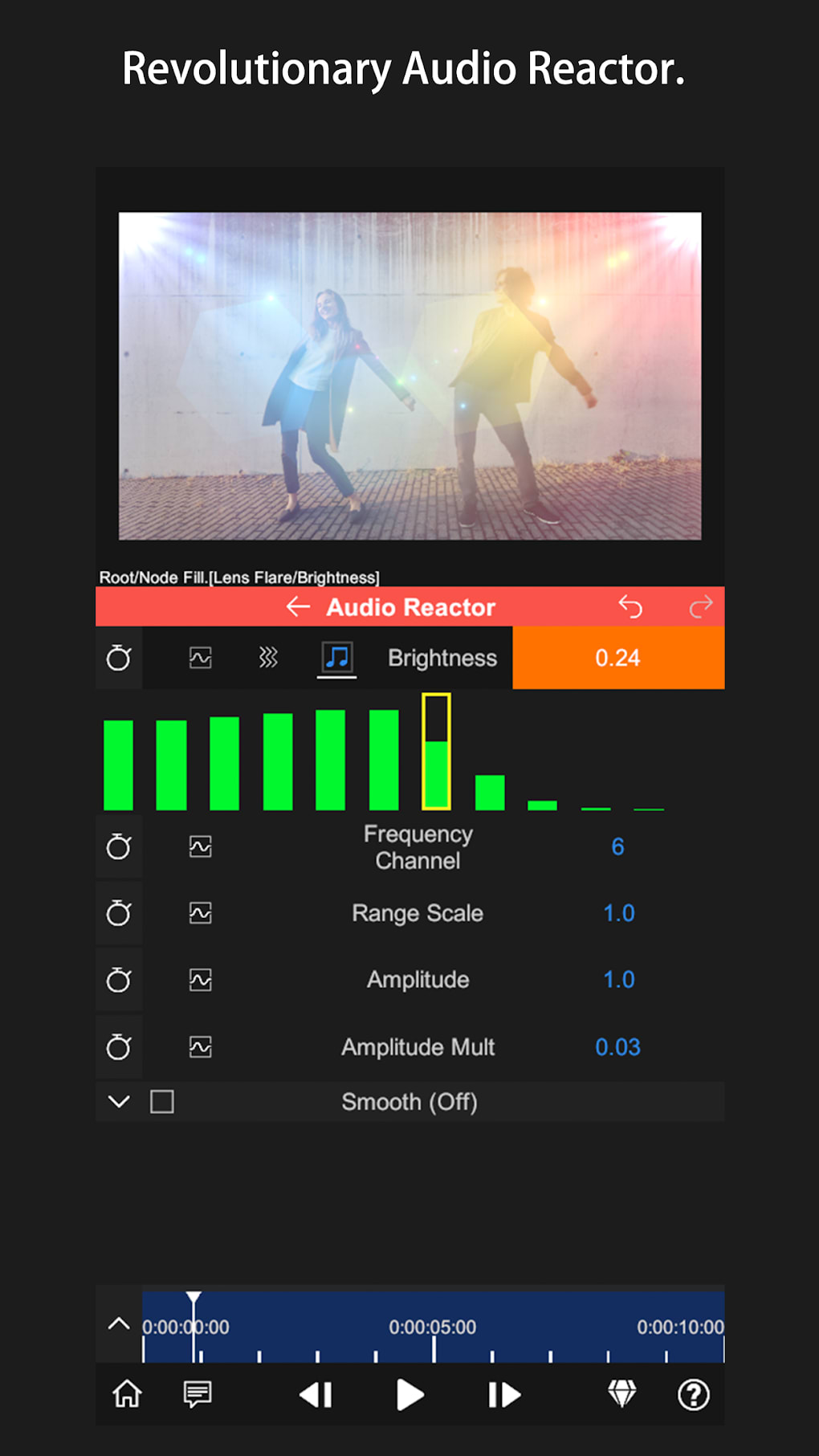
- Custom Audio Integration – Enables users to import and sync audio tracks, apply volume adjustments, and use audio effects for enhanced storytelling.
These features support real-time creative expression, allowing users to refine video content with granular control. For example, a social media creator can layer multiple clips, apply AI-based background removal, and use a cinematic preset to deliver a polished look in minutes. The transform panel enables frame-by-frame adjustments, ensuring visual consistency across scenes.
User Interface, Workflow & Performance
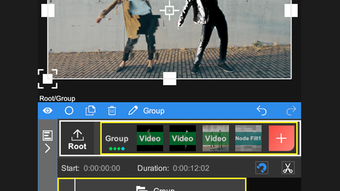
The user interface is structured into three primary zones: a preview window at the top, contextual menus in the center, and a timeline at the bottom. This layout promotes intuitive navigation and efficient workflow, especially during complex edits. The red “+” button serves as the primary entry point for adding new layers, streamlining media import and composition.
Workflow efficiency is enhanced by the integration of real-time preview and timeline scrubbing, allowing users to monitor changes as they apply them. The interface is designed to support both novice and advanced users, though the depth of options may result in a steep learning curve. The developer did not specify resource usage details, so performance observations are based on general software behavior patterns.
Stability and responsiveness appear consistent with modern mobile applications, particularly on devices meeting minimum hardware standards. CPU and RAM behavior are not publicly documented, and no user-reported performance issues were included in the provided data.
Compatibility & System Requirements
Node Video is available for both Android and iOS platforms, making it accessible to a broad audience of mobile users. The app has a file size of 200MB, which is moderate for a feature-rich video editing tool. This size suggests the inclusion of preloaded assets, AI models, and editing libraries.
Exact system requirements were not listed. Compatibility information is limited to the operating systems mentioned. The developer did not provide additional system requirements, so users are advised to ensure their devices support modern video processing and multitouch interactions. Installation is straightforward, and no external dependencies were noted.
Pros and Cons
Pros
- Advanced layered editing on mobile devices
- AI-powered features such as background separation
- Professional-grade presets and color grading tools
- Desktop-like timeline interface for precise editing
- Free to download and use with no in-app purchase barriers
Cons
- Steep learning curve due to extensive feature set
- Limited public information on system requirements
- No official documentation or tutorial guides provided
- Potential performance impact on older or low-end devices
- Resource-heavy due to AI and multi-layer processing
FAQ Section
Is Node Video compatible with both Android and iOS?
Yes, Node Video is available for both Android and iOS devices, offering cross-platform access for mobile users.
Is the app free to use?
Yes, Node Video is free to download and use without any upfront cost or mandatory in-app purchases.
Does Node Video require an internet connection?
The app functions fully offline after installation. However, certain AI features may require online processing if not cached locally.
What types of video editing can I perform with Node Video?
You can perform multi-layer editing, apply AI effects, use professional presets, adjust color grading, and integrate custom audio—all within a mobile environment.
How often are updates released?
Updates are released periodically by the developer to improve performance, fix bugs, and introduce new features. The latest version is 1.0, released on April 15, 2024.
Final Thoughts + CTA
Node Video stands out as a rare mobile application that brings desktop-level video editing capabilities to smartphones and tablets. Its combination of layered editing, AI processing, and professional presets makes it a compelling choice for users who demand precision and creativity. While the learning curve may deter absolute beginners, experienced creators will appreciate the depth and flexibility it offers.
For content creators, influencers, and mobile-first editors, Node Video delivers a robust, secure, and powerful toolset without the need for expensive hardware or software. The free pricing model further enhances its appeal, removing financial barriers to professional-quality editing.
Download Node Video now to experience the future of mobile video editing.




.png)



