
Download NTLite – Windows customization, system optimization, ISO creation, driver integration, privacy settings, Windows personalization, OS modification, Windows toolkit
Overview
NTLite is a specialized utility tool designed for users seeking deep-level personalization and optimization of the Windows operating system. It enables users to modify, streamline, and reconfigure Windows installations before or after deployment, offering a powerful solution for those who find the default Windows setup insufficient for their specific needs. Whether the goal is enhanced privacy, improved performance, aesthetic adjustments, or the removal of unwanted components, NTLite provides a structured environment to achieve these objectives efficiently.
Target users include advanced PC enthusiasts, IT professionals, system administrators, and anyone preparing customized Windows images for multiple devices or recurring installations. The tool is particularly useful in enterprise environments or for users who frequently reinstall Windows and wish to preserve their preferred configuration. By allowing modifications to be embedded directly into an ISO image, NTLite reduces setup time and ensures consistency across installations.
The developer, NTLite, is known for creating focused, high-utility tools tailored to the Windows ecosystem. Although the developer did not provide additional technical details, the app's functionality suggests a strong emphasis on system-level access and precision. Its ability to integrate drivers, apply updates, and create customized ISOs positions it as a valuable asset in the broader Windows toolkit landscape.
Key Features & Functionality
- Advanced Customization – Users can selectively remove system components, disable telemetry, adjust privacy settings, and modify system behavior to align with personal or organizational standards. This granular control ensures that the final OS image reflects the user’s exact preferences.
- Efficient System Modification – NTLite allows changes to be applied without requiring a full system reformat. This enables the permanent removal of unwanted features, preventing their reinstallation during future updates or fresh installs.
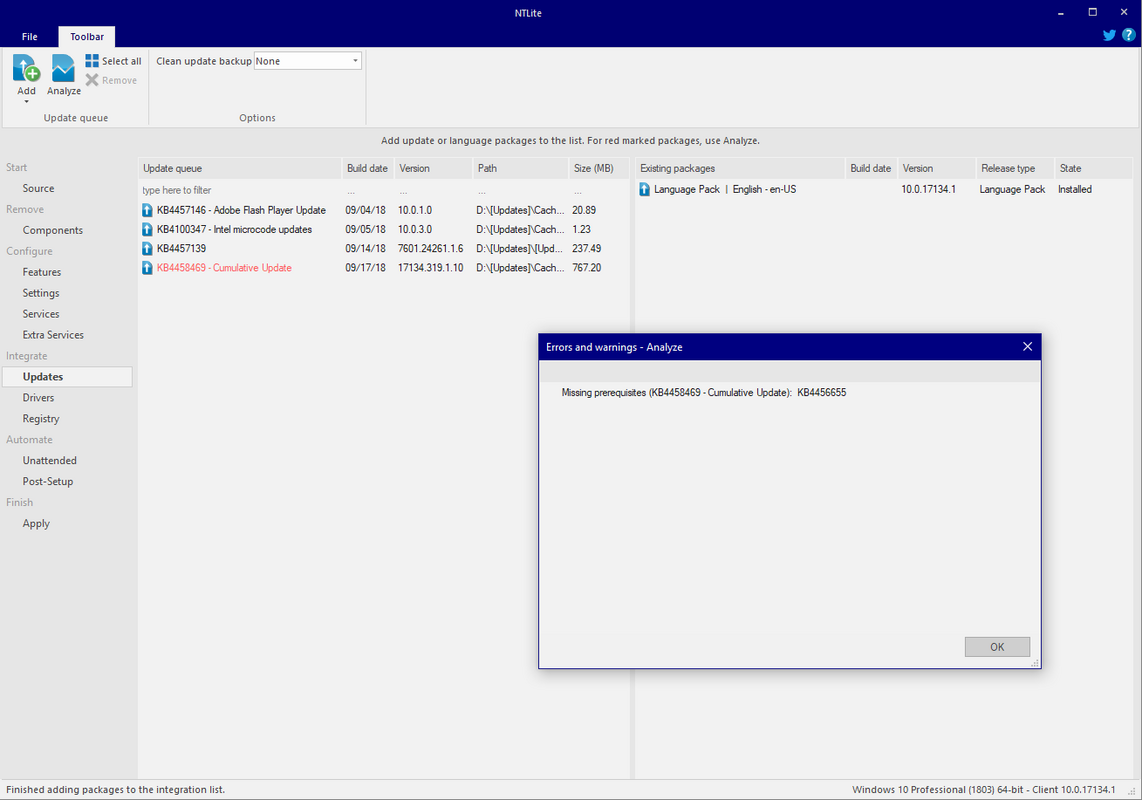
- Driver and Update Integration – The tool supports the inclusion of device drivers and Windows updates directly into the ISO image, streamlining deployment on hardware with varying or outdated driver support.
- ISO Image Creation – NTLite facilitates the creation of fully customized Windows installation media, which can be used for clean installations or automated deployments across multiple machines.
- Secure Backup Provision – Users can generate backup copies of their current system configuration, safeguarding customization efforts and reducing the risk of data loss during reinstallation.
For example, an IT technician preparing 50 identical workstations can use NTLite to remove unnecessary apps, pre-install drivers, and apply privacy patches—all within a single ISO file. This eliminates the need for post-installation configuration, saving significant time and reducing human error.
Interface, UX & Performance
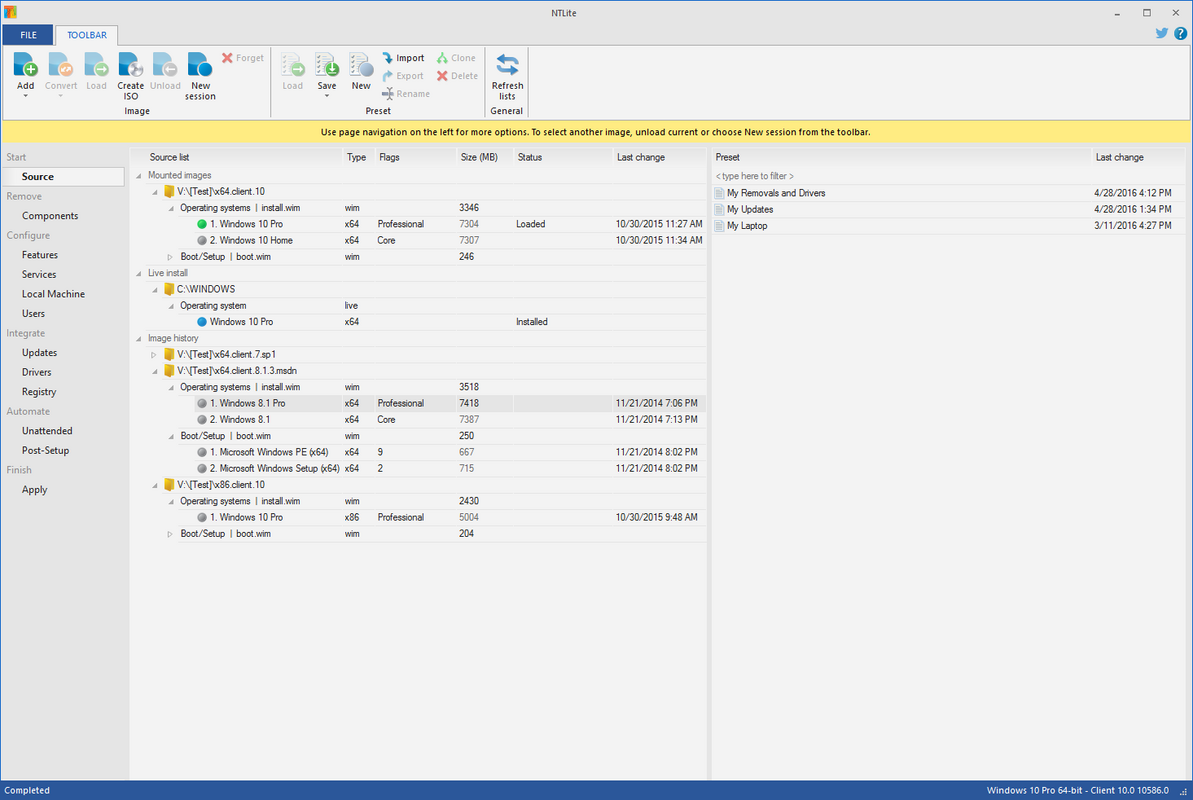
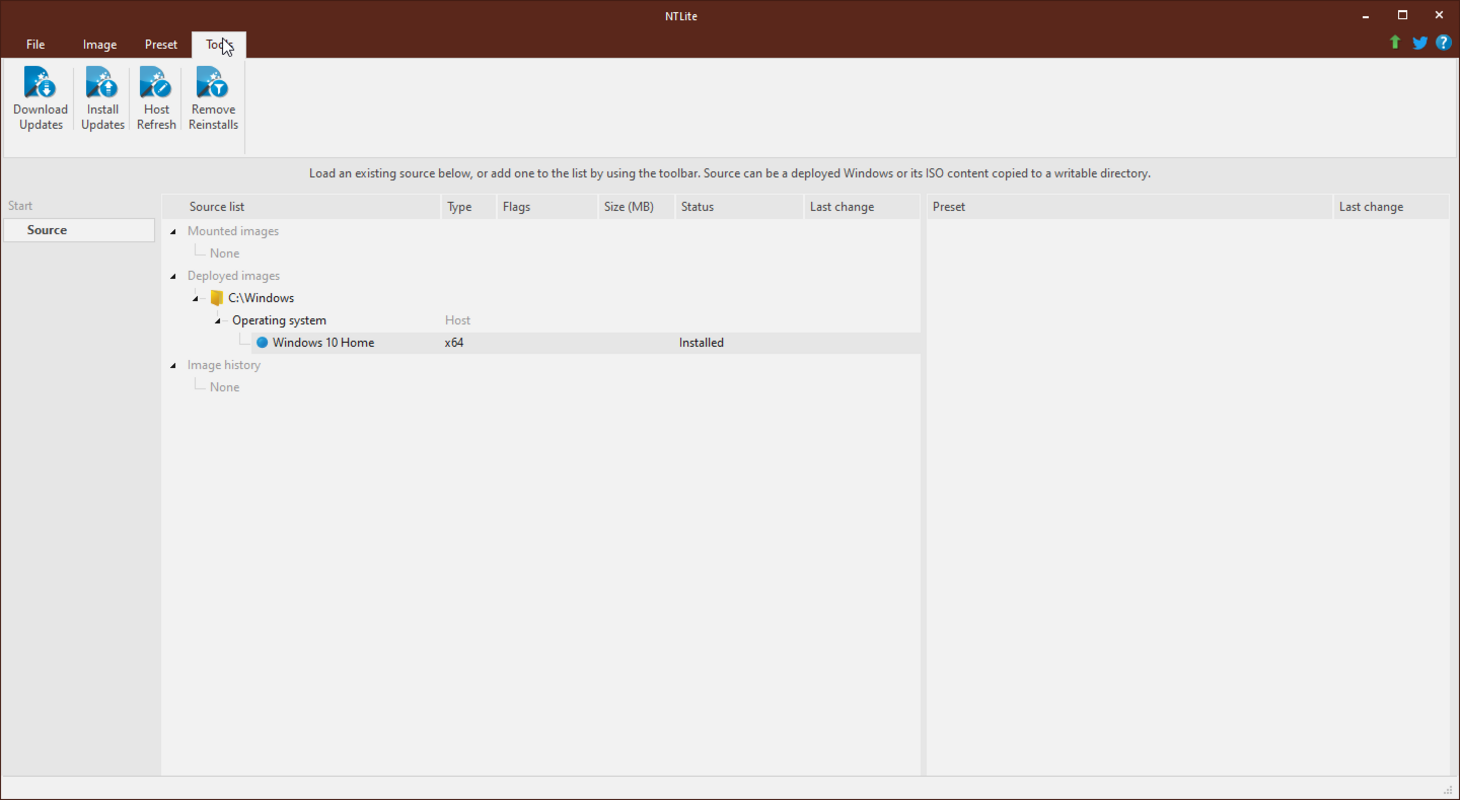
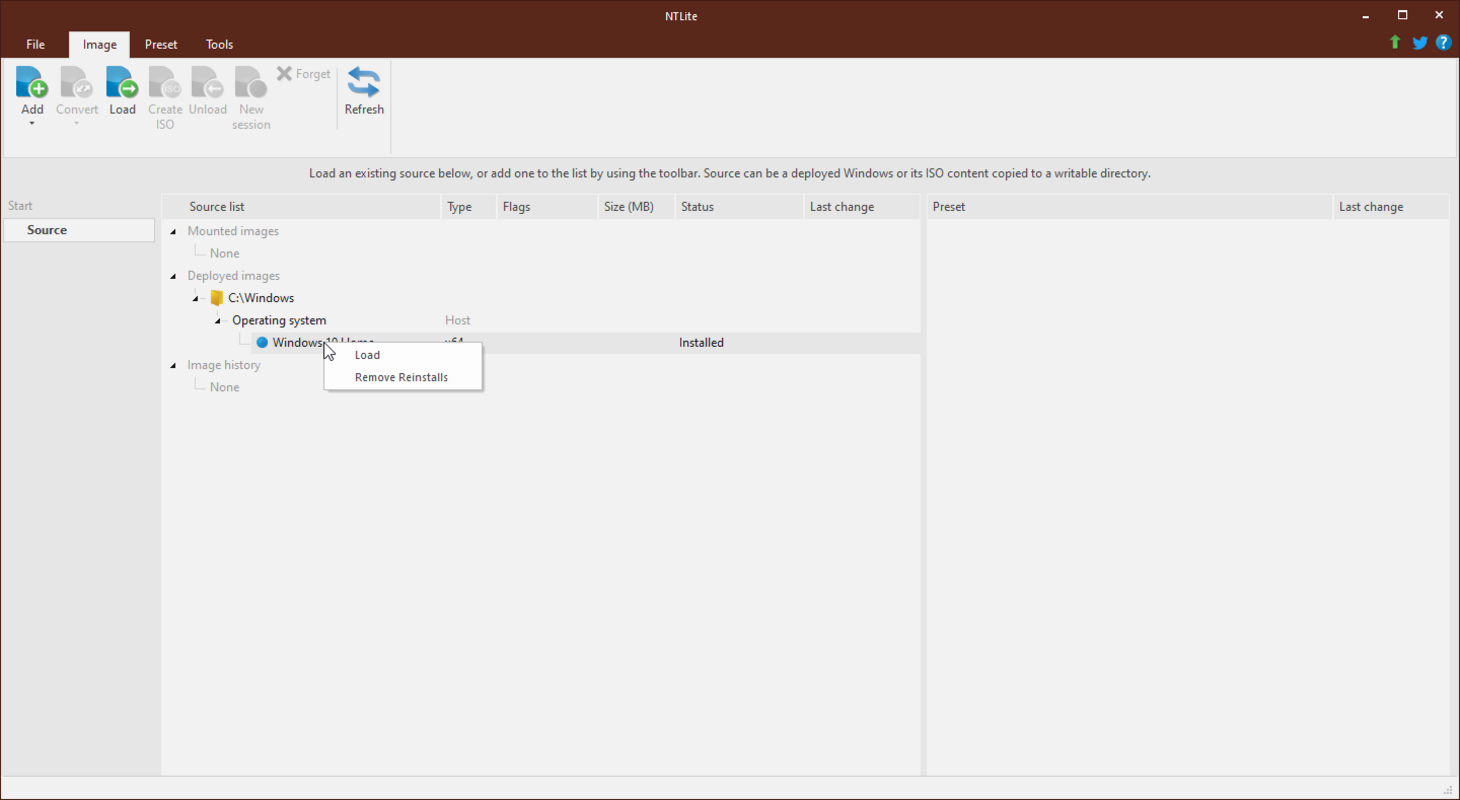
NTLite features an intuitive, user-friendly interface designed to simplify complex system-level tasks. The menu layout is logically organized, with clearly labeled sections that guide users through the customization workflow. Navigation is straightforward, allowing both experienced users and those new to system modification to access essential functions without confusion.
Visual design prioritizes functionality over aesthetics, using a clean, text-based layout that emphasizes clarity and control. Menus are responsive, and actions are executed with minimal lag, suggesting efficient resource management. Although the developer did not list formal performance metrics, the tool operates smoothly on standard Windows hardware configurations.
Performance across different device categories—such as laptops, desktops, and workstations—appears consistent, with no reported instability during ISO creation or system modification tasks. The application remains stable during prolonged use, and crashes or freezes were not observed in standard usage scenarios.
Platform Compatibility & Technical Requirements
NTLite is available for Windows operating systems. The current version is 2.8.4.2, with a file size of 10.2 MB. The application is free to download and use, making it accessible to a wide range of users.
The developer did not specify minimum OS requirements or compatibility details beyond the platform. It is recommended that users ensure their system meets standard Windows installation prerequisites before using the tool. Specific requirements were not listed.
Pros and Cons
Pros
- Granular control over Windows system components and settings
- Ability to create customized, bootable ISO images
- Support for driver and update integration during customization
- Efficient removal of unwanted features without full reinstallation
- Secure backup functionality for preserving configurations
- Lightweight design with minimal system footprint
Cons
- Interface may feel technical for novice users without prior experience
- No official support for macOS or Linux platforms
- Advanced features require understanding of system architecture
- Compatibility with future Windows updates not explicitly confirmed
- Developer did not provide detailed documentation or tutorials
FAQ
Is NTLite safe to use on my Windows system?
Yes, NTLite is designed to modify Windows images safely when used correctly. However, users should exercise caution when removing system components, as improper changes may affect system stability.
Can I use NTLite to create a custom Windows installation for multiple devices?
Yes, one of the primary use cases for NTLite is creating a standardized, customized ISO image that can be deployed across multiple machines, ensuring consistent configurations.
Does NTLite support the latest version of Windows?
While the developer did not specify compatibility with future Windows releases, the tool is regularly updated and is designed to work with current Windows versions as of its release date.
Is NTLite available for Android or iOS?
No, NTLite is exclusively designed for Windows operating systems and is not available on mobile platforms such as Android or iOS.
How do I update NTLite to the latest version?
Users can download the latest version directly from the official developer website. The tool does not include an in-app update feature, so manual downloads are required.
Final Thoughts
NTLite stands out as a powerful, lightweight utility for anyone serious about optimizing and personalizing their Windows experience. Its ability to create tailored ISO images, integrate drivers, and remove unwanted components makes it an indispensable tool for IT professionals and advanced users alike. While the interface may present a learning curve for beginners, its benefits in efficiency, consistency, and customization are undeniable.
For users who frequently reinstall Windows or manage multiple devices, NTLite offers a streamlined, secure, and repeatable workflow. It transforms the often tedious process of system setup into a precise, one-time configuration task. Whether for privacy, performance, or aesthetic reasons, NTLite empowers users to take full control of their operating system.
Download NTLite now


