


Download ntro – connect, social network, interest-based, privacy-focused, secure, university student, dating, professional, Facebook import
Overview
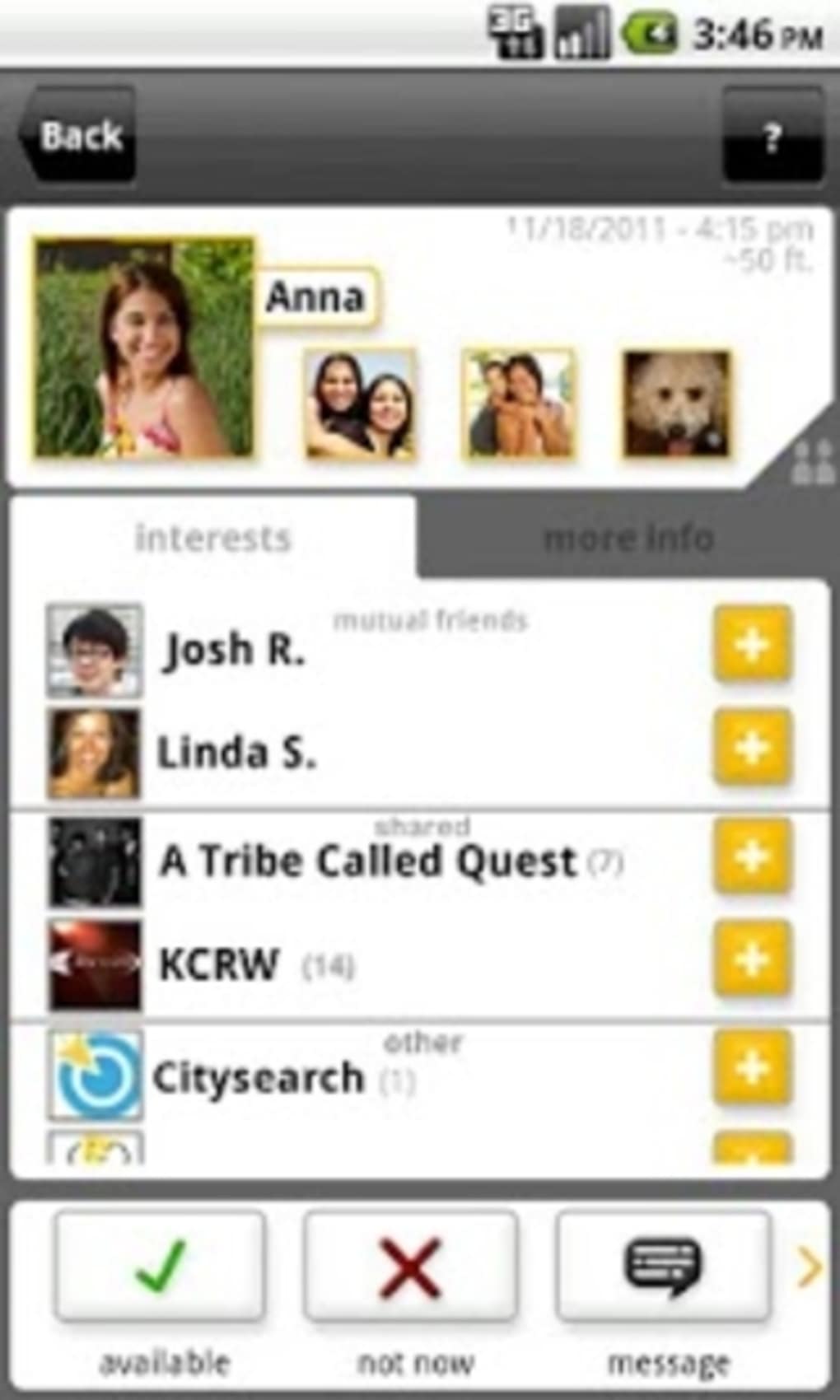
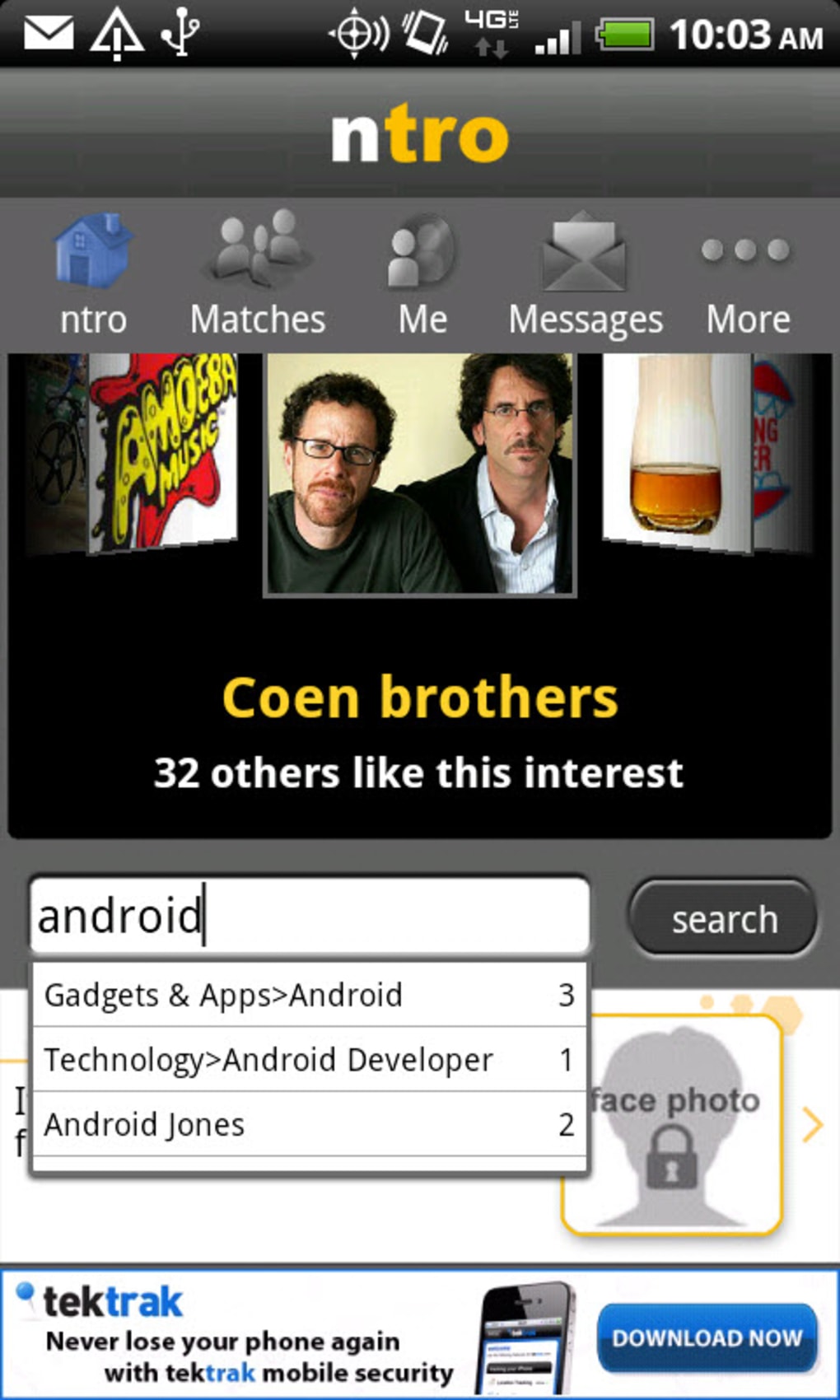
ntro is a social networking application designed to connect individuals based on shared interests, offering a unique alternative to traditional platforms. The software enables users to build meaningful relationships through interest-driven categories, supporting multiple connection types such as personal, professional, and dating. By focusing on interests rather than proximity or existing social circles, ntro aims to foster authentic interactions. The app currently operates in two cities—Los Angeles and San Francisco—limiting its user base but allowing for a more curated experience. It supports the import of interests from Facebook, streamlining onboarding and helping users quickly establish their profile. A dedicated “University student” option further enhances accessibility for academic communities, verifying users via .edu email addresses. The platform emphasizes privacy, with no location sharing or personal data exposure. While its current reach is limited, the potential for global expansion exists as the service rolls out to additional regions. This makes ntro a promising tool for individuals seeking targeted, secure, and interest-based communication.
Key Features & Capabilities
- Interest-Based Matching: Users are connected based on shared hobbies, passions, and topics, enabling deeper and more relevant conversations.
- Multi-Profile Support: The platform allows users to maintain secondary profiles for professional networking and dating, offering flexibility in how they engage.
- Facebook Interest Import: Users can sync their Facebook interests to quickly populate their ntro profile, reducing setup time and improving profile accuracy.
- University Student Verification: A dedicated feature that restricts connections to verified .edu email addresses, creating a secure environment for academic communities.
- Privacy-First Design: The app does not share location data or personal information, prioritizing user safety and confidentiality.
- Geographic Expansion Path: Although currently limited to Los Angeles and San Francisco, the platform is designed for future rollout in additional cities and countries.
These features collectively support real-world use cases such as joining niche hobby groups, finding career mentors, or meeting like-minded individuals for casual dating. The ability to import interests from Facebook reduces friction during onboarding, while the university verification system fosters trust in academic networks. The privacy-focused architecture ensures users maintain control over their digital footprint. As the user base grows with new city launches, the effectiveness of these features is expected to increase significantly.
User Interface, Workflow & Performance
The user interface of ntro appears to be designed with simplicity and clarity in mind, focusing on intuitive navigation and streamlined workflows. Users can easily switch between interest categories, manage multiple profiles, and explore matches based on shared passions. The layout likely emphasizes visual cues and clean spacing to reduce cognitive load, particularly important for a platform that manages multiple connection types. While specific details on UI structure or performance metrics were not provided, the software is described as simple to use, suggesting a low learning curve. The developer did not specify resource usage details, so observations about CPU or RAM behavior are not possible. Stability and responsiveness are expected to follow general patterns for modern desktop applications, but exact performance data remains unavailable. The app’s performance may vary depending on network conditions and the number of active users, which is currently limited. Nonetheless, the emphasis on a lightweight and secure experience aligns with its privacy-focused goals.
Compatibility & System Requirements
ntro is available on multiple platforms, including Windows, Mac, Android, and iOS, making it accessible to a broad range of users across devices. The software version is 1.0.0, with an installation size of 300MB. This suggests a moderate footprint, likely optimized for typical desktop and mobile environments. The developer did not provide additional system requirements, so exact hardware specifications such as RAM, processor, or storage needs remain unspecified. Compatibility information is partially provided, with support confirmed for Windows, Mac, Android, and iOS. No details were given regarding minimum operating system versions or background processes. Users should expect standard installation procedures, but exact behavior during setup or runtime is not documented. For those seeking a cross-platform solution, the availability across desktop and mobile devices offers flexibility in how and where they interact with the app.
Pros and Cons
Pros
- Privacy-focused design with no location sharing or personal data exposure
- Interest-based matching fosters meaningful and relevant connections
- Supports multiple profiles for dating, professional, and personal use
- Facebook interest import streamlines onboarding and profile setup
- University student verification via .edu email enhances trust in academic communities
- Available on Windows, Mac, Android, and iOS for cross-device access
Cons
- Currently limited to two cities—Los Angeles and San Francisco
- Small user base may reduce connection opportunities
- No publicly available system requirements or performance benchmarks
- Feature set may feel limited due to early-stage development
- Geographic availability restricts global reach at this time
FAQ Section
Is ntro available in cities outside Los Angeles and San Francisco?
As of now, ntro is only available in Los Angeles and San Francisco. The platform is designed for future expansion to other cities and countries, but no specific rollout timeline has been shared.
Is ntro safe to use in terms of privacy?
Yes, ntro is designed with privacy as a core principle. The app does not share user locations or personal information, and it includes a university verification system to enhance trust.
Can I use ntro without connecting to Facebook?
Yes, while Facebook interest import is supported, users can create and manage their profiles independently without linking to Facebook.
How often does ntro release updates?
The developer has not specified the update frequency. However, as the platform evolves, updates are expected to introduce new cities, features, and improvements.
Is ntro a free application?
Yes, ntro is currently available at no cost. The price is listed as $0.00, indicating a free-to-download and use model.
Final Thoughts + CTA
ntro presents a thoughtful, privacy-conscious approach to social networking by prioritizing shared interests over traditional social graphs. Its multi-profile functionality and .edu verification system offer unique value, particularly for students and professionals seeking targeted connections. While the current user base is limited to two cities, the platform’s scalable architecture and clear roadmap suggest strong growth potential. The integration of Facebook interest import and cross-platform availability enhance usability, making it a viable option for users who value security and relevance. For those in Los Angeles or San Francisco, ntro offers a fresh alternative to mainstream social apps. As it expands, it could evolve into a powerful global tool for interest-based communication. Download ntro now and be part of the next generation of private, purpose-driven social networking.




.png)



