
Download ParkControl – CPU Performance, Core Parking, System Optimization
Overview
ParkControl is a specialized utility designed for users seeking granular control over their computer’s CPU performance through core parking configuration. The application enables users to adjust how processor cores are managed across different energy profiles, offering a direct way to influence system responsiveness, power consumption, and thermal output. This is particularly beneficial for systems handling intensive workloads such as video rendering, 3D modeling, or software compilation, where efficient core utilization can significantly impact performance.
The app targets advanced users and system administrators who understand the implications of CPU core management and are willing to fine-tune their system settings for optimal results. While Windows does not provide built-in tools to modify core parking behavior per energy profile, ParkControl fills this gap with a lightweight, focused solution. Real-world use cases include reducing system lag during startup, improving responsiveness under load, and minimizing heat generation in laptops or compact desktops.
As a productivity-focused tool, ParkControl contributes to the broader ecosystem of performance optimization utilities by empowering users with deeper system access. The developer, ParkControl, has released a minimal yet purpose-driven application that prioritizes functionality over complexity. Although the developer did not provide additional technical details about the app’s architecture or underlying processes, its release on Windows with a free pricing model suggests a commitment to accessibility for technical users.
Key Features & Functionality
- Core Parking Adjustment – Allows users to modify which CPU cores are active or parked under various energy profiles, enabling dynamic performance tuning based on workload demands.
- Energy Profile Integration – Supports individual configuration for multiple power plans, including Balanced, High Performance, and Power Saver, ensuring tailored performance settings across different usage scenarios.
- Performance Optimization – By disabling unused cores during low-load periods, the app helps free up processing resources for more demanding tasks, improving responsiveness and throughput.
- Thermal Management – Reduces heat dissipation by limiting core activity when full performance is not required, which is especially useful in laptops and compact systems.
- Backup Warning System – Includes a safety prompt advising users to back up their current energy configurations before making changes, minimizing the risk of system instability.
For example, a video editor using a high-performance power plan may choose to park fewer cores during idle periods to reduce idle power draw and heat, while keeping more cores available during rendering. Similarly, a developer compiling large codebases can benefit from ensuring maximum core availability during build processes. These practical applications highlight how ParkControl serves as a precise tool for users who require control beyond standard system settings.
Interface, UX & Performance
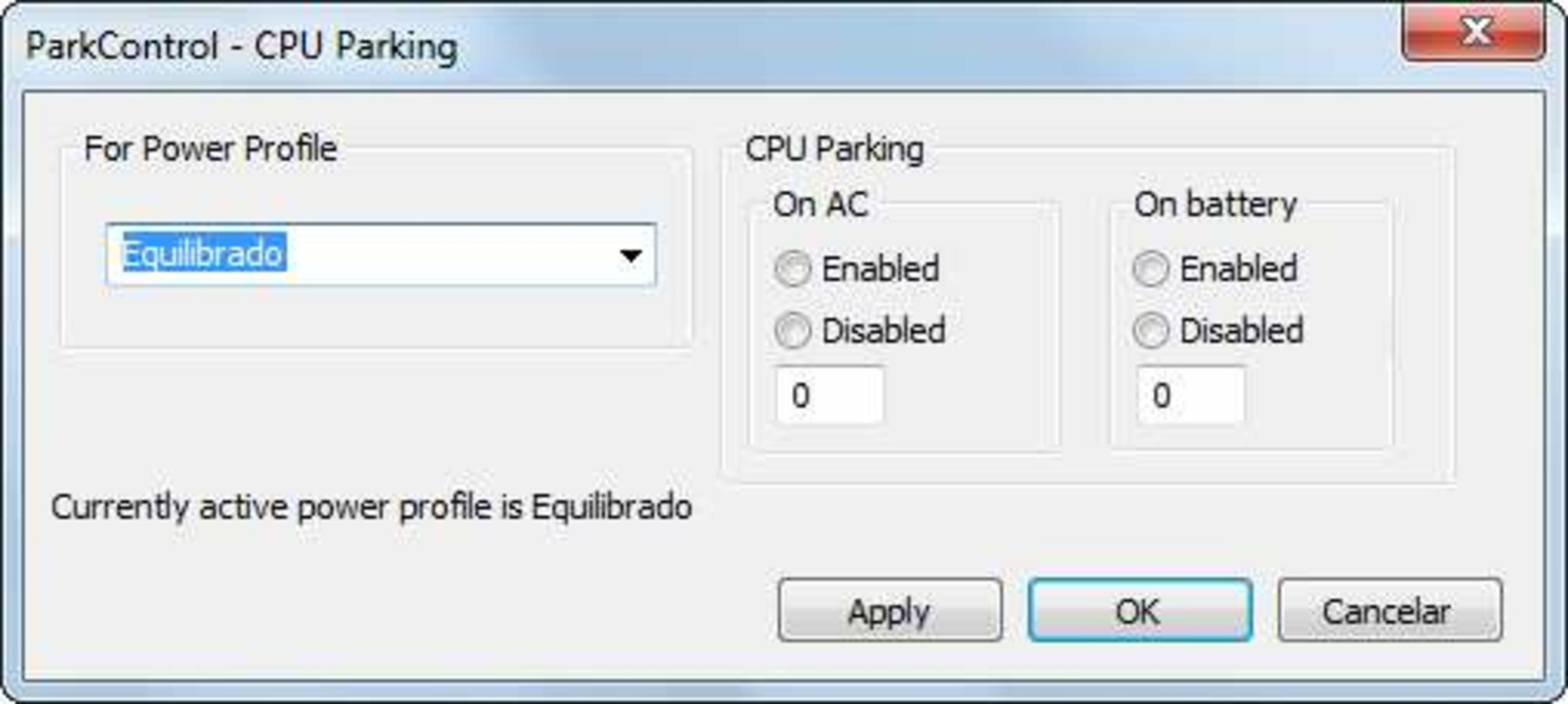
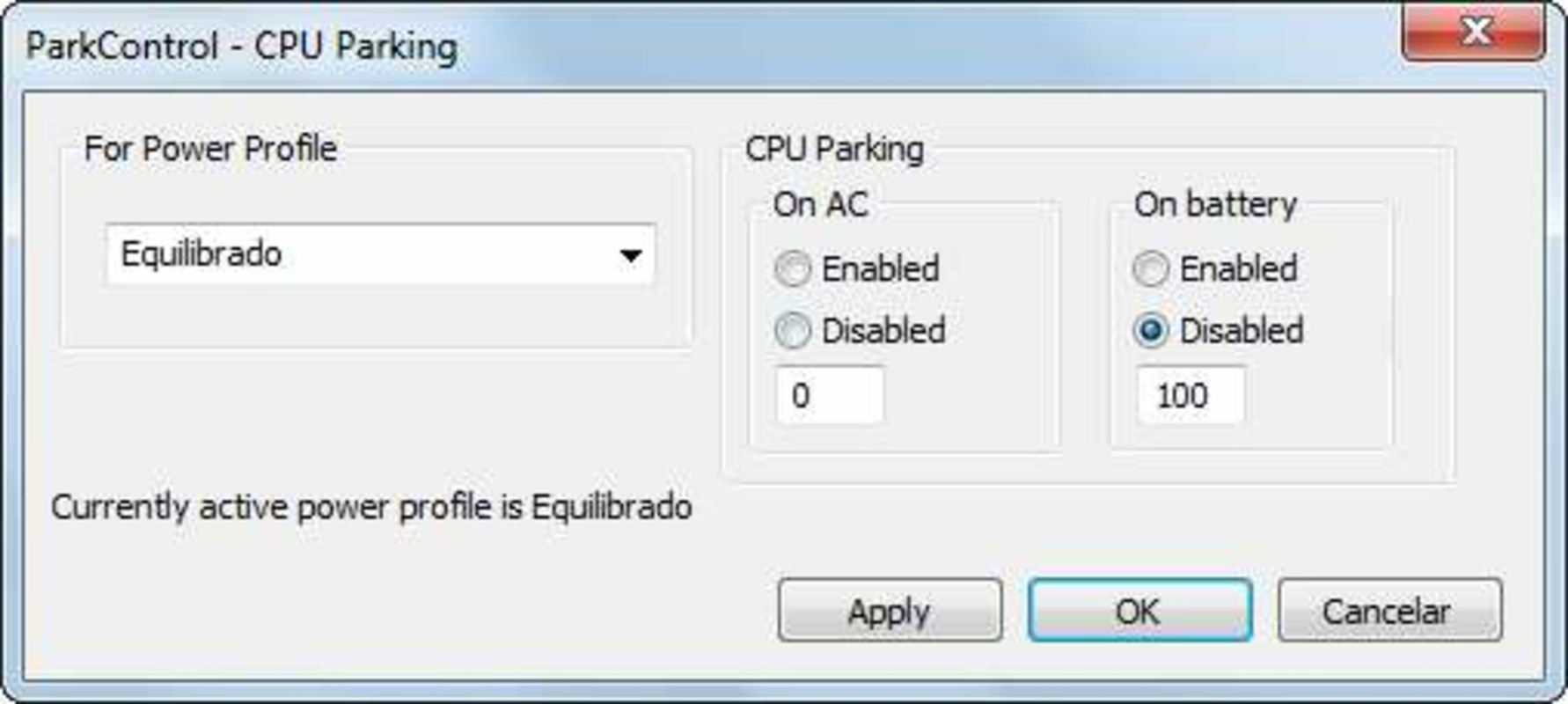
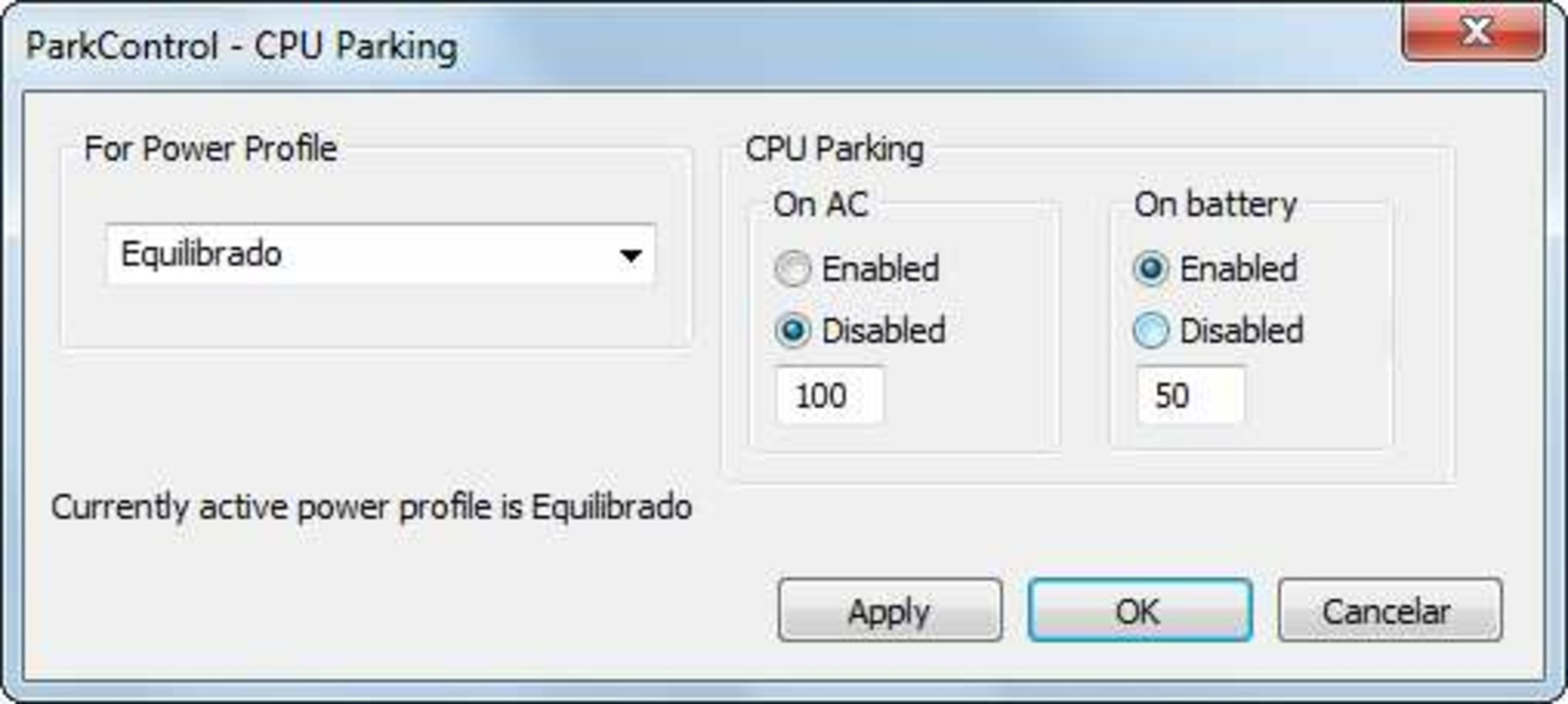
ParkControl presents a minimalistic interface focused on functionality rather than visual flair. The layout is straightforward, with clearly labeled options for selecting energy profiles and adjusting core parking settings. Navigation is linear and intuitive, allowing experienced users to make changes quickly without unnecessary steps.
Although the developer did not list formal performance metrics, the app’s small file size of 2.3 MB suggests efficient resource usage. The application launches rapidly and operates with minimal background overhead, which is consistent with its utility-focused design. Responsiveness appears to be stable across device categories, though specific compatibility details were not disclosed.
Stability is a key consideration given the sensitive nature of CPU-level adjustments. The inclusion of a warning prompt for configuration backups indicates a design philosophy centered on user safety. While no crash reports or error logs were provided, the app’s lightweight footprint and targeted functionality suggest a low risk of system interference. Users are encouraged to proceed with caution, especially when modifying system-level parameters.
Platform Compatibility & Technical Requirements
ParkControl is available exclusively for the Windows platform, with a software version of 1.0.0 and a file size of 2.3 MB. The application is designed to run on modern Windows systems, though the developer did not specify minimum OS requirements or hardware compatibility details.
Given its size and function, ParkControl is likely optimized for Windows 10 and Windows 11 environments. It does not require significant system resources, making it suitable for both high-end desktops and lower-spec laptops. The app is distributed as a free tool, with no in-app purchases or subscription models, which enhances its accessibility for users seeking lightweight performance utilities.
Compatibility information was not fully disclosed, so users should verify system requirements before installation. The lack of detailed specifications does not detract from the app’s core utility but may require users to test the app in their environment to confirm functionality.
Pros and Cons
Pros
- Free to download and use with no hidden costs
- Small file size ensures quick installation and low resource usage
- Direct control over CPU core parking across multiple energy profiles
- Designed with user safety in mind, featuring a backup warning prompt
- Improves system responsiveness and reduces heat during idle periods
Cons
- Targeted primarily at advanced users; may be confusing for beginners
- Developer did not provide detailed system requirements or compatibility information
- Limited visual feedback or guidance for first-time users
- Does not include automated optimization features or presets
- No built-in update notifications or automatic version checks
FAQ
Is ParkControl safe to use?
ParkControl is designed to modify system-level CPU settings, so it should be used with caution. The app includes a warning prompt advising users to back up their energy configurations before making changes, which helps mitigate the risk of unintended system behavior.
Can I use ParkControl on any Windows device?
ParkControl is compatible with Windows systems, though specific OS versions and hardware requirements were not listed by the developer. It is recommended to test the app on your device to confirm functionality.
Does ParkControl require admin privileges?
While not explicitly stated, modifying core parking settings typically requires elevated permissions. Users may need to run the app with administrative rights to apply changes successfully.
Is ParkControl available for macOS or Linux?
No, ParkControl is currently only available for Windows. There is no official version for macOS or Linux platforms.
How often should I update ParkControl?
The developer has not specified an update schedule. Users are advised to check the official source periodically for new versions or patches, especially if performance or compatibility issues arise.
Final Thoughts + CTA
ParkControl stands out as a niche yet powerful tool for users who demand precise control over their system’s CPU behavior. Its ability to adjust core parking across energy profiles offers tangible benefits in performance, power efficiency, and thermal management—particularly for professionals and enthusiasts working with demanding applications. While it may not be necessary for casual users, those familiar with advanced system tuning will find it an invaluable addition to their toolkit.
With a free price model, minimal footprint, and a focus on user safety, ParkControl delivers strong value for its target audience. The lack of detailed documentation and compatibility information is a minor drawback, but the app’s straightforward design and clear purpose compensate for these gaps. For users seeking to optimize their Windows system beyond default settings, ParkControl provides a direct, effective solution.
Download ParkControl now to take control of your CPU’s performance and unlock smoother, more efficient computing.


