
Download PDF Reader – free, mobile PDF reader, PDF tool, secure, latest version, update, PC software, desktop application
Overview
PDF Reader is a productivity-focused mobile application developed by Moenwa, designed to allow users to read PDF documents directly from their smartphones. As a dedicated reading tool, it serves individuals who need a straightforward way to access and view PDF files without unnecessary distractions. The software is positioned as a lightweight solution for casual users who prioritize ad-free reading and minimalism over advanced functionality. It targets consumers and students who frequently access academic materials, reports, or personal documents on mobile devices. The app’s core purpose is to provide seamless access to PDFs stored locally on the device, enabling users to open, browse, and review documents without relying on third-party platforms or cloud services.
Real-world usage scenarios include reading e-books, reviewing contracts, studying digital textbooks, or accessing travel itineraries. The developer did not provide additional information about the company’s background or development philosophy. However, the application’s design emphasizes simplicity and speed, avoiding clutter and unnecessary features. The absence of advertisements is a notable advantage for users seeking uninterrupted reading sessions. Despite its limited scope, the software fulfills its primary function: displaying PDFs clearly and efficiently. It does not claim to offer editing, annotation, or document creation tools, which are outside its intended use case.
Key Features & Capabilities
- Ad-Free Reading Experience – The application operates without advertisements, ensuring uninterrupted access to PDF content. This is particularly beneficial for users who value focus and privacy during reading sessions.
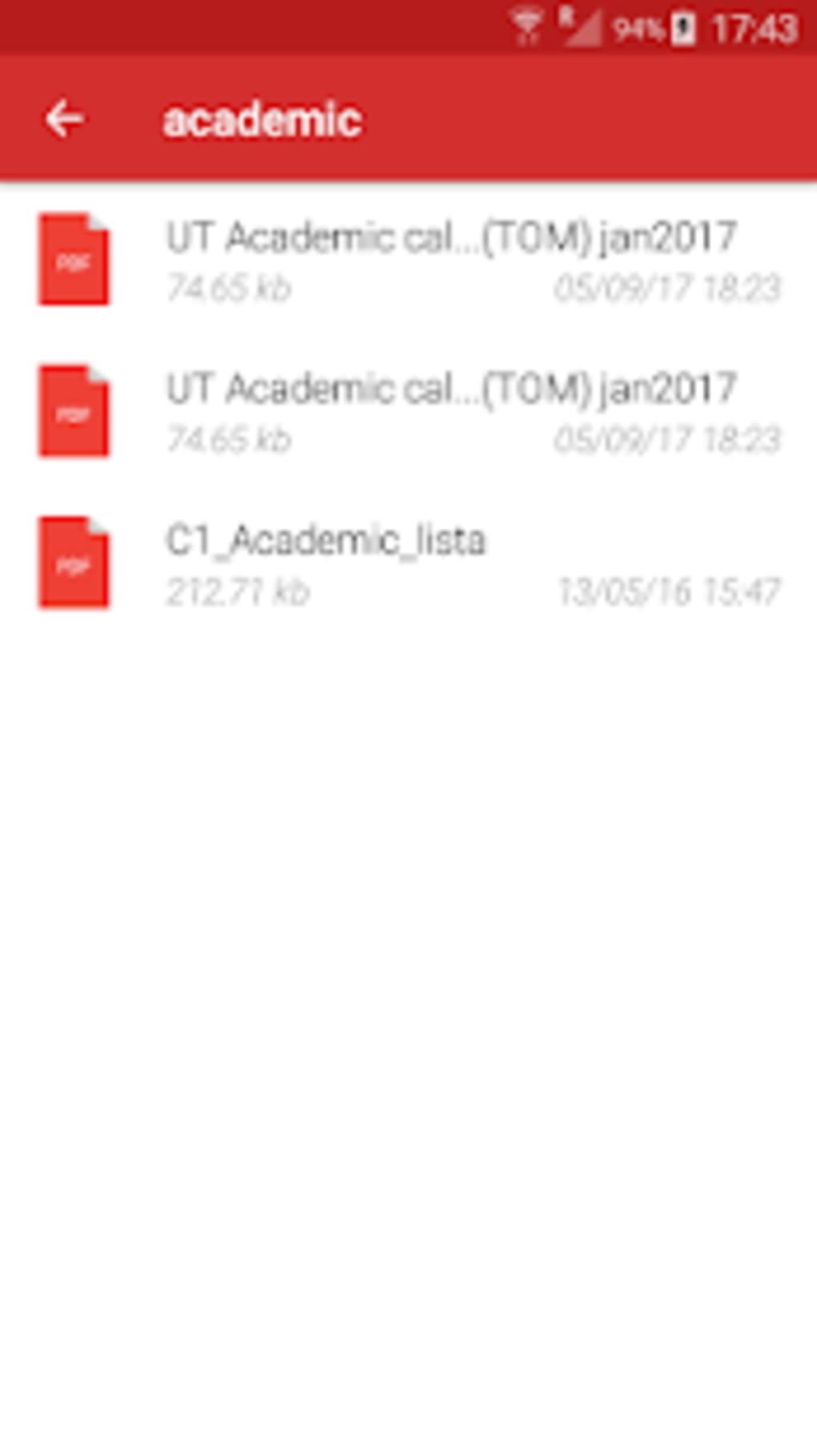
- Local File Access – PDF Reader scans and displays all PDF files stored on the device, allowing users to open documents directly from their file system.
- Simple File Organization – Files are initially listed by date, but users can customize the sorting method through the settings menu to suit their preferences.
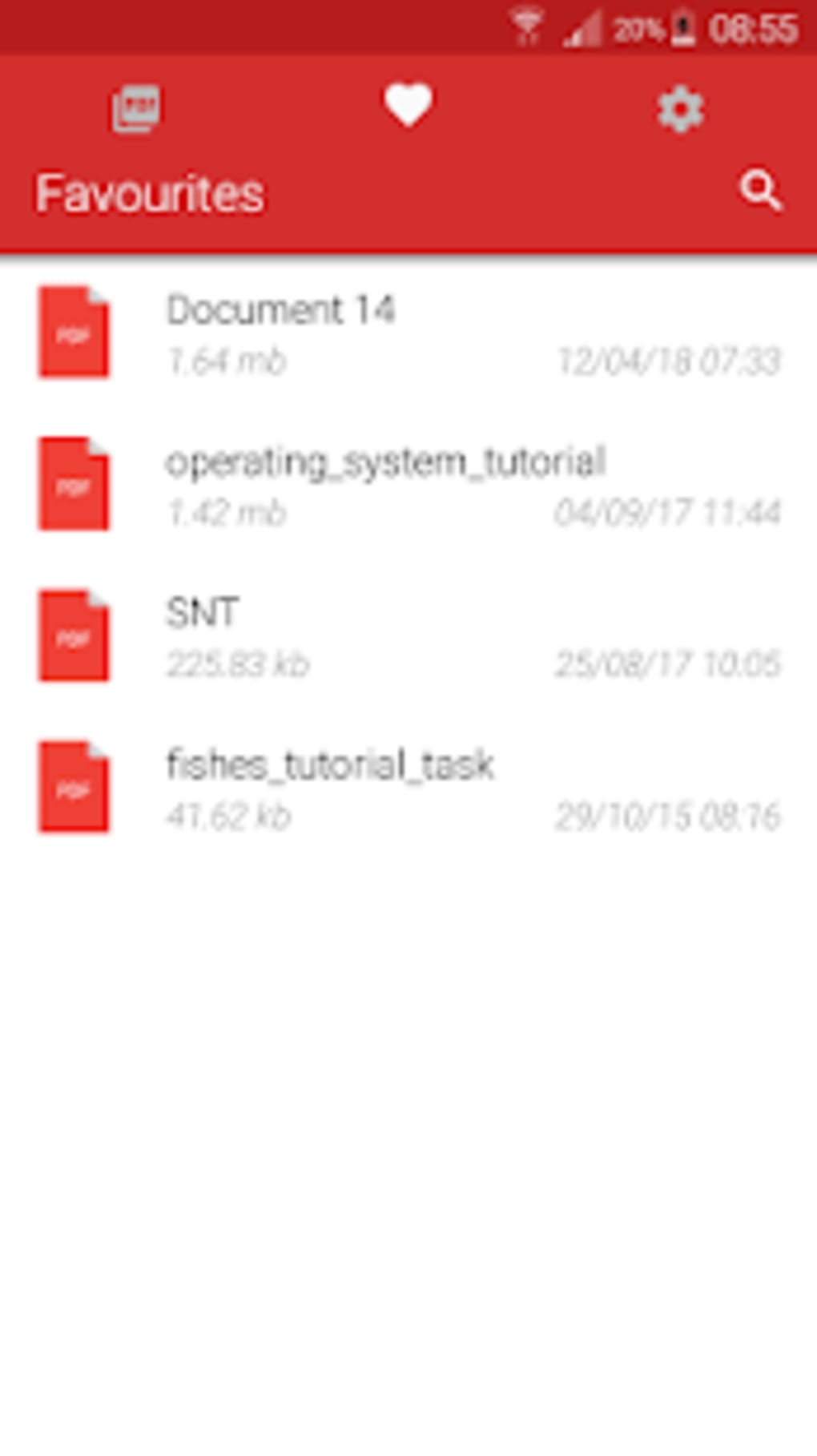
- Bookmarking via Favorites – While the app does not support traditional page bookmarking, users can save frequently accessed documents to a favorites list for quick retrieval.
- Go-to-Page Functionality – A basic navigation tool allows users to jump to a specific page number within a document, improving access to targeted sections.
- Fast Document Loading – The software demonstrates efficient performance when opening multi-page PDFs, minimizing wait times for document access.
These capabilities support users in managing and accessing their digital documents without complex workflows. For example, a student can quickly open a lecture PDF from their phone, navigate to a specific chapter using the page jump feature, and save it to favorites for future reference. However, the absence of zooming, text resizing, or orientation changes limits usability in low-light environments or on smaller screens. The lack of annotation tools also prevents users from highlighting or commenting on content, which reduces its utility for in-depth reading or collaborative work.
User Interface, Workflow & Performance
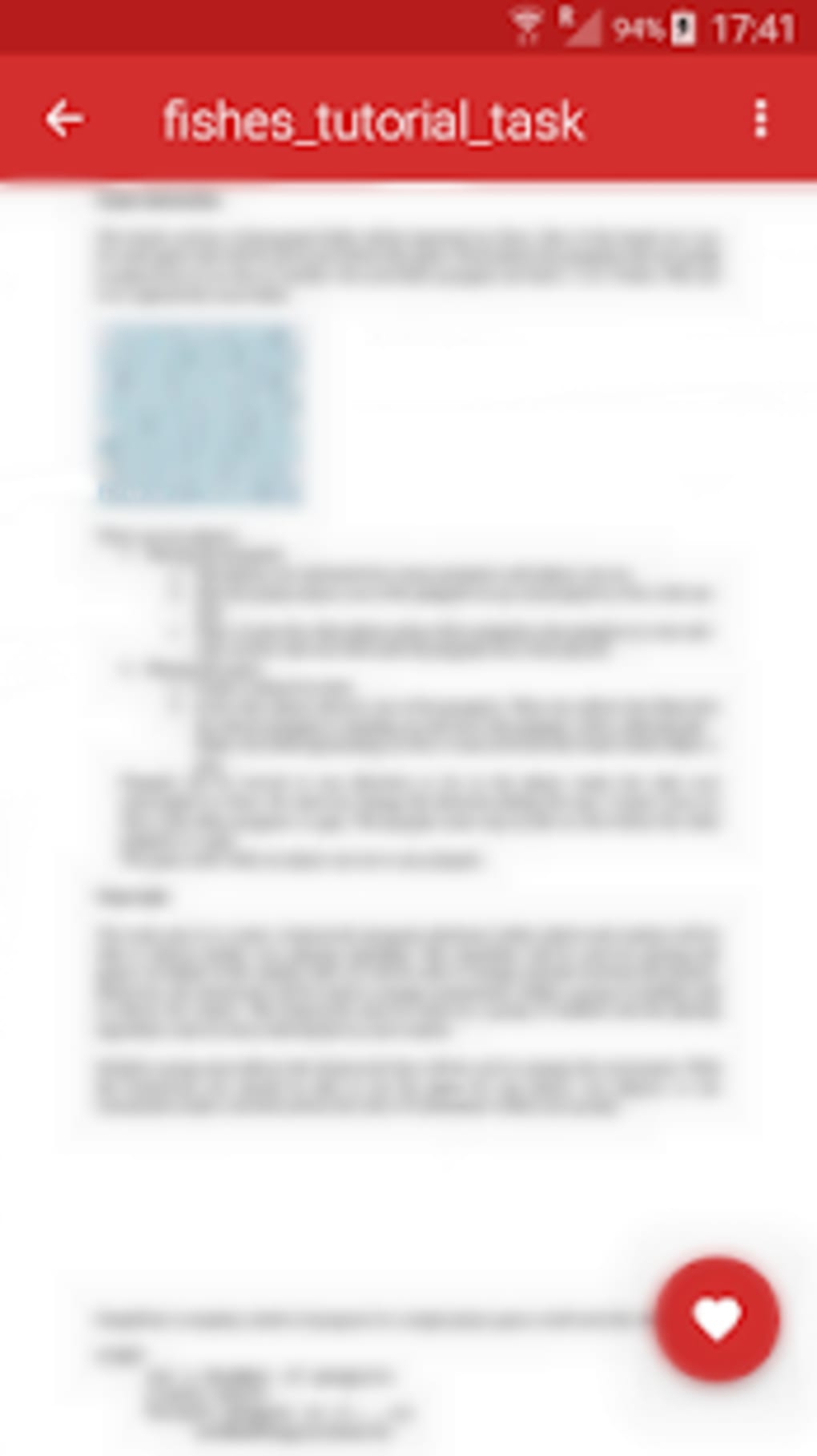
The user interface of PDF Reader is minimalistic, with a clean layout that prioritizes readability and ease of access. The main screen displays a list of PDF files, with titles presented in a straightforward format. Navigation is intuitive: tapping a file opens it instantly, and the back button returns to the list. The workflow is linear and efficient, making it suitable for users who prefer a no-frills experience. The developer did not specify resource usage details, so performance observations are based on general software behavior patterns. However, the app’s fast loading times suggest optimized handling of document rendering, particularly for standard-sized files.
Stability appears to be consistent, as the application does not report crashes or errors in its core functionality. However, the absence of visual feedback during page transitions or file loading may affect user confidence. The text size is fixed and reportedly small, which could strain eyes during prolonged use. Users cannot adjust font size or zoom level, which limits accessibility for individuals with visual impairments. The lack of responsive design elements, such as auto-orientation or dynamic scaling, further reduces usability across different screen sizes. Overall, the app performs reliably within its intended scope, but its rigid interface may not accommodate diverse reading preferences.
Compatibility & System Requirements
PDF Reader is designed for mobile platforms, though the specific operating systems were not provided in the input. The software is intended for use on smartphones and tablets, with no indication of desktop or web-based availability. The installation size is not specified, so exact storage requirements remain unknown. The developer did not list any hardware requirements, such as minimum RAM, processor speed, or screen resolution. Compatibility information is limited to the assumption that it runs on standard mobile devices capable of handling PDF rendering. The version number and release date were not included, so users cannot verify update history or feature timelines.
Platform compatibility details are partially provided. It is safe to assume that the app supports modern mobile operating systems, but exact versions were not disclosed. Users should verify compatibility with their device’s OS before installation. The software does not appear to require an internet connection for basic functionality, suggesting it operates fully offline. This enhances privacy and reduces dependency on network access during document review.
Pros and Cons
Pros
- Ad-free interface with no interruptions during reading
- Simple, intuitive layout suitable for beginners
- Fast loading of multi-page PDF documents
- Supports local file access without cloud dependency
- Go-to-page function for quick navigation
- Ability to save documents to favorites for easy access
Cons
- No zoom or text resizing options
- Limited navigation tools; no page bookmarking
- Fixed text size may cause eye strain
- No support for changing page orientation
- Lacks annotation, highlighting, or commenting tools
- Basic functionality without advanced document management
FAQ Section
Is PDF Reader available for Windows or Mac?
Based on the provided information, the software is designed for mobile devices. There is no indication of desktop or PC software availability.
Is the app safe to download and use?
PDF Reader is a mobile application developed by Moenwa and is intended for use on smartphones. It operates offline and does not require access to sensitive data, making it generally secure. However, users should only download it from official app stores to ensure authenticity.
Does the app require an internet connection?
While the app does not require an internet connection for basic PDF reading, some features may depend on network access if they were to be added in future updates. As of now, the application functions entirely offline.
Can I update the app manually?
The update mechanism is not specified in the provided details. Users should check their device’s app store for available updates, as most mobile applications are updated through official distribution channels.
What type of license does PDF Reader use?
The software is described as free, suggesting it operates under a freemium or ad-free model. No information was provided about licensing terms or restrictions on usage.
Final Thoughts + CTA
PDF Reader delivers a focused, ad-free experience for reading PDF documents on mobile devices. Its minimalist design and fast performance make it a viable option for users who prioritize simplicity and privacy. While it excels in basic file access and navigation, it falls short in essential features like zooming, bookmarking, and text customization. These omissions significantly limit its usability for extended reading sessions or detailed document review. For casual users seeking a no-frills, distraction-free reader, the app may be sufficient. However, professionals, students, or anyone requiring annotation, search, or formatting tools should consider more feature-rich alternatives. In summary, PDF Reader is a functional tool within its narrow scope but not a comprehensive solution for modern document management. Download PDF Reader now to experience a clean, ad-free reading environment.




.png)



