
Organize Ideas with Fluid Mind Mapping
Overview
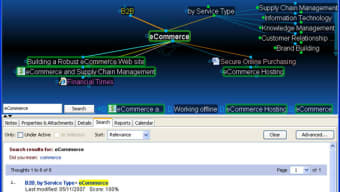
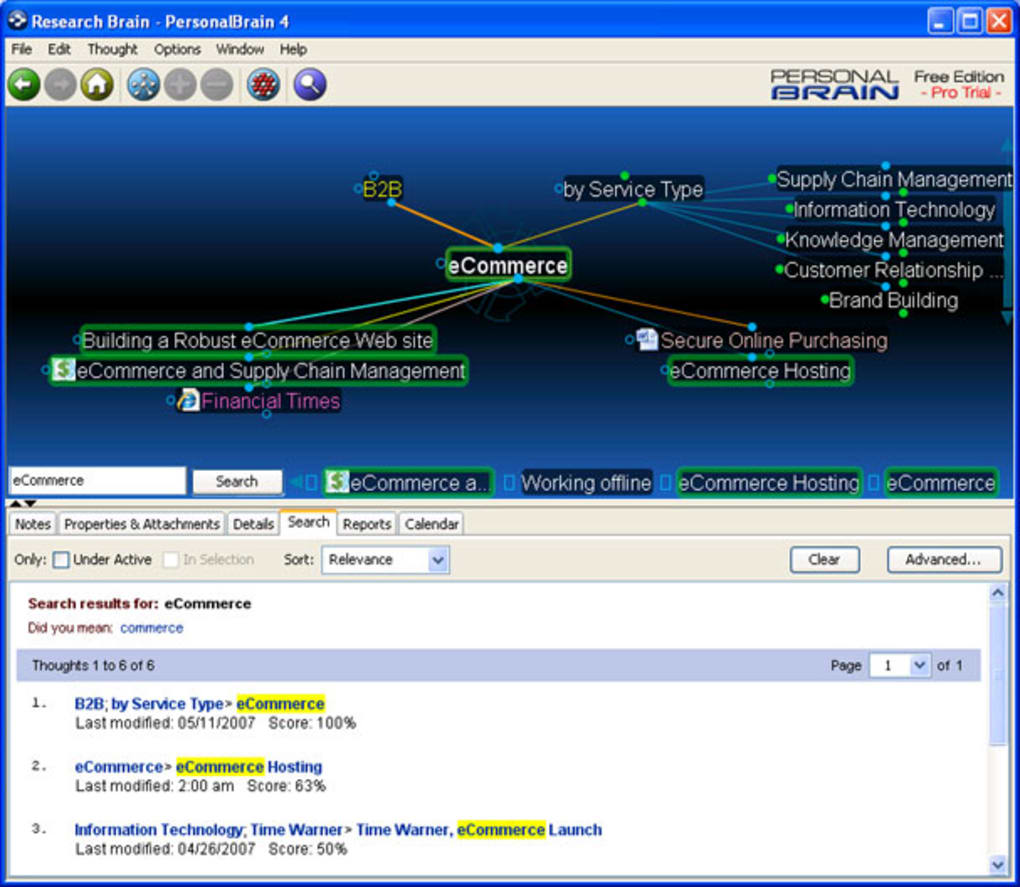
PersonalBrain is a desktop application designed to help users organize thoughts, ideas, and projects through a dynamic, interconnected network of concepts. Built around the principles of mind mapping, the software enables users to start with a central idea and expand outward, creating visual representations of complex thought processes. It is particularly useful for individuals seeking to improve their productivity, manage creative projects, or structure large-scale planning tasks. The tool supports the creation of diagrams, idea networks, and conceptual sketches, making it suitable for professionals, students, and independent thinkers alike. While the developer did not provide additional background details, the software’s long-standing presence in the productivity space suggests a focus on user-centric design and continuous refinement. Real-world applications include brainstorming sessions, academic research, strategic planning, and personal knowledge management. Its ability to integrate external content such as files and web pages directly into the map enhances its utility as a living workspace for idea development.
Key Features & Capabilities
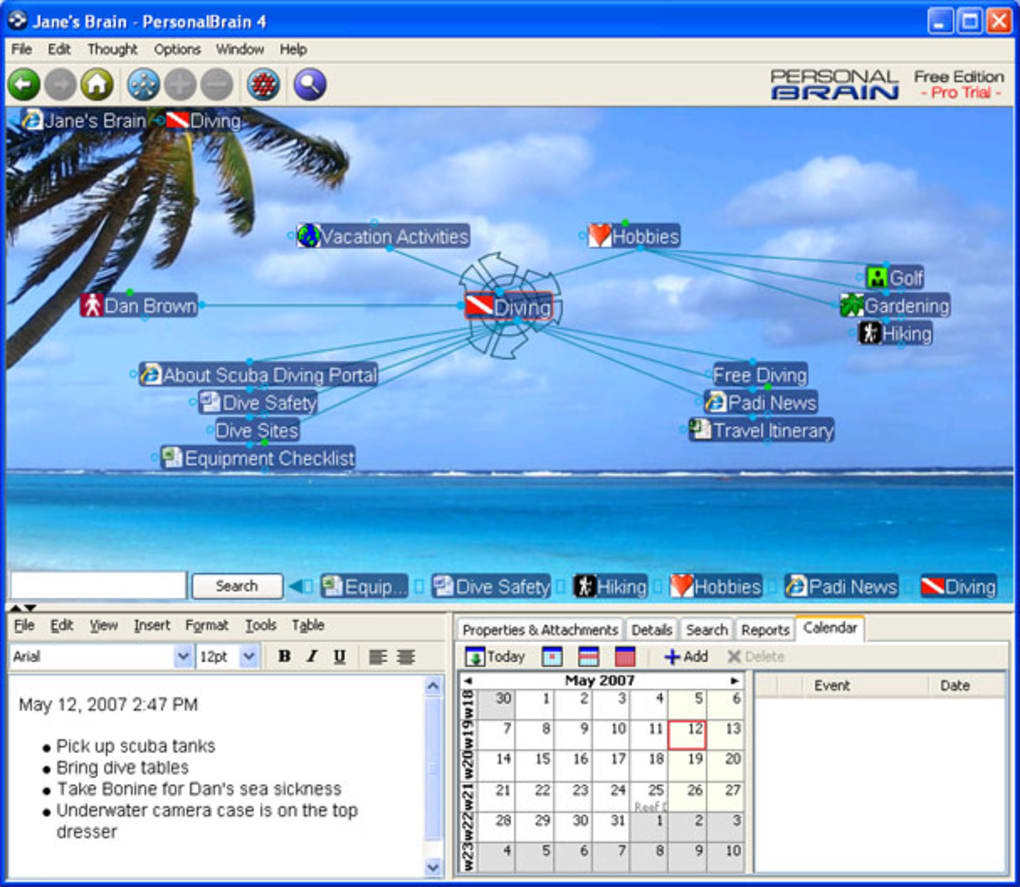
- Dynamic Mind Mapping Interface – Users can begin with a single concept and expand it into a web of connected ideas, enabling nonlinear thought organization.
- Drag-and-Drop Integration – Files, web pages, and other digital content can be imported directly into the mind map, enriching the visual structure with real-world references.
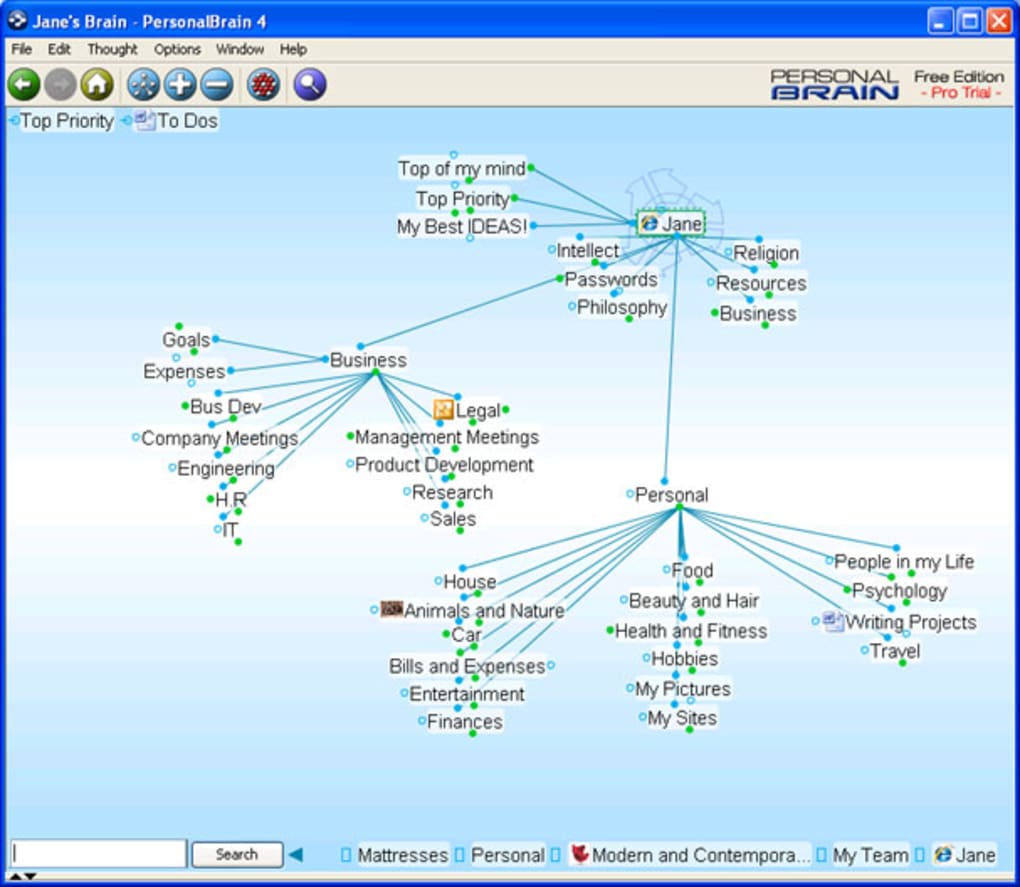
- Thought Network Building – The software allows for the creation of complex, layered networks where ideas can be linked in multiple directions, supporting iterative thinking.
- WebBrain Sync (Limited) – A synchronization feature enables data transfer between devices, though its functionality is subject to authentication and retry logic.
- Export to HTML – Mind maps can be exported in HTML format, preserving the visual layout for sharing or web-based viewing.
These features support a fluid workflow ideal for creative professionals, researchers, and students who rely on visual thinking. For example, a writer might use the tool to map out a novel’s plot structure, linking characters, timelines, and themes. A project manager could build a network of tasks, dependencies, and resources. The drag-and-drop functionality allows users to embed relevant documents or links, transforming the mind map into a central knowledge hub. Although export options are currently limited to HTML, the core functionality remains robust for internal organization and idea development.
User Interface, Workflow & Performance
PersonalBrain features a clean, intuitive interface that emphasizes visual connectivity over rigid structure. Navigation is centered around the central concept, with branches expanding outward in a radial layout. Users can easily reposition nodes, create new links, and collapse or expand sections to manage complexity. The workflow is designed to mirror natural thought processes, allowing users to add, edit, and rearrange ideas in real time. However, performance may be affected by the software’s reliance on Java, which can result in longer startup times and occasional responsiveness delays. The developer did not specify resource usage details, but general behavior suggests moderate CPU and RAM consumption during active use. Stability appears to be maintained through recent updates, including fixes for WebBrain authentication and sync error handling. While not optimized for high-speed interaction, the interface remains functional and responsive for typical use cases.
Compatibility & System Requirements
PersonalBrain is available for both Windows and Mac operating systems, supporting a broad range of desktop environments. The current version is 10.1.1, with an installation size of 144 MB. The developer did not specify exact system requirements, including minimum CPU, RAM, or disk space. Compatibility information was partially provided, indicating that the software is designed for desktop use. No mention was made of specific hardware or software dependencies beyond the Java runtime environment. Users should ensure their system has Java installed for proper operation. Performance observations are based on general software behavior patterns, and no benchmark data was provided.
Pros and Cons
Pros
- Intuitive, fluid interface for natural thought organization
- Supports drag-and-drop integration of files and web content
- Enables complex, multi-directional idea networks
- Export functionality preserves visual layout for sharing
- Available for both Windows and Mac platforms
Cons
- Reliance on Java may cause slow startup and occasional lag
- Limited export formats—only HTML is supported
- Exact system requirements were not listed
- Upgrade costs may be considered high by some users
- WebBrain sync functionality has known retry and error display issues
FAQ Section
Is PersonalBrain compatible with Windows and Mac?
Yes, PersonalBrain is available for both Windows and Mac operating systems.
Can I use PersonalBrain offline?
Yes, the software functions fully offline once installed. WebBrain sync is optional and requires an internet connection.
What file formats can I export my mind maps to?
Currently, PersonalBrain only supports exporting mind maps in HTML format.
Is the software secure to use?
PersonalBrain is a desktop application that stores data locally unless synchronized with WebBrain. The developer has addressed authentication and sync error handling in recent updates.
How often are updates released?
Updates are released periodically, with recent changes focused on improving WebBrain sync reliability and error handling.
Final Thoughts
PersonalBrain stands out as a flexible and visually engaging tool for organizing complex ideas through interconnected mind maps. Its ability to integrate files and web content directly into the network adds significant value for users who need a dynamic workspace. While the reliance on Java may impact startup speed and responsiveness, the core functionality remains effective for creative and analytical tasks. The lack of multiple export formats is a notable limitation, but the HTML export preserves visual integrity for sharing. For professionals and individuals committed to structured thinking, the software offers a powerful way to capture and evolve ideas. Despite its price point for upgrades, the free version provides a solid foundation for evaluating its capabilities. Overall, PersonalBrain is a well-designed productivity tool for those who thrive on visual, nonlinear organization.
Download PersonalBrain now








