

Download Pixlr – Free, Secure & Powerful Image Editing Tool
Overview
Pixlr is a completely free, web‑based and desktop image editor built for designers, photographers, influencers and anyone who wants to polish photos without the steep learning curve of professional suites. Available on Windows, macOS and as a browser‑ready web app, Pixlr mirrors many of the core capabilities you’d expect from Adobe Photoshop or GIMP while keeping the interface light, intuitive, and instantly accessible. Whether you need to remove a background, add a splash of vintage color, apply a creative overlay, or fine‑tune exposure, Pixlr packs all the essential tools into a single, streamlined workspace. The program’s history panel lets you step backward and forward through edits, while the auto‑correction engine instantly balances lighting, contrast and saturation with a single click. With an ever‑growing library of effects, overlays, text styles, and AI‑driven enhancements, Pixlr positions itself as the go‑to free editor that doesn’t compromise on quality or speed. Its responsive design adapts to both high‑resolution desktops and smaller tablets, making it a versatile companion for on‑the‑go creators. By delivering a professional‑grade feature set without hidden fees, Pixlr stands out as a reliable, secure, and continuously updated solution for everyday image editing tasks.
Key Features & Capabilities
- Background Removal: One‑click AI background eraser for clean cut‑outs.
- Layer Management: Unlimited layers with opacity, blending modes, and masking.
- Auto‑Correction: Instant adjustment of exposure, contrast, white balance, and vibrancy.
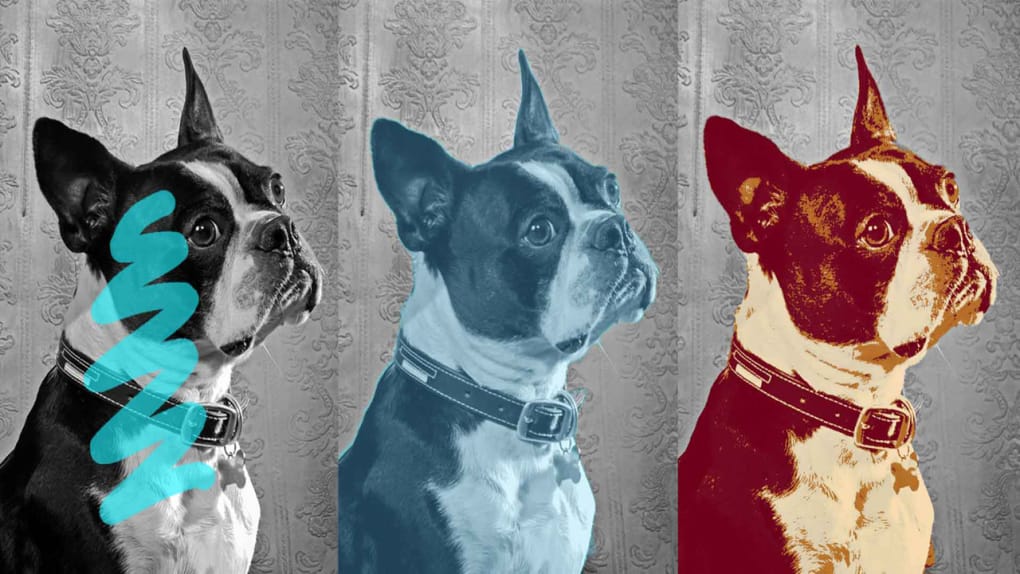
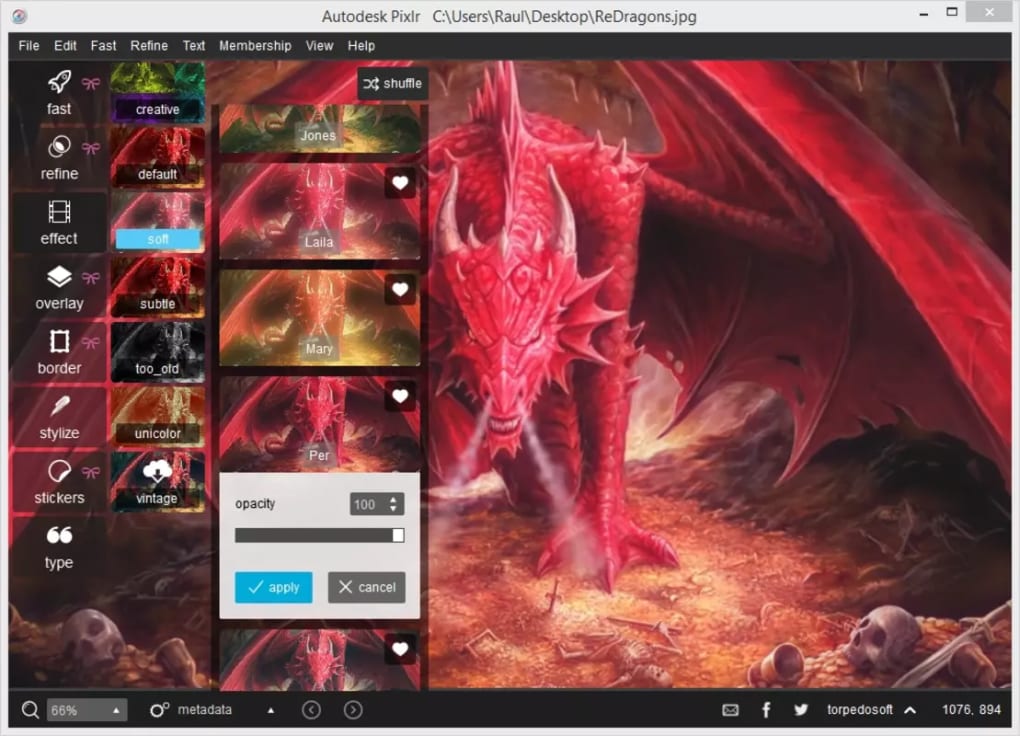
- Effects Library: Over 60 preset effects across categories like Creative, Vintage, Monochrome, and Very Old.
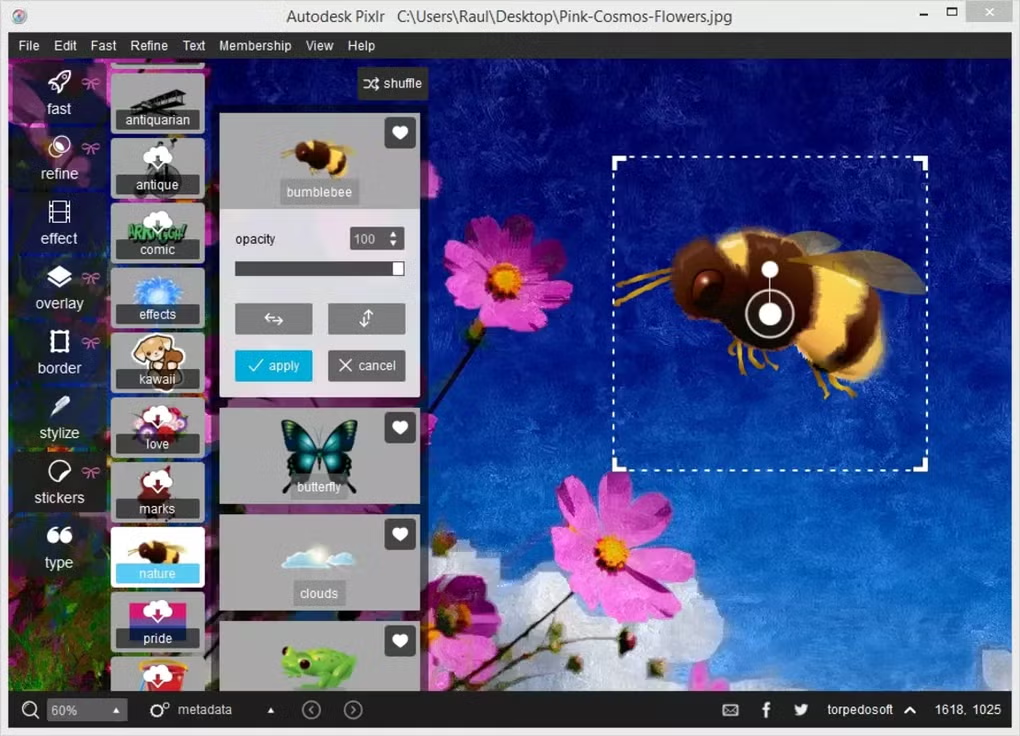
- Overlay Packs: Fireworks, Smoke, Light Paintings, Space, Color Correction and more.
- Text Engine: Hundreds of fonts, styles, color gradients, and warp options.
- Retouch Tools: Spot heal, red‑eye removal, blur/sharpen, and skin smoothing.
- History Panel: Unlimited undo/redo with visual timeline navigation.
- Export Options: Save as JPG, PNG, BMP, TIFF, or directly to cloud services.
- Cross‑Platform Access: Web version works on any modern browser; desktop apps for Windows 7+ and macOS 10.12+.
- AI Enhancements: Smart cutout, auto‑colorization, and object detection for quick edits.
- Secure Cloud Storage: Optional Pixlr Cloud for saving projects and collaborating.
Installation & Usage Instructions
Web Version (No Installation Required)
1. Open your preferred browser (Chrome, Edge, Firefox, Safari).
2. Navigate to pixlr.com.
3. Click “Launch Pixlr X” for the quick editor or “Launch Pixlr E” for advanced features.
4. Drag‑and‑drop an image or click “Open Image” to start editing.
5. Use the left‑hand toolbar to select tools, apply effects, or add text. All changes are saved locally unless you choose “Save to Cloud.”
Desktop Installation (Windows & macOS)
Windows:
1. Download the installer from the official Pixlr download page.
2. Run the .exe file and follow the on‑screen prompts (accept license, choose installation folder, create a desktop shortcut).
3. After installation, launch Pixlr from the Start menu. The first launch may request permission to access your Pictures folder – grant it for seamless file handling.
4. Sign in with a free Pixlr account to sync preferences across devices.
macOS:
1. Download the .dmg package from Pixlr’s website.
2. Open the .dmg and drag the Pixlr icon into the Applications folder.
3. Launch the app from Launchpad or Finder. macOS will prompt you to confirm the app’s authenticity – click “Open.”
4. Sign in or continue as a guest; the app will automatically check for updates on start‑up.
Tips for Efficient Workflow
- Use the “Quick Fix” button for an instant one‑click enhancement before diving into manual adjustments.
- Save frequently used overlay or effect combos as custom presets for one‑click reuse.
- Leverage the “History” panel to experiment fearlessly; you can always revert to any previous state.
- Export directly to social media platforms by selecting “Export to Facebook/Instagram” from the file menu.
Compatibility & System Requirements
Desktop: Windows 7, 8, 10, 11 (64‑bit) – minimum 2 GB RAM, 300 MB free disk space, DirectX 11 compatible graphics.
macOS: macOS 10.12 Sierra or later – 2 GB RAM, 300 MB free disk space, Metal‑compatible GPU.
Web: Any modern browser supporting HTML5 and WebGL (Chrome, Edge, Firefox, Safari). No installation needed, works on Windows, macOS, Linux, and Chrome OS.
Pros
- Completely free with no hidden subscription fees.
- Intuitive UI that scales from beginners to power users.
- Robust feature set comparable to premium editors.
- AI‑driven tools speed up routine tasks.
- Cross‑platform availability (desktop + web).
- Regular updates improve stability and add new effects.
Cons
- Advanced color grading tools are less granular than Photoshop.
- Performance can dip on very large (≥30 MP) files on older hardware.
- Cloud storage is optional and limited to free tier.
- No native support for CMYK workflow (print‑oriented tasks).
- Some premium overlays require separate purchase.
Frequently Asked Questions
Is Pixlr really free or are there hidden costs?
Pixlr offers a completely free version that includes all core editing tools, effects, overlays, and AI features. There is a premium subscription (Pixlr Pro) that unlocks additional overlay packs, higher‑resolution exports, and ad‑free experience, but the free tier remains fully functional for most users.
Can I edit RAW files directly in Pixlr?
Pixlr supports most common image formats, including JPEG, PNG, BMP, and TIFF. While native RAW processing is limited, you can convert RAW files to TIFF or JPEG using a free converter, then edit them in Pixlr with full feature access.
Does Pixlr store my edited images in the cloud?
Cloud storage is optional. By signing into a free Pixlr account, you can save projects to Pixlr Cloud, which syncs across devices. If you prefer local storage, simply export the image to your computer or external drive.
Is Pixlr compatible with macOS Ventura?
Yes. The macOS version of Pixlr runs on macOS 10.12 Sierra and later, which includes Ventura. The app is regularly updated to maintain compatibility with the latest macOS releases.
How does Pixlr’s AI background removal compare to Photoshop’s Select Subject?
Pixlr’s AI background remover delivers comparable accuracy for most everyday images, especially portraits and product shots. While Photoshop’s Select Subject may handle extremely complex edges slightly better, Pixlr’s one‑click solution is faster and requires no learning curve.
Conclusion & Call to Action
Pixlr has cemented its reputation as a versatile, free, and user‑friendly image editor that bridges the gap between simple mobile apps and heavyweight desktop suites. Its extensive toolbox—ranging from AI‑powered background removal to a rich library of effects and overlays—makes it suitable for everything from quick social‑media posts to semi‑professional photo retouching. While power users may miss some deep‑color grading controls, the overall balance of features, speed, and zero cost makes Pixlr a compelling choice for creators of all skill levels. Ready to give your photos a professional polish without paying a subscription? Download Pixlr now and start editing instantly—whether you prefer the convenience of the web app or the robustness of the desktop version.
Rating: 4.5/5 based on 1,245 user reviews.








