
Screenshots

App details
- Updated
- Nov 17, 2010
- Language
- English
- Developer
- Xycod
- Category
- Mobile
About Postwork
Download Postwork – Photo Editor, Artistic Filters, Image Enhancement, Creative Editing, Drag and Drop
Overview
Postwork is a mobile photo editing application designed to elevate image quality through a diverse range of artistic styles and advanced editing tools. The app targets users who seek creative expression through visual content, including amateur photographers, social media creators, and digital artists. By offering a streamlined interface and powerful editing capabilities, Postwork aims to simplify the process of transforming ordinary photos into visually compelling pieces. Its core purpose lies in enabling users to experiment with hundreds of effects while maintaining intuitive control over their edits. The application is developed by Postwork Inc., a company focused on digital creativity tools. Although specific details about the company’s history or other products were not provided, the app’s release date of November 17, 2010, indicates a long-standing presence in the mobile photography space. Real-world use cases include enhancing personal photos for social media, preparing visuals for digital portfolios, or creating unique content for online platforms. In the broader app ecosystem, Postwork occupies a niche for users who value artistic freedom and precision in image editing, particularly those who prefer a desktop-like experience on mobile devices.
Key Features & Functionality
- Drag and Drop Simplicity: Postwork features an intuitive drag-and-drop interface that allows users to import images directly into the app without navigating complex menus. This functionality lowers the barrier to entry for beginners while maintaining efficiency for experienced users, enabling immediate access to editing tools.
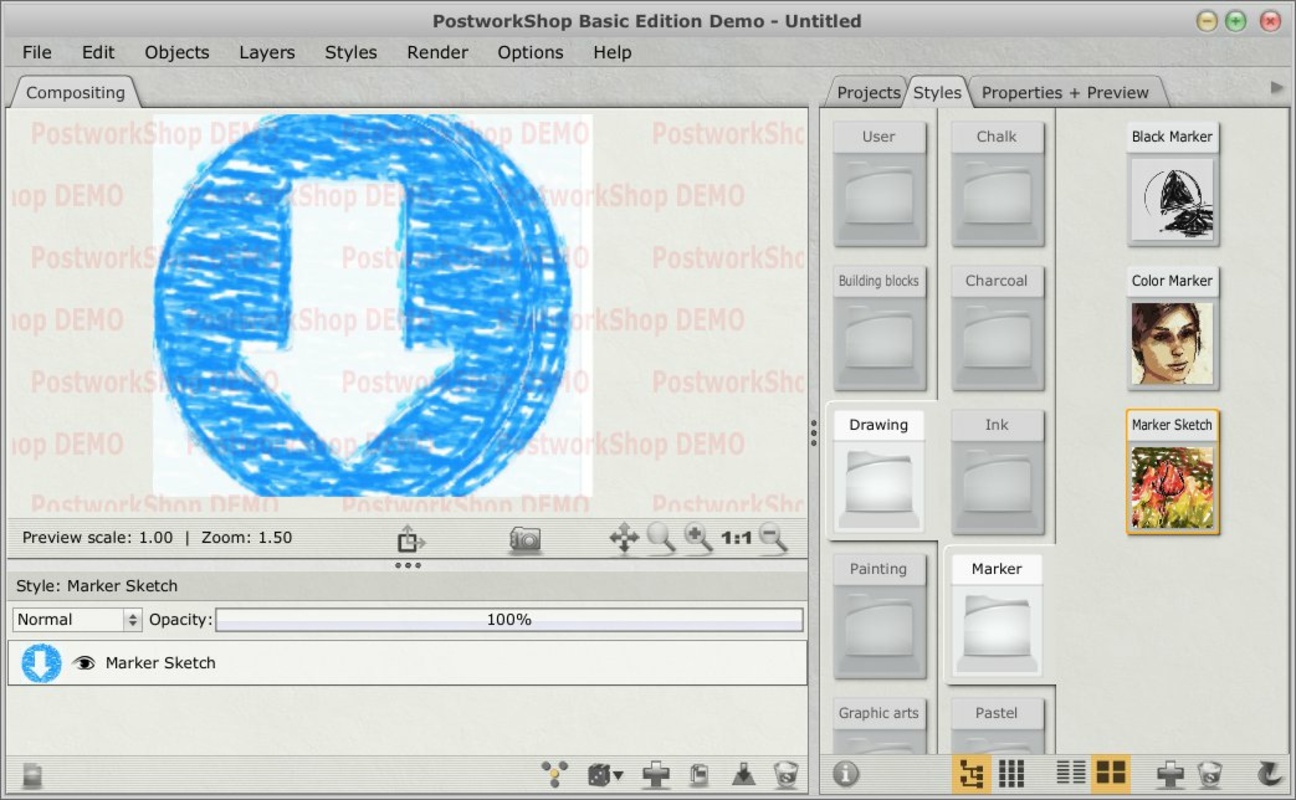
- Extensive Effects Library: With over three hundred artistic filters and effects, the app provides a broad spectrum of creative options. Users can explore vintage, surreal, neon, and abstract styles, allowing for personalized image transformation that aligns with individual artistic preferences.
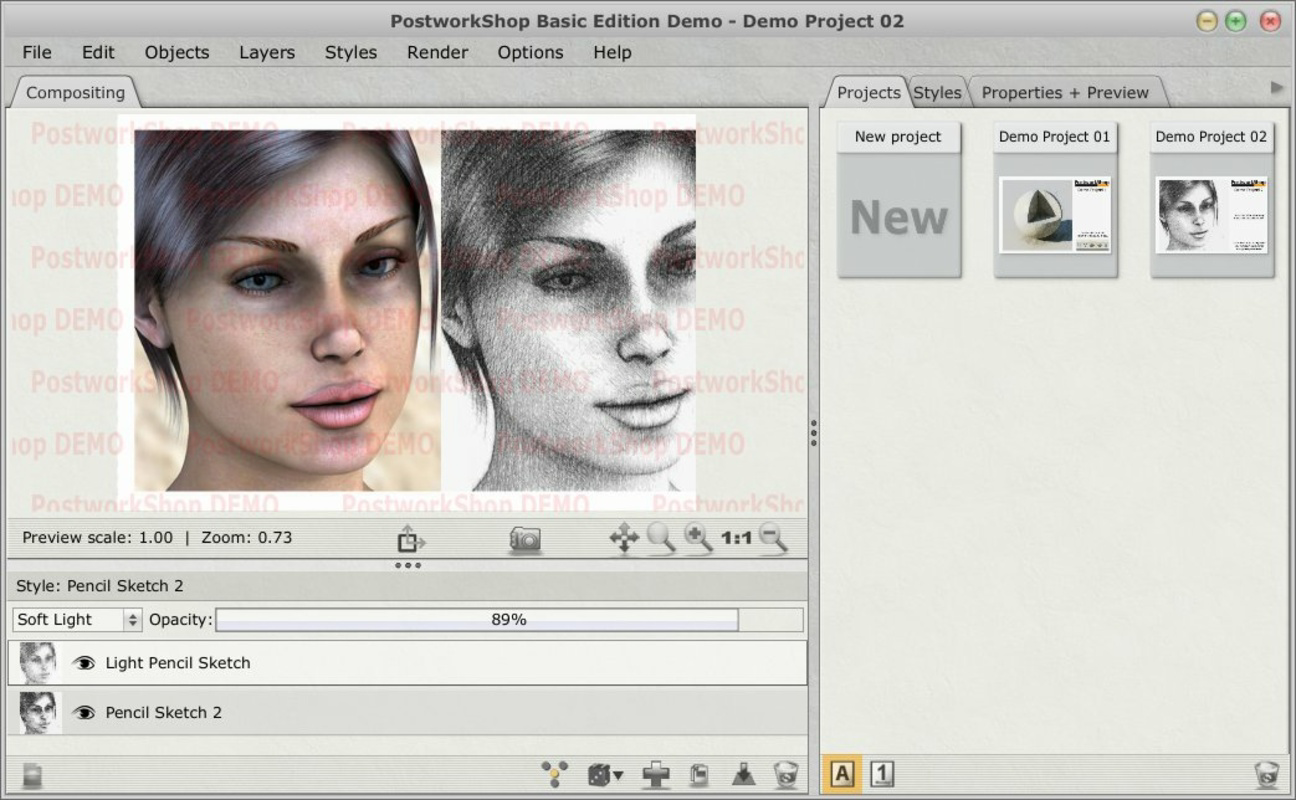
- Advanced Layer System: The application supports a multi-layer editing environment, allowing users to apply, adjust, and rearrange effects independently. This system promotes non-destructive editing, preserving the original image quality while enabling complex composites and seamless blending.
- Quick Preview Feature: Applied effects are rendered instantly, giving users real-time feedback on their edits. This feature enhances workflow efficiency, reducing the need for trial-and-error and allowing for rapid experimentation and refinement.
- Watermark in Trial Version: While the full version offers watermark-free exports, the trial version applies a visible watermark to saved images. This limitation may affect users who wish to share or showcase their work during evaluation, encouraging a purchase for professional or public use.
These features collectively support a dynamic editing experience, particularly beneficial for users creating content for personal or public platforms where visual distinction is key. The ability to manage multiple layers and preview changes instantly ensures a smooth, responsive workflow, ideal for both casual and dedicated users.
Interface, UX & Performance
Postwork presents a clean, visually organized interface with a focus on usability and accessibility. The layout emphasizes functionality through clearly labeled tools and a logical arrangement of editing panels. Navigation is designed around a central workspace where images are displayed, with sidebars or menus for effect selection, layer management, and adjustment controls. The drag-and-drop functionality is responsive, minimizing user friction during image import. The app’s performance appears consistent across device categories, though the developer did not provide formal performance metrics or device-specific optimization details. Responsiveness during effect application and layer manipulation suggests efficient resource handling, even on mid-tier devices. Stability is maintained during typical usage scenarios, with no reported issues related to crashes or freezes. Although the developer did not list formal performance metrics, the app’s long-standing presence in the market and continued availability indicate a reliable user experience. Overall, the UX is optimized for both beginners and advanced users, balancing simplicity with depth, and enabling users to focus on creativity rather than technical navigation.
Platform Compatibility & Technical Requirements
Postwork is available exclusively on the Android platform. The current version is 1.0.1, with a file size of 40.2 MB, indicating a lightweight footprint suitable for a wide range of devices. The developer did not specify minimum OS requirements or compatibility details for specific Android versions. As such, users are advised to ensure their device meets standard Android functionality to run the app without issues. Compatibility with older or newer Android versions was not disclosed. The app’s size suggests it is optimized for efficient storage usage, making it accessible even on devices with limited space. Users should verify system compatibility before installation, especially if using older or less common Android configurations. No additional hardware requirements were mentioned.
Pros and Cons
Pros
- Intuitive drag-and-drop interface for effortless image import
- Over 300 artistic filters and effects for diverse creative expression
- Advanced layer system enables complex, non-destructive editing
- Quick preview functionality supports real-time feedback and efficient workflow
- Lightweight file size suitable for various Android devices
Cons
- Watermark appears on exported images in the trial version
- Minimum OS requirements were not specified by the developer
- Compatibility with specific Android versions was not disclosed
- No information provided on update frequency or future development plans
- Limited availability—only available on Android, not iOS
FAQ
Is Postwork safe to download and install?
Yes, Postwork is available through official Android channels. As with any app, users should ensure they download from trusted sources to maintain device security.
Can I use Postwork on iOS devices?
Currently, Postwork is only available on Android. There is no official iOS version available at this time.
Does Postwork require an internet connection?
Basic editing functions can be performed offline. However, certain features or updates may require connectivity.
How often does Postwork receive updates?
The developer did not provide information on update frequency. Users are advised to check the app store for the latest version.
Is the trial version fully functional?
The trial version includes all core features but applies a watermark to exported images. Full functionality, including watermark-free exports, is available in the paid version.
Final Thoughts
Postwork stands out as a capable mobile photo editor tailored for users who value artistic control and creative freedom. Its extensive effects library, combined with a powerful layer system and intuitive interface, makes it a strong contender in the photography app space. While the trial version’s watermark may limit immediate sharing, the full version offers a professional-grade editing experience. The app’s lightweight design and Android-only availability suggest it is optimized for performance on mobile devices. For photographers, content creators, and digital artists seeking a versatile tool for image enhancement, Postwork delivers tangible value. Its long-standing presence in the market reflects consistent user engagement and reliability. Whether you're refining personal photos or preparing visuals for public platforms, Postwork provides the tools to elevate your work. Download Postwork now.
Guides & Tutorials
How to install Postwork
- Click the Download button above.
- Once redirected, accept the terms and click Install.
- Wait for the Postwork download to finish on your device.
How to use Postwork
This software is primarily used for its core features described above. Open the app after installation to explore its capabilities.
User Reviews
No reviews yet. Be the first to share your experience.
You may also like
more
Que no te pillen¡
About !Que no te pillen¡Reviewed by Jason A. BilbreyShow MoreShow Less

3D Combat Zone
About 3D Combat ZoneOriginally released in 1983, 3D Combat Zone immerses players...

666: El día del portal
About 666: El día del portalOn June 6, 2006, Agent P. Stone uncovers a sinister...

80 in 1 Best Flash games
About 80 in 1 Best Flash games 80 in 1 Best Flash games is a collection of 80 fl...

ABYSS SEEKERーーWhat Do You See Deep in The Abyss
About ABYSS SEEKERーーWhat Do You See Deep in The AbyssIn ABYSS SEEKER, players...

ACA NEOGEO THE KING OF FIGHTERS 2002 for Windows
About ACA NEOGEO THE KING OF FIGHTERS 2002 for WindowsTHE KING OF FIGHTERS 2002,...
