
Download Prime95 – Mersenne prime, performance testing, CPU benchmark, RAM stress test, computer optimization
Overview
Prime95 is a specialized utility designed for comprehensive performance testing of computer systems, primarily targeting users who require deep insights into their machine’s computational capabilities. Developed by Mersenne Research, Inc., the application focuses on identifying Mersenne prime numbers through advanced mathematical algorithms, a process that inherently stresses both the CPU and RAM. This method serves as a robust benchmarking tool, enabling users to evaluate system stability, thermal behavior, and long-term reliability under heavy computational loads. The app is particularly valuable for enthusiasts, system overclockers, and IT professionals seeking to validate hardware performance before or after upgrades.
By engaging in intensive prime number searches, Prime95 pushes processors to their maximum throughput while simultaneously consuming large amounts of memory. This dual focus allows users to detect potential hardware weaknesses, such as overheating, memory instability, or voltage issues. The tool is especially effective in identifying system bottlenecks that may not surface during typical usage. While not intended for casual users, Prime95 fills a critical niche in the productivity and utility software ecosystem by offering a scientifically grounded method for stress testing. Its long-standing presence in the technical community underscores its reliability and credibility in performance validation.
Key Features & Functionality
- Mersenne Prime Search – Prime95 leverages the Lucas-Lehmer primality test to search for Mersenne primes, a computationally intensive process that serves as a rigorous benchmark for CPU and memory performance.
- Customizable Test Types – Users can select between torture tests (for CPU and RAM) and benchmarking modes, allowing targeted evaluation of specific hardware components.
- Memory-Intensive Operations – The application allocates large blocks of memory to simulate real-world high-load scenarios, helping identify memory errors or instability.
- Long-Running Stress Tests – Designed to run for extended periods, enabling detection of thermal throttling, power delivery issues, or system crashes under sustained load.
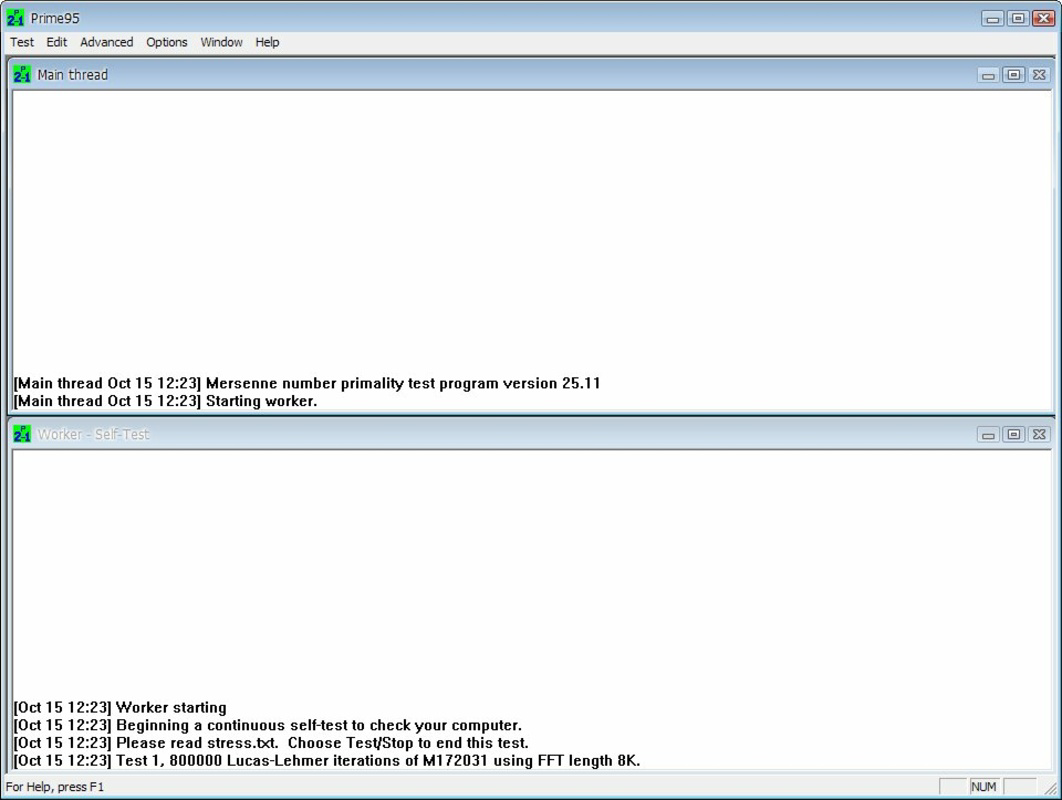
- Minimal User Interface – The tool prioritizes functionality over aesthetics, providing essential controls and real-time feedback without visual distractions.
For example, a system builder might use Prime95 to verify the stability of a newly assembled PC before finalizing configurations. Similarly, a hardware reviewer could run multiple test cycles to compare thermal performance across different cooling solutions. The app’s ability to operate continuously without user intervention makes it ideal for unattended diagnostics. Although the interface lacks modern polish, its focus on accuracy and reliability ensures consistent results across test runs.
Interface, UX & Performance
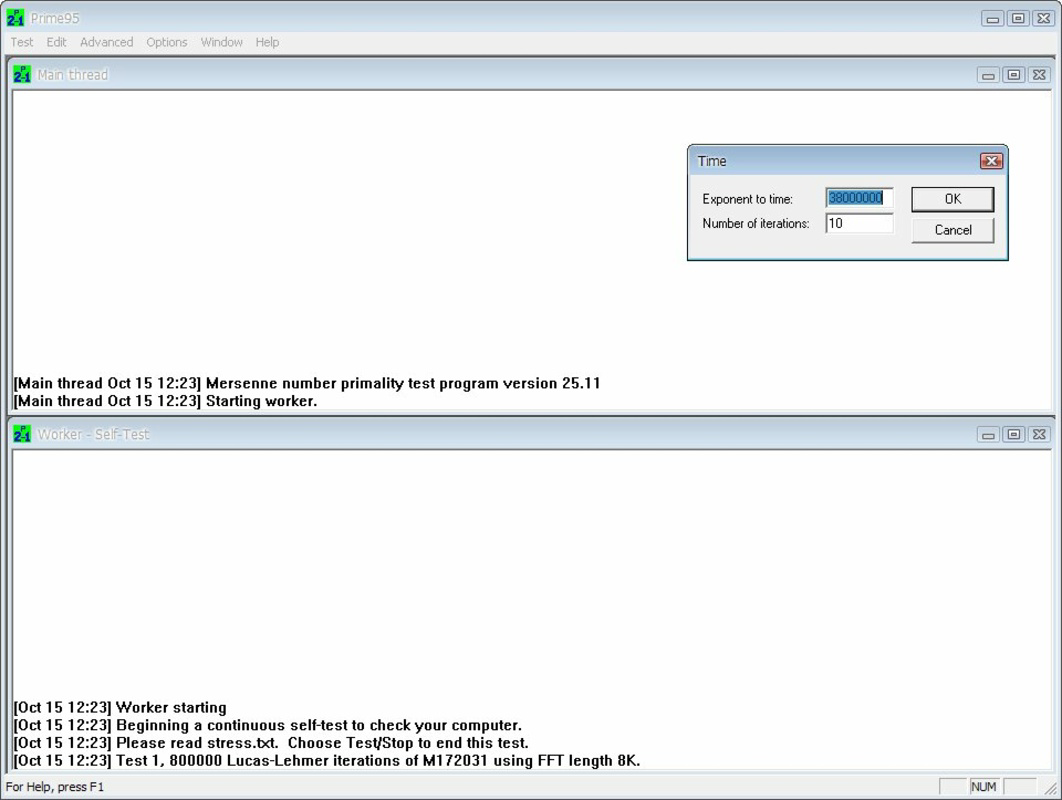
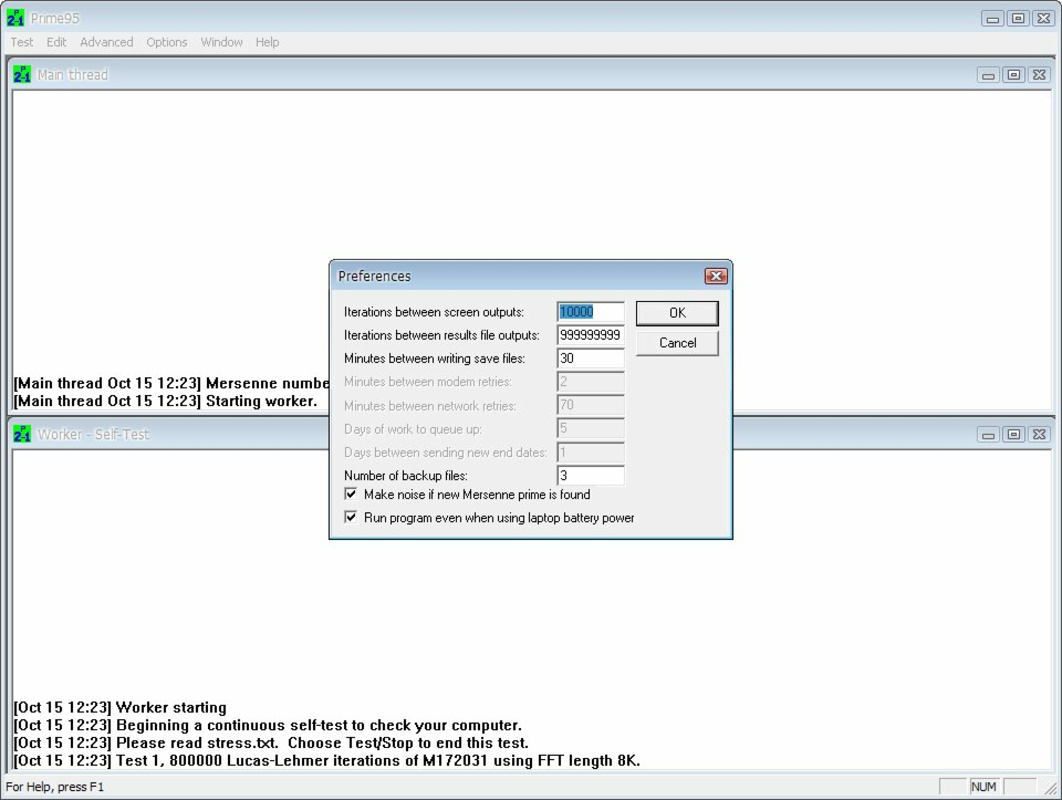
Prime95 features a minimalistic, text-based interface that prioritizes functionality over visual appeal. Navigation is straightforward, with core options accessible through a series of menu selections and input fields. While the design may appear dated to casual users, it remains highly effective for its intended audience—technical users who value performance data over graphical flair. The application operates with low overhead, ensuring that the testing process itself does not introduce performance artifacts.
Although the developer did not list formal performance metrics, the tool is known for efficient resource utilization during stress tests. It maintains consistent CPU and memory usage throughout extended runs, providing reliable data for analysis. Responsiveness is maintained during operation, allowing users to monitor progress and adjust settings if needed. Stability is a key strength; the application rarely crashes during long-term tests, a critical factor for diagnostic tools. Performance across different device categories is not explicitly documented, but its lightweight footprint (13.4 MB) suggests compatibility with a wide range of Windows systems, including older hardware.
Platform Compatibility & Technical Requirements
Prime95 is available exclusively for the Windows platform, supporting a range of Windows operating systems. The current version is 30.8, with a file size of 13.4 MB. The developer did not specify minimum OS requirements, nor did they provide details on CPU architecture or RAM thresholds for optimal performance. Compatibility information was not fully disclosed.
Given the application’s nature as a system-level stress test tool, it is expected to function on modern Windows 10 and Windows 11 systems. However, users with older machines should exercise caution, as the testing process can significantly impact system responsiveness. The small file size indicates that the app is lightweight in terms of storage footprint, but its operational demands are high during execution. No additional dependencies or permissions were listed in the provided information.
Pros and Cons
Pros
- Free to download and use, making it accessible to all users.
- Highly effective for CPU and RAM stress testing.
- Long-standing reputation in the technical community for accuracy.
- Minimal system footprint when idle, despite high operational demands.
- Supports both short-term benchmarks and extended stability tests.
Cons
- Interface lacks modern design and may be intimidating for beginners.
- Testing process can severely slow down the system, especially on older hardware.
- Requires technical knowledge to interpret results effectively.
- Not available on mobile platforms or non-Windows systems.
- Limited visual feedback during operation.
FAQ
Is Prime95 safe to use on my computer?
Yes, Prime95 is safe to use when intended for stress testing. It does not modify system files or install unwanted software. However, users should monitor temperatures and avoid prolonged use on systems with inadequate cooling.
Can I use Prime95 on older computers?
While Prime95 can run on older systems, the intense workload may cause significant slowdowns or instability. It is recommended to use caution and monitor system behavior closely.
Is Prime95 free to download?
Yes, Prime95 is available at no cost. The developer does not charge for the application or any of its features.
How long should I run a test with Prime95?
For basic benchmarking, 15–30 minutes is sufficient. For stability testing, running the test for several hours or overnight is recommended to detect intermittent issues.
Does Prime95 work on macOS or Linux?
Prime95 is currently only available for Windows. There is no official version for macOS or Linux systems.
Final Thoughts
Prime95 remains a cornerstone tool in the realm of system diagnostics and performance validation. Its ability to stress-test both CPU and RAM through mathematically rigorous prime number searches sets it apart from generic benchmarking utilities. While its interface may not appeal to casual users, its precision, reliability, and long-standing credibility make it indispensable for technical professionals and hardware enthusiasts. The app delivers unmatched value for its free price point, offering insights that inform upgrade decisions and ensure system stability.
For anyone involved in system building, overclocking, or hardware evaluation, Prime95 is an essential utility. Its focus on real-world performance under extreme conditions ensures that results are both meaningful and actionable. If you’re serious about understanding your machine’s true capabilities, this tool provides the data you need.
Download Prime95 now


