The post 5-star hotel concierge for film productions – what’s that? appeared first on ProductionPro.
]]>There are three levels of customer service: first, there’s customer support; then, customer success; and finally, concierge services. For Film and TV productions, ProductionPro includes a concierge service that was modeled after that of a luxury hotel, with a dedicated Concierge assigned to each show. Now, concierges have long been a mainstay of the hotel experience. Their typical duties include helping guests with restaurant reservations, recommending activities or arranging transportation. Concierges at 5-star hotels will go above and beyond to make almost anything happen. So how exactly has ProductionPro translated this experience for film productions? Read on to learn why studios like Netflix, Apple+, Disney and Amazon are taking advantage of this unique service.
What true luxury concierges give their guests is time, so guests are freed up to do something more productive with that saved time. At its core, that is also what ProductionPro concierges do. During prep and production, the pace is usually frantic and the atmosphere one of controlled chaos - any time and brainspace the Concierge saves the crew is pure gold. Crew members can use the time saved to work more efficiently and roll out solutions to their creative challenges.
The main duties of a ProductionPro Concierge can be summed up as follows:
- Onboard crew members individually to bring them up to speed in a matter of minutes;
- Tailor the product to the production’s specificities;
- Ensure the accuracy of the character-scene breakdown in ProductionPro with each script revision;
- Send out daily emails with direct links to references and sides for each shoot day;
- Gather user feedback to help prioritize feature development.
One-to-one on-boarding
When crew members start working on a production, the clock’s already ticking and they usually don’t have the bandwidth to learn a new system on their own, no matter how it might help them down the line. The Concierge on-boards each crew member (or a small group of them from the same department) on a one-to-one video call: they walk the user through the interface and main functionality, highlight use cases tailored to the user’s role and department, and answer all questions. Moments later, the user is up and running, armed with a simple but powerful tool. “The training process was great. It took 30 minutes at most.” observed Kyle Lafleur, Executive Producer’s Assistant, adding: “The first time you see the scroll, your eyes get bigger, there's so much to look at and then you realize how user friendly it is.” And for the busy bees that prefer to learn on their own, there are also custom on-boarding videos available for them. Throughout the life of the production, the Concierge stays in direct contact with crew members, obsessing over how best to help them - Louis, I think this is the beginning of a beautiful friendship!
A service tailored to the production
Hotel guests are unique, with unique needs and each requires a custom experience - productions are just the same! A direct result of the user onboarding process is that the Concierge gets to learn how the product could be most helpful to them. In return, they can customize the product for the production and even suggest ways to optimize inter-department collaboration. For example, the Concierge can set up a set list for use by the Art Department, and create custom tags for sequences or approval status. They can even help customize the way scripts are displayed so users can do a quick search through multiple episodes at once. In general, the ProductionPro concierge service is the reason for the wide and sustained adoption of ProductionPro across departments.
An accurate breakdown for all
ProductionPro’s character-scene breakdown is essential to users and crucial to the organization of production information on the platform. Even though the process of generating the breakdown is partly automated, there are often small details that need to be changed, and there’s nothing like a human eye to catch them. The ProductionPro Concierge, who is NDA-ed on the production, makes sure that the breakdown is perfect at each script revision. As a result, users don’t have to break down the basic elements of the script on their own anymore since they can trust that the information in ProductionPro is accurate and ready for use.
Schedule sync and daily prep notifications
The best hotel concierges are able to prepare their guests a custom itinerary for the day, and ProductionPro replicated that as well. In ProductionPro, users can view information in the way that’s most useful to them: they can look up media by scene, character or department, but most users’ favorite is by shoot day. The ProductionPro Concierge performs what’s called a Schedule Sync: shoot days are matched to their respective scenes so that users can use those shoot days to filter and group media. The sync is updated with every one-liner or call sheet. This also allows the Concierge to send daily notifications with direct links to the references and script pages needed in advance of each shoot day. For Ralph Winter, Executive Producer, those notifications helped with getting things done: “The emails are a constant check. It’s a good reminder of ‘Oh yeah I got to do this. Oh yeah let’s take a look at that.’” For crew members in general, this also means less wasted time sifting through emails and links to piece together what they need for their day.
Feedback loop for feature development
5-star hotels’ concierges are listeners and seers, anticipating the needs of their guests and seeking to improve and deliver the best experience possible. Every interaction is itself a piece of feedback. At ProductionPro, the mantra is to only build features that crew members want and ask for. The ProductionPro Concierge is deep in the trenches with users and has a front row seat to the problems they are experiencing. The candid conversations the Concierge has and the feedback they gather is mined by ProductionPro’s product team to find the next gold nugget of a feature. On their next production, users are sure to find a product that has evolved and improved thanks to their feedback.
The ProductionPro concierge service is the first of its kind in the industry, and has become a beloved part of the ProductionPro experience - providing a human touch that’s often missing with other production software. However, if productions want the full ProductionPro concierge experience, they’ll need to sign up early: the offering is reserved to a select number of productions at a time to ensure the highest level of service.
While a ProductionPro Concierge can’t get a last-minute reservation at some fancy-shmancy restaurant like a 5-star hotel concierge probably could, they can absolutely help smooth out some of the creative collaboration challenges often encountered on a production. After all, that’s what ProductionPro is all about: boosting collaboration along with freeing time and brainspace to empower crew members to produce their best work.
Request a ProductionPro Concierge for your upcoming production!
The post 5-star hotel concierge for film productions – what’s that? appeared first on ProductionPro.
]]>The post Unveiling the Magic: Rehearsal Hacks from Broadway Stage Management Legends appeared first on ProductionPro.
]]>We tapped into the wisdom of Amber White and Tim Semon, stage management superstars with a combined 22+ Broadway shows under their belts (and that’s not counting national tours and Off-Broadway!). They’ve shared their battle-tested secrets for streamlining rehearsals, ensuring every minute is maximized for maximum impact. Here are their top tips for keeping your rehearsals running as smooth as silk.
1. Prioritize the music
“The first thing that needs to be tackled is to be able to sing through the show,” says Amber. It’s like building a house – the music is the foundation. Once the cast feels confident with the score, then the staging, choreography, and other elements can seamlessly build on top of that strong base. This not only makes learning easier for everyone, but also ensures a cohesive and powerful performance come opening night.
2. Create a detailed schedule
Don’t leave your cast and crew guessing! Whether it’s a daily breakdown or a comprehensive production schedule (or both!), Tim recommends ditching the “need-to-know” mentality and creating detailed plans that everyone can access. “I truly believe that anyone who works on a production should get [that information],” Tim explains. “Inevitably, there’s something on there that someone will need to know.” By making the schedule transparent, you empower your team and ensure everyone’s on the same page, leading to smoother rehearsals.
Looking for a good rehearsal schedule template? We have one just for you. Sign up for our mailing list and get access to FREE downloadable schedule templates, plus more!
Bonus tip: Make sure to update the next rehearsal schedule after every rehearsal and send it to the cast and crew ASAP. This way they will know what’s expected of them before they walk in the room!
3. Start by doing the most first
Time is of the essence during rehearsals, especially for your busy cast who juggle outside commitments. Amber and Tim recommend a strategic approach: tackle the most complex scenes (those involving the largest number of actors) when rehearsals start. This ensures everyone gets the most out of their rehearsal time. Once those scenes are at a good stopping point for the day, you can gradually release actors as you move on to scenes with smaller groups. This maximizes efficiency and keeps everyone focused on the most demanding material early on. By opening up rehearsal slots throughout the process, you accommodate your cast’s schedules and get the most out of every minute.
4. Break the script down
Amber and Tim emphasize the power of a good script breakdown. This involves splitting the script into scenes and identifying the actors involved in each one. Think of it as a blueprint for your rehearsal schedule. With this breakdown in hand, you can ensure you’re calling the right actors for the right scenes and musical numbers, maximizing rehearsal efficiency and keeping everyone focused. It’s a simple step that pays big dividends in terms of organization and productivity.
Bonus tip: If you have an MTI license, there’s no need to break the script down yourself! Click here to see how ProductionPro provides script breakdowns for all MTI shows.
And that’s a wrap on part one of our Q&A with Amber White and Tim Semon! We learned some valuable tips for streamlining rehearsals and making the most of your time.
But wait, there’s more! In part two, Amber and Tim delve deeper into the world of tech week, sharing their insights on things like effective collaboration, headset etiquette, and staying calm under pressure.
Sign up for our mailing list to unlock more Stage Manager content:
- Read Part 2 – Tech Week
- Download FREE Stage Manager templates
- Watch the full conversation with Amber White and Tim Semon
The post Unveiling the Magic: Rehearsal Hacks from Broadway Stage Management Legends appeared first on ProductionPro.
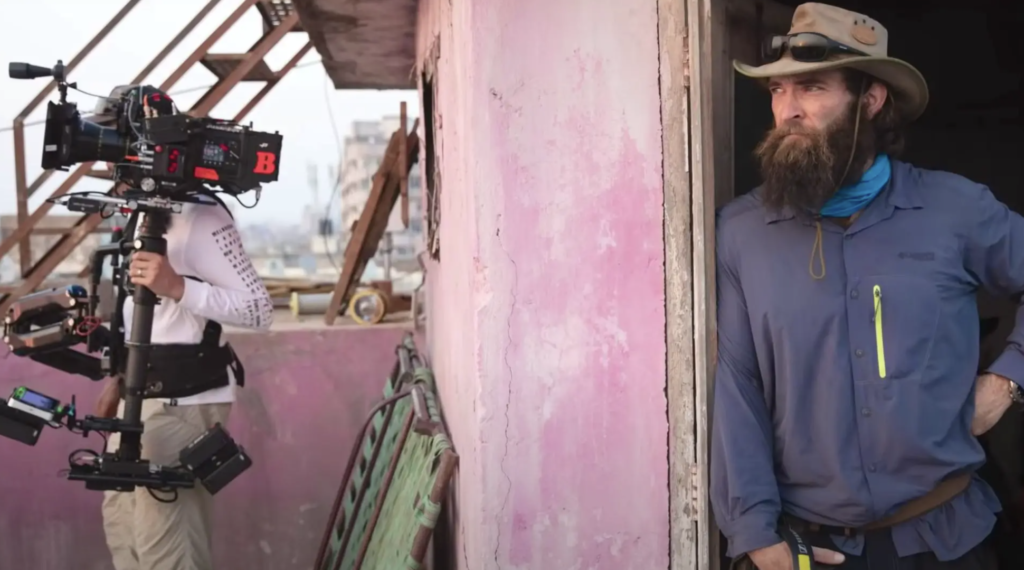
]]>The post Production Pro Spotlight: Director Sam Hargrave appeared first on ProductionPro.
]]>

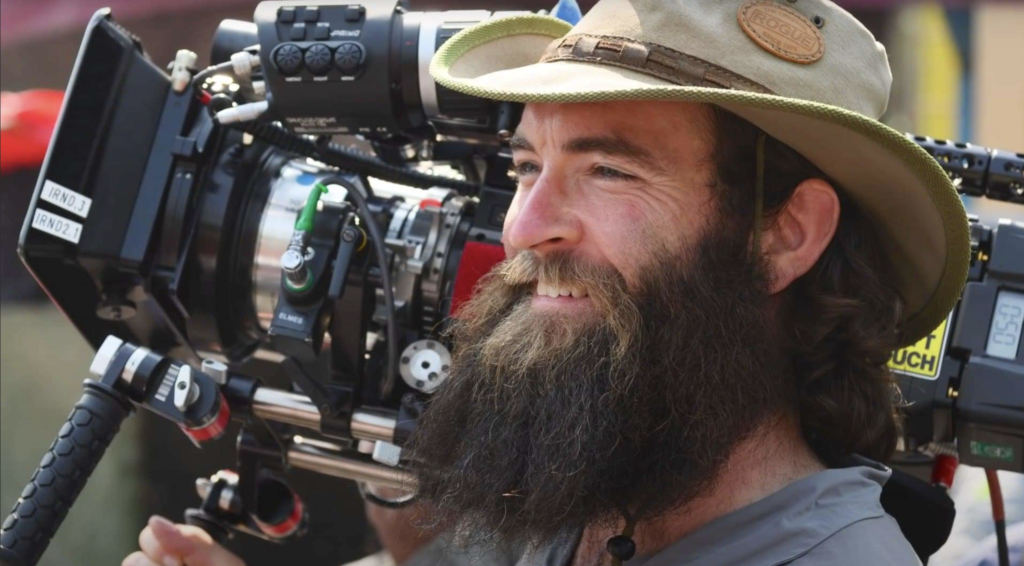

The post Production Pro Spotlight: Director Sam Hargrave appeared first on ProductionPro.
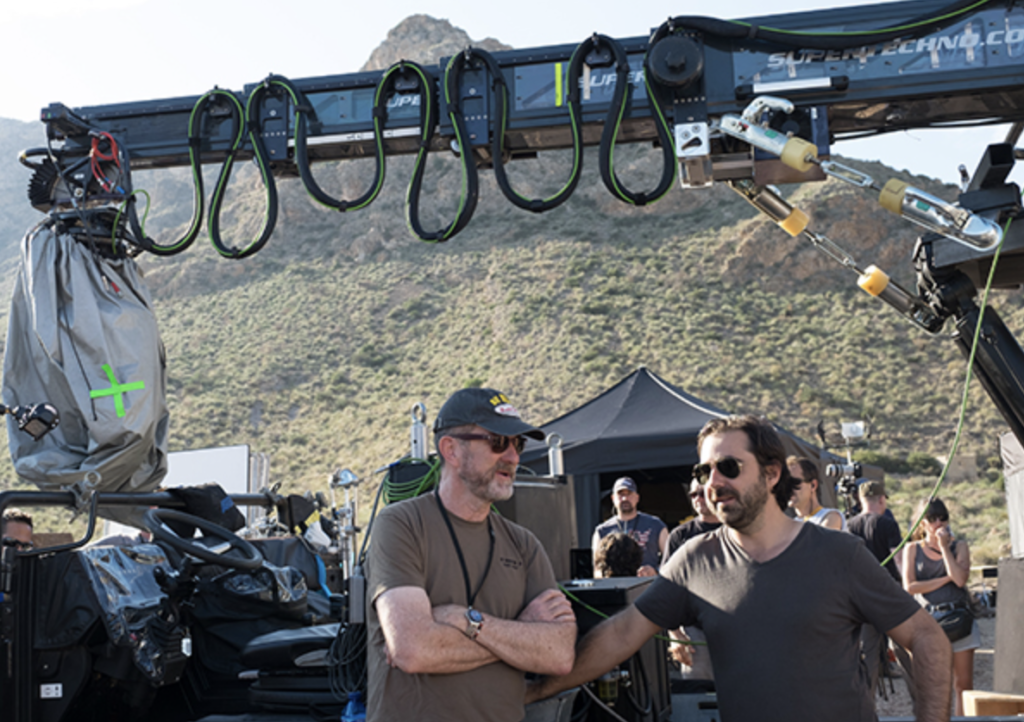
]]>The post Production Pro Spotlight: Producer Ralph Winter appeared first on ProductionPro.
]]>
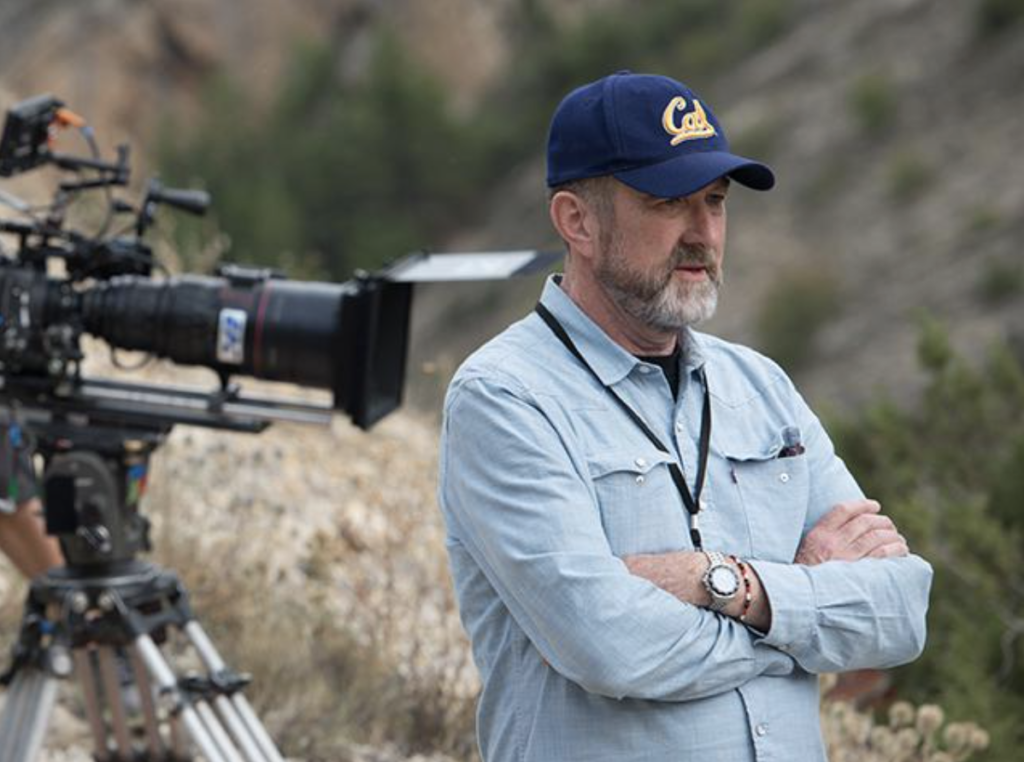
The post Production Pro Spotlight: Producer Ralph Winter appeared first on ProductionPro.
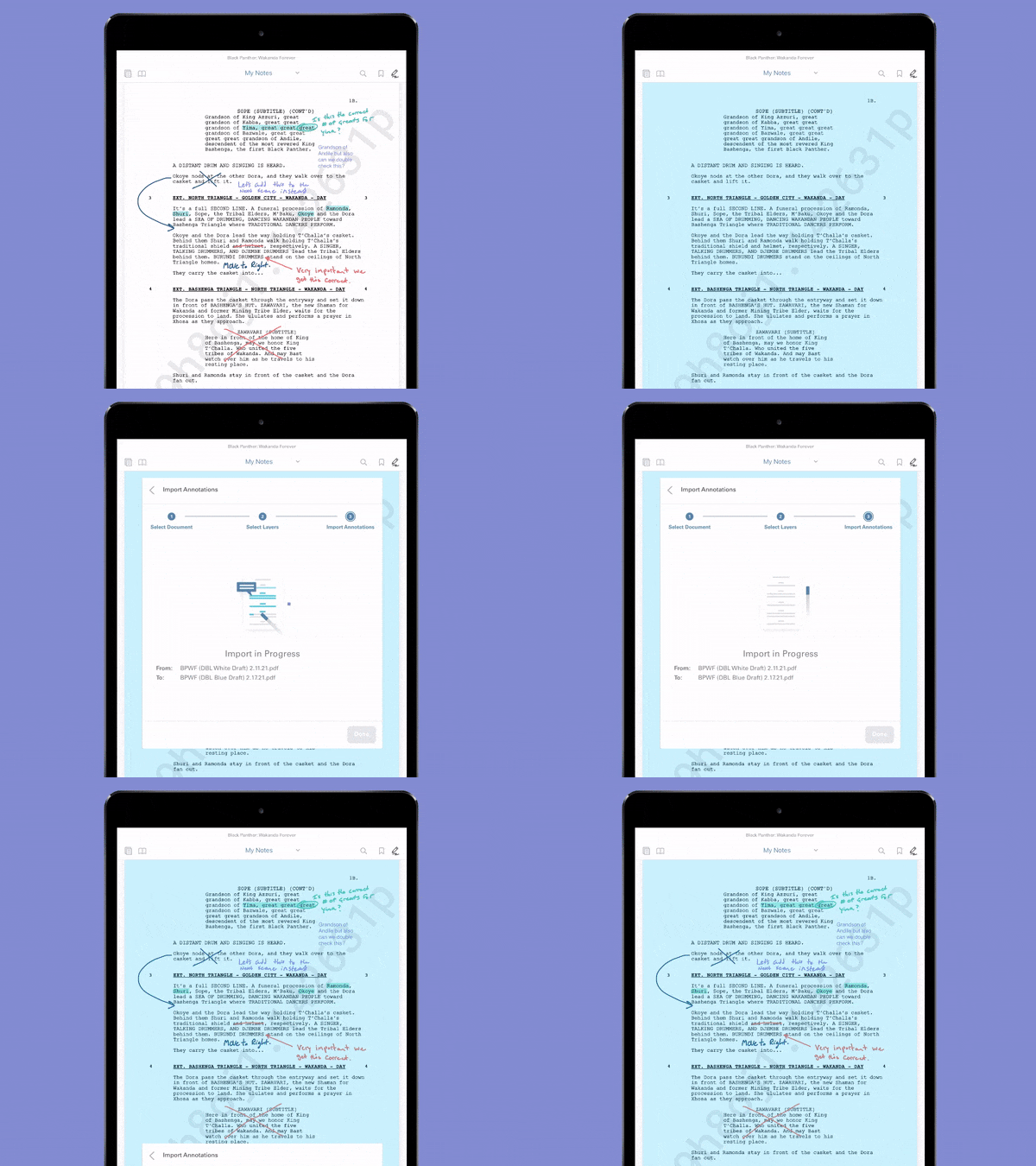
]]>The post Say Goodbye to Script Revision Suffering: An Easy Solution for Transferring Notes appeared first on ProductionPro.
]]>
The post Say Goodbye to Script Revision Suffering: An Easy Solution for Transferring Notes appeared first on ProductionPro.
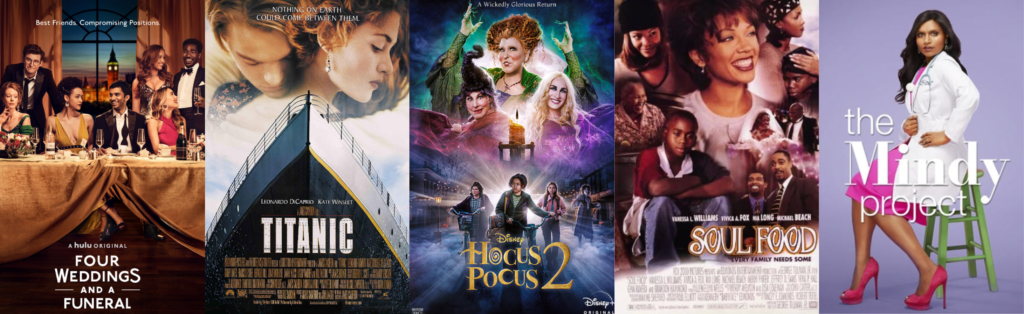
]]>The post Production Pro Spotlight: Costume Designer Salvador Pérez appeared first on ProductionPro.
]]>
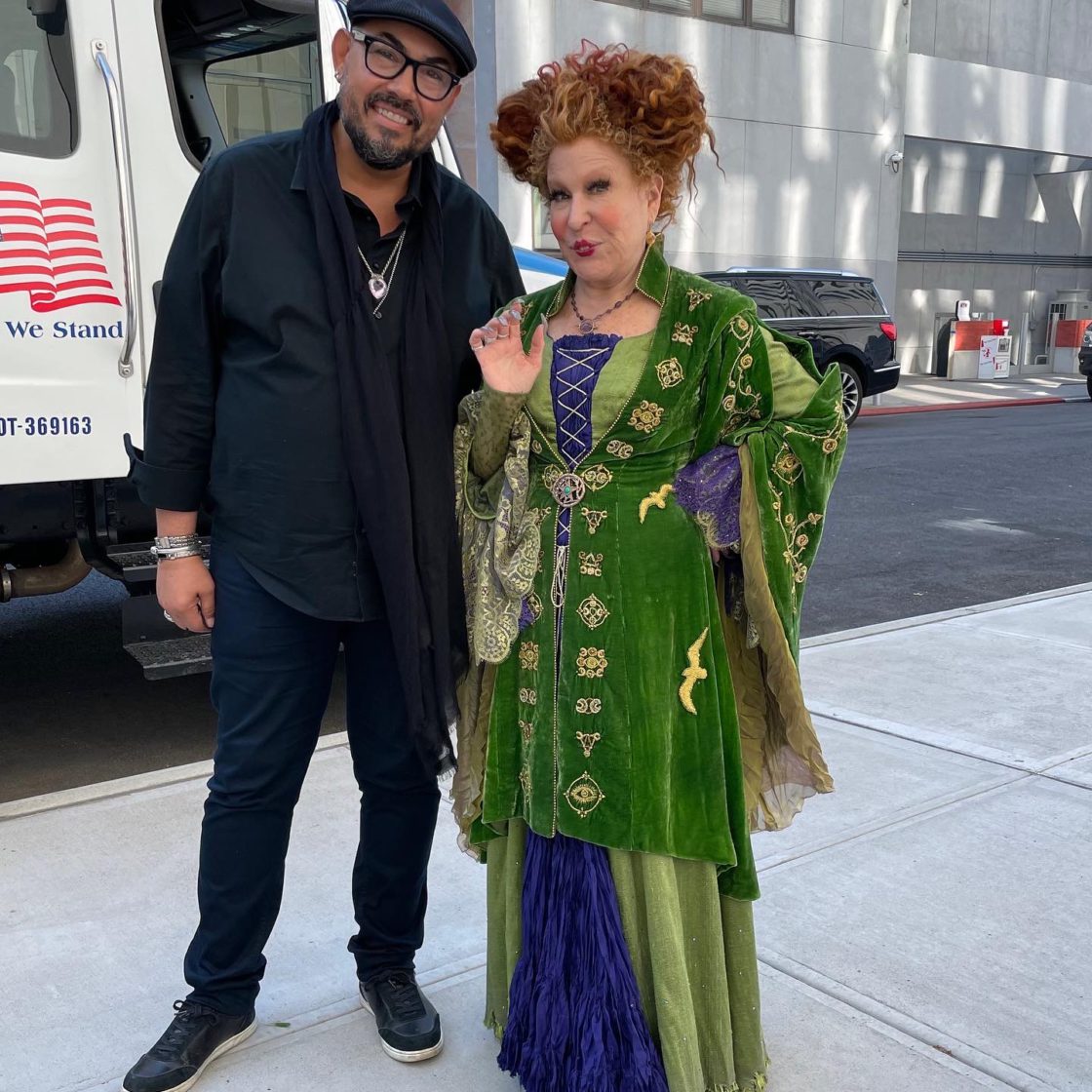
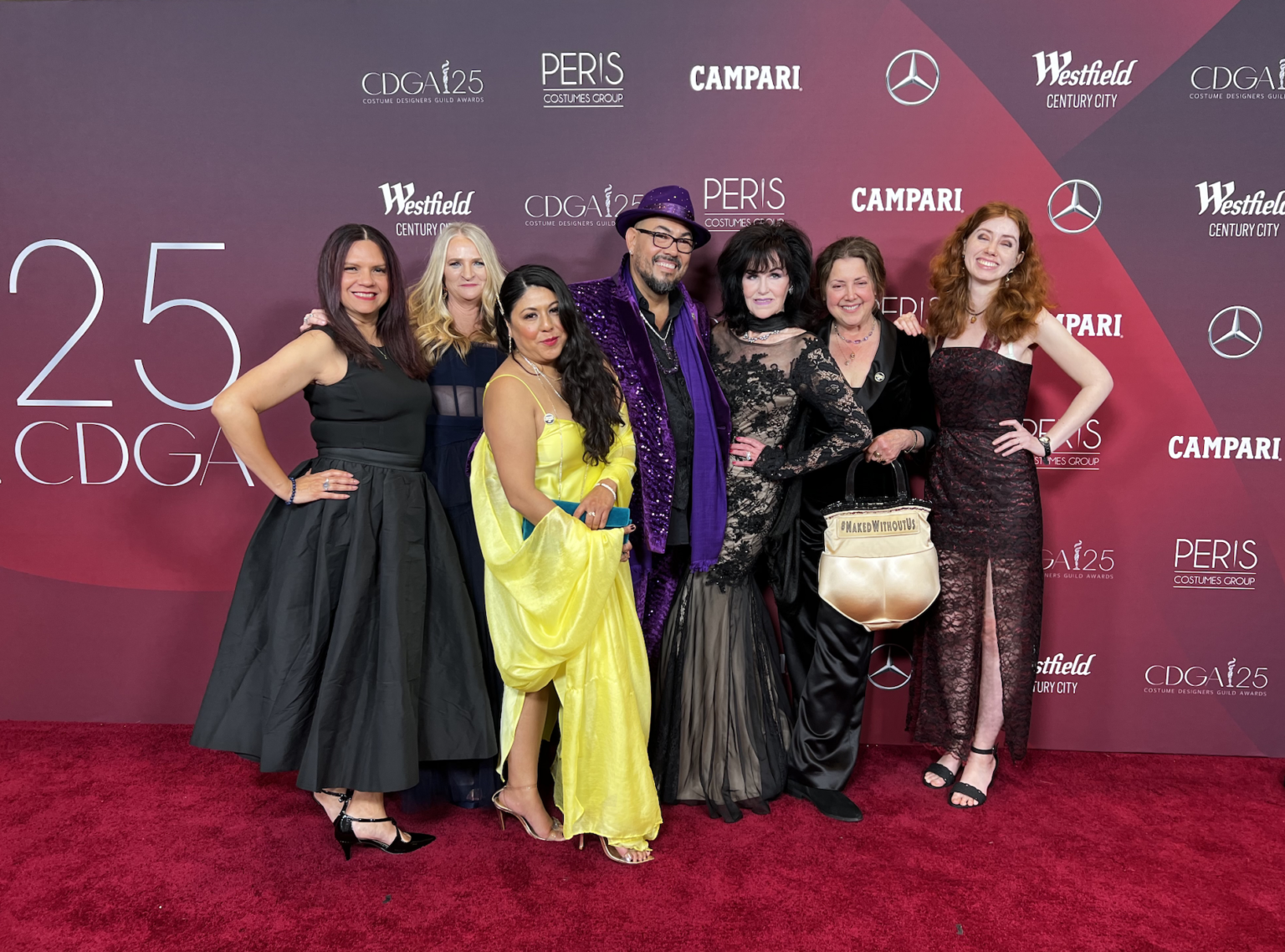
The post Production Pro Spotlight: Costume Designer Salvador Pérez appeared first on ProductionPro.
]]>The post Production Pro Spotlight: Art Director Iain White appeared first on ProductionPro.
]]>


The post Production Pro Spotlight: Art Director Iain White appeared first on ProductionPro.
]]>The post Do you have the keys to the production office? appeared first on ProductionPro.
]]>
The post Do you have the keys to the production office? appeared first on ProductionPro.
]]>The post Marie Kondo your production documents for good. appeared first on ProductionPro.
]]>Almost without doubt, the number one issue plaguing workflows on film productions is people incessantly looking for things and then wondering if it’s “the latest version”. Maybe what they’re looking for is buried in their inbox as an attachment to a never-ending email chain. Maybe it was in that Dropbox link the Art Department coordinator nicely texted them last week. Maybe there’s a more final version of the V4-final-final-for-real.pdf file they saved to their desktop.
Crazy as it sounds, as a courtesy, we should just tell the truth to students in film school: that they’ll spend a sizable chunk of their career just “looking for stuff” in a meander of dropbox links, asset managers, email chains and production reports. What’s crazier is that almost everyone is searching for the same thing around the same time. To put things in perspective, on an hypothetical 6-month-long 50-crew production, if everyone is wasting 10 minutes per day looking for things (we’re being generous here), that’s a combined total of 1,000 wasted hours, or close to 42 days! You could shoot another feature film with that time!

Thankfully, at ProductionPro we believe there has to be a better way and we make it our mission to let people quickly find what they need when they need it. It starts with the script. When users open the production binder in ProductionPro, they are sure to find the latest script, front and center. The space has been recently redesigned and is now beautifully organized in sections that are tailored to each production: feature films like to have sections for scripts, schedules or various production office documents; episodic productions like to have one section per episode. Finally, an archive toggle makes it easier to access and reference an earlier version. There’s no need to partake in yet another round of is-this-the-latest guessing game: it is the latest, and it’s here with you, just a tap away. Just pull up your script for a quick search, share a note with your department and put it back in your pocket!

When it comes to media, there are even more powerful horses under the hood. In just a few words, ProductionPro has a signature way to connect information that makes finding anything intuitive: we use the structure of the story to organize information in a visual way that everyone understands. Scenes, characters, departments, schedule – all can be used to drill down into a production’s materials and the cherry on top is that it’s all connected to the script.
If you’re ready to reclaim your time, don’t hesitate to reach out. We’ll happily show you how we can save your team hours and streamline communication on your next production.
The post Marie Kondo your production documents for good. appeared first on ProductionPro.
]]>The post The top three challenges our art departments face today. appeared first on ProductionPro.
]]>Our art departments produce miracles everyday… but should they have to?
Feature Illustration by Jeff Hinchee
With urgency in every step, Production Designer, Tom Conroy, sprints to the taxi and hops in. He’s en route to Hatton Gardens, London’s jewelry quarter, in desperate search of a ring needed for the afternoon’s shoot. Along the way, he drains his bank account and continues the journey with wads of cash weighing down his pockets – whatever it takes to ensure production isn’t halted. So, how did Tom end up in this predicament? Let’s rewind.
It’s a classic example of something film professionals know all too well – miscommunications around a script or schedule change that further complicate getting it implemented. Weeks prior, a rewrite to the script introduced a ring to the scene (we know what you’re thinking… wait, wouldn’t that be a costume piece #grayarea). Unfortunately, the change was not made explicit to the Art Department during distribution. The call sheet didn’t make any reference to it and all was going to plan until the producer asked Tom that morning, “Can I have a look at the ring?” [dramatic pause]. “What ring?” Tom responded, and a frantic search ensued. It’s no mystery the Art Department faces many impossible tasks throughout a production; the miscommunication of a script change being just one. With the help of numerous production designers and art directors, we set out to uncover the top three challenges they overcome every day.
Since when did getting approvals become “design by committee”?
It’s safe to say that nobody enjoys waiting in anticipation for information, especially when it stops progress in its tracks, but people cope because there’s usually no other option. Art Department professionals repeatedly experience this grueling albeit mandatory wait for creative approval of their designs. However, it wasn’t always this way. Supervising Art Director, Robert W. Joseph, describes a time when the process was pretty straightforward before it morphed into “design by committee” – many layers of management including the director, showrunners, writers, and more, often have to sign off on every detail. On a recent production, Robert had 25+ people needing to give their ‘ok,’ stifling any forward momentum. Adding to the complexity is the industry’s very specific approval hierarchy.
Because of the nature of the sensitivity of the process, you don’t always have a direct route to the people who make the decisions […] typically we’re not allowed to jump the chain of command. – Andrew Li, Art Director
When answers are required to meet impending deadlines, a seemingly infinite list of approvers and no means to engage them can be frustrating at minimum. Then you add continued reliance on remote work to the mix – most of this process now takes place over Zoom – and it’s downright exhausting. It’s hard enough keeping people’s attention and demonstrating the intricacies of a design when they’re physically present, try doing it in 2D – you can’t point things out or draw on things in the same seamless way as you can in person. There’s got to be a better way!
Build us the Taj Mahal …by next week!
Well, can you just get it done? Can’t you find more people out of thin air and magically make 32 hours in a day? Although the sarcasm is flowing, this is not something Art Director, Cassidy Shipley, would be totally surprised to hear in today’s production environment. Expectations are higher than ever: the scale and the scope, notably for TV, have grown exponentially while schedules, prep and build time continue to get shorter.
Normally, it’s taken us 12 weeks to build a very elaborate set. Now, we’re expected to be able to do it in 8 weeks and still produce exactly the same level of high production value as we did before. – Andrew Li, Art Director
One explanation for this change is the continued advancement of technology. When Production Designer & Art Director, Alex Hajdu, began his career, the pace of collaboration was limited. It could only move as fast as catching someone on set or in the next production meeting. After email and text increased the speed of communication, expectations abruptly shifted and everything was perceived to be “too slow.” Art Director, Andrew Li, provided another explanation: the miracle workers of the Art Department produced one too many miracles. Studios and execs gradually concluded that it’s possible to reduce a timeline and deliver the same quality product, but underestimate the human toll this takes along the way. Longer hours and 6th, or even 7th, work days have become more normalized, posing heightened safety concerns as crews push through mental and physical exhaustion. It begs the question, how long until the love of the craft isn’t enough for people to keep going?
To survive, it’s every department for themselves – or is it?


Illustration by Alberto Buscicchio & Charis Fauzi
As expectations rise and schedules feel the squeeze, ALL departments face the same dilemma: how should they allocate their limited time to guarantee their own success, as well as that of the entire production? It becomes a puzzle that’s not easily managed. With hyperfocus on their own distinct priorities and deadlines, it’s all too easy to fall into isolation and overlook how changes in one department might affect another.
When […] we’re all in our own, different silos, people are a bit detached from the overall workings of things. Everyone’s just dealing with their own shit because people are so busy. – Andrew Li, Art Director
Often, the onus to fuel collaborative conversation resides with the Art Department, typically considered the “Hub” of any production. Art Director, Cassidy Shipley, estimates that 75% of the time, he’s initiating the inter-department discussions required to keep all parties moving forward. His dream is to see this relationship grow to be more mutual – department heads consistently checking in with each other, sharing the latest versions of their designs and finding ways to work more proactively. It certainly sounds ideal. Departments usually have a myriad of reasons why a new piece of information can’t be made available production-wide: maybe they’re waiting for creative approval or the producer hasn’t green-lit the extra spend on the requested change. As Art Director, Andrew Li, pointed out, maybe the most critical piece to the puzzle is a universal understanding and appreciation of the complexities each department faces. Without empathy for every department’s plight, how can the production truly work from a united front?
What’s most clear after speaking with so many Production Pros is that there’s no silver bullet to easily resolve the top three challenges haunting Art Departments. Even so, a good first step toward improvement might be a concerted effort to talk openly about these issues at the start of prep, before available time becomes almost nonexistent. Afterall, time is a scarce commodity on every production and is directly impacted by the extent of these challenges. Or, do we concede that wasted time is the collateral of a process that can’t be improved and continue to rely on the magical powers of the Art Department to make miracles?
Thankfully, we believe it’s not all doom and gloom here at ProductionPro. Our company is on a mission to reduce miscommunications and the resulting amount of time wasted. In fact, ProductionPro has already saved film crews over 9 million minutes (about 15,000 workdays) of searching for information from other departments.
So, what ever happened with Tom Conroy’s mad dash to buy a ring he never knew existed? He darted between multiple jewelry stores, found a ring that sufficed, and of course, got it to set in time for the shot. That’s what superheroes do.


Have you ever wondered how much of your time gets wasted every day searching for current information from other departments? ProductionPro recently created a Film Crew Time Calculator to help you determine how much time you could be saving during prep and production.
The post The top three challenges our art departments face today. appeared first on ProductionPro.
]]>