
Screenshots

App details
- Updated
- May 12, 2022
- Category
- Mobile
About RAMMap
Download RAMMap – monitor RAM usage, manage physical memory, optimize Windows memory, analyze memory allocation, Windows system tool
Overview
RAMMap is a specialized utility designed to assist Windows users in monitoring and managing physical memory allocation within their operating system. Developed by Microsoft, the application serves as a diagnostic and optimization tool for users seeking deeper insight into how their system utilizes RAM. Its primary function is to provide a detailed breakdown of memory usage across kernel components, device drivers, and active processes, enabling users to identify inefficiencies or memory leaks that may impact performance. This makes RAMMap particularly valuable for advanced users, IT professionals, and system administrators who require granular visibility into memory operations.
The app addresses common challenges such as unexpected system slowdowns, high memory consumption, and inefficient memory management by offering real-time data visualization and actionable insights. While not intended for casual users, RAMMap fills a critical gap in the Windows ecosystem by delivering a lightweight, no-frills tool focused exclusively on memory diagnostics. Its ability to display memory allocation by category—such as standby, active, and zero pages—helps users understand how Windows manages memory dynamically.
Although the developer did not provide additional technical details beyond the core functionality, the application’s design reflects Microsoft’s commitment to system-level transparency. Real-world use cases include troubleshooting performance bottlenecks, validating memory cleanup actions, and preparing systems for resource-intensive tasks. With a file size of just 496 KB, RAMMap remains highly accessible and efficient, making it a trusted tool in the Windows utility suite.
Key Features & Functionality
- Detailed RAM Allocation Analysis: RAMMap provides a categorized view of physical memory usage, including kernel memory, driver allocations, and system cache. This allows users to identify which components are consuming the most memory and assess whether allocations are optimized.
- Compact Size and Low Resource Usage: At under 500 KB, the application is exceptionally lightweight and does not impose additional load on the system, ensuring it runs efficiently even on older or low-spec machines.
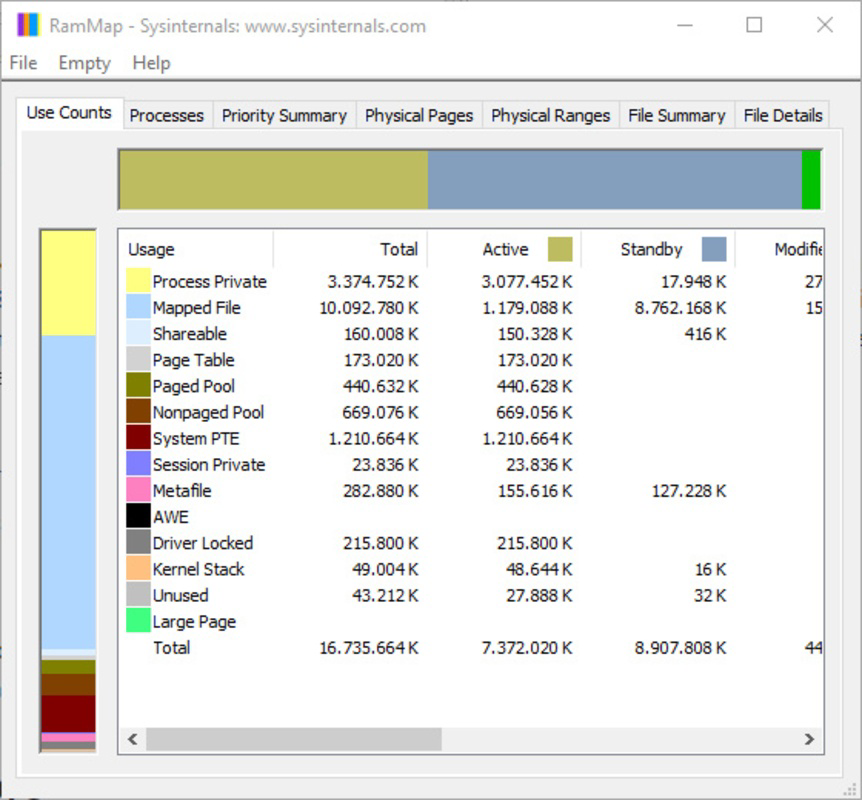
- Comprehensive RAM Usage Summary: The home screen presents a clear, visual overview of total memory usage, including active, standby, and free memory. This summary enables quick assessment of system health without diving into deeper layers.
- ‘Empty’ Tool for Memory Optimization: This feature allows users to manually clear unused memory pages reserved by the system, potentially freeing up resources for active applications. It is especially useful in scenarios where memory pressure is high.
- Easy Monitoring and Management Interface: The app features a clean, tab-based layout that organizes data by memory type and usage pattern, allowing users to navigate and interpret complex memory states with minimal friction.
For example, a system administrator might use RAMMap to verify that a recently installed driver is not causing excessive memory consumption. Similarly, a power user troubleshooting a lagging system could use the tool to determine if the memory is being over-allocated to standby pages, which could be cleared via the 'Empty' function to improve responsiveness.
Interface, UX & Performance
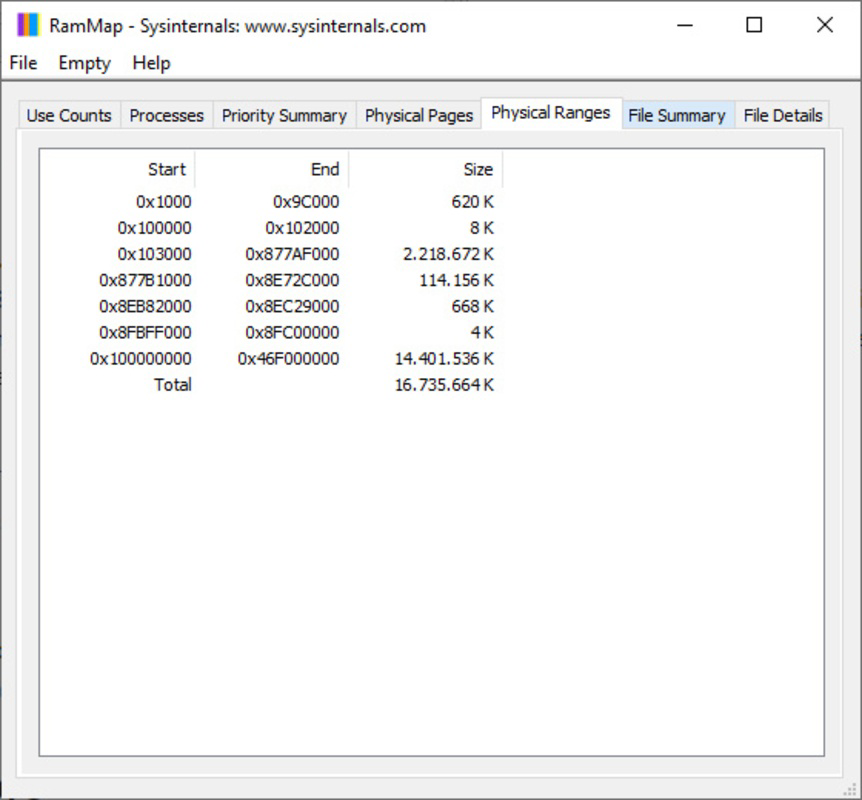
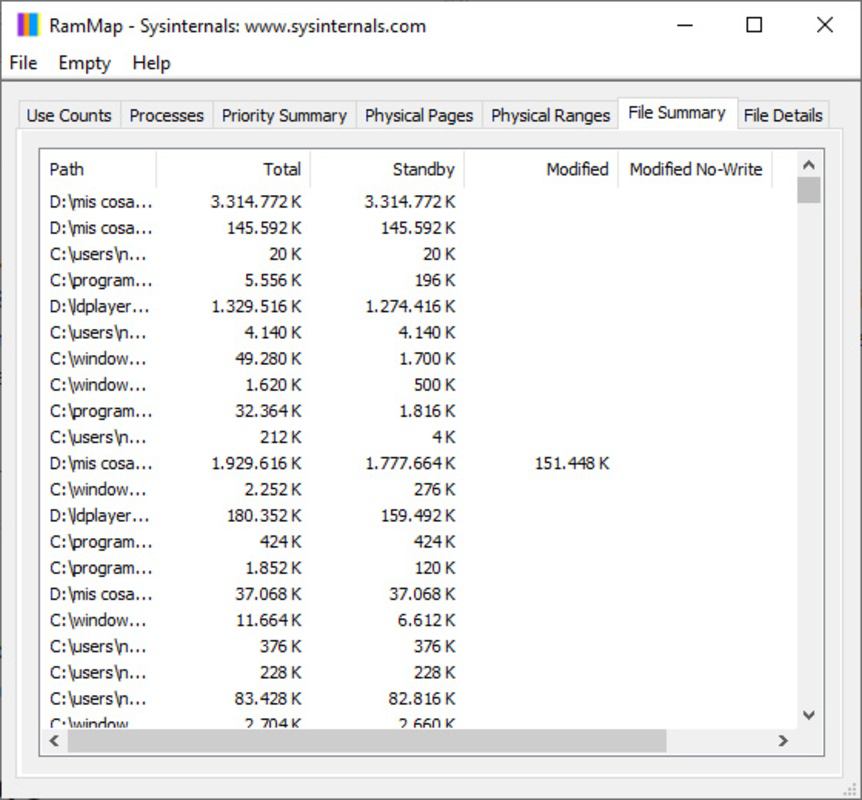
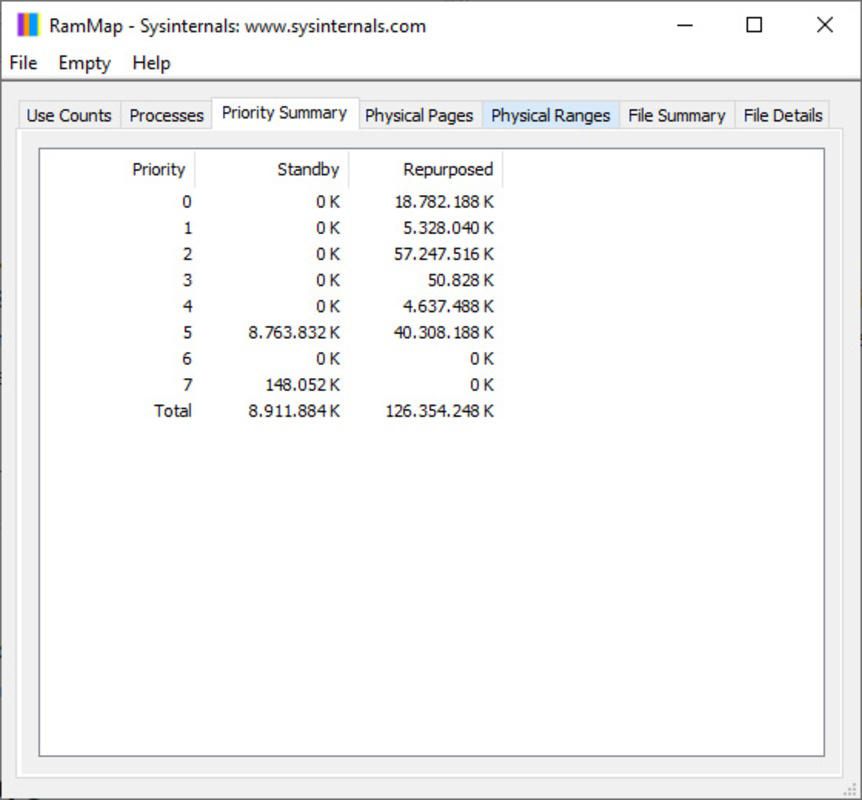
RAMMap features a straightforward, no-nonsense interface that prioritizes clarity and functionality over visual flair. The layout is tabbed, with each section dedicated to a specific aspect of memory usage—such as “Physical Memory,” “Memory Types,” and “Paging.” Navigation is intuitive, allowing users to drill down from high-level summaries to detailed breakdowns with minimal effort.
The visual design is minimalistic, relying on color-coded bars and tables to represent memory states. While the aesthetic is functional rather than modern, it enhances readability and ensures that critical data is immediately accessible. The application responds quickly to user input, with minimal lag even when processing large memory datasets.
Although the developer did not list formal performance metrics, the app’s lightweight footprint suggests consistent responsiveness across various device categories. It operates efficiently on both low-end and high-end systems, maintaining stability during extended monitoring sessions. The absence of background processes or startup delays further contributes to a seamless user experience.
Platform Compatibility & Technical Requirements
RAMMap is designed exclusively for Windows operating systems. The current version, 1.0.0.0, is compatible with Windows platforms, though specific OS version requirements were not listed. The application has a file size of 496 KB, making it suitable for systems with limited storage capacity.
The developer did not specify minimum OS requirements, nor did they provide details on hardware specifications or compatibility with older Windows versions. Users should exercise caution when deploying the tool on legacy systems, as performance may vary without official support documentation. However, given its lightweight nature, it is likely to function on most modern Windows environments.
Pros and Cons
Pros
- Lightweight application with minimal system impact (496 KB)
- Provides detailed, real-time insights into physical memory allocation
- Free to download and use, with no hidden costs
- Developed by Microsoft, ensuring reliability and security
- Includes an 'Empty' tool for proactive memory optimization
Cons
- Interface is functional but lacks modern design polish
- No official documentation or in-app tutorials provided
- Targeted primarily at advanced users, not beginners
- Compatibility with older Windows versions not confirmed
- Does not offer automated optimization or alerts
FAQ
Is RAMMap safe to use on my Windows PC?
Yes, RAMMap is a legitimate tool developed by Microsoft and is considered safe for use on Windows systems. It does not modify system files or install additional software.
Can I update RAMMap automatically?
Updates are not automatically delivered through the app. Users must manually check for new versions on the official Microsoft website or download the latest release from trusted sources.
Does RAMMap work on Windows 10 and Windows 11?
While the developer did not specify compatibility details, the application is designed for Windows platforms and is expected to function on both Windows 10 and Windows 11.
Is RAMMap available for macOS or Linux?
No, RAMMap is currently available only for Windows operating systems and is not supported on macOS or Linux.
Can RAMMap improve my computer’s performance permanently?
RAMMap provides tools to analyze and temporarily free memory, but it does not offer permanent performance improvements. Its benefits are immediate and situational, depending on current memory usage.
Final Thoughts
RAMMap stands out as a powerful, no-frills utility for users who demand transparency and control over their system’s memory management. While its interface may not appeal to casual users, its depth of insight and reliability make it an essential tool for IT professionals, system optimizers, and advanced users. The combination of detailed memory analysis, a compact footprint, and the ability to manually clear unused memory pages delivers tangible value in performance troubleshooting.
For anyone looking to monitor RAM usage, analyze memory allocation, or optimize Windows memory performance, RAMMap offers a secure, free, and effective solution. Its developer, Microsoft, ensures it remains trustworthy and up-to-date with system changes.
Download RAMMap now
Guides & Tutorials
How to install RAMMap
- Click the Download button above.
- Once redirected, accept the terms and click Install.
- Wait for the RAMMap download to finish on your device.
How to use RAMMap
This software is primarily used for its core features described above. Open the app after installation to explore its capabilities.
User Reviews
No reviews yet. Be the first to share your experience.
You may also like
more
Que no te pillen¡
About !Que no te pillen¡Reviewed by Jason A. BilbreyShow MoreShow Less

3D Combat Zone
About 3D Combat ZoneOriginally released in 1983, 3D Combat Zone immerses players...

666: El día del portal
About 666: El día del portalOn June 6, 2006, Agent P. Stone uncovers a sinister...

80 in 1 Best Flash games
About 80 in 1 Best Flash games 80 in 1 Best Flash games is a collection of 80 fl...

ABYSS SEEKERーーWhat Do You See Deep in The Abyss
About ABYSS SEEKERーーWhat Do You See Deep in The AbyssIn ABYSS SEEKER, players...

ACA NEOGEO THE KING OF FIGHTERS 2002 for Windows
About ACA NEOGEO THE KING OF FIGHTERS 2002 for WindowsTHE KING OF FIGHTERS 2002,...
