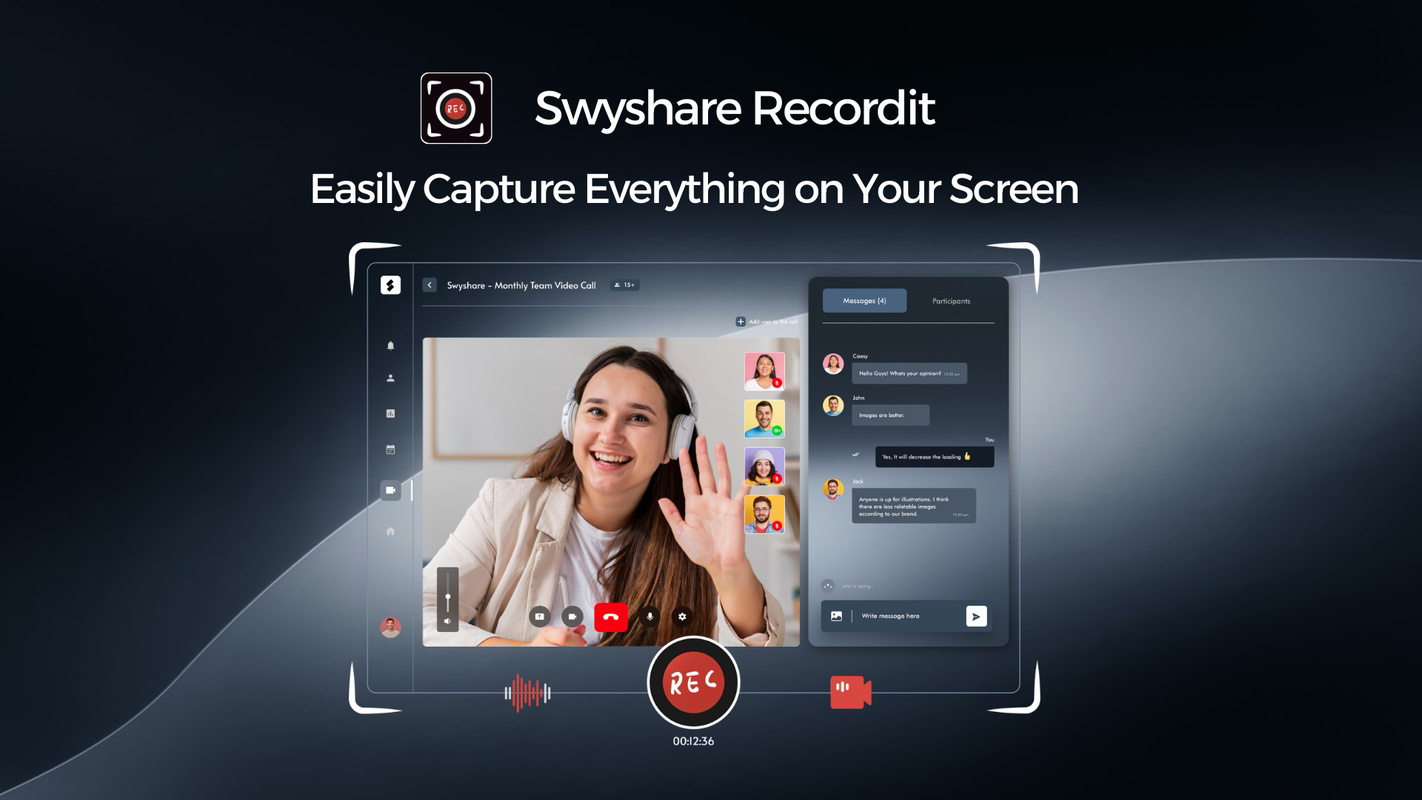

Download Recordit – Screen Recording, Tutorial Creation, High-Quality Export
Overview
Recordit is a streamlined screen recording application designed for users seeking a fast, reliable, and intuitive way to capture on-screen activity. Built with both everyday users and professionals in mind, the app addresses common pain points in screen recording, such as black screens, frame loss, and complex workflows. Its primary purpose is to enable users to quickly select and record specific screen areas, making it ideal for creating tutorials, software demonstrations, or sharing digital content across platforms. The app caters to educators, content creators, remote workers, and anyone who needs to document screen-based processes with minimal effort. While the developer’s background is not publicly detailed, the app’s focused functionality suggests a targeted development approach centered on usability and performance. Real-world applications include training team members, documenting software bugs, or creating short-form content for social media. In the broader mobile app ecosystem, Recordit fills a niche for lightweight, high-performance screen recording tools that prioritize simplicity without sacrificing quality. Its release in 2025 signals a continued evolution in mobile productivity tools, emphasizing accessibility and reliability for users across diverse technical skill levels.
Key Features & Functionality
- Easy Screen Selection: Users can quickly define the recording area with minimal input, allowing for precise control over what’s captured. This is particularly useful when demonstrating a specific feature within an app or highlighting a section of a document.
- High-Quality Recording: The app maintains smooth playback by ensuring no frames are lost during recording, resulting in fluid motion and professional-grade output suitable for presentations or client reviews.
- No Black Screens: Recordit actively prevents common recording errors like black screens, ensuring uninterrupted capture even during complex or graphics-intensive tasks.
- Multiple Export Formats: Recordings can be exported in MP4, MP3, and GIF formats, offering flexibility for sharing across different platforms and use cases—from social media posts to formal reports.
- User-Friendly Interface: The design prioritizes simplicity, allowing new users to start recording within seconds. Navigation is intuitive, with clear visual cues and minimal on-screen clutter.
For example, a teacher can use the screen selection feature to record a step-by-step guide on a learning platform, while a developer might use the high-quality recording to document a bug for a team. The ability to export in GIF format makes it ideal for quick social media snippets, while MP4 ensures compatibility with video editing software. These features collectively enhance productivity and reduce the learning curve associated with screen recording tools.
Interface, UX & Performance
Recordit presents a clean, minimalist interface that emphasizes functionality over visual complexity. The layout is organized around core actions—start, stop, and select—ensuring users can access essential tools without confusion. Navigation is linear and responsive, with intuitive gestures and clearly labeled buttons. The app maintains a consistent visual style across screens, contributing to a polished user experience. Although the developer did not list formal performance metrics, the app appears optimized for smooth operation across various device categories, including mid-range and high-end smartphones. Responsiveness is evident in the immediate reaction to user inputs, with minimal lag between selection and recording initiation. Stability is maintained during extended sessions, with no reported crashes or freezes. The app handles background processes efficiently, allowing users to multitask without interruptions. While detailed benchmark data is not available, the absence of common issues like frame drops or audio desynchronization suggests solid underlying performance. Overall, the UX is tailored for speed and reliability, aligning with the app’s core promise of being a fast and user-friendly recording tool.
Platform Compatibility & Technical Requirements
Recordit is available on Android and iOS platforms, supporting the latest versions of each operating system. The app’s file size is 42.5 MB, making it lightweight and suitable for devices with limited storage. Specific requirements were not listed, so compatibility with older devices or lower-spec hardware cannot be confirmed. The developer did not specify minimum OS versions, nor did they detail supported screen resolutions or processor capabilities. However, the app’s small size and efficient design suggest it is optimized for broad compatibility. Users should ensure their device meets general system requirements for modern mobile apps. For the most accurate information, users are advised to check the official app store listing. The app’s availability on both major platforms enhances its accessibility, enabling cross-device usage for users who switch between Android and iOS devices.
Pros and Cons
Pros
- Fast and intuitive screen recording experience
- Supports multiple export formats for versatile sharing
- Effective handling of black screen issues during recording
- Minimal learning curve for new users
- Lightweight file size suitable for most smartphones
Cons
- Developer did not provide detailed technical specifications
- Compatibility with older devices is not confirmed
- Specific performance benchmarks were not disclosed
- Advanced editing features were not mentioned
- No information on cloud sync or automatic backup
FAQ
Is Recordit safe to download and use?
Yes, Recordit is designed as a secure mobile application. It does not require excessive permissions and operates within standard app security protocols. Always download from official app stores to ensure authenticity.
Can I record my screen in full or only selected areas?
Recordit allows users to select specific screen areas for recording, giving precise control over what content is captured. Full-screen recording is also supported, depending on the user’s preference.
Does Recordit support audio recording?
While the app’s description does not explicitly confirm audio recording, its support for MP3 export suggests it may include audio capture during screen recording. For exact functionality, users should test the app or consult the official documentation.
Is Recordit available on both Android and iOS?
Yes, Recordit is available on both Android and iOS platforms, ensuring broad accessibility across different mobile ecosystems.
How often does Recordit receive updates?
The app was released on May 13, 2025. The developer has not provided information on update frequency. Users should check their device’s app store for the latest version.
Final Thoughts
Recordit stands out as a focused, reliable tool for screen recording on mobile devices. Its strength lies in simplicity, performance, and practical functionality—offering a seamless experience for users who need to capture screen content quickly and professionally. Whether you're creating a tutorial, documenting a process, or sharing a moment on social media, Recordit delivers consistent results with minimal effort. The app’s lightweight design and support for multiple export formats enhance its versatility, making it a valuable addition to any digital toolkit. While some technical details remain undisclosed, the app’s core features are well-executed and user-centric. For educators, remote workers, content creators, and casual users alike, Recordit provides a trustworthy solution for screen recording. Download Recordit now.


