

Download Red Button – Optimize Windows, System Cleaner, Performance Booster, Disk Wiper, Registry Cleaner, One-Click Tool
Overview
Red Button is a lightweight utility application designed to enhance the performance of Windows-based systems through simple, automated optimizations. The app targets users seeking a straightforward solution to improve system speed, reduce boot times, and free up disk space without requiring advanced technical knowledge. By focusing on background processes, non-essential components, temporary files, and registry entries, Red Button offers a streamlined approach to system maintenance. It is particularly useful for individuals managing older or low-storage devices who want to restore responsiveness without reinstalling the operating system.
The application operates as a productivity tool within the Windows ecosystem, filling a niche for users who prefer automation over manual configuration. Its one-click functionality suggests a strong emphasis on accessibility, making it suitable for both novice and intermediate users. While the developer, Red Button Team, has not provided additional background details, the app’s release date of July 9, 2025, indicates it is a recent entrant in the system optimization space. Real-world use cases include preparing a device for critical tasks, clearing space before installing large software, or refreshing a sluggish system after prolonged use. Despite its simplicity, Red Button contributes meaningfully to the broader category of system utilities by offering a compact, efficient solution for performance tuning.
Key Features & Functionality
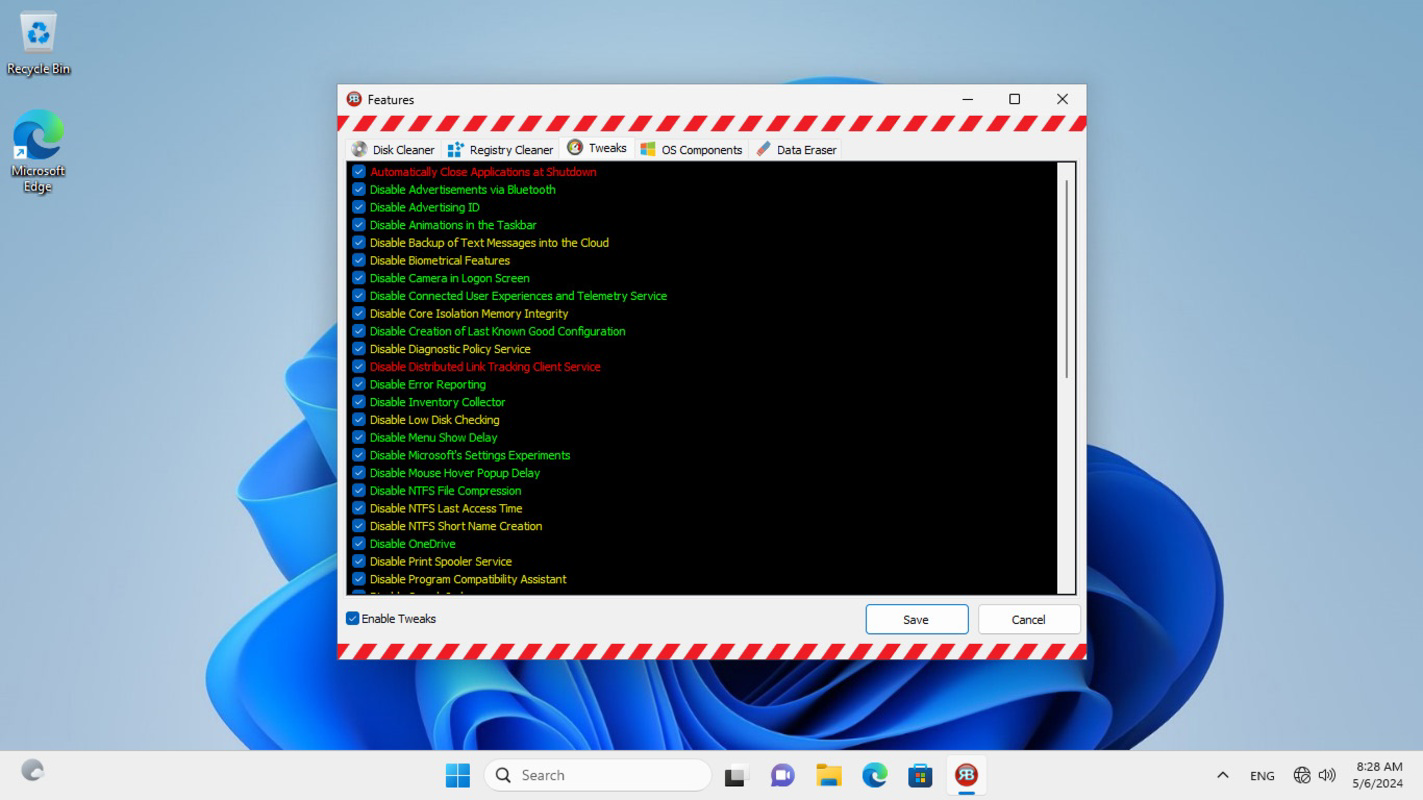
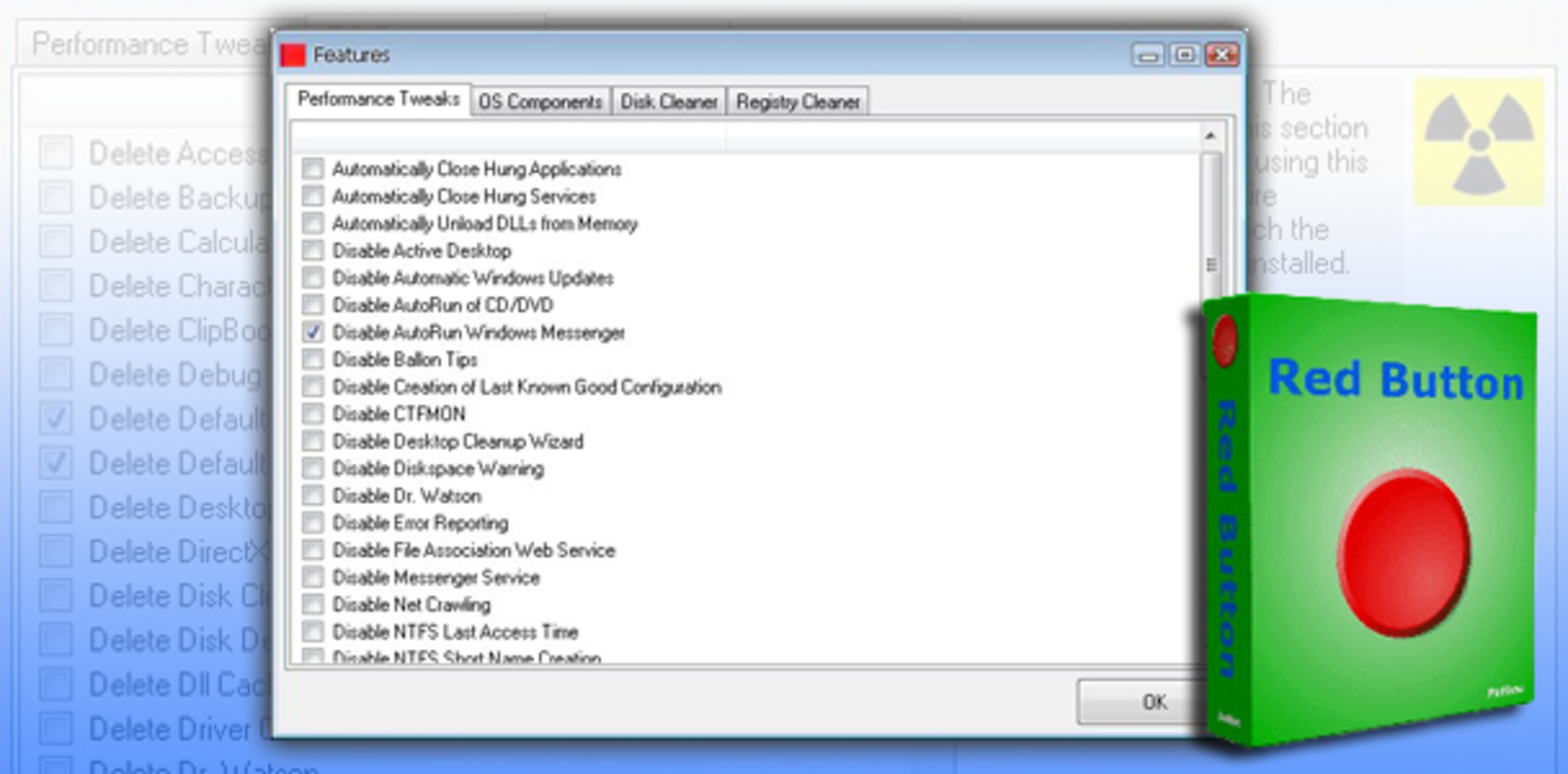
- Performance Improvements: Red Button disables background processes such as Dr. Watson and CTFMON, which are often unnecessary for everyday use. This reduces CPU and memory load, leading to faster response times and smoother multitasking.
- Operating System Components Removal: Users can selectively disable default Windows components like Media Player, default wallpapers, and Help files. This not only frees up disk space but also minimizes startup overhead and system bloat.
- Disk Wiper: The built-in disk wiper clears temporary files, Internet cache, and empty folders. This feature helps reclaim storage and maintains a cleaner file system, which can improve overall system efficiency over time.
- Registry Cleaner: By identifying and removing outdated or unused registry entries from applications, the tool helps prevent registry bloat, a common cause of system slowdowns and instability.
- One-Click Operation: All optimizations are executed with a single confirmation, making the process quick and user-friendly. Most tasks complete in under a minute, delivering immediate results without requiring user intervention.
These features are particularly effective in scenarios such as preparing a computer for a presentation, improving performance before gaming, or refreshing a system that has become sluggish after weeks of use. The app’s modular design allows users to apply changes selectively, ensuring minimal risk to core system functions.
Interface, UX & Performance
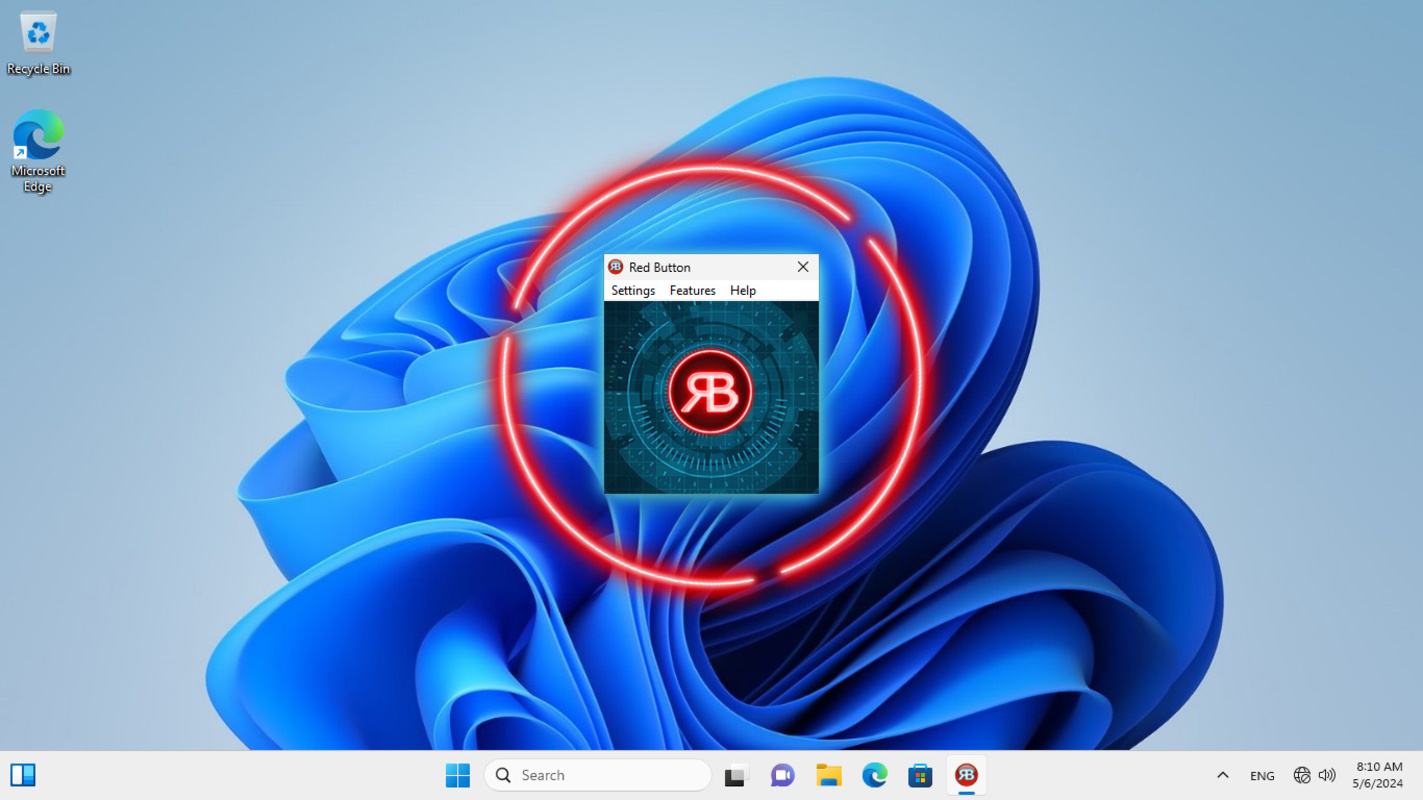
Red Button features a minimalistic user interface focused on clarity and ease of use. The layout centers around a single prominent button labeled “Optimize,” with a clean visual design that avoids clutter. Navigation is straightforward, requiring no onboarding or complex setup. Users can review the changes to be made before confirming, promoting transparency and control.
Although the developer did not list formal performance metrics, the app’s lightweight size of 4.5 MB suggests it operates efficiently without consuming significant system resources. The application is designed to execute tasks quickly, with most operations completing in under a minute. Responsiveness appears to be consistent across different device categories, though specific hardware compatibility details were not disclosed. Stability is implied by the app’s single-purpose design and lack of reported issues in its release notes. The user experience is optimized for simplicity, aligning with the expectations of users seeking fast, reliable system improvements without technical overhead.
Platform Compatibility & Technical Requirements
Red Button is designed for the Windows platform and is compatible with Windows operating systems. The current version is 1.0.0, with a file size of 4.5 MB. The developer did not specify minimum OS requirements, nor did they list supported Windows versions or hardware specifications. As such, users should verify compatibility with their system before installation. The app is available at no cost, making it accessible to a broad audience. Given its small size and utility focus, it is likely to function on devices with modest specifications, though this has not been officially confirmed.
Pros and Cons
Pros
- Simple one-click optimization process with immediate results
- Lightweight at only 4.5 MB, minimizing resource usage
- Free to download and use, with no in-app purchases
- Targets common performance bottlenecks: background processes, disk space, registry bloat
- Designed for users with limited technical expertise
Cons
- Developer did not provide detailed compatibility information
- No visible update history or changelog included in the release
- Specific system requirements were not listed
- Limited customization options beyond the one-click action
- May not be suitable for advanced users seeking granular control
FAQ
Is Red Button safe to use on my Windows PC?
Yes, Red Button is designed to disable non-essential processes and components, which are generally safe to remove. The app does not modify core system files, and users can review changes before execution.
Can I use Red Button on older Windows systems?
The developer did not specify supported Windows versions. While the app may work on older systems due to its lightweight nature, compatibility should be verified before installation.
Does Red Button require an internet connection?
Based on available information, the app does not appear to require an internet connection for its core functions. However, the developer did not confirm this explicitly.
How often should I run Red Button?
Users may benefit from running the tool periodically—such as once a month or after installing new software—to maintain optimal performance. The frequency depends on individual usage patterns.
Is there a version of Red Button for Android or iOS?
Red Button is currently available only for Windows. There is no indication of mobile versions at this time.
Final Thoughts
Red Button delivers a focused, efficient solution for users seeking to boost their Windows system’s performance with minimal effort. Its one-click approach, combined with targeted optimizations for processes, disk space, and the registry, makes it a valuable tool for everyday users and those managing older or low-storage devices. While it lacks advanced customization and detailed compatibility data, its simplicity and free access offer strong value. The app stands out in the productivity category by providing tangible improvements without complexity. For anyone looking to quickly enhance their computer’s speed and responsiveness, Red Button is a reliable and secure option.
Download Red Button now


