Wolfram Function Repository
Instant-use add-on functions for the Wolfram Language
Function Repository Resource:
Get a list of locally stored resource objects
ResourceFunction["LocalResourceObjects"][] returns a list of all resource objects stored on the computer. | |
ResourceFunction["LocalResourceObjects"][types] only returns resources of the specified types. | |
ResourceFunction["LocalResourceObjects"][types,prop] gives the property prop for each resource. |
| "Data" | https://datarepository.wolframcloud.com |
| "NeuralNet" | https://resources.wolframcloud.com/NeuralNetRepository |
| "Function" | https://resources.wolframcloud.com/FunctionRepository |
List all locally stored resource objects:
| In[1]:= |
![ResourceFunction["LocalResourceObjects"][] // Short](https://www.wolframcloud.com/obj/resourcesystem/images/a24/a246373b-3506-4205-bb9a-7af2586fc6e8/42939ea5e871dd9b.png)
|
| Out[1]= |
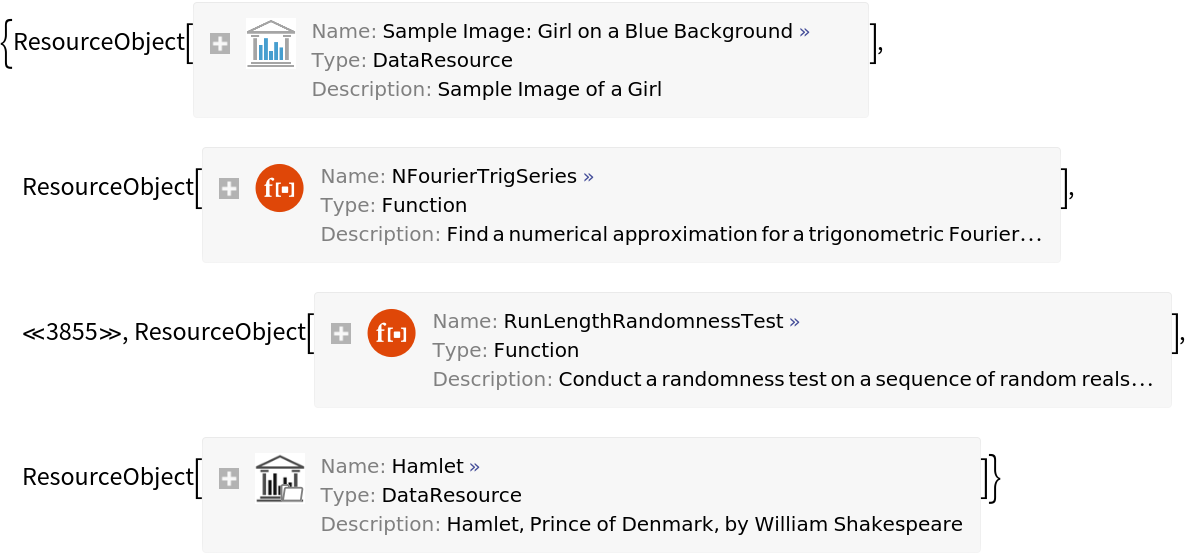
|
Find a few locally stored neural net resource objects:
| In[2]:= |
![ResourceFunction["LocalResourceObjects"]["NeuralNet", MaxItems -> 3]](https://www.wolframcloud.com/obj/resourcesystem/images/a24/a246373b-3506-4205-bb9a-7af2586fc6e8/5a824ceab21d09c3.png)
|
| Out[2]= |
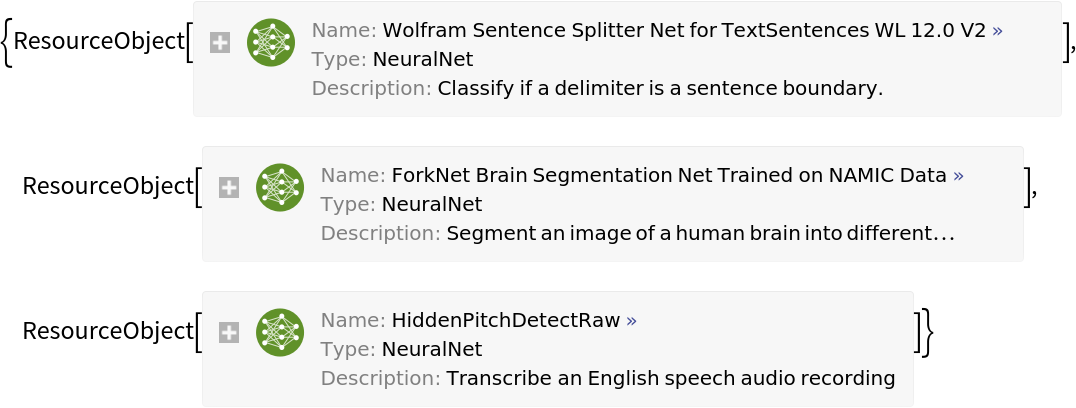
|
Find resources of multiple types:
| In[3]:= |
![ResourceFunction["LocalResourceObjects"][{"Data", "Function"}, MaxItems -> 10]](https://www.wolframcloud.com/obj/resourcesystem/images/a24/a246373b-3506-4205-bb9a-7af2586fc6e8/55794023ad8d35ca.png)
|
| Out[3]= |
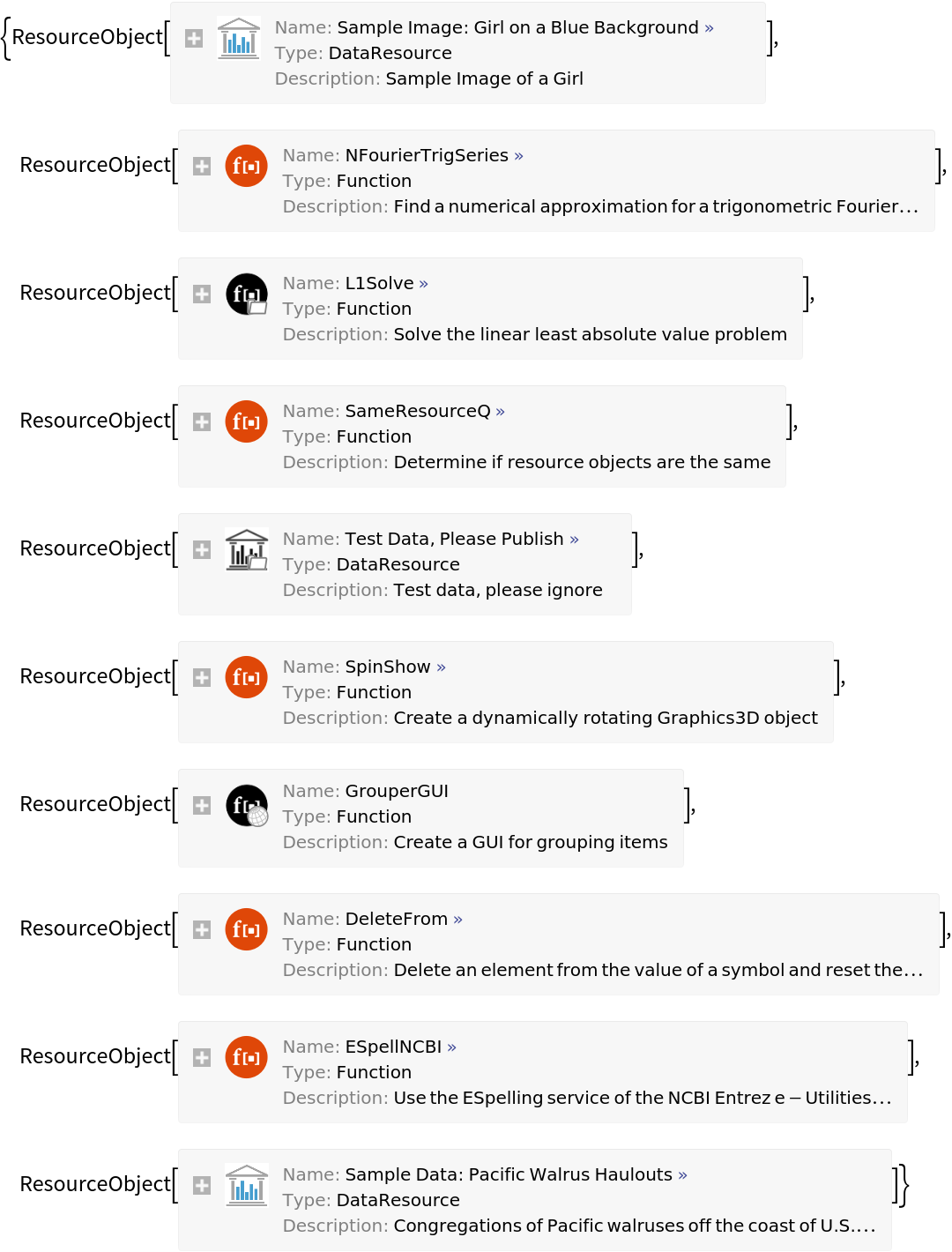
|
Display names for all local data resources:
| In[4]:= |
![ResourceFunction["LocalResourceObjects"]["Data", "Name"] // Short](https://www.wolframcloud.com/obj/resourcesystem/images/a24/a246373b-3506-4205-bb9a-7af2586fc6e8/1e9dd719b8895e92.png)
|
| Out[4]= |

|
Retrieve a NetModel for each "NeuralNet" resource using the name for a label:
| In[5]:= |
![Labeled[NetModel[#], #] & /@ ResourceFunction["LocalResourceObjects"]["NeuralNet", "Name", MaxItems -> 3]](https://www.wolframcloud.com/obj/resourcesystem/images/a24/a246373b-3506-4205-bb9a-7af2586fc6e8/5c08495e9798593f.png)
|
| Out[5]= |
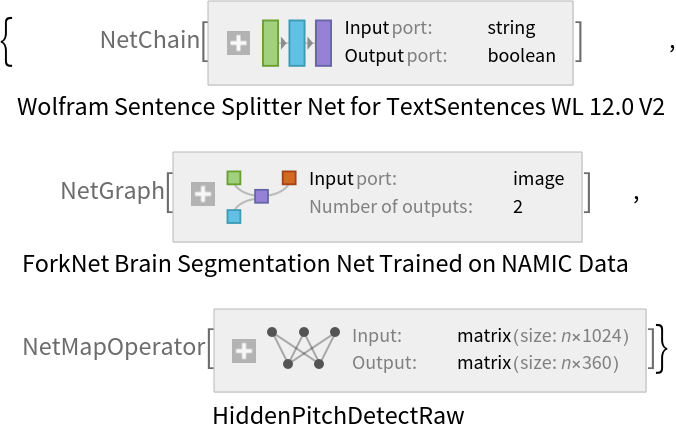
|
Retrieve a ResourceFunction for each "Function" resource:
| In[6]:= |
![ResourceFunction /@ ResourceFunction["LocalResourceObjects"]["Function", MaxItems -> 10]](https://www.wolframcloud.com/obj/resourcesystem/images/a24/a246373b-3506-4205-bb9a-7af2586fc6e8/6d61c62abdaccff7.png)
|
| Out[6]= |

|
Find a few locally cached resources from the public resource system:
| In[7]:= |
![RandomChoice[
Select[ResourceFunction[
"LocalResourceObjects"][], #["RepositoryLocation"] === URL[$ResourceSystemBase] &], 7]](https://www.wolframcloud.com/obj/resourcesystem/images/a24/a246373b-3506-4205-bb9a-7af2586fc6e8/05787451e9ff25f4.png)
|
| Out[7]= |
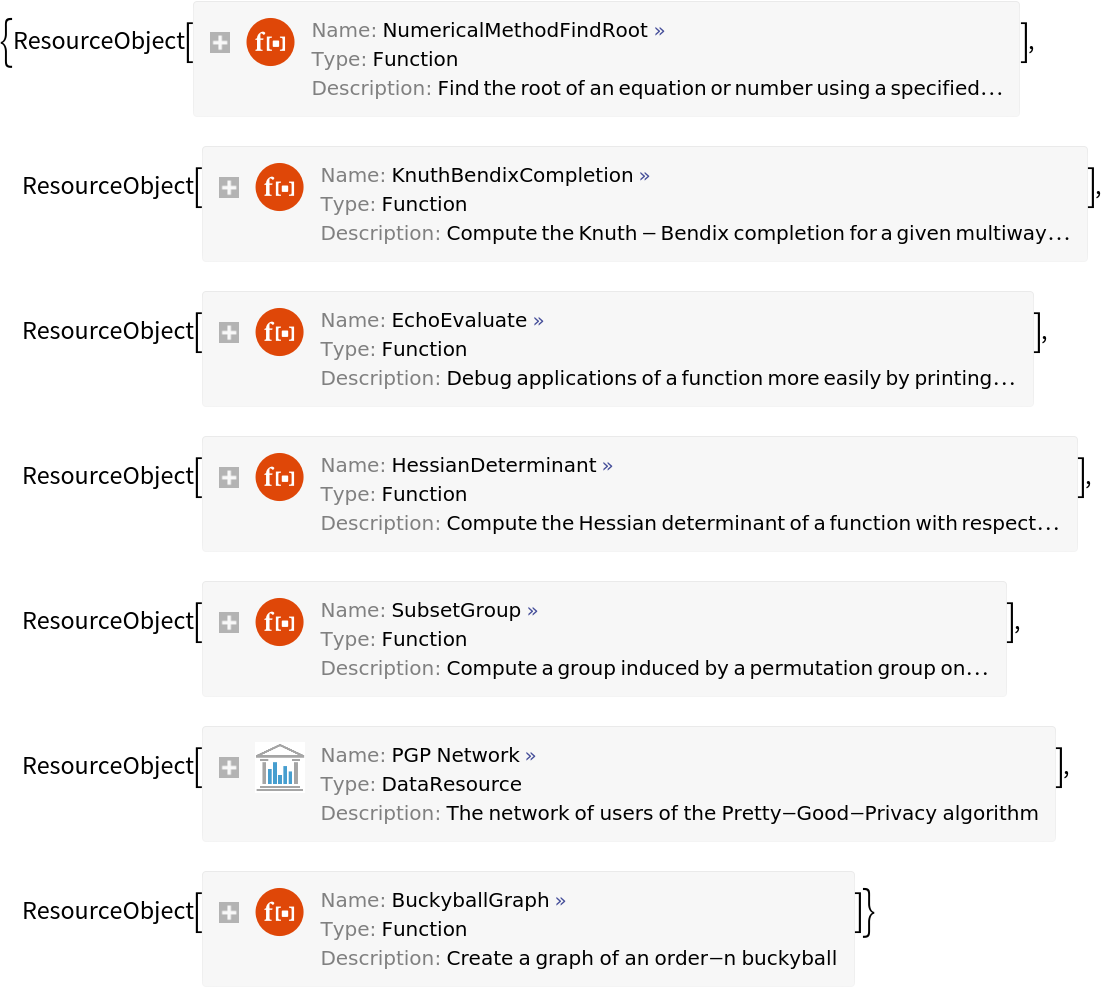
|
Find a random ResourceObject created on this computer:
| In[8]:= |
![RandomChoice[
Select[ResourceFunction[
"LocalResourceObjects"][], ! MatchQ[#["RepositoryLocation"], _URL] &]]](https://www.wolframcloud.com/obj/resourcesystem/images/a24/a246373b-3506-4205-bb9a-7af2586fc6e8/625a44d78a739ec8.png)
|
| Out[8]= |

|
Create a dynamic tool for browsing locally cached resource functions:
| In[9]:= |
![ResourceFunction["DynamicListView"][
With[{n = #}, Button[n, CopyToClipboard[ResourceFunction[n]]]] & /@ Sort[ResourceFunction["LocalResourceObjects"]["Function", "Name"]], 10]](https://www.wolframcloud.com/obj/resourcesystem/images/a24/a246373b-3506-4205-bb9a-7af2586fc6e8/2e23093365d23aca.png)
|
| Out[9]= |

|
Wolfram Language 11.3 (March 2018) or above
This work is licensed under a Creative Commons Attribution 4.0 International License
