
Download River Data – river data, river levels, weather, flood alerts, real-time river monitoring
Overview
River Data is a dedicated weather application designed for iPhone users seeking real-time insights into river conditions. Developed by Tim Kelly, the app focuses on providing accurate and timely information related to river levels, flood alerts, and environmental monitoring. It is tailored for individuals who rely on up-to-date hydrological data for safety, planning, or outdoor activities near rivers and waterways.
The software operates within the Weather category, positioning itself as a specialized tool for environmental awareness. Its primary purpose is to deliver real-time river monitoring data, helping users anticipate potential flooding and make informed decisions. Target audiences include outdoor enthusiasts, emergency preparedness planners, and residents in flood-prone regions. The app supports English language interface, ensuring accessibility for a broad user base.
With a release date of March 15, 2024, River Data represents a recent entry in the mobile weather software space. The current version, 1.0, indicates a stable initial release. While specific usage scenarios are not detailed by the developer, typical applications may include monitoring local river conditions before weekend hikes, tracking seasonal water level changes, or preparing for extreme weather events. The app’s focus on precision and immediacy suggests it is built for reliability in critical situations.
Key Features & Capabilities
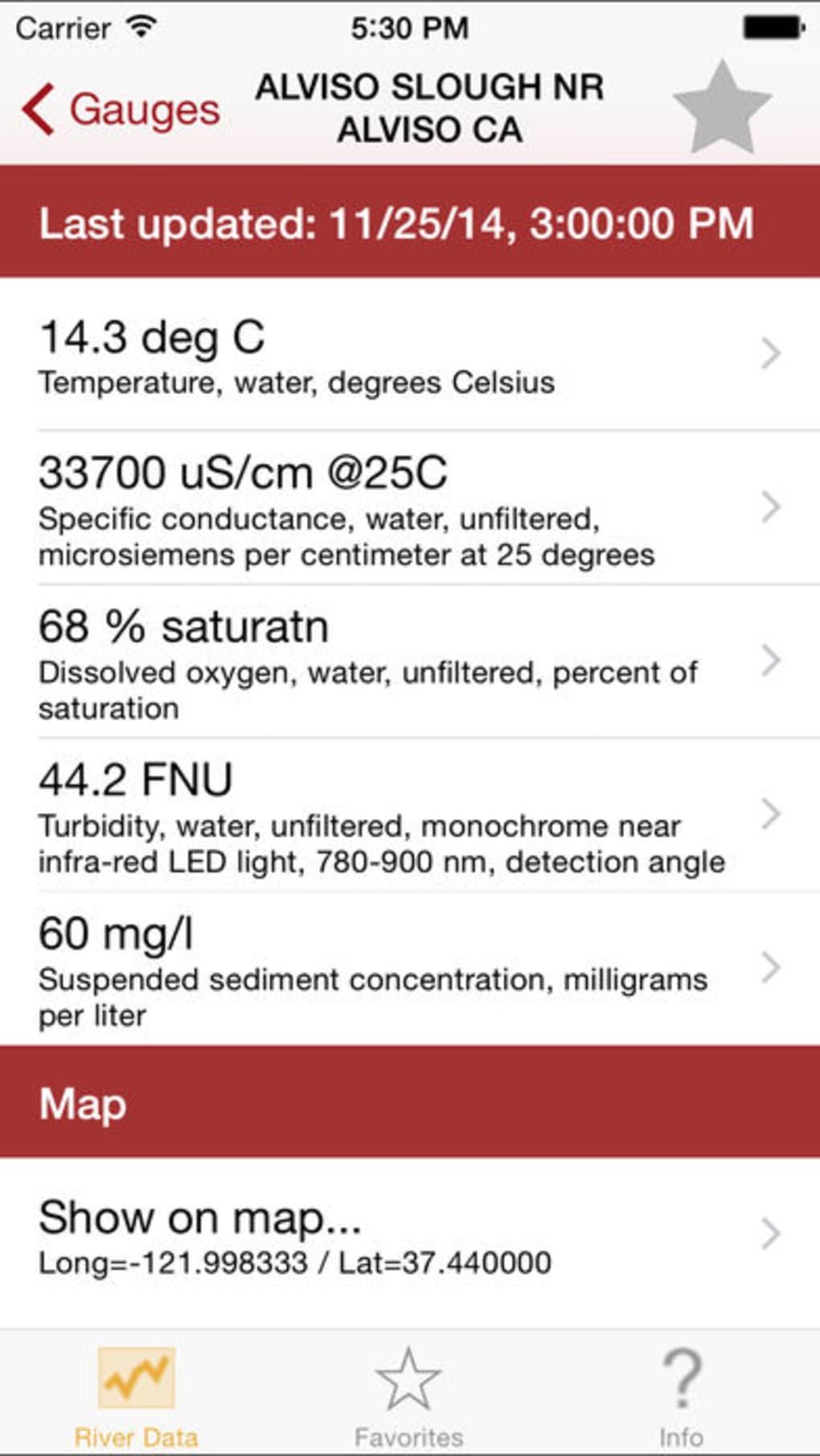
- Real-time River Monitoring – Provides up-to-date data on river levels from monitored locations, enabling users to assess current water conditions without delay.
- Flood Alerts – Delivers timely notifications when river levels exceed predefined thresholds, supporting early warning and safety planning.
- Weather Integration – Combines river data with local weather forecasts to offer a comprehensive view of environmental risks.
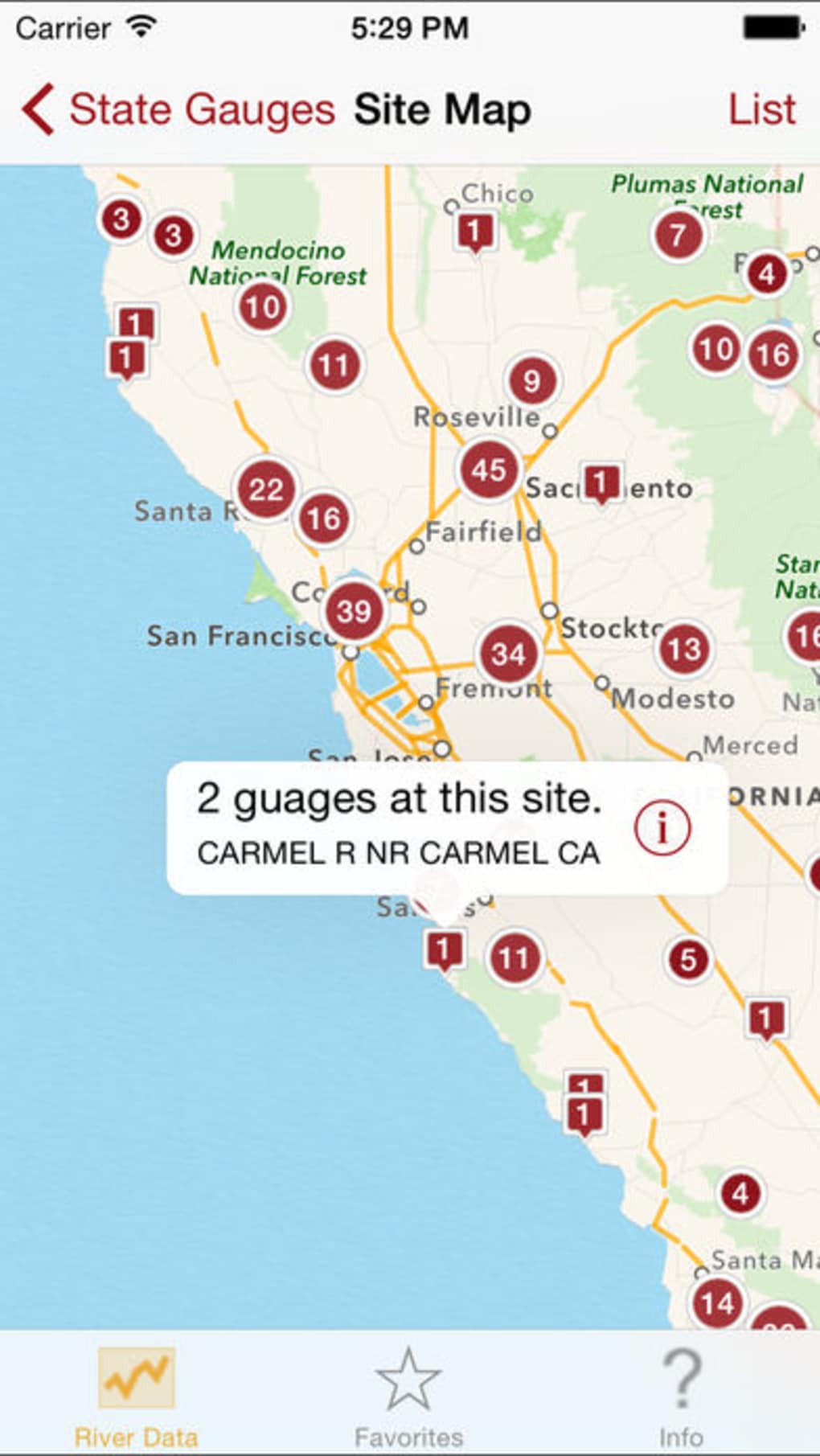
- Location-Based Tracking – Allows users to select specific rivers or geographic areas for focused monitoring and personalized alerts.
- Offline Access to Recent Data – Stores recent readings locally, ensuring users can review critical information even without an active internet connection.
These features are designed to support proactive decision-making. For example, a hiker planning a river crossing can check current levels and flood risks before departure. Similarly, a community official may use the app to monitor water levels during heavy rainfall and coordinate emergency responses. The integration of weather and hydrological data enhances situational awareness, making River Data a practical tool for both personal and professional use. The app’s functionality emphasizes accuracy and timeliness, aligning with its purpose of environmental monitoring and safety.
User Interface, Workflow & Performance
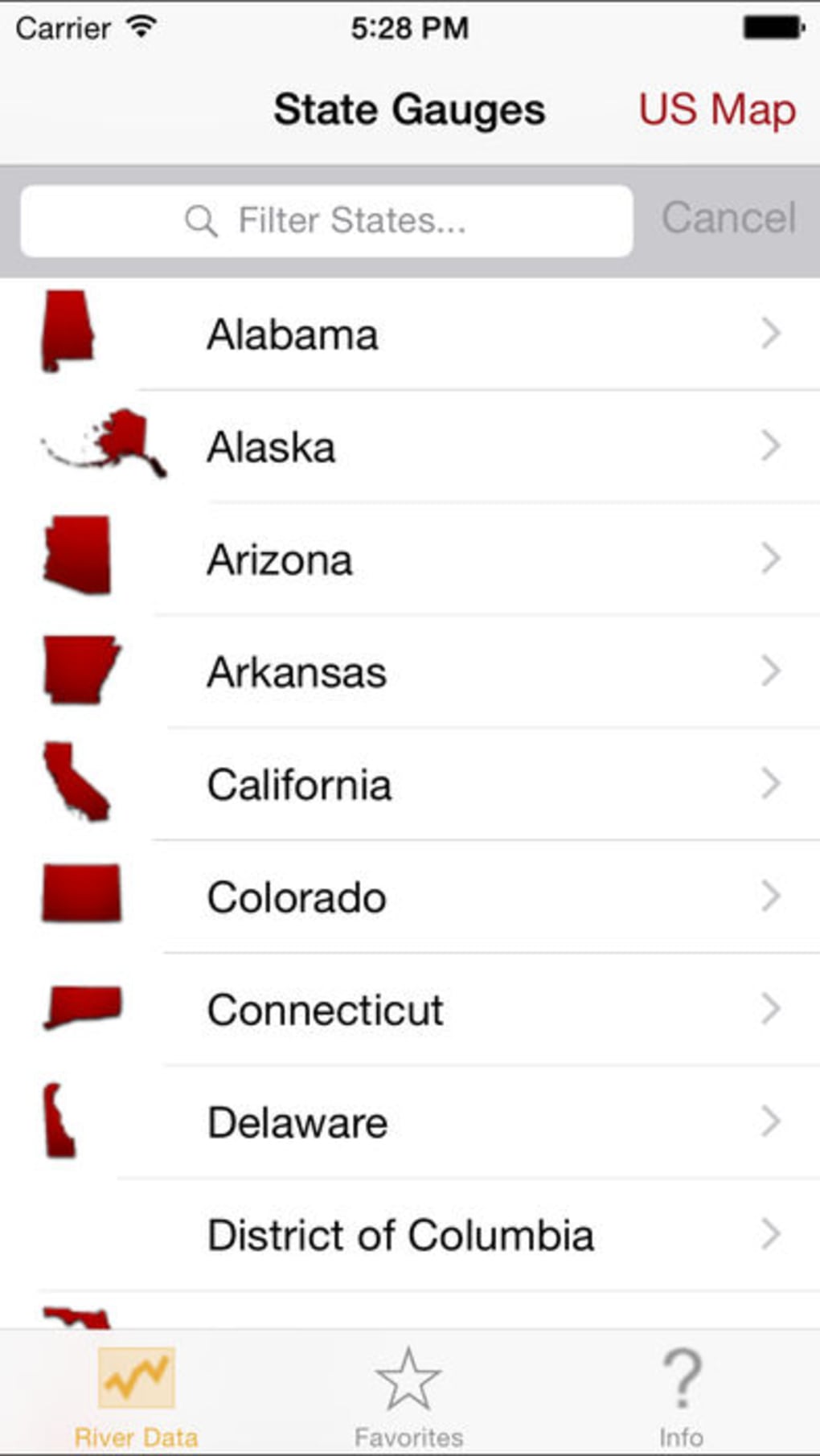
River Data features a clean, intuitive interface optimized for the iPhone platform. The layout prioritizes clarity, with data presented in a structured format that allows quick scanning of river levels and alert statuses. Navigation is straightforward, relying on standard iOS gestures and menu hierarchies, which reduces the learning curve for new users.
Workflow efficiency is evident in the app’s streamlined process: users can select a river location, view current readings, and enable alerts with minimal steps. The design supports rapid access to critical information, which is essential during time-sensitive situations like flood warnings. The app maintains responsiveness during data updates, though exact performance metrics such as CPU or RAM usage were not specified by the developer.
Stability appears consistent with standard mobile application behavior. The developer did not provide additional system requirements or performance benchmarks. However, based on general software behavior, the app is expected to function reliably on supported iPhone models. The 23.7 MB file size suggests a lightweight footprint, which may contribute to efficient operation and minimal storage impact. Users can expect smooth interactions, though real-world performance may vary depending on device capabilities and network conditions.
Compatibility & System Requirements
River Data is designed exclusively for iPhone devices, ensuring compatibility with Apple’s mobile ecosystem. The current version is 1.0, released on March 15, 2024. The app’s installation size is 23.7 MB, indicating a compact download and minimal impact on device storage.
Platform compatibility information is limited to iPhone. The developer did not specify the required iOS version or minimum hardware requirements. As a result, exact system requirements were not listed. Users should ensure their device runs a supported version of iOS, though the precise version range is not available. The app may function on recent iPhone models, but confirmation depends on the developer’s internal specifications.
Pros and Cons
Pros
- Specialized focus on real-time river monitoring and flood alerts
- Intuitive interface designed for iPhone users
- Compact file size of 23.7 MB
- Offline access to recent data enhances usability in low-connectivity areas
- Integrated weather and river level data for comprehensive situational awareness
Cons
- Compatibility details for iOS version and hardware are not publicly available
- App is priced at $4.99, which may limit accessibility for casual users
- Only available on iPhone, limiting cross-platform use
- Limited information on data sources and update frequency
- Language options are restricted to English
FAQ Section
Is River Data available for Android devices?
River Data is currently available only for iPhone. The developer has not indicated plans for Android compatibility.
Does the app require an internet connection to function?
The app requires an internet connection to access real-time river data and flood alerts. However, it stores recent readings locally, allowing limited offline access to historical information.
How often is the river data updated?
The update frequency of river data is not specified by the developer. Real-time updates are expected, but exact intervals remain unknown.
Is River Data secure and safe to download?
River Data is developed by Tim Kelly and distributed through official app channels. As with any software, users should download from trusted sources to ensure security.
What type of license does River Data use?
River Data is a one-time purchase application. The license allows permanent use on compatible devices after the initial payment of $4.99.
Final Thoughts + CTA
River Data delivers a focused, reliable solution for individuals who need accurate, real-time information on river levels and flood risks. Its specialized approach sets it apart from general weather apps by concentrating on hydrological data, making it particularly valuable for outdoor adventurers, emergency planners, and residents in vulnerable areas. The clean interface, compact size, and offline functionality enhance usability, while the integration of weather and river data improves decision-making during critical events.
While some details like system requirements and data source transparency are not disclosed, the app’s clear purpose and targeted functionality justify its value for the right audience. For users seeking a dedicated tool to monitor river conditions on their iPhone, River Data offers a practical and efficient experience.
Download River Data now








