

Описание
WDesignKit — это идеальный инструмент для дизайнеров на WordPress, который позволяет создавать потрясающие веб-сайты всего за несколько минут. Это самый быстрый способ создать веб-сайт на WordPress, что делает его необходимым инструментом для каждого дизайнера или владельца агентства на WordPress.
Quick Navigation Links
Посетить веб-сайт | Видеоуроки| Документация | План развития | Присоединиться к сообществу Facebook | Бесплатная поддержка | Премиум поддержка | Чат с ИИ (Мгновенные ответы)
Объяснение всех функций WDesignKit за 4 минуты Смотреть сейчас
Что такое WDesignKit?
- 1600+ Elementor Page Templates, Kit & Sections
- 1500+ Gutenberg Templates & Patterns
- 80+ Elementor Widgets Library
- 30+ Gutenberg Blocks Library
- 30+ Bricks Elements Libary
- Конструктор виджетов Elementor (Пользовательский код для виджета Elementor)
- Gutenberg Blocks Builder(Произвольный код для блоков Gutenberg)
- Конструктор элементов Bricks (Пользовательский код для элементов Bricks)
- 1- Click Widget Convertor — Easily Convert Elementor Widgets to Gutenberg Blocks or Bricks Elements & Vice Versa
- Облачное рабочее пространство — Сотрудничайте с вашей командой и храните шаблоны страниц, дизайны в Figma или пользовательские виджеты в облаке
- 60+ Figma Designed Websites
🔍 НАШИ ТОВАРЫ
🥇 Дополнения The Plus для Elementor — 120+ виджетов Elementor для легкого создания виджетов Elementor.
🥇 Тема NexterWP, блоки и расширения — Лучшая стартовая тема для WordPress с 22+ расширениями WordPress и 90+ блоками Gutenberg.
🥇 UiChemy — Конвертер Figma в Elementor & Bricks — Преобразуйте ваши шаблоны Figma в живой веб-сайт Elementor с помощью нашего БЕСПЛАТНОГО плагина Figma.
Внешние услуги
- api сайта wdesignkit.com: Этот API используется для получения данных, связанных с плагинами, для ввода в эксплуатацию и обновлений. Он отправляет версию плагина и идентификатор во время активации, обновлений или конкретных запросов, связанных с плагином. Для получения дополнительной информации вы можете ознакомиться с Политикой конфиденциальности и Условиями предоставления услуг.
- api.wordpress.org: Этот API извлекает метаданные плагина и информацию о совместимости с WordPress.org. Он отправляет идентификатор плагина во время обновлений или при проверке совместимости. Более подробную информацию можно найти в Политике конфиденциальности и Условиях использования.
- api.posimyth.com : Плагин подключается к этому API с двумя целями: сбор необязательной обратной связи во время деактивации и хранение анонимизированных данных во время ввода в эксплуатацию. Для обратной связи во время деактивации анонимизированные данные отправляются добровольно пользователями, в то время как взаимодействия во время ввода в эксплуатацию передают минимальные анонимизированные статистические данные. Эти API используются только во время отправки обратной связи или ввода в эксплуатацию. Более подробную информацию можно найти в Политике конфиденциальности и Условиях использования.
Скриншоты
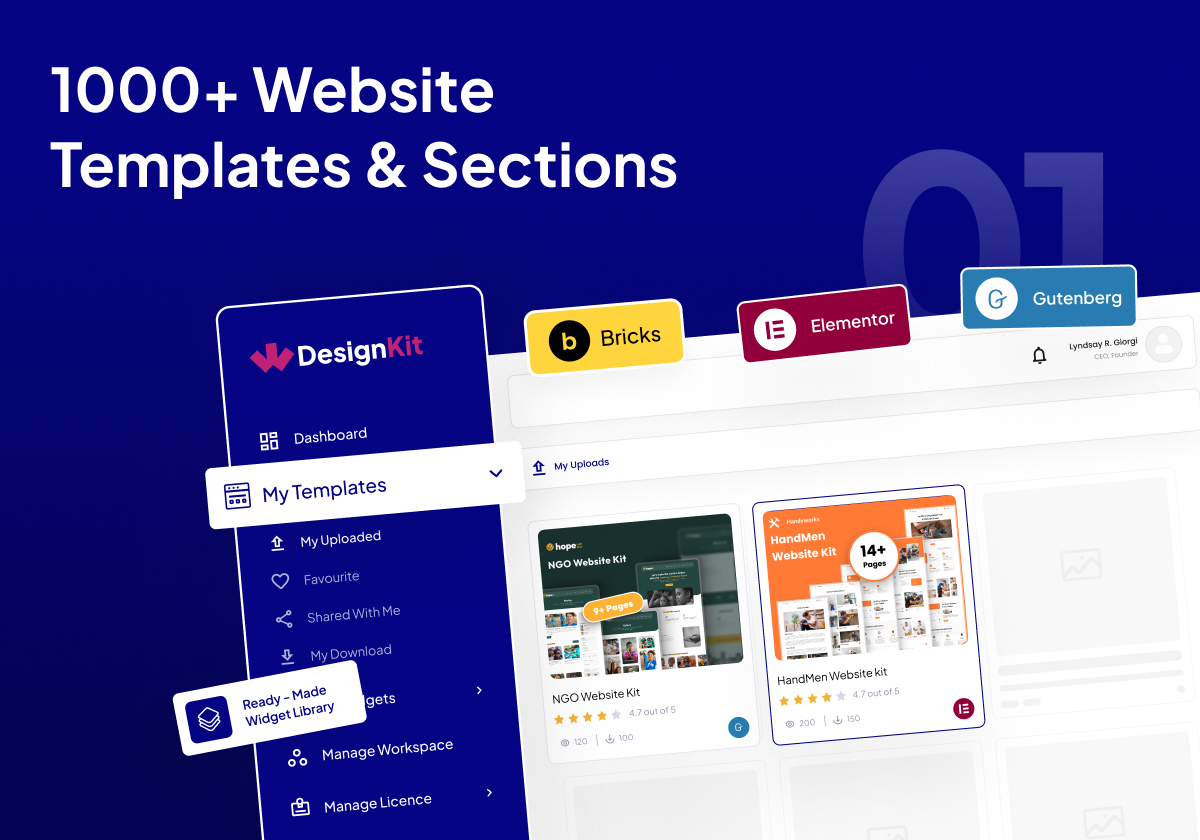
3000+ Website Templates & Sections 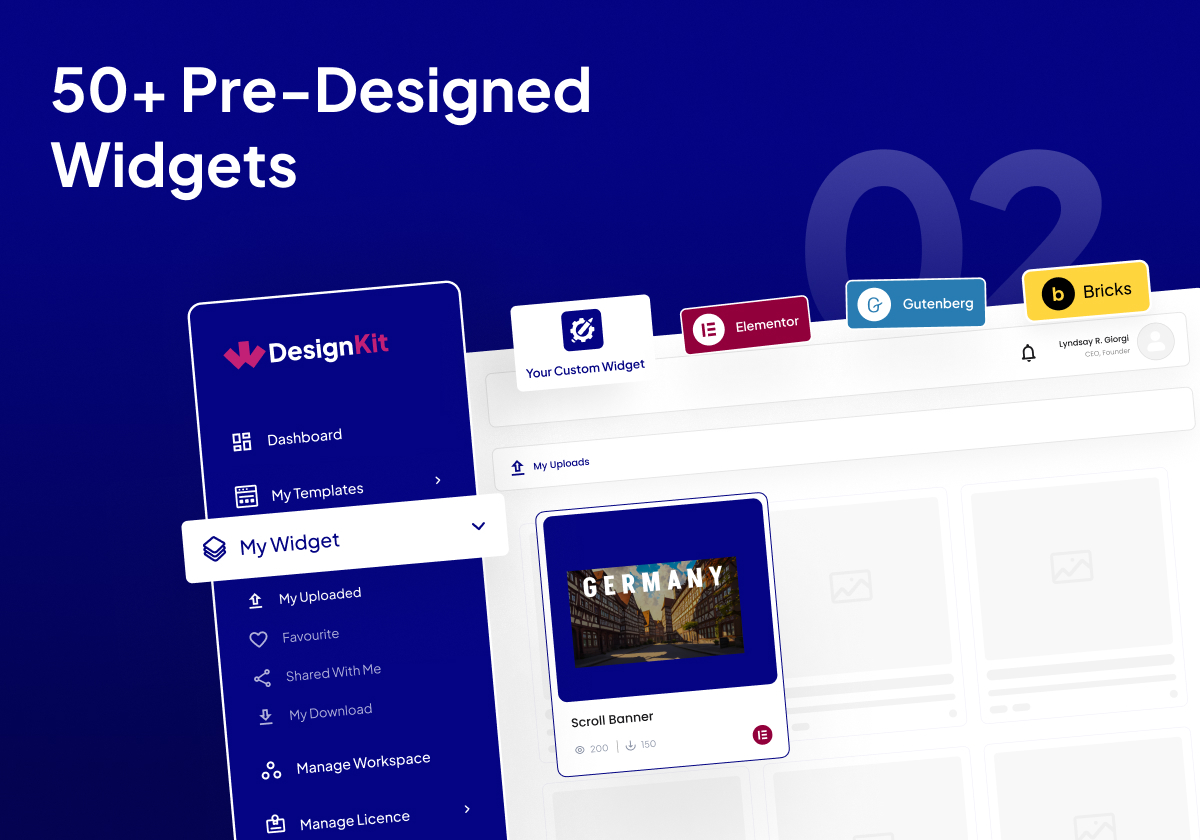
160+ Pre-Designed Widgets 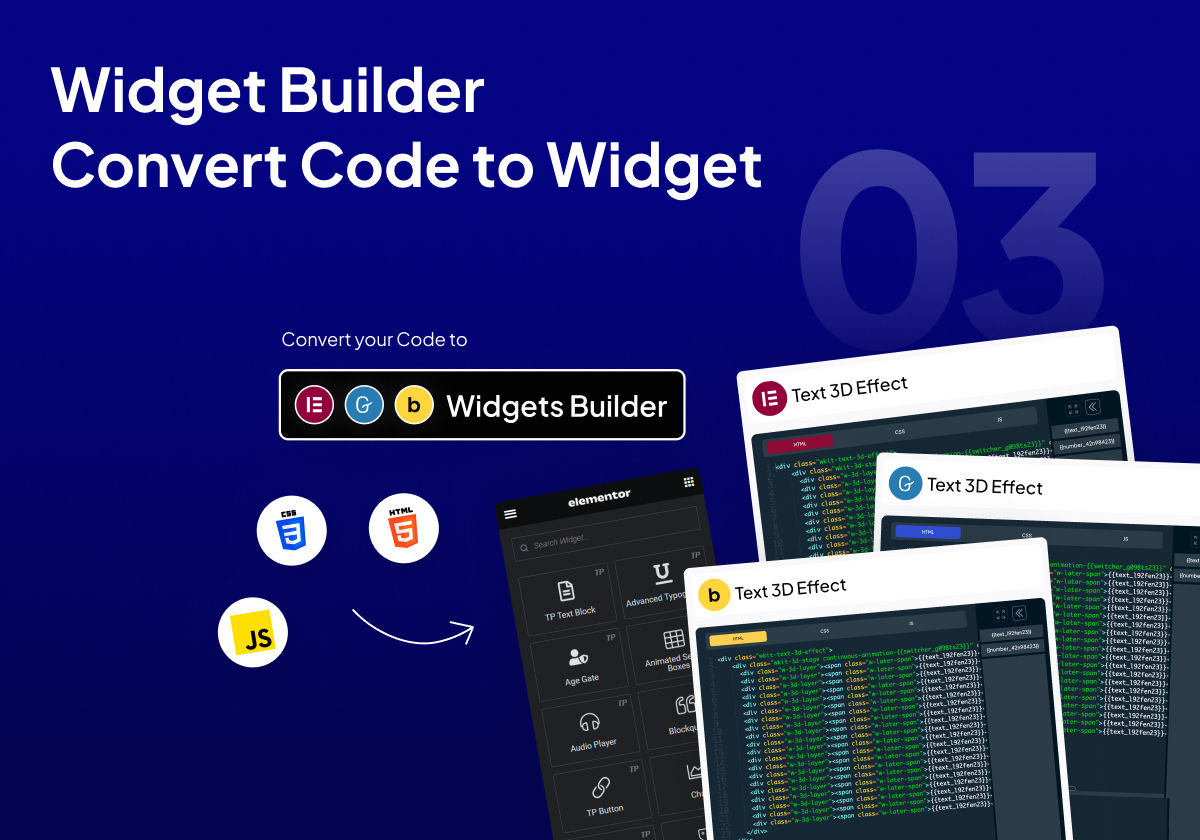
Конструктор виджетов Преобразовать код в виджет 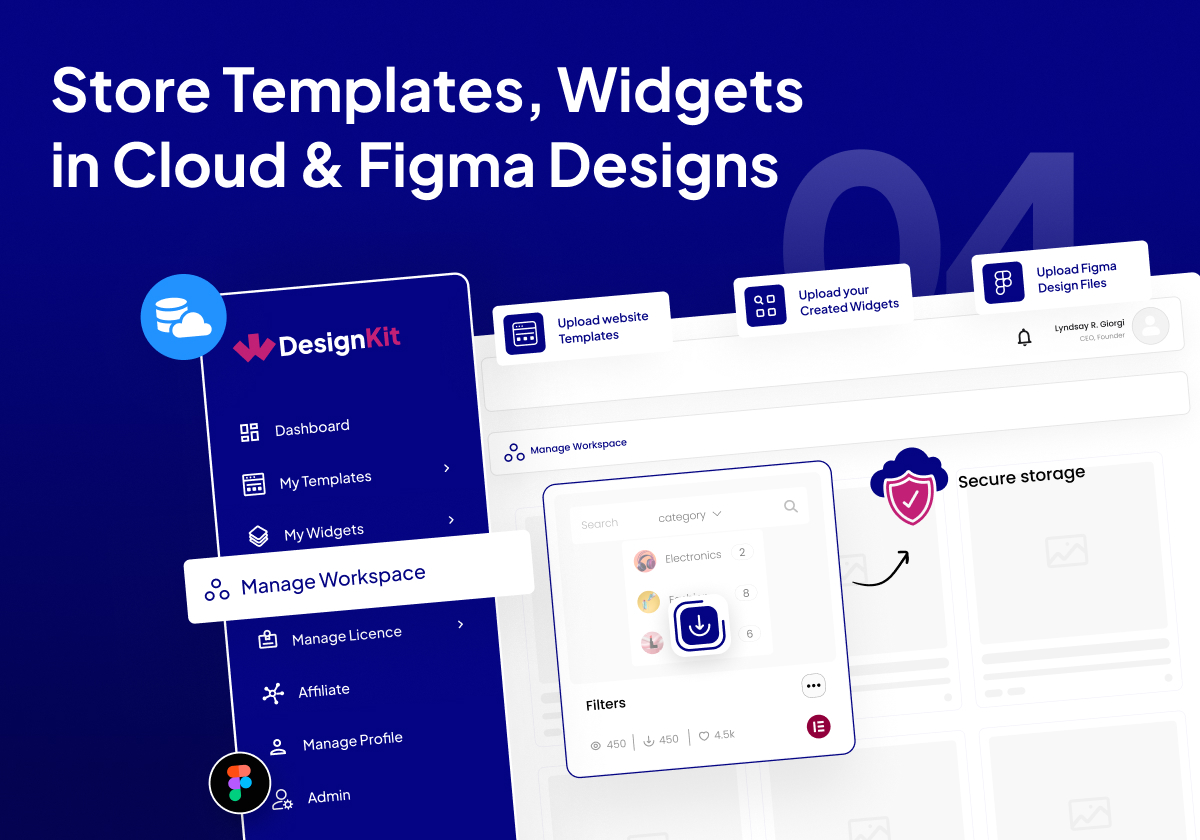
Храните шаблоны, виджеты и файлы Figma в облаке. 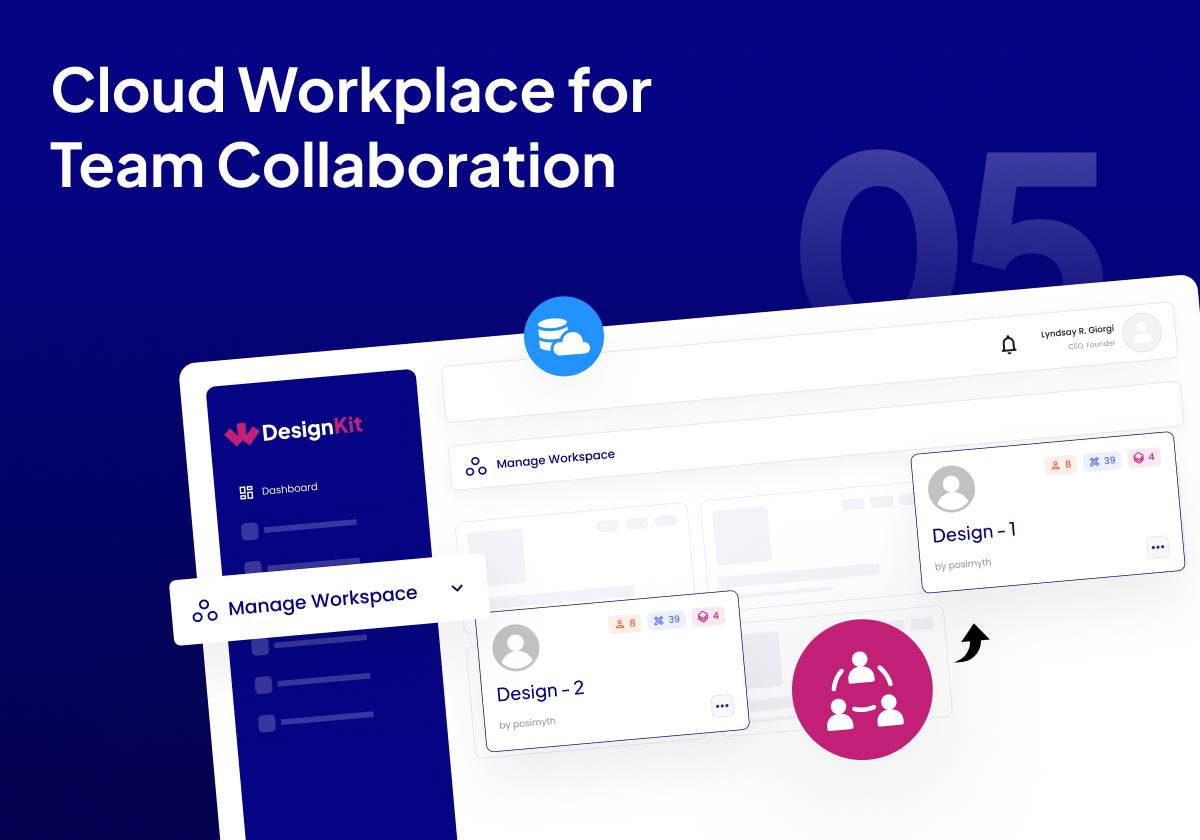
Облачное рабочее пространство для совместной работы команды 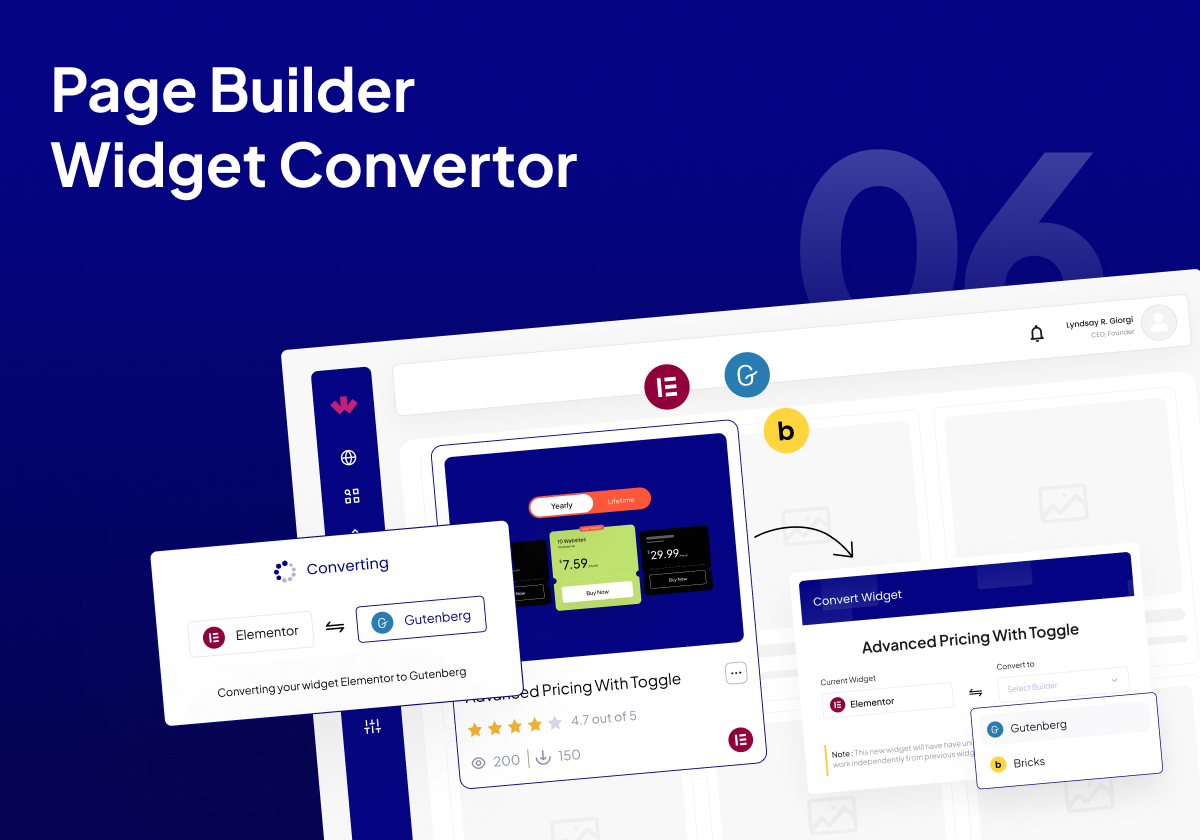
Page Builder Widget Converter 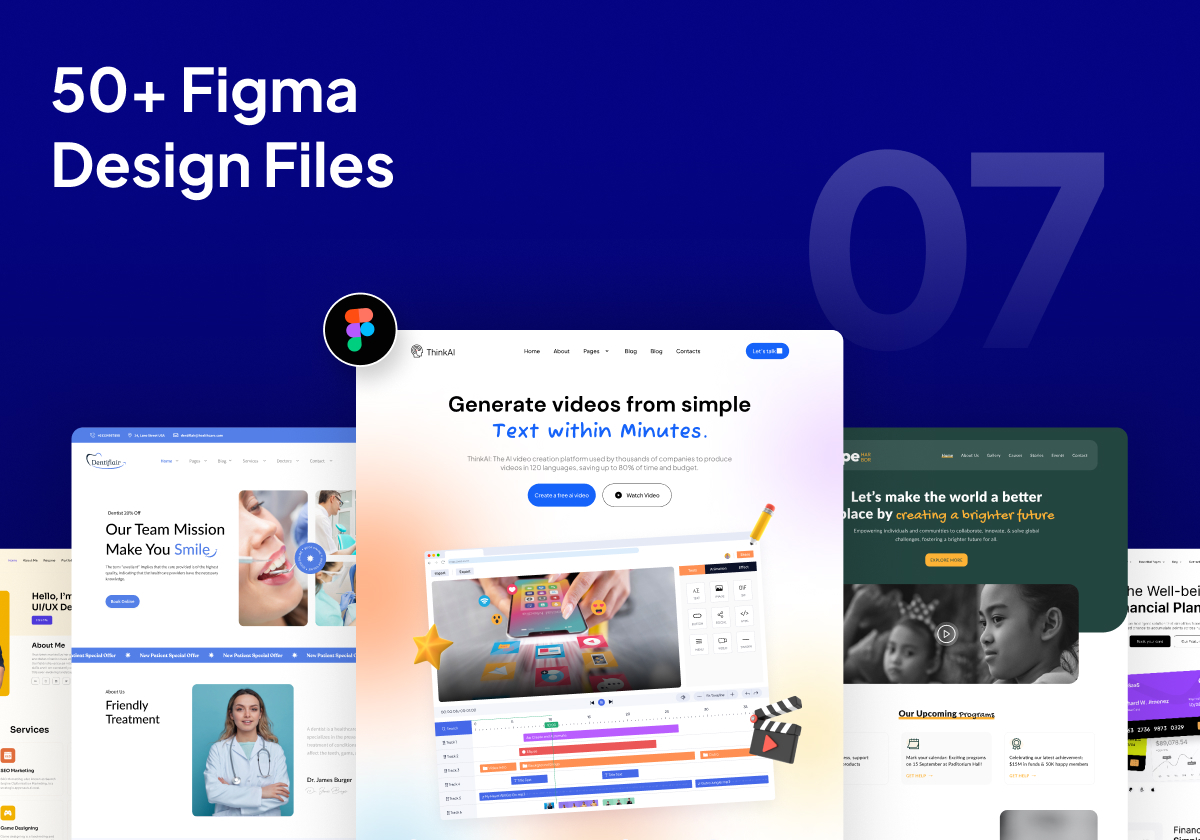
60+ Pre-Designed Figma Design Files


Часто задаваемые вопросы
-
Работает ли это с любой темой WordPress?
-
Да, это работает со всеми темами, но лучше всего работает в синхронизации с нашей темой WordPress Nexter.
-
Widget Builder бесплатен для использования?
-
Да. Наш конструктор виджетов Elementor, конструктор элементов Bricks и будущий конструктор блоков Gutenberg и будущие конструкторы будут полностью бесплатными для использования. Есть некоторые ограничения на количество виджетов, которые вы можете создать в бесплатном плане.
-
Могу ли я сохранить шаблоны из Elementor Free и Pro с помощью WDesignKit?
-
Да, вы можете сохранять и использовать шаблоны как Elementor Free, так и Pro.
-
На каких конструкторах страниц в настоящее время поддерживается WDesignKit?
-
В настоящее время у нас есть поддержка для шаблонов Elementor и Gutenberg. В конструкторе виджетов и готовых виджетах мы поддерживаем Elementor. Gutenberg, Bricks и другие будут доступны очень скоро.
-
Нужно ли мне какое-либо дополнение Elementor для использования плагина?
-
WDesignKit не имеет прямой зависимости от какого-либо дополнения Elementor, но некоторые шаблоны Elementor и блоки Gutenberg требуют дополнения The Plus Addons for Elementor или Nexter Blocks для полного импорта веб-сайта.
-
Как сообщить об ошибках безопасности?
-
Вы можете сообщить о найденных уязвимостях безопасности через программу раскрытия уязвимостей Patchstack. Команда Patchstack помогает проверять, классифицировать и обрабатывать любые уязвимости безопасности. Сообщить о уязвимости безопасности.
Отзывы


Участники и разработчики
«WDesignKit — Шаблоны старта для Elementor и Gutenberg, паттерны, область работы в облаке и конструктор виджетов» — проект с открытым исходным кодом. В развитие плагина внесли свой вклад следующие участники:
Участники


«WDesignKit — Шаблоны старта для Elementor и Gutenberg, паттерны, область работы в облаке и конструктор виджетов» переведён на 10 языков. Благодарим переводчиков за их работу.
Заинтересованы в разработке?
Посмотрите код, проверьте SVN репозиторий, или подпишитесь на журнал разработки по RSS.
Журнал изменений
2.2.5 — 23 Jan 2026
Added: AI compatibility on the License page.
Added: Code snippet compatibility on the Workspace page.
Compatibility : Compatibility with the latest Nexter Extension update, ensuring seamless support for the new file-based code snippet execution system.
Improved: Added a tooltip on the error page during Kit import.
Fixed: Required plugin installation issue during the Blog Post import process.
Fixed: Minor Bug Fixes & Improvements.
2.2.4 — 13 Jan 2026
Improved: Import Blog Post with Kit.
Improved: Allowing the “Need Help?” section to be hidden when white label mode is enabled In Nexter.
Improved: Removed unnecessary borders from the Database Remove toggle.
Improved: Removed the extra “Select Workspace” label.
Improved: Hidden links when white label mode is enabled.
Improved: Enqueued CSS to hide the WDK logo from the widgets list and the “Need Help?” section from the widget panel.
Improved: Updated the broken chat link to redirect to the Home page.
Improved: Image selection process in the AI Kit import.
Fixed: Gutenberg Builder issue Where wp was undefined.
Fixed: Wordfence Security issue about widget Push ajax.
Fixed: Privacy Policy Broken link issue.
Fixed: Capitalization issue for «Add More» button.
Fixed: Page import error in the AI Kit import process.
Fixed: Continuous loading issue when the widget name is empty.
Fixed: Capitalization inconsistencies across the UI for better readability.
Fixed: An issue where a widget error prevented subsequent widgets from registering.
Fixed: A crash that occurred when converting a widget from Elementor to Bricks and clicking on a section of the converted widget.
Fixed: Duplicate notification messages.
Fixed: Minor Bug Fixes & Improvements
2.2.3 — 1 Jan 2026
Fixed: AI Template Import License Issue
Fixed: Minor Bug Fixes & Improvements
2.2.2 — 30 Dec 2025
Added: Add Filter AI Compatibility in browse template page.
Added: Clear all filters feature in all browse pages.
Added: AI logo in Template Card
Fixed: Minor Bug Fixes & Improvements
2.2.1 — 26 Dec 2025
Fixed: Minor Bug Fixes & Improvements
2.2.0 — 24 Dec 2025
New: Widget Builder: Gutenberg Core Widget Builder.
New: Widget Builder: Widget Update feature.
New: AI-Powered Kit Import.
Fixed: Minor Bug Fixes & Improvements
2.1.6 — 17 Dec 2025
Added: Winter Sale banner.
Improved: Updated Theme Builder page side design for improved usability and consistency.
Improved: Increased name length support for existing widgets.
Improved: Enhanced Overall UI Consistency and Usability.
Improved: Restricted access to advanced Widget Builder controls to Pro users only, including: Textarea, WYSIWYG, Popover, Gallery, Repeater, Icons Control, Slider, Text Shadow, Box Shadow, Background, CSS Filter, Select Template, Post Listings, Product Listing, Taxonomy, Choose, Datetime, Normal / Hover, Raw HTML, Preview.
Fixed: Resolved logo display issue in Gutenberg block panels.
Fixed: Resolved Scrollbar issue in Popups.
Fixed: Resolved Theme Builder redirect issue when clicking the logo.
Fixed: Resolved Widget Search Malfunction.
Fixed: Minor Bug Fixes & Improvements
2.1.5 — 11 Dec 2025
Fix : Pro notice displaying on the Builder page even when the Pro plugin was already activated.
Fix : Minor Bug Fixes & Improvements
2.1.4 — 1 Dec 2025
Improved: SSL compatibility for all asset URLs in the Widget Builder.
Improved: Added a common provider to ensure stable mounting and unmounting of popups.
Improved: Updated Forgot Password title and description for better user understanding.
Improved: Replaced static WDesignKit text with a dynamic product name on the Remove License Key popup.
Fixed: Skeleton loading issue on the Theme Builder page.
Fixed: Design issues in dark mode on the Theme Builder page.
Fixed: Issue on the editor side where importing templates for Gutenberg/Elementor created a new template instead of importing content.
Fixed: Resolved JavaScript selector issue in the Gutenberg editor affecting responsive mode
2.1.3 – 21 Nov 2025
Fixed: Minor bugs and overall improvements.
2.1.2 – 21 Nov 2025
Fixed: Minor bugs and overall improvements.
2.1.1 – 17 Nov 2025
Added: Theme Builder page with full integration to the Nexter Extension – Theme Builder module.
Fixed: Initial Loading Issue Fixed.
Fixed: Tab selection issue on the templates page with no templates.
Fixed: License activation issue in ThePlus Addons and Nexter blocks.
Fixed: Minor bugs and overall improvements.
2.1.0 – 14 Nov 2025
Compatibility: Server compatibility enhancements & Additional Functionality Updatesz
Fixed: Browse Widget Height Issue.
Fixed: Save Template Redirection Delay issue after close popup
Fixed: Minor bugs and overall improvements.
2.0.12 – 28 Oct 2025
Improved: Removed Unnecessary Notice from the Snippet Bundle.
Improved: Loader Design for Better user Experience.
Fixed: Theplus Addons displayed the wrong preset.
Fixed: Cursor Pointer Missing on the Save Template Button.
Fixed: Resolved Brick Widget Download issue (unable to download when child theme active).
Fixed: Server Widget Import Loading issue.
Fixed: Manage License — Page loader issue.
Fixed: My Templates — Status Color not Showing Properly During Download.
Fixed: Unwanted Header Menu Options Showing in Popup with Nexter plugin.
Fixed: Grammatical Error in Snippet download steps.
Fixed: Minor bugs and overall improvements.
2.0.11 – 16 Oct 2025
Improved: Template import speed.
Improved: Removed Result Counter from My Snippets Page.
Improved: Added Result Counter in Preset Page.
Improved: Template note for clarity and accuracy.
Improved: Removed Dynamic Controller Card Variable.
Improved: Individual Builder Hover Color for Controller Card.
Improved: Hover Effect in Widget Editor.
Improved: Changed text display style from small to capitalized for better readability.
Improved: Favorite Snippet flow — data now fetched via API.
Improved: Added pagination for favorite snippets.
Improved: Browse Snippet filter skeleton created.
Improved: Step icons in snippet and snippet kit download process.
Improved: Snippet note updated to match the template for consistency.
Improved: Pagination number & content display on preset popup.
Improved: Controller color in widget builder for dark mode.
Improved: Single snippet redirection in code editor.
Improved: Removed notice in full page & section while importing template.
Improved: Removed pagination content in My Snippet page.
Improved: Cursor pointer added in snippet cards.
Improved: Loader performance during snippet download.
Improved: Loader design in snippet pages.
Improved: Import snippet status loader design.
Improved: Product name capitalization in filter panel.
Improved: Skeleton design in snippet section.
Improved: Added comma in support feature list.
Improved: Widget delete loader in My Widget.
Improved: License delete button color.
Improved: TPAE & Nexter widget download popup UI/UX.
Fixed: Code Snippets Tag Issue — When tags are already selected and a search is made for unavailable tags, a “No results found” message is now displayed instead of showing the selected tags.
Fixed: Divider Controller Dropdown Issue — Dropdown in the divider controller now closes properly.
Fixed: Popup Closing on ESC Key Press (Widget Editor).
Fixed: Controller Colors in Dark Mode.
Fixed: Consistent Checkbox Color Across Builders.
Fixed: Loading Issue for Pro Snippet.
Fixed: Console error on widget side.
Fixed: Favorite Snippet icon issue after API flow update.
Fixed: Placeholder image issue in import template pages.
Fixed: Page refresh issue in code editor side without importing any snippet.
Fixed: Snippet tag search issue.
Fixed: My Snippet download and required plugin install issue.
Fixed: Favorite snippet visibility issue on the favorite page.
Fixed: Critical error and site crash issue when downloading multiple snippet bundles followed by a template download.
Fixed: Console error while downloading widget and redirecting using that button.
Fixed: Grammatical mistakes and letter capitalization issue in Manage License.
Fixed: Letter capitalization issue in Preset plugin name.
Fixed: Minor bugs and overall improvements.
2.0.10 – 6 Oct 2025
Improvements: Updated toast message for Move Template in Workspace.
Improvements: Added retry button for better error handling.
Improvements: Added full-click functionality on editor side.
Improvements: Updated pagination content.
Improvements: Added hover effects for improved interactivity.
Improvements: Updated tag colors in Browse Snippet.
Improvements: Updated font and button colors in TPAE & Nexter popups.
Improvements: Product logo and name toast updated.
Improvements: Removed extra dots and spacing inconsistencies in content.
Improvements: Widget Builder: Updated alignment controller design.
Improvements: Widget Builder: Updated controller color scheme.
Improvements: Widget builder: Improved tooltip design and behavior.
Improvements: Widget Builder: YouTube banner text color refined for better visibility — changed from light to dark.
Improved: Updated «Installing» and «Installed» text to reflect changes according to the snippet download steps.
Improved: Removed unnecessary console logs.
Fixed: Added loader in Snippet Bundle.
Fixed: Preset filter button color issue.
Fixed: Constant loading issue resolved — after token expiration, users are now redirected to the login page.
Fixed: Snippets Filter selection now persists when navigating back — previously selected options no longer reset.
Fixed: Widget Builder: Push Button shake issue.
Fixed: Widget Builder: Multiple scroll issue.
Fixed: Widget Builder: Console error occurrences.
Fixed: Widget Builder: CPT Controller error in Gutenberg Builder.
Fixed: Redirection issues in multiple modules in snippet import.
Fixed: Browse Snippet – Full button area now clickable for Download/View link.
Fixed: Button cut and scroll issues in Create Widget popup.
Fixed: Snippet working inconsistencies and added missing Re-download option.
Fixed: Disabled switcher color issue in dark mode.
Fixed: Downloading snippets again in My Snippet now works correctly.
Fixed: Snippet Download Plugins now download correctly when downloading a snippet from My Snippet.
Fixed: Widget enable/disable toggle in settings panel now auto-enables on import if it was off.
Fixed: Widget Popup Close issue resolved after downloading a widget.
Fixed: Preset tick mark, black dot, and spacing issues.
Fixed: Missing loader visibility on Snippet Bundle button.
Fixed: Header & footer condition logic issue.
Fixed: Solve conflict with ACF builder.
Fixed: Button overlay issue resolved when activating the loader.
Fixed: TPAE & Nexter popup alignment issue fixed, with updated design matching the new UI.
Fixed: Immediate close issue for the «Delete Widget» popup fixed.
Fixed: Minor bugs and overall improvements.
2.0.9 – 3 Oct 2025
Improvement: Added loader with a proper skeleton effect in the workspace popup.
Improvement: Widget Builder: Updated design for save button in widget builder.
Improvement: Updated the template loader to align with the widget loader.
Improvement : Added Template Meta Settings in Gutenberg JSON.
Fixed: Solve Retry option error in Import Kit process.
Fixed: Resolved the redirection issue on both Gutenberg and Elementor editor side.
Fixed: Immediate close issue on the workspace widget’s move and copy popup.
Fixed: Radio button issue on the editor side.
Fixed: Deactivate widgets show issue in widget listing page.
Fixed: Widget Builder: Alignment issue in align controllers in bricks widget builder.
Fixed: Button shake issue.
2.0.8 – 30 Sep 2025
New: Added cancel button in My Widget popup.
New: Changed content in Save Template popup.
New: Updated login slider content.
Improvement: Added icon in widget builder.
Improvement: Plugin side link changes implemented.
Fixed: Widget builder scroll issue fixed.
Fixed: Snippet auto-enable issue fixed.
Fixed: Tick mark alignment issue.
Fixed: Checkbox color issue.
Fixed: Button shake in snippet deletion.
Fixed: Loader shake issue.
Fixed: Scroll issues in TPAE & Nexter popup.
Fixed: Font color issue in plugin notice.
Fixed: Gutenberg popup multiple refresh issue.
Fixed: Single workspace count issue.
Fixed: Kit redirection issue.
Fixed: Extra plugin download issue removed.
Fixed: Save Template popup image card issue.
Fixed: Elementor side blank page save issue.
Fixed: CDN content updated.
Fixed: Background color issue.
Fixed: Extra toast messages removed.
Fixed: Push widget loader issue resolved.
Fixed: Workspace page showing a blank page.
Fixed: Widget Builder : Controller dropdown issue.
Fixed: Widget Builder : Variable panel responsive ness issue.
Fixed: Minor bugs and overall improvements.
2.0.7 – 26 Sep 2025
New: Added Retry option in Kit Import process.
New: Widget Builder : Added Raw HTML support in the info controller of Bricks.
Improvement: Default category pre-selected in the Browse Template popup.
Improvement: Widget Builder : Added WDesignKit logo on widgets in the page editor.
Fixed: Prevented popup from closing while a process is ongoing.
Fixed: Removed Category & Tag filters from the Gutenberg Template Import process.
Fixed: Minor bugs and overall improvements.
2.0.6 – 19 Sep 2025
Improvement: Added Download Popup for Widgets.
Improvement: Changed Template Import Flow to load Templates one by one.
Fixed: URL Controller and Icons Controller Default Value Error in Bricks Controller.
Fixed: CDN load Issue in Widget of Gutenberg Editor.
Fixed: Nexter block preset import bug where blocks were not being replaced.
Fixed: Bug where the selected category remained selected during import.
Fixed: Minor bugs and overall improvements
2.0.5 – 19 Sep 2025
Fixed: Minor bugs and overall improvements
2.0.4 – 15 Sep 2025
Fixed: Template import where Nexter Builder template include & exclude page conditions were not applied correctly.
Fixed: Site name Incorrectly appended to Elementor & Gutenberg Template name and slug During Import.
Fixed: Minor bugs and overall improvements
2.0.3 – 13 Sep 2025
Fixed: Gutenberg Widget Enable issue
Fixed: Minor bugs and overall improvements
2.0.2 – 12 Sep 2025
Fixed: Elementor Widget enable issue
Fixed: Minor bugs and overall improvements
2.0.1 – 11 Sep 2025
Fixed: Gutenberg Import Template Issue
Fixed: Minor bugs and overall improvements
2.0.0 – 11 Sep 2025
Major Release: This is a major release with a new UI/UX and overall product enhancements.
New: Revamped dashboard UI/UX
New: Code Snippet Cloud connection with Nexter Extension
New: Dashboard dark mode
New: Enhanced template import process
New: Redesigned widget builder
New: Improved settings panel
Improved: Performance and security optimizations
Improved: Optimized code and file structure
Fixed: Minor bugs and overall improvements
For older changelog entries, please see the additional changelog.txt file delivered with the plugin.
