
Download Scan – QR Code and Barcode Reader for Fast, Secure Scanning
Overview
Scan – QR Code and Barcode Reader is a lightweight, free utility that turns any Android or iOS device into a powerful barcode and QR‑code scanner. Designed with simplicity in mind, the app instantly recognises the most common code formats—QR, UPC, EAN, Code 128, and more—when you point the camera at them. Whether you need to open a website, add a contact, retrieve a coupon, or check a product’s price, Scan reads the embedded data and presents it in a clear, actionable format. The developers focused on speed, accuracy, and a clutter‑free interface, so users can scan in bright daylight or low‑light environments without fiddling with settings. The app also respects privacy: it never stores your scans on a remote server unless you explicitly export the data. For anyone who frequently encounters QR codes at cafés, retail stores, or logistics hubs, Scan provides a single, reliable solution that works on both front‑ and rear‑facing cameras across most smartphones and tablets. Its auto‑detect feature instantly differentiates between URLs, email addresses, phone numbers, and plain text, prompting the appropriate action—open a browser, compose an email, or copy to clipboard. While the core functionality is free, the app offers optional in‑app purchases for ad‑free experience and advanced export options. Overall, Scan delivers a fast, secure, and user‑friendly way to turn visual codes into usable information, making everyday interactions smoother and more efficient.
Key Features that Set Scan Apart
- Universal Code Support: Reads QR, Data Matrix, PDF417, UPC‑A/E, EAN‑13, Code 39, Code 128, and many other barcode standards.
- Instant Auto‑Detection: No manual mode switch—just point the camera and the app recognises the code type automatically.
- Front‑ and Rear‑Camera Compatibility: Works seamlessly with both cameras, allowing scans from laptops, tablets, or phones.
- Smart Data Parsing: Detects URLs, email addresses, phone numbers, contact cards (vCard), Wi‑Fi credentials, and offers one‑tap actions.
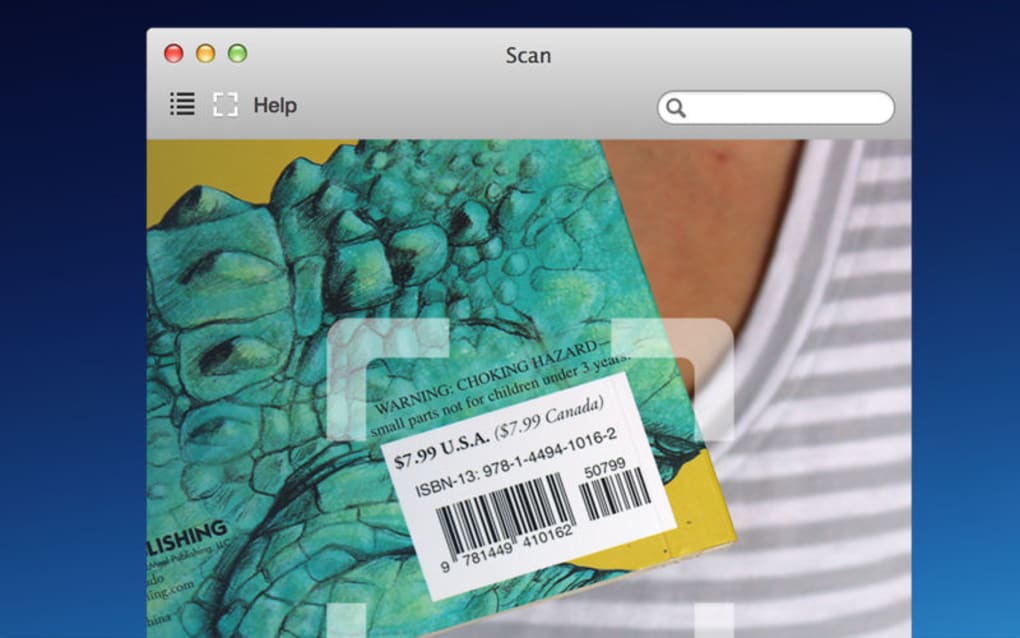
- Price Lookup: Integrated price‑check feature pulls product information from major retail databases when scanning a product barcode.
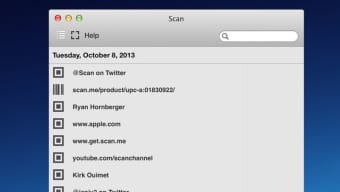
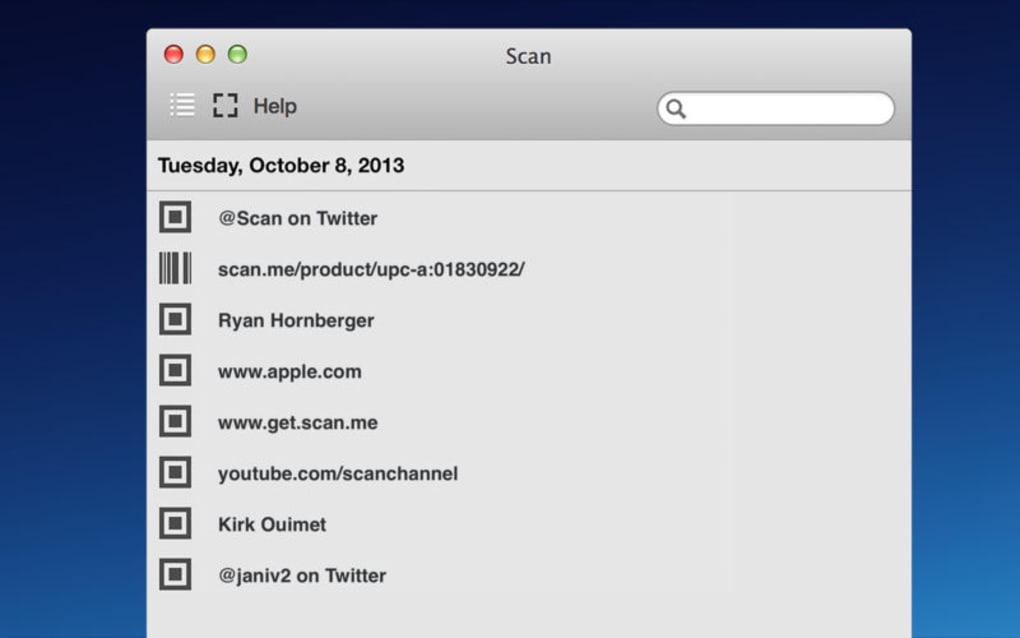
- History & Export: Saves a searchable history of all scans; export as CSV, PDF, or share directly via messaging apps.
- Dark‑Mode & Light‑Mode UI: Adapts to system theme for comfortable scanning in any lighting condition.
- Secure & Private: All processing occurs locally; no personal data is uploaded without user consent.
- Multi‑Language Support: Interface available in over 15 languages, making it accessible worldwide.
- Free Core Version + Optional Premium: Core scanner is free; premium unlocks ad‑free experience and batch‑export tools.
The feature set focuses on what matters most to end‑users: speed, reliability, and convenience. By handling the heavy lifting on‑device, Scan eliminates latency and protects user privacy—an increasingly important consideration in today’s data‑sensitive environment. The price‑lookup function is particularly useful for shoppers and logistics professionals, allowing quick verification of product details without leaving the scanning interface. Moreover, the export capabilities make Scan a valuable tool for small businesses that need to keep records of inventory checks or event registrations. The combination of an intuitive UI, robust format coverage, and thoughtful extras such as dark mode and multi‑language support ensures that the app stays relevant across different user scenarios, from casual coffee‑shop visitors to supply‑chain managers.
Installation, Usage Instructions, and Compatibility
How to Install Scan on Your Device
Installing Scan is straightforward on both Android and iOS platforms. Open the Google Play Store or Apple App Store, search for “Scan – QR Code and Barcode Reader,” and tap the Install button. The download size is under 15 MB, and the installation process typically completes within a minute on a standard 4G connection. Once installed, the app will request permission to access your device’s camera—a necessary step for scanning. Grant the permission, and you’re ready to start scanning.
Step‑by‑Step Scanning Guide
- Launch the App: Tap the Scan icon on your home screen.
- Allow Camera Access: If prompted, choose “Allow” to enable camera usage.
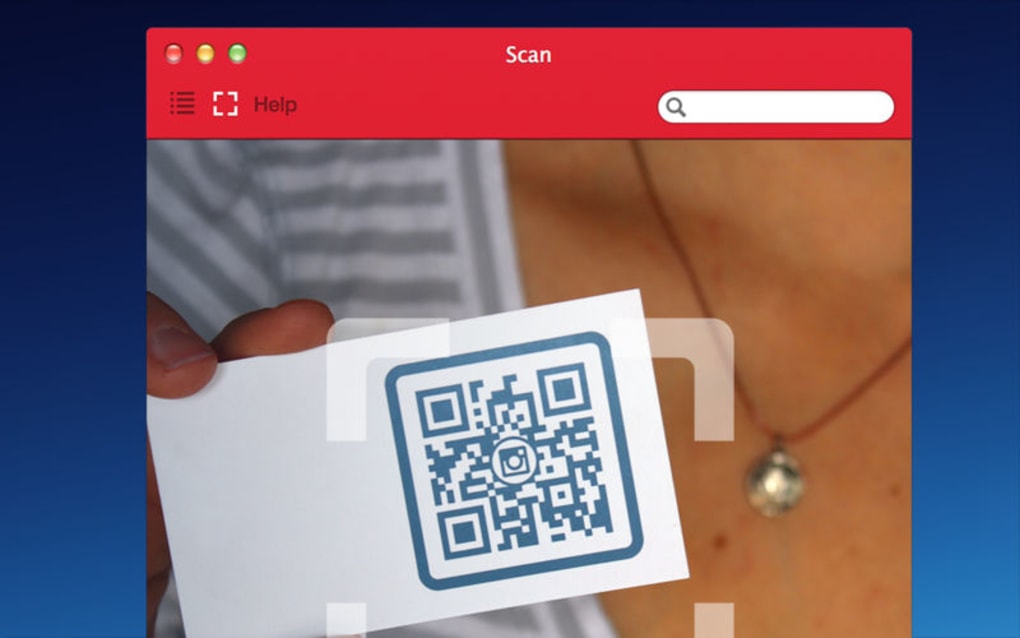
- Position the Code: Hold your device steady and align the code within the on‑screen frame. The app automatically focuses and detects the code.
- View the Result: Once recognised, the data appears below the viewfinder. For URLs, tap to open the browser; for contacts, tap to add to your address book.
- Save or Share: Use the toolbar to save the scan to history, export, or share via email, messaging apps, or cloud storage.
Operating System Compatibility
Scan is compatible with the following operating systems:
- Android 5.0 (Lollipop) and newer – supports both ARM and x86 architectures.
- iOS 11.0 and newer – optimized for iPhone, iPad, and iPod Touch devices.
- Windows 10 (via Microsoft Store) – optional desktop version for tablets and convertible laptops.
- macOS 10.13 (High Sierra) and later – available through the Mac App Store as a lightweight utility.
The app leverages native camera APIs, ensuring fast focus and low latency across devices. For older Android versions (below 5.0), the app may still install but performance can be inconsistent due to limited camera API support. Users on iOS 11+ benefit from Apple's advanced image processing, which improves scan accuracy under challenging lighting conditions.
Pros, Cons, FAQ, and Final Thoughts
Pros & Cons
- Pros:
- Fast, real‑time detection with no lag.
- Supports a wide range of barcode standards.
- Local processing keeps data private.
- Free core version with useful premium upgrades.
- Intuitive UI works on both phones and tablets.
- Integrated price lookup for retail scans.
- History log and multiple export formats.
- Dark mode and multi‑language interface.
- Cons:
- Occasional mis‑read on very low‑contrast codes.
- Ads in the free version can be intrusive.
- Premium features require a one‑time purchase.
- No built‑in OCR for text outside of barcodes.
- Limited batch‑scanning capability in the free tier.
Frequently Asked Questions
Can Scan read QR codes from a screen, such as a laptop display?
Yes. The app works with both front‑ and rear‑facing cameras, so you can point your phone at a QR code displayed on any screen, and it will decode it just as it would a printed code.
Is my scan data stored on a remote server?
No. All scanning and data parsing happen locally on your device. The only time data leaves the device is when you explicitly choose to share or export it.
What barcode formats are supported beyond QR codes?
Scan supports UPC‑A/E, EAN‑13, Code 39, Code 128, Data Matrix, PDF417, and many others, making it suitable for retail, logistics, and inventory management.
How accurate is the price‑lookup feature?
The price lookup pulls data from major retailer APIs and is generally accurate for popular consumer goods. However, niche or regional products may not have price data available.
Can I use Scan offline?
Yes. All core scanning functions work offline. Features that require internet, such as price lookup or cloud export, will prompt you to connect when needed.
Conclusion – Why You Should Download Scan Today
In a world where QR codes and barcodes have become the silent language of commerce, having a reliable, secure, and easy‑to‑use scanner on your pocket is no longer a luxury—it’s a necessity. Scan delivers exactly that: rapid code recognition, extensive format support, and thoughtful extras like price lookup and export options—all while keeping your data private and processing on‑device. Whether you’re a shopper hunting for discounts, a small‑business owner managing inventory, or simply someone who enjoys the convenience of instant information, Scan provides a single, free solution that meets those needs. The app’s lightweight footprint ensures it won’t slow down your device, and the optional premium upgrade removes ads and unlocks advanced features for power users. Don’t let another QR code slip by—download Scan now, start scanning, and experience the speed and security that modern code‑reading should offer.
Overall Rating: 4.5 / 5








