SEEdit

SEEdit

★ 0.0 · FREE · Mac OS

Capturas de pantalla
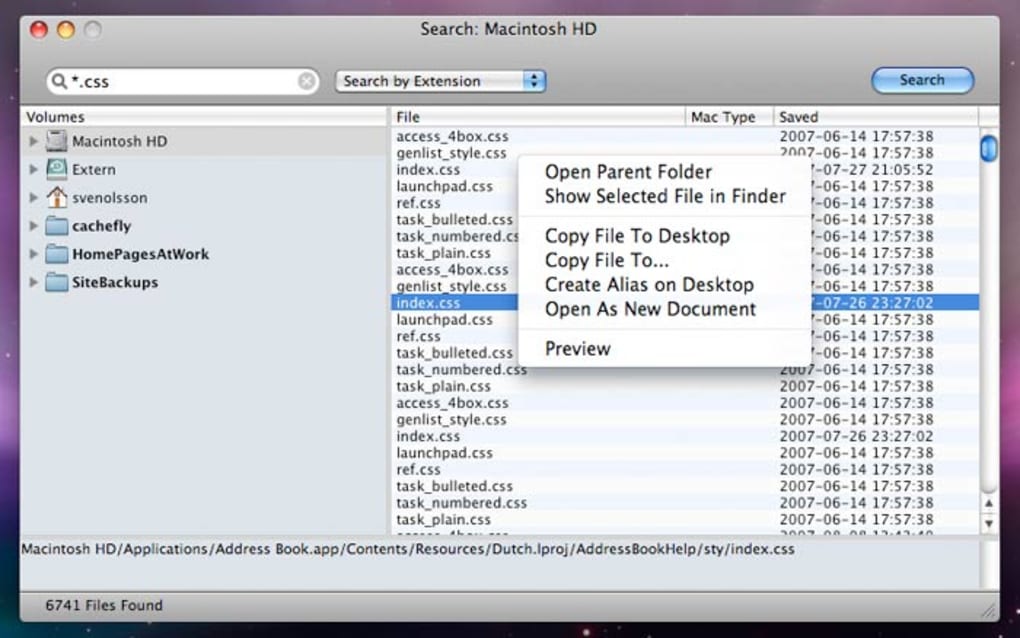
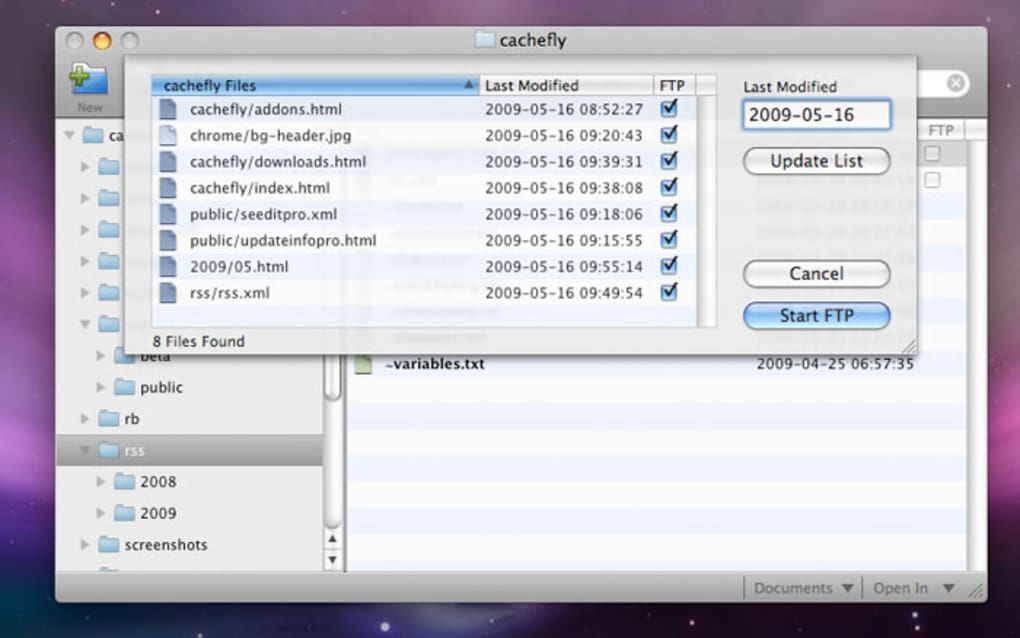
  • Screenshot 1 screenshot 1
  • Screenshot 2 screenshot 2
  • Screenshot 3 screenshot 3
  • Screenshot 4 screenshot 4
  • Screenshot 5 screenshot 5
  • Screenshot 6 screenshot 6
  • Screenshot 7 screenshot 7
  • Screenshot 8 screenshot 8
  • Screenshot 9 screenshot 9
  • Screenshot 10 screenshot 10
  • Screenshot 11 screenshot 11

Detalles de la aplicación

Versión
2007
Tamaño
10.90 MB
Actualizado
February 13, 2019
Requiere
Mac OS X
Idioma
English
Licencia
Trial version
Desarrollador
Xhtmlsoft
Categoría
Mac OS

Acerca de SEEdit

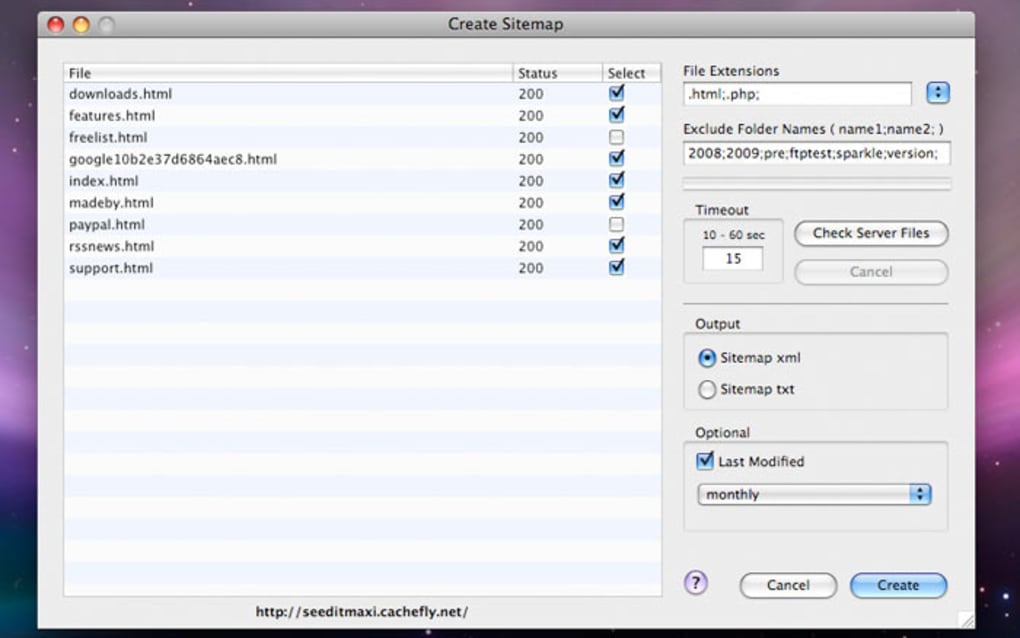
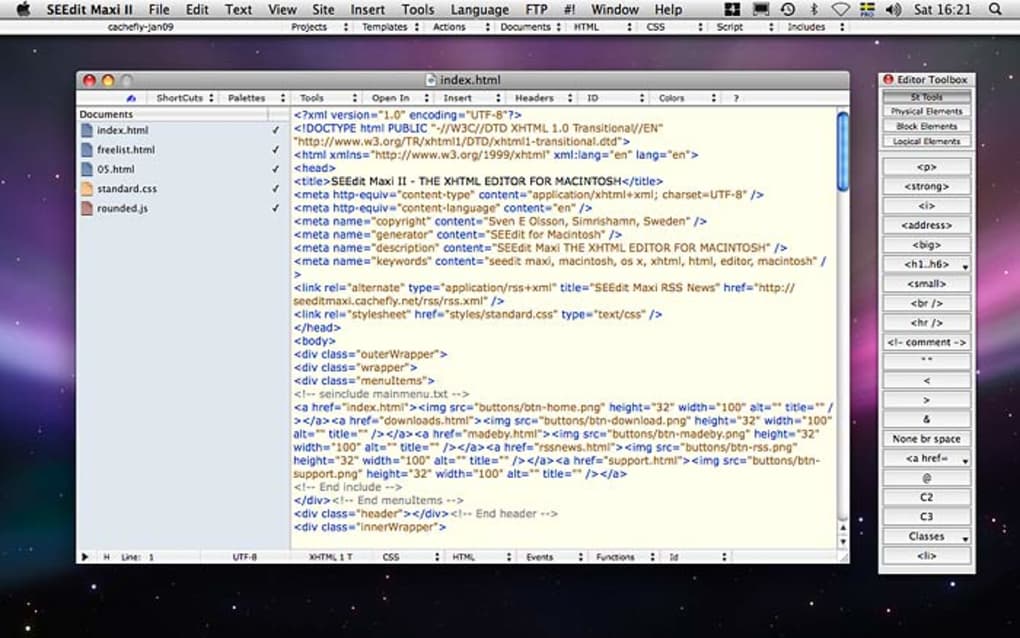
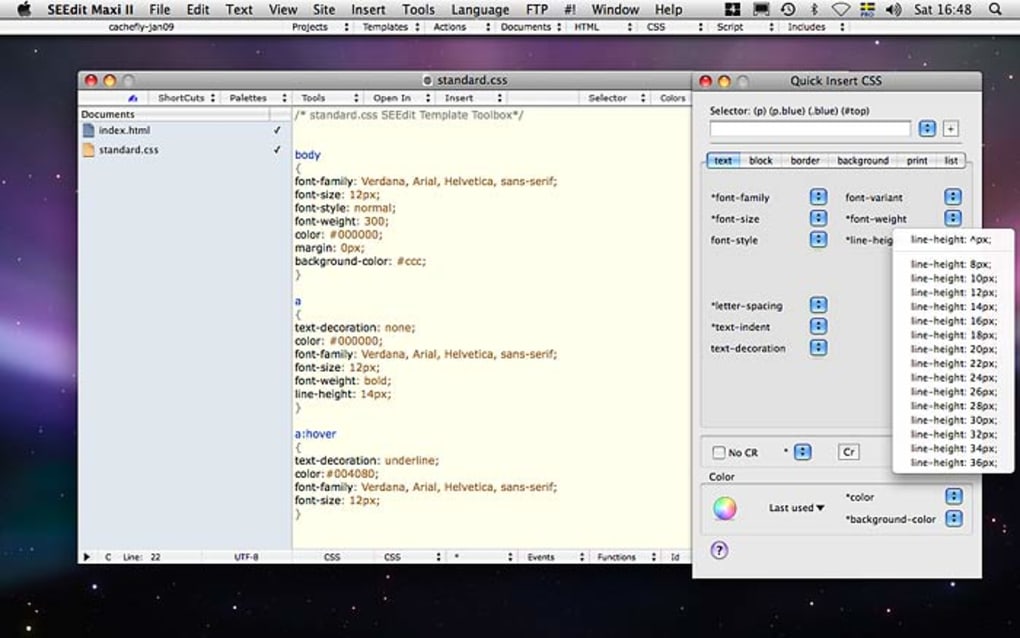
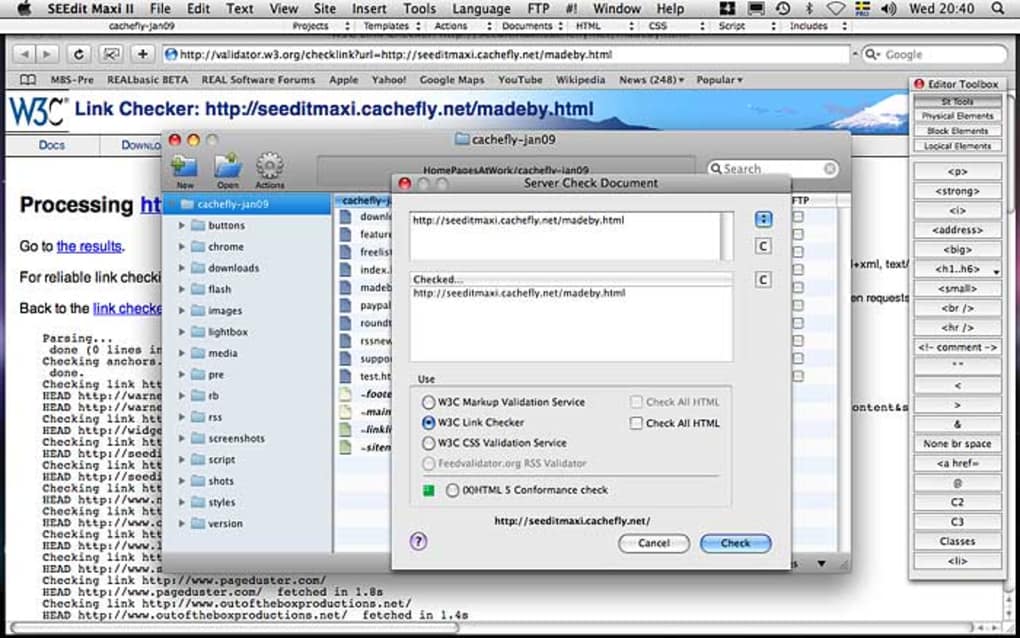
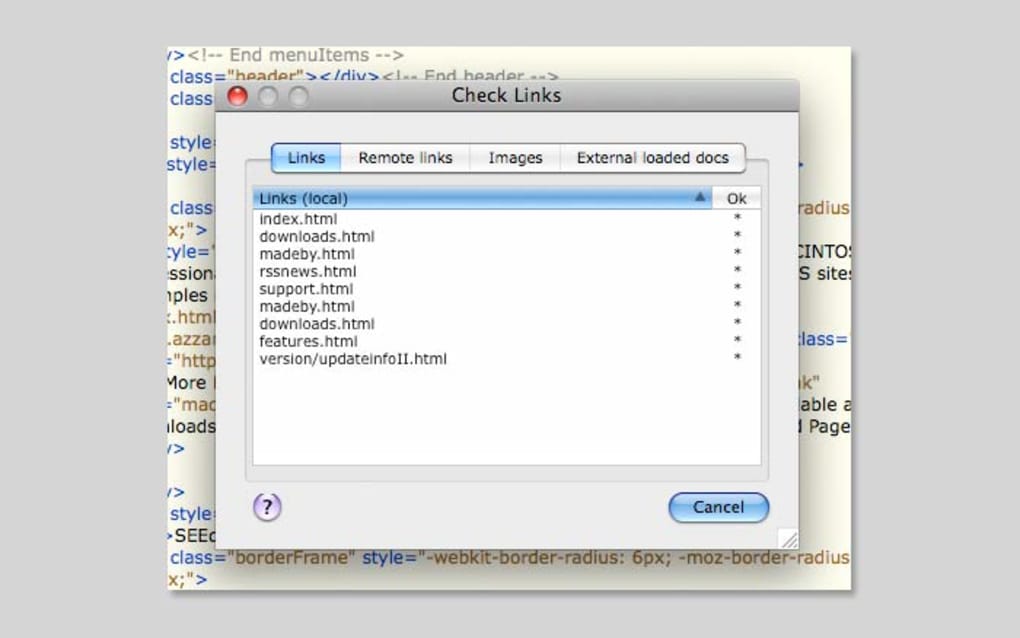
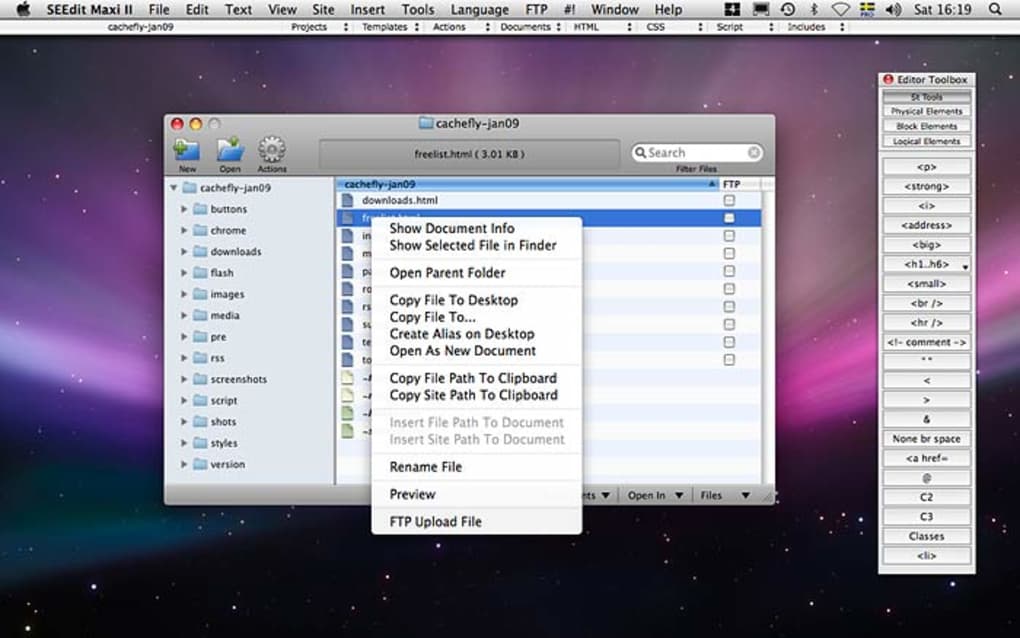
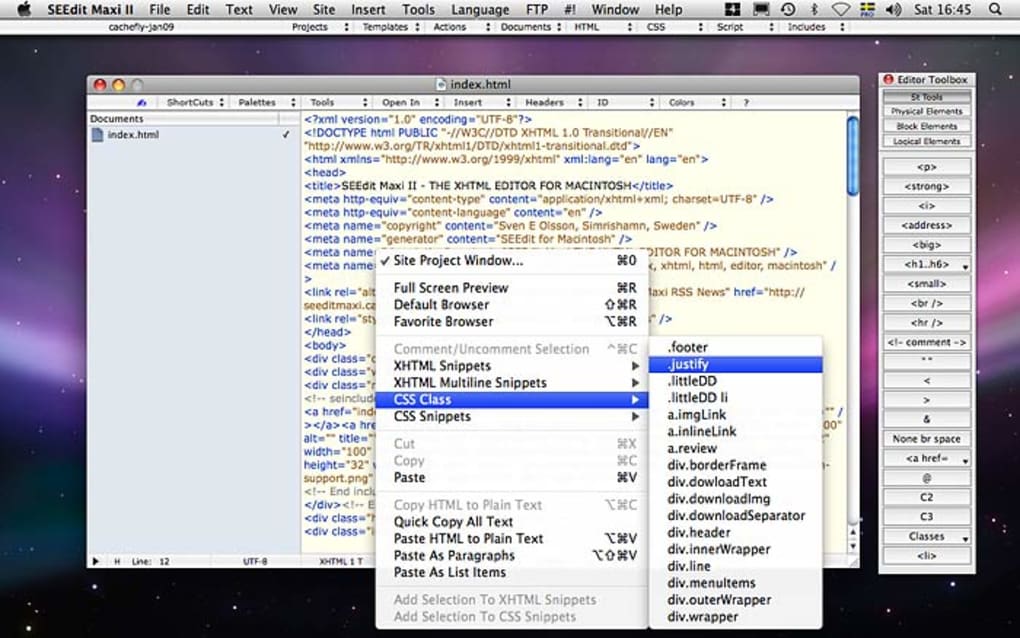
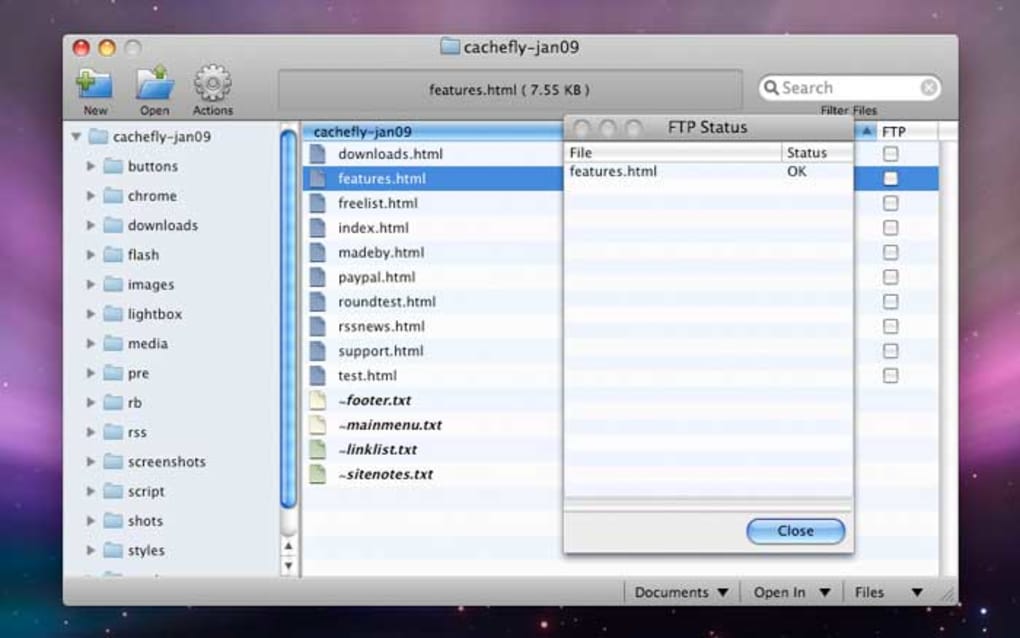
Solid XHTML, CSS and RSS editor SEEdit Maxi II is what you could call an HTML editor on the move. SEEdit Maxi II works similarly to any basic HTML editor but spices things up with its own set of features. Firstly, you'll notice that SEEdit Maxi II sports a simple interface which gives easy access to all the options you need. Its been recently updated to include a tabbed document interface so you can manage several projects at once. The Editor Toolbox handles all major classes, and lets you pick and choose elements. Meanwhile Quick Insert CSS , just as the name suggests, is a quick way to create cascading style sheets. It covers all the necessary CSS functions from background to text or print. There are also CSS and XHTML snippets options to insert already existing snippets of your own, and there's a handy auto-complete function for TEXT/HTML/CSS/JavaScript so you won’t waste time editing. On the downside, the live preview option doesn't appear to be completely live - rather its a full screen preview which is fine if you're confident everything is going to look right when it goes live. As a lightweight and practical HTML editor, SEEdit Maxi II is a good solution for those users seeking a solid and straightforward way to build their web page. Changes * Site Auto Backup - Added Do Auto Backup Now, keyboard short cut cmd-B. Using this new menu item do an auto backup filtering out files (images) using the Auto Backup Settings. (Pro Edition only) * Insert Language Code - Added (HTML5 syntax). * Improved Export File - Added Convert to, it is now possible to convert the text encoding of the document. SEEdit change the encoding meta tag to the correct one by auto. * Improved Export Site - Added Convert Exported to, it is now possible to convert the text encoding of the documents. SEEdit change the encoding meta tag to the correct one by auto. (SEEdit Pro and Maxi only)

Guías y tutoriales

Cómo instalar SEEdit
  1. Haz clic en el botón Descargar de arriba.
  2. Cuando se te redirija, acepta los términos y haz clic en Instalar.
  3. Espera a que la descarga de SEEdit termine en tu dispositivo.
Cómo usar SEEdit

Este software se usa principalmente para las funciones principales descritas arriba. Abre la aplicación después de instalarla para explorar sus capacidades.

Reseñas de usuarios

Aún no hay reseñas. Sé el primero en compartir tu experiencia.

También te puede gustar

más