
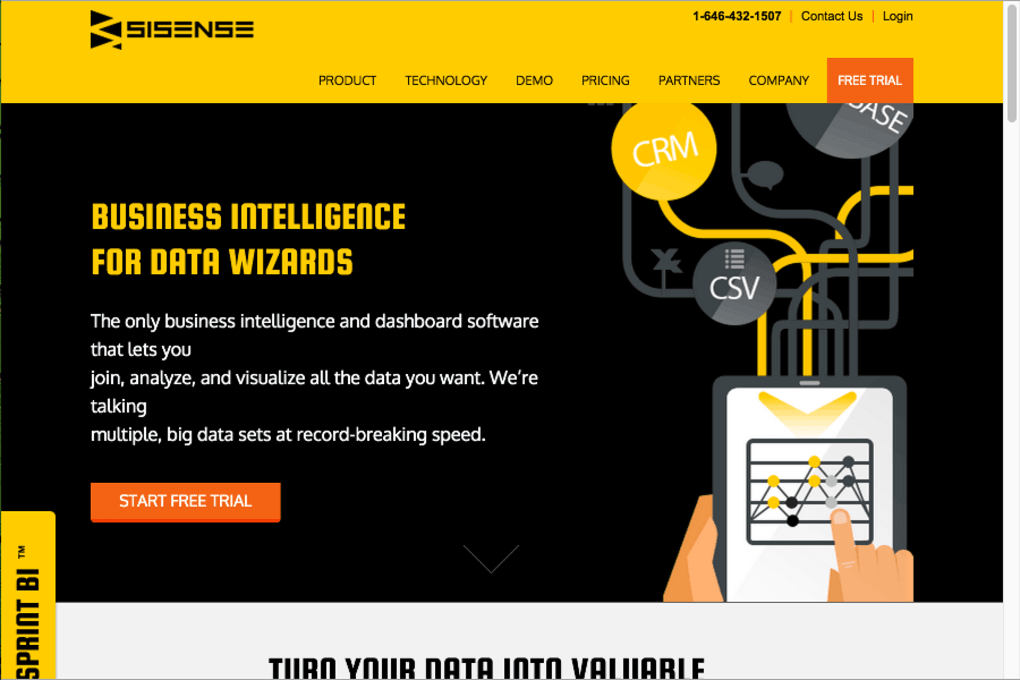

Download Sisense – Business Intelligence, Data Analytics, Secure BI Tool
Overview
Sisense is a modern business intelligence (BI) platform that empowers organisations to turn massive, complex data sets into clear, actionable insights without the need for a data‑science team. Unlike many traditional BI tools that rely on sample data or require lengthy ETL pipelines, Sisense can ingest raw data from multiple sources, blend it in‑memory, and deliver a full visual analytics dashboard in as little as 90 minutes. This speed‑to‑insight makes it ideal for fast‑moving enterprises that need to make data‑driven decisions on the fly. The platform is built on an all‑in‑one architecture that combines data preparation, analytics, and visualisation into a single, secure environment, allowing users to retire a host of disparate tools and reduce licensing overhead. Whether you are a finance manager analysing cash flow, a marketer tracking campaign ROI, or a C‑level executive seeking a high‑level performance snapshot, Sisense’s drag‑and‑drop interface and AI‑augmented insights make it possible to explore data without any prior coding experience. Its scalability means it can grow from a small team pilot to an enterprise‑wide deployment, handling everything from a few thousand rows to billions of records while maintaining performance. Security is baked in, with role‑based access control, data encryption at rest and in transit, and compliance with major standards such as GDPR and SOC 2. In short, Sisense offers a fast, secure, and user‑friendly BI solution that bridges the gap between raw data and strategic decision‑making.
Core Features & Benefits
- Elastic Data Engine: A patented in‑memory engine that compresses and indexes data for sub‑second query performance, even on petabyte‑scale datasets.
- Unified Data Connectors: Native connectors for cloud services (Snowflake, Redshift, Azure), on‑premise databases (SQL Server, Oracle), and flat files (CSV, Excel).
- AI‑Driven Insights: Built‑in machine‑learning models that suggest anomalies, trends, and forecasting directly within the dashboard.
- Drag‑and‑Drop Builder: Intuitive visual editor that lets non‑technical users create charts, tables, and geo‑maps without writing SQL.
- Embedded Analytics: APIs and SDKs to embed interactive reports into external applications, portals, or customer‑facing products.
- Row‑Level Security: Fine‑grained permission controls ensure each user sees only the data they are authorised to view.
- Mobile‑Optimised Experience: Responsive dashboards that automatically adapt to smartphones and tablets, with offline caching for iOS and Android.
- Collaborative Workspaces: Real‑time commenting, sharing, and versioning so teams can iterate on insights together.
Why These Features Matter
The Elastic Data Engine eliminates the traditional bottleneck of data preparation, letting analysts focus on insight generation rather than waiting for queries to finish. Unified connectors reduce the time spent on manual data extraction, while AI‑driven insights surface hidden patterns that might otherwise go unnoticed. The drag‑and‑drop builder democratises analytics, giving business users the confidence to explore data without relying on IT. Embedding analytics transforms static reports into interactive experiences that can be monetised or used to enhance customer portals. Row‑level security and robust compliance controls address the increasing regulatory pressures faced by organisations in regulated industries. Mobile optimisation ensures that decision‑makers have access to critical metrics wherever they are, supporting a truly data‑centric culture. Finally, collaborative workspaces foster cross‑departmental alignment, turning data into a shared language across the enterprise.
Pros & Cons
- Pros:
- Fast deployment – results in under 90 minutes.
- Scalable architecture for small teams to large enterprises.
- User‑friendly interface that requires minimal training.
- Strong security and compliance features.
- Comprehensive AI assistance for predictive analytics.
- Cons:
- Higher licensing cost compared with some open‑source alternatives.
- Advanced customisation may require developer resources.
- Learning curve for power users seeking deep data modelling.
Installation, Compatibility & Usage Guide
Getting started with Sisense is straightforward. After you request a free trial on the official website, you’ll receive a secure download link for the installer appropriate to your operating system. The platform supports Windows 10/11 (64‑bit), macOS 10.15 and later, as well as major Linux distributions such as Ubuntu 20.04 LTS and Red Hat Enterprise 8. The installer automatically checks for prerequisite components—such as .NET Framework on Windows or required libraries on Linux—and prompts you to install any missing items.
Step‑by‑Step Installation
- Download the installer from the email link or directly from the Sisense portal.
- Run the executable (Windows) or the .dmg file (macOS) and follow the on‑screen wizard.
- Accept the license agreement and choose the default installation path.
- Enter your trial license key when prompted; the system will verify it online.
- Complete the installation; the application will launch the first‑time configuration wizard.
- Connect to your data sources using the built‑in connector library; test each connection to ensure credentials are correct.
- Save the configuration; Sisense will automatically generate an initial data model based on detected schemas.
- Log in with the admin credentials you created; you can now invite team members and assign roles.
Sisify’s cross‑platform compatibility means you can host the server component on a Windows or Linux VM in the cloud, while end‑users access the web‑based interface from any modern browser (Chrome, Edge, Firefox, Safari). For mobile users, dedicated iOS and Android apps provide the same interactive experience with offline caching.
Using Sisense Effectively
Once installed, start by importing a sample dataset to become familiar with the drag‑and‑drop canvas. The “Ask Sisense” AI assistant can suggest the best visualisation type based on the data you load. Use the “Data Modeling” tab to define relationships, calculated fields, and data‑level security. When you’re ready, publish the dashboard to a workspace where colleagues can view, comment, or edit based on the permissions you set. For ongoing maintenance, schedule automated data refreshes (hourly, daily, or real‑time) using built‑in connectors or custom APIs. The platform also offers a robust API layer for developers who want to embed dashboards or push data programmatically. Regularly check the “Updates” section in the admin console; Sisense releases quarterly patches that improve performance, add new connectors, and address security vulnerabilities.
FAQ & Conclusion
Is there a free version of Sisense?
Sisense offers a 30‑day free trial that includes full access to all features. After the trial, you’ll need to choose a paid subscription; there is no permanently free tier, but the trial allows you to evaluate the platform without commitment.
Can Sisense handle real‑time data streaming?
Yes. Sisense supports real‑time data ingestion through APIs, WebSockets, and native connectors for streaming platforms like Kafka and Azure Event Hubs. Dashboards can be set to auto‑refresh as new data arrives.
What security certifications does Sisense have?
Sisense complies with SOC 2 Type II, ISO 27001, GDPR, and HIPAA (when configured for healthcare). Data is encrypted both at rest and in transit using AES‑256 and TLS 1.2/1.3.
Can I embed Sisense dashboards into my own application?
Absolutely. Sisense provides JavaScript SDKs, REST APIs, and iFrame embedding options that let you integrate interactive reports directly into SaaS products, portals, or internal tools.
How does Sisense support non‑technical users?
The platform’s drag‑and‑drop canvas, natural‑language query bar, and AI‑driven recommendations allow users with no SQL or programming background to explore data, create visualisations, and gain insights quickly.
Conclusion
Sisense stands out in the crowded BI market by delivering a truly all‑in‑one solution that combines speed, scalability, and security. Its ability to turn raw, complex datasets into clear visual stories within minutes makes it a strategic asset for any organisation looking to become data‑driven. While the licensing cost is higher than some open‑source options, the reduction in tool sprawl, the built‑in AI capabilities, and the enterprise‑grade security often justify the investment. If you’re ready to replace a patchwork of spreadsheets, reporting tools, and third‑party visualisers with a single, powerful platform, start your free trial today and experience how Sisense can accelerate your journey to smarter business decisions.
Download Sisense now and unlock the power of unified analytics for your team.
Overall Rating: 4.5 / 5
Pros: Fast deployment, intuitive UI, strong security, AI insights.
Cons: Premium pricing, advanced customisation may need developer help.



.png)




