
Screenshots
App details
- Version
- 1.1
- Size
- 728.63 KB
- Updated
- July 29, 2008
- Requires
- Windows XP
- Language
- English
- License
- Free
- Developer
- Xcrysoft
- Category
- Windows OS
About SofTicker
Download SofTicker – Free Customizable RSS Scrolling Bar
Overview
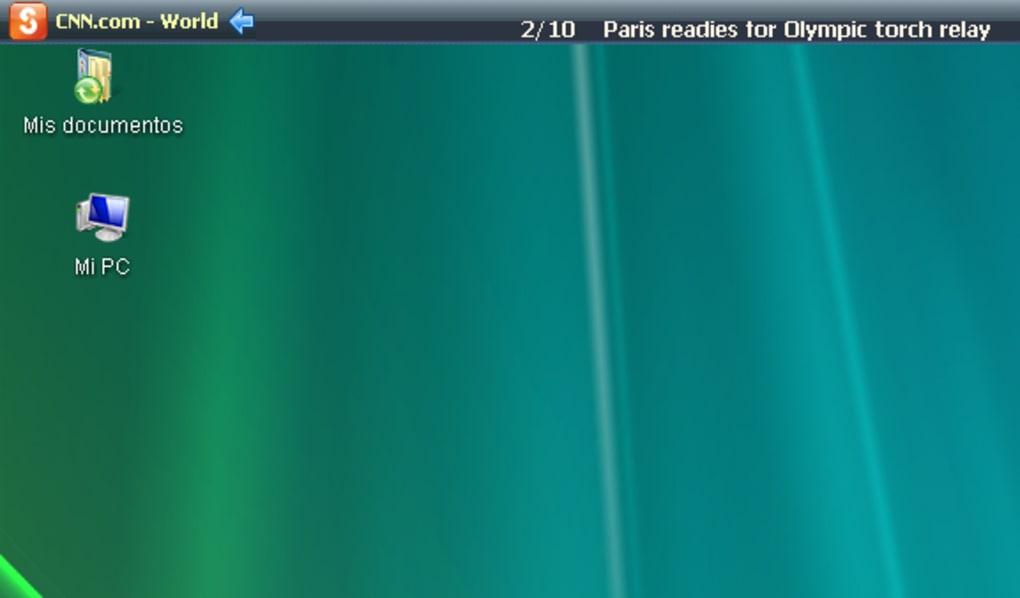
SofTicker is a lightweight, free RSS reader that transforms the way you stay informed by presenting news headlines in a sleek, horizontal scrolling bar at the very top of your screen. Unlike traditional news widgets that occupy valuable screen real estate, SofTicker integrates seamlessly as a single line, allowing you to keep your workspace clutter‑free while still having instant access to the latest updates from your favorite sites. The bar scrolls slowly enough to read comfortably, and hovering over a headline reveals a brief description sourced from the original website. You can click any title to open the full article in a new tab, ensuring a smooth transition from preview to in‑depth reading.
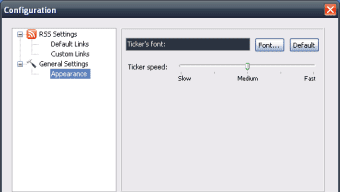
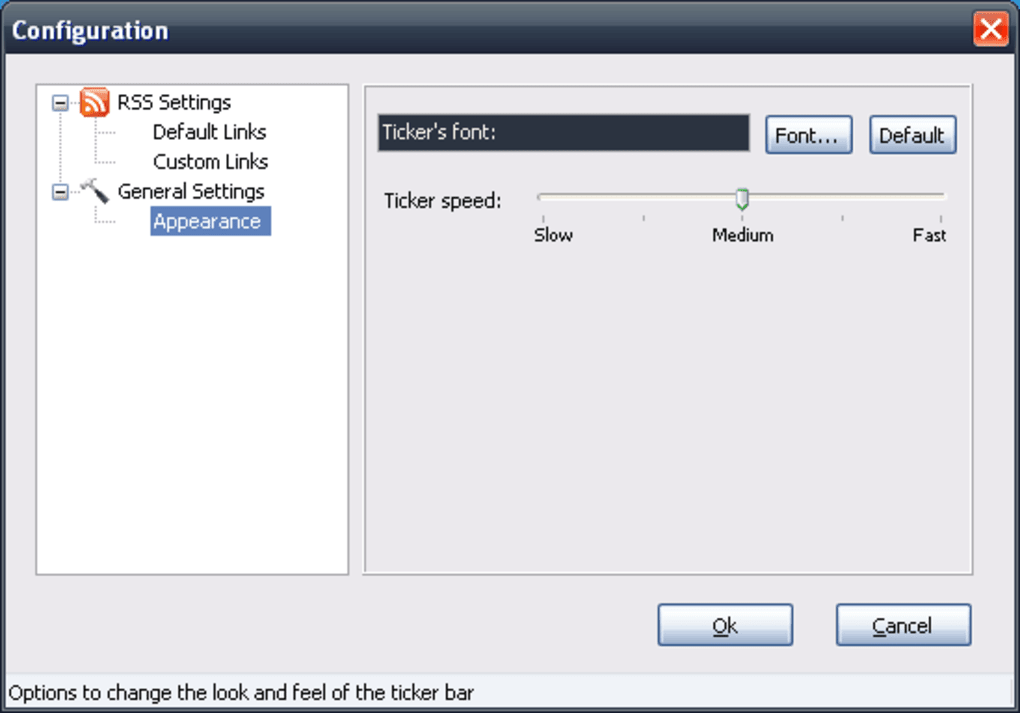
The application ships with fourteen default RSS feeds covering technology, finance, entertainment, and world news, but the real power lies in its customizability. Users can add, edit, or remove feeds to tailor the ticker to personal interests. Font size can be set to 8 or 9 points, and a bold option enhances readability against the black background. Speed controls let you fine‑tune the scroll rate, making SofTicker adaptable to both rapid news skimmers and more leisurely readers. While the design is intentionally minimal, the tool offers a surprisingly rich set of options for anyone who wants a constant, non‑intrusive news stream.
Key Features of SofTicker
- Compact Horizontal Bar: Occupies only a single line at the top of the screen, preserving workspace for other applications.
- Fourteen Built‑In RSS Feeds: Includes pre‑selected sources for tech, finance, sports, and global headlines, ready to use out of the box.
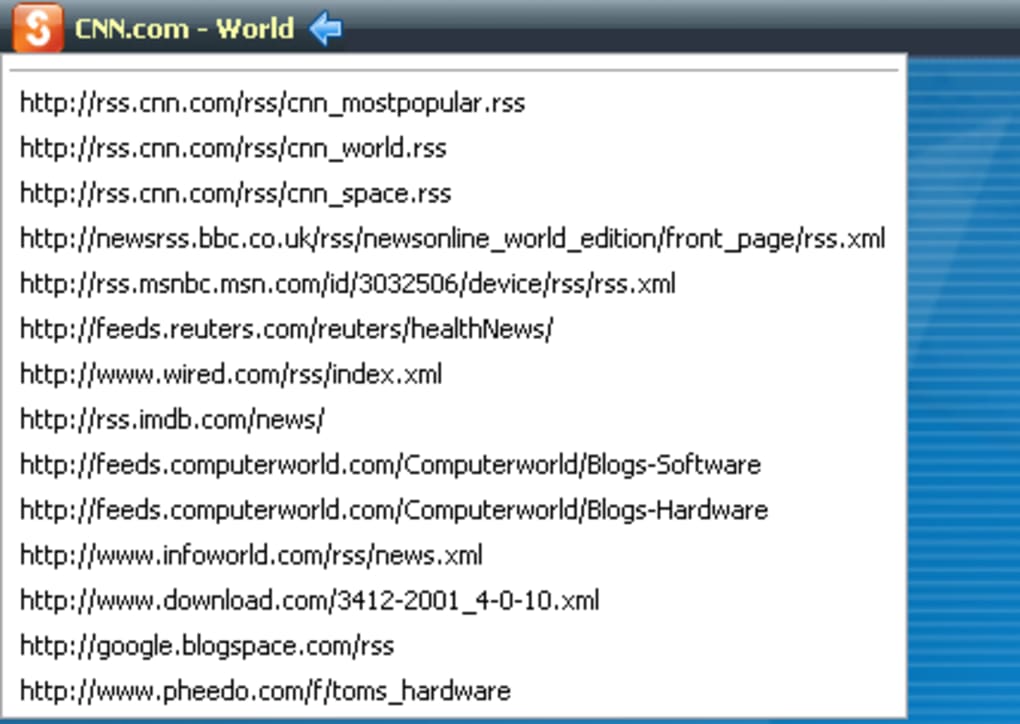
- Custom Feed Management: Add, edit, or delete RSS URLs to create a personalized news stream that matches your interests.
- Adjustable Scroll Speed: Choose from slow, medium, or fast scrolling to suit reading habits and reduce eye strain.
- Font Size & Bold Option: Select between 8‑point and 9‑point text and enable bold styling for better contrast on the black background.
- Hover Preview: When you place the mouse over a headline, a short description appears, giving context without leaving the ticker.
- Clickable Headlines: Click any scrolling title to open the full article in a new browser tab, maintaining workflow continuity.
- Lightweight & Free: No ads, no hidden fees, and a minimal memory footprint that runs smoothly on older hardware.
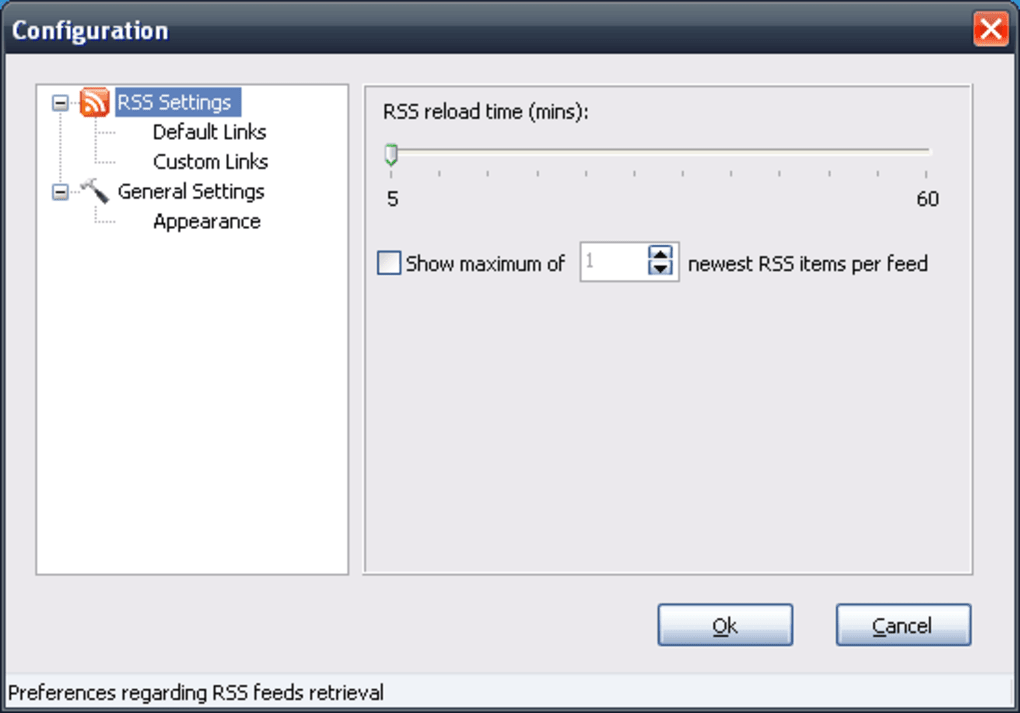
- Automatic Updates: The application checks for new items in each feed at configurable intervals, ensuring you always see the latest news.
- Cross‑Platform Compatibility: Works on Windows, macOS, and Linux distributions with standard desktop environments.
Pros
- Ultra‑thin UI that never interferes with other windows.
- Highly customizable feed list—perfect for niche interests.
- Free to download and use, with no subscription required.
- Low CPU and memory usage, ideal for older PCs.
- Simple installation process, suitable for non‑technical users.
Cons
- Only two font size options (8 pt or 9 pt) limit accessibility for users with visual impairments.
- Scrolling single‑line design can become repetitive if many feeds are similar.
- No built‑in notification system for breaking news alerts.
- Lacks advanced filtering (e.g., keyword blocking) found in some premium RSS readers.
- Customization UI is basic; power users may desire more granular control.
Installation, Setup, and Daily Use
Getting SofTicker up and running is straightforward. Follow these steps to download, install, and start enjoying a continuous news stream:
- Download the Installer: Visit the official SofTicker website and click the Download for Windows (or macOS/Linux) button. The installer is a small
.exe(or.dmg/.tar.gz) file, typically under 5 MB. - Run the Installer: Double‑click the downloaded file. On Windows, you may need to confirm the User Account Control prompt. The wizard guides you through a typical “Next‑Next‑Finish” process.
- Launch the Application: After installation, SofTicker automatically starts and places the scrolling bar at the top of your screen. You’ll see the default feeds scrolling from right to left.
- Configure Your Feeds: Right‑click the bar and select Settings. In the Feed Management tab, you can add new RSS URLs, rename existing feeds, or delete those you don’t need. Remember to click Save after each change.
- Adjust Appearance: Within Settings, you’ll find options for scroll speed, font size (8 pt or 9 pt), and a bold toggle. Test each setting while the ticker is running to find the most comfortable view.
- Use Day‑to‑Day: As headlines scroll, hover your mouse over any title to see a short description. Click a headline to open the full article in your default browser. If you prefer a distraction‑free environment, you can pause scrolling from the Settings menu.
For macOS users, the process is identical, except the installer is a .dmg file that you drag into the Applications folder. Linux users can extract the .tar.gz archive and run the provided script. SofTicker does not require administrative privileges after the initial install, making it suitable for corporate environments where users have limited rights.
Updates are handled automatically. The application checks the official server once a week for newer versions. When an update is available, a discreet notification appears; you can install it with a single click, ensuring you always have the latest security patches and feature enhancements.
Frequently Asked Questions
Is SofTicker completely free or does it contain ads?
SofTicker is 100 % free to download and use. The developers have chosen not to embed advertisements, so you get a clean, unobtrusive news ticker without any promotional clutter.
Which operating systems does SofTicker support?
SofTicker runs on Windows 10/11, macOS 10.13 or later, and most mainstream Linux distributions (Ubuntu, Fedora, Debian, etc.). The installer packages are tailored for each platform, providing a native experience.
Can I add more than the default fourteen RSS feeds?
Absolutely. In the Settings menu, you can add an unlimited number of RSS URLs. The ticker will rotate through all active feeds, displaying each headline in turn. For optimal readability, we recommend keeping the total number of active feeds under 30.
How does SofTicker affect system performance?
Because the application is designed to be lightweight, it typically consumes less than 20 MB of RAM and a negligible amount of CPU when idle. Even on older machines, users report no noticeable slowdown while SofTicker runs in the background.
Is there a way to pause or hide the ticker temporarily?
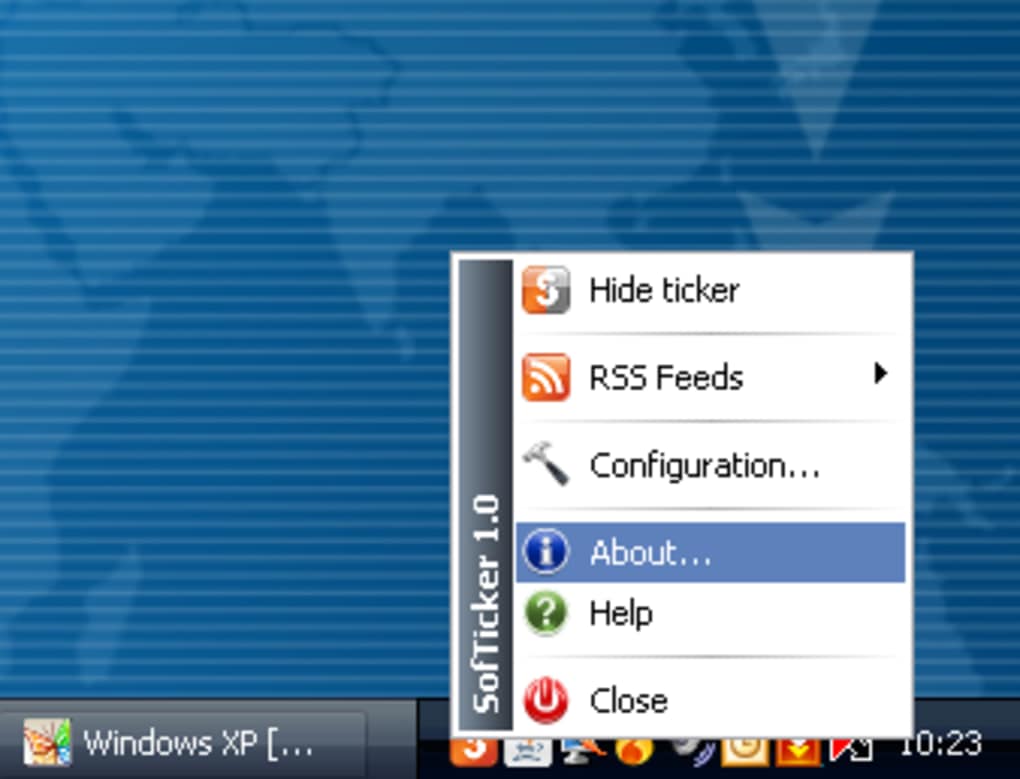
Yes. Right‑click the scrolling bar and select Pause Scrolling. You can also choose Hide Bar to remove it from view until you reactivate it from the system tray icon.
Conclusion & Call to Action
SofTicker delivers a focused, space‑saving solution for anyone who wants to stay updated without sacrificing screen real estate. Its free price tag, minimalistic design, and straightforward customization make it an attractive alternative to bulkier news widgets or heavyweight RSS aggregators. While the limited font‑size options and lack of advanced filtering may deter power users, the overall experience is smooth, reliable, and well‑suited for daily browsing on Windows, macOS, or Linux.
Ready to give your desktop a constant stream of fresh headlines? Download SofTicker now and enjoy a non‑intrusive, customizable news ticker that keeps you informed at a glance. Install it in minutes, add your favorite feeds, and let the scrolling bar do the work—so you can focus on what truly matters.
Guides & Tutorials
How to install SofTicker
- Click the Download button above.
- Once redirected, accept the terms and click Install.
- Wait for the SofTicker download to finish on your device.
How to use SofTicker
This software is primarily used for its core features described above. Open the app after installation to explore its capabilities.
User Reviews
No reviews yet. Be the first to share your experience.
You may also like
more
Llama 2
Free-to-use large language model As the new addition to Meta’s arsenal of langua...

NotebookLM
Revolutionizing the note-taking and idea-generation process NotebookLM is an exp...

Github co pilot
AI-inspired software development and coding platform GitHub Copilot is a browser...

Google Gemma
Google’s lightweight AI models Introducing Google Gemma , a family of cutting-ed...

AI Image Enlarger
A free app for Windows, by ai-image-larger. AI Image Enlarger is a free software...

DALL E
AI-driven text-to-image transformation engine DALL·E is a free graphic and desig...
