
Control Your Multiroom Audio with Sonos
Overview
The Sonos mobile application serves as the central hub for managing wireless audio systems built around Sonos devices. Designed for users who value seamless, multiroom music playback, the app enables synchronized audio across multiple speakers, soundbars, and audio components within a home network. It provides full control over playback, volume, and device grouping, allowing users to play different content in separate rooms or sync music throughout the entire house. The app supports integration with major streaming platforms such as Spotify, Pandora, and Audible, offering access to music, podcasts, audiobooks, and live radio stations. It also incorporates smart assistant functionality, enabling voice control for playback and system commands. The application is tailored for both casual listeners and audiophiles seeking a unified, high-quality audio experience. Real-world use cases include home entertainment setups, background music during gatherings, and personalized listening environments in different rooms. The developer did not provide additional system requirements.
Key Features & Capabilities
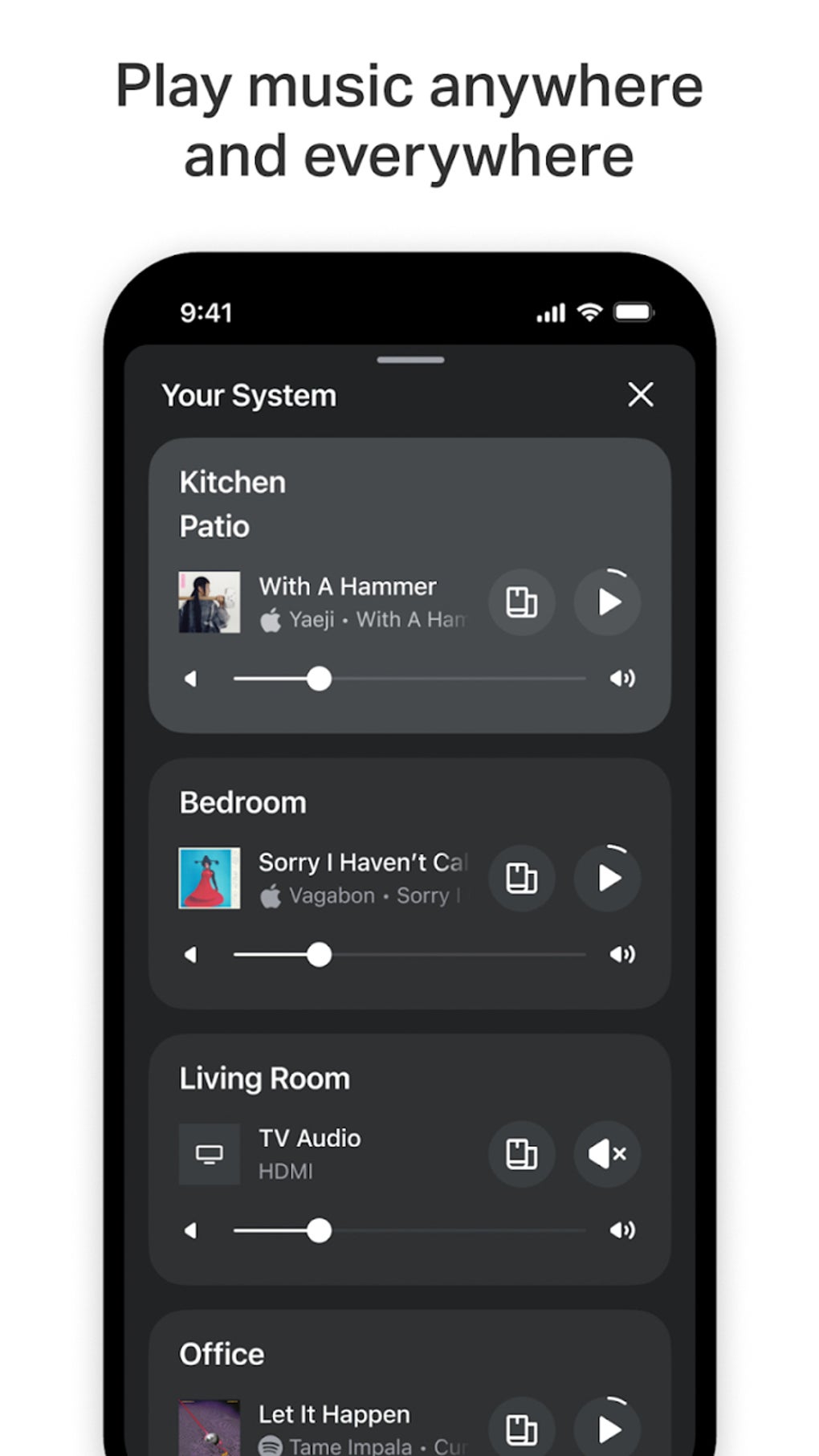
- Multiroom Audio Control – Synchronize playback across multiple Sonos devices or play different content in each room, ideal for homes with diverse listening preferences.
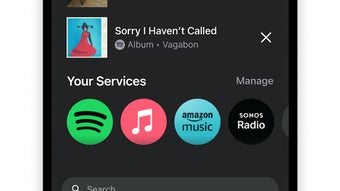
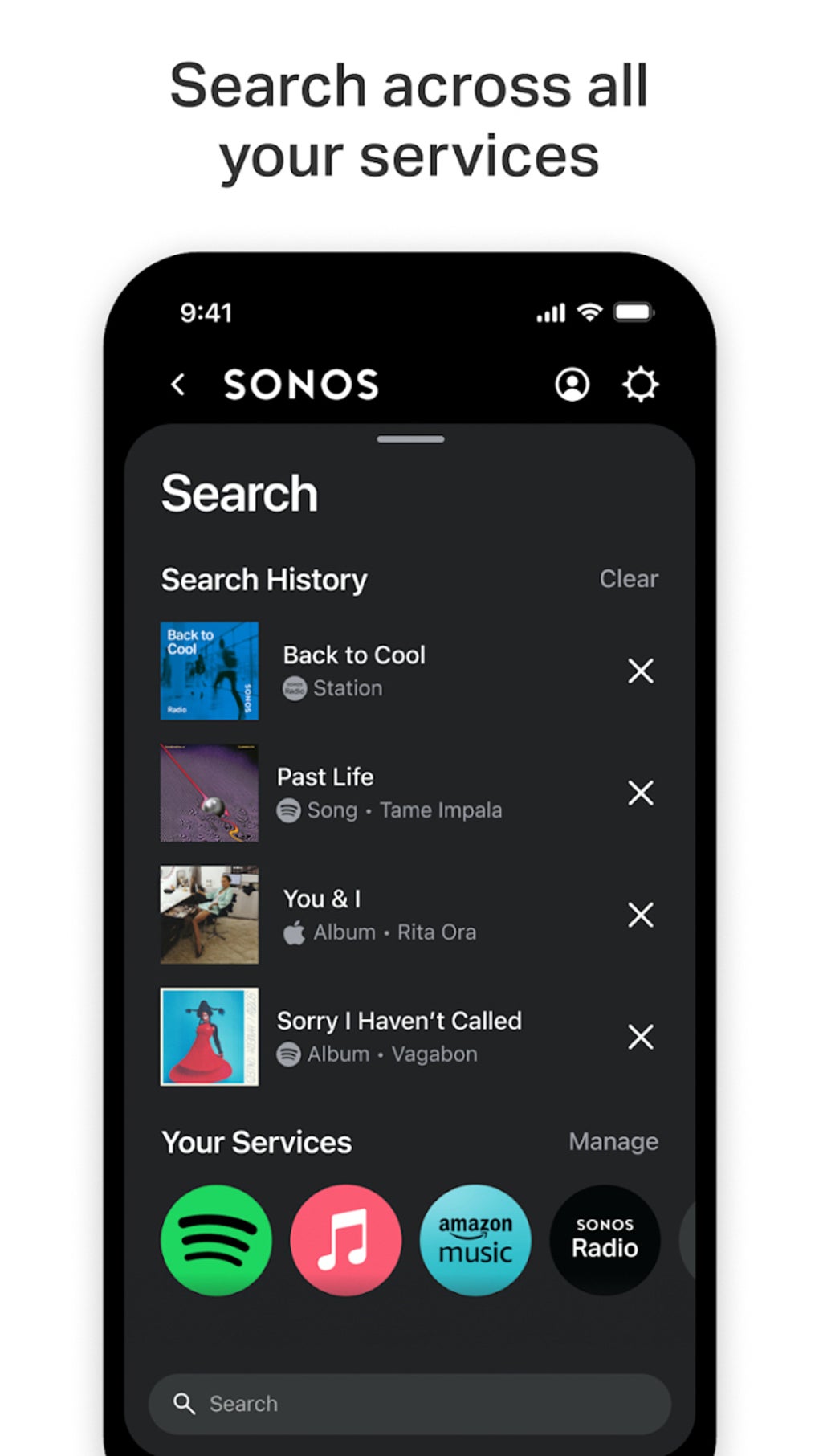
- Streaming Service Integration – Access a wide range of platforms including Spotify, Pandora, and Audible, enabling users to stream music, podcasts, and audiobooks without switching apps.
- Smart Assistant Compatibility – Use voice commands via integrated assistants to play music, adjust volume, or check system status, enhancing hands-free operation.
- Live Radio and Genre Stations – Explore free live broadcasts, curated genre stations, and Sonos original programming directly through the app.
- Device-Specific Features – Enable Speech Enhancement on soundbars for clearer dialogue and use Night Sound mode to reduce loud audio effects during late-night listening.
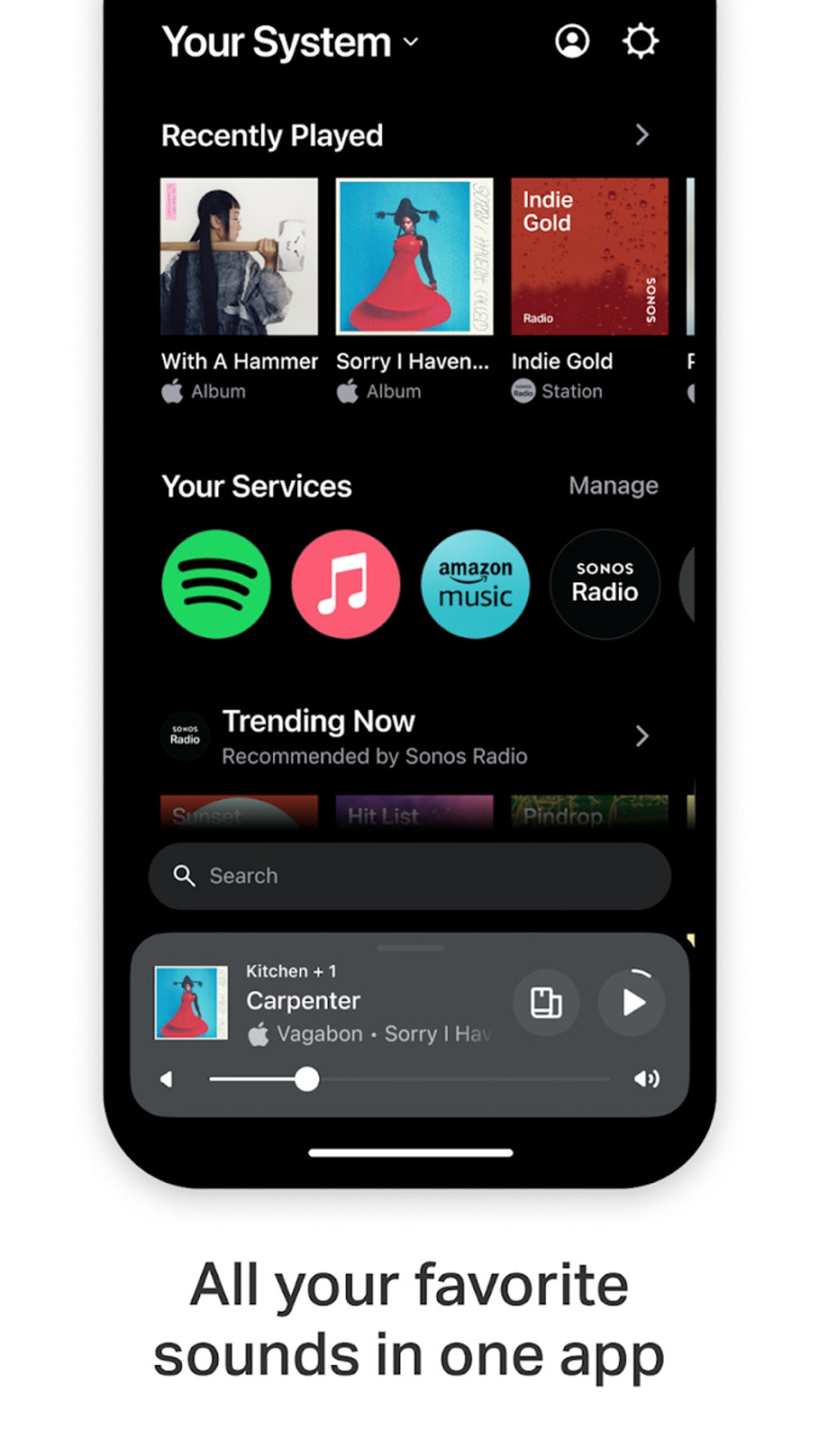
- Personalized Interface – The latest update introduced a redesigned UI with improved navigation, including a swipe-up access to system status and a new Message Center with helpful tips and recommendations.
- Lossless Audio Support – High-fidelity playback is available for Apple Music, delivering enhanced audio quality for discerning listeners.
These features collectively streamline audio management, allowing users to create customized listening experiences across various spaces. The app also supports weather updates via voice control, adding utility beyond music playback.
User Interface, Workflow & Performance
The Sonos app features a clean, modern interface with intuitive navigation. Users can access their entire audio system by swiping up from the bottom of the Home screen or selecting their system name in the top-left corner, streamlining access to device status and controls. The layout emphasizes clarity, with dedicated sections for music, radio, and system settings. Workflow efficiency is enhanced through quick access to favorite playlists, recent activity, and device grouping options. The app maintains responsive performance during playback and device switching, though exact performance details were not specified. Stability appears consistent across standard mobile use cases. The developer did not specify resource usage details, so CPU and RAM behavior remain unknown. General software behavior patterns suggest efficient operation under normal conditions, with minimal lag during routine tasks.
Compatibility & System Requirements
The Sonos app is available for both Windows and Mac operating systems. It supports the latest versions of these platforms, though exact compatibility details were not listed. The application has a file size of 287.6 MB, which is typical for a feature-rich audio management tool. Installation is straightforward, with no reported issues in the provided information. The developer did not specify hardware requirements, so minimum CPU, RAM, or storage thresholds are unknown. Compatibility information was partially provided, with only the operating systems and file size confirmed.
Pros and Cons
Pros
- Seamless multiroom audio control across Sonos devices
- Extensive integration with major music and radio streaming services
- Support for high-quality lossless audio on Apple Music
- Intuitive interface with recent UI redesign for better navigation
- Free to download and use with no subscription required
- Device-specific features like Speech Enhancement and Night Sound
Cons
- Requires Sonos hardware to function fully
- Limited to Sonos ecosystem; not compatible with non-Sonos audio devices
- Exact system requirements were not listed
- Resource usage details were not provided
FAQ Section
Is the Sonos app free to use?
Yes, the Sonos mobile application is available at no cost. It does not require a subscription to access core functionality, including device control, streaming service integration, and multiroom playback.
Can I use the app with non-Sonos speakers?
No, the app is designed exclusively for Sonos-branded audio devices such as speakers, soundbars, and audio components. It does not support third-party or non-Sonos hardware.
Does the app require an internet connection?
Yes, the app requires a stable Wi-Fi connection to communicate with Sonos devices and stream content from online services. Offline playback is limited to cached content, if available.
How often are updates released?
Updates are released periodically to improve performance, add new features, and fix bugs. The latest version, 10.2.2, was released on March 14, 2024.
Is the app secure?
As a product from Sonos, the app follows standard security practices for data transmission and user authentication. No specific security vulnerabilities were reported in the provided information.
Final Thoughts
The Sonos app delivers a powerful, user-friendly solution for managing multiroom audio systems. With its seamless integration across music, radio, and voice assistants, it transforms how users interact with their home sound environments. The recent UI overhaul enhances accessibility and personalization, while features like lossless audio and device-specific optimizations cater to both casual listeners and audiophiles. Though it requires Sonos hardware and lacks detailed system specs, its functionality and free availability make it a top choice for anyone invested in a premium wireless audio setup. Download Sonos now to take full control of your home entertainment experience.








