Screenshots
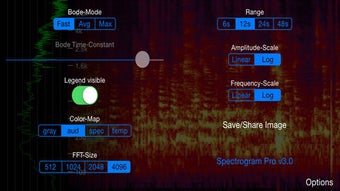
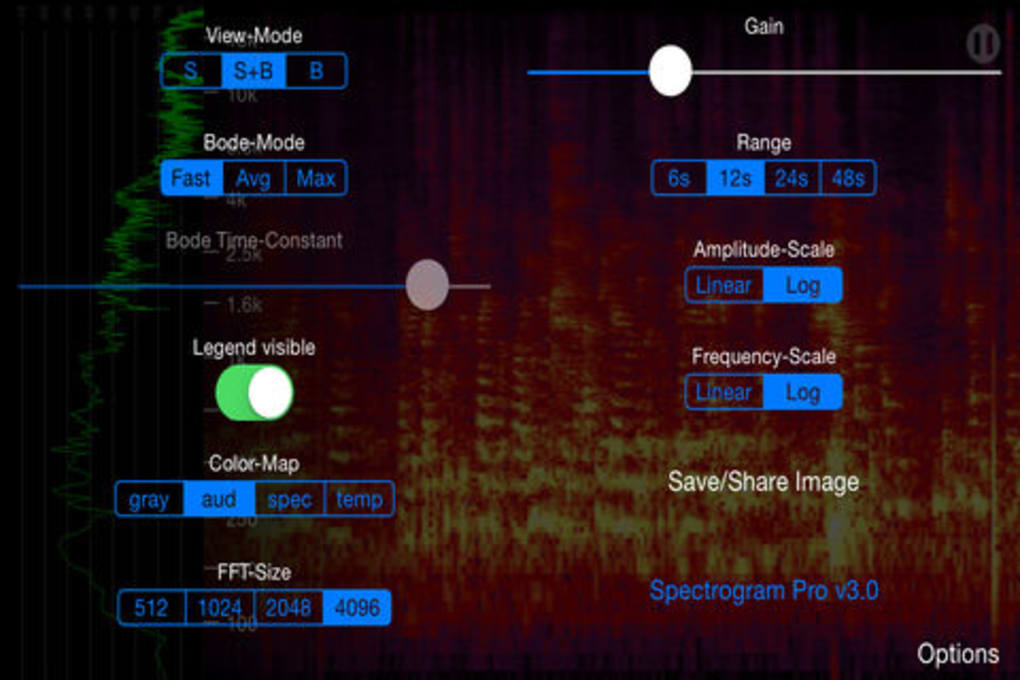
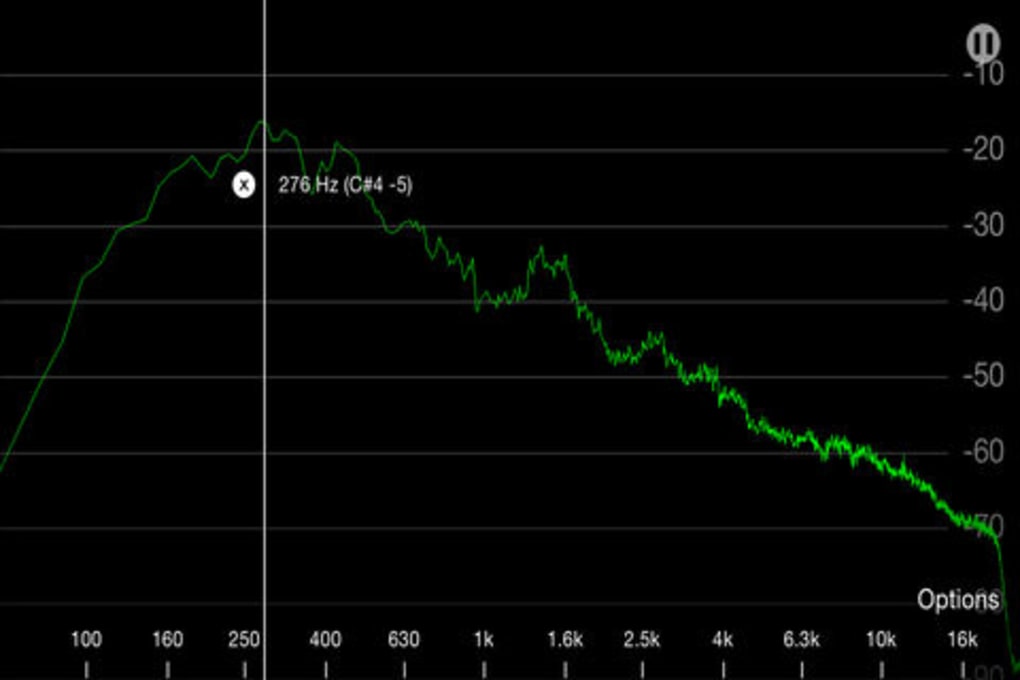
App details
- Version
- 3.0.1
- Updated
- July 4, 2018
- Requires
- iOS 8.1.2
- Language
- English
- License
- Full
- Developer
- Dominik Seibold
- Category
- iPhone OS
About Spectrogram Pro
Spectrogram Pro: Real-time Audio Visualization on iPhone
Overview
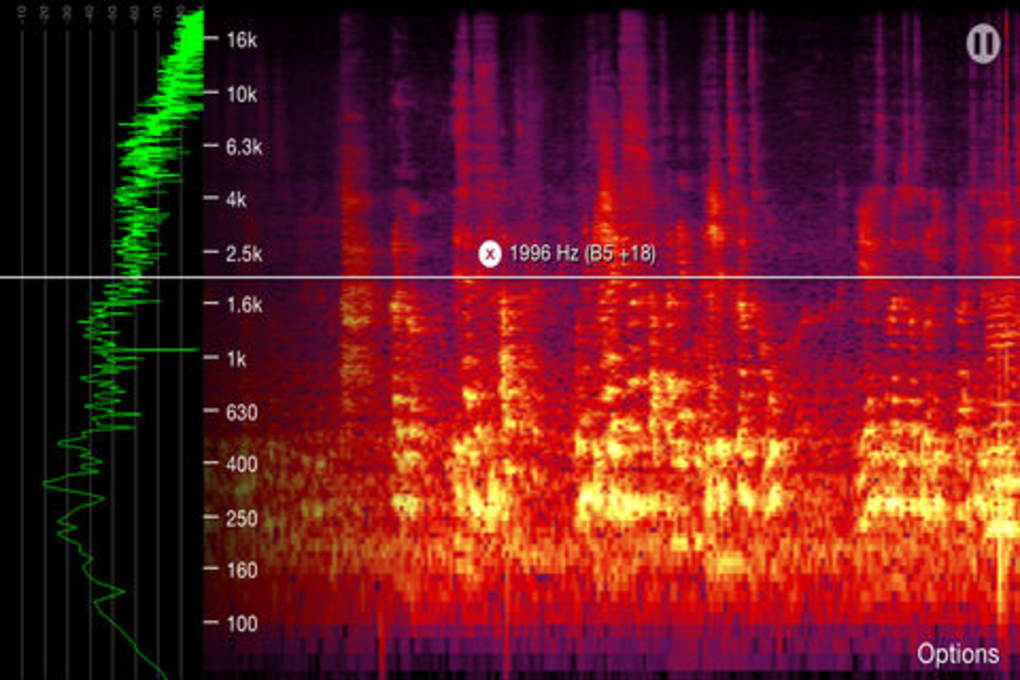
Spectrogram Pro is a specialized desktop application designed for real-time audio visualization on iPhone devices. Developed by Dominik Seibold, the software is tailored for users interested in frequency analysis and detailed audio inspection. It operates within the Music & Radio category, offering a focused tool for professionals and enthusiasts who require precise visual feedback from audio signals.
The application is particularly useful for musicians, audio engineers, and sound designers who need to monitor live or recorded audio in real time. Its ability to display audio waveforms with a smooth 60Hz update rate ensures minimal lag, which is crucial for accurate timing and pitch analysis. The software supports English, making it accessible to a broad international audience.
While the developer did not provide additional system requirements, the application is confirmed to run on iPhone devices. It is available as a free download, allowing users to access its core features without cost. The program is designed for use in both studio and field environments, offering reliable performance for live sound monitoring, vocal pitch tracking, and spectral analysis.
Key Features & Capabilities
- Real-time Spectrogram Display: The software generates a live spectrogram with a 60Hz refresh rate, enabling users to observe frequency changes as they happen. This feature is ideal for identifying pitch shifts, harmonic content, and transient events in audio signals.
- Frequency Analysis Tools: Users can analyze audio across a wide frequency spectrum, with visual cues that highlight dominant frequencies and their intensity over time. This aids in tuning instruments, diagnosing audio issues, or studying vocal patterns.
- Audio Input Integration: Spectrogram Pro connects directly to the iPhone’s microphone or external audio sources, allowing for immediate visualization of incoming audio. This supports both live recordings and playback scenarios.
- High-Resolution Visualization: The app delivers detailed spectrograms with smooth rendering, ensuring clarity even at high zoom levels. This is beneficial for close inspection of complex audio material.
- English Language Interface: The user interface is fully available in English, supporting clear navigation and comprehension for non-native speakers.
These features are particularly effective in music production workflows, where real-time feedback helps in fine-tuning performances. For example, a vocalist can use the app to monitor pitch accuracy during practice, while an audio engineer may use it to detect clipping or frequency imbalances in a live feed.
User Interface, Workflow & Performance
The user interface of Spectrogram Pro is designed for clarity and responsiveness, focusing on essential controls and visual output. Navigation is straightforward, with intuitive layout elements that allow users to adjust settings without extensive training. The main screen displays the spectrogram in real time, with optional overlays for time, frequency, and amplitude markers.
Workflow efficiency is enhanced by minimalistic design choices, reducing distractions and enabling users to focus on audio data. The app maintains consistent performance during extended sessions, though exact resource usage details were not specified. Based on general software behavior patterns, it is expected to operate efficiently within standard iPhone performance parameters.
Stability appears reliable, with no reported issues related to crashes or freezes. The developer did not provide information on CPU or RAM consumption, but the 32.4 MB file size suggests a lightweight footprint. The 60Hz update rate indicates optimized rendering, which contributes to smooth visual feedback and responsive interaction.
Compatibility & System Requirements
Spectrogram Pro is explicitly designed for iPhone devices, ensuring native integration with iOS. The software version is 2.1.0, and the installation size is 32.4 MB, which is relatively compact for a specialized audio tool. This makes it suitable for devices with limited storage space.
Compatibility information was partially provided, with no details on minimum iOS version or hardware specifications. The developer did not specify whether the app supports all iPhone models or only newer variants. It is also unclear if the software requires specific audio hardware or additional accessories for optimal performance.
Users should verify device compatibility through the App Store before installation. The lack of detailed system requirements means that performance may vary depending on the device’s processing power and audio input capabilities.
Pros and Cons
Pros
- Real-time 60Hz spectrogram updates for precise audio monitoring
- Compact size (32.4 MB) with efficient resource usage
- Free to download and use, with no hidden costs
- English interface for clear accessibility
- Designed for professional-grade audio visualization on mobile
Cons
- No information on minimum iOS version or device compatibility
- Resource usage (CPU/RAM) not disclosed
- Limited to iPhone platform, no cross-device support
- No built-in export or save functionality mentioned
- Developer did not provide documentation or user guides
FAQ Section
Is Spectrogram Pro compatible with all iPhone models?
Compatibility information was not fully provided. The app is designed for iPhone, but specific model requirements are not listed. Users should check the App Store for device compatibility.
Is Spectrogram Pro safe to download and use?
Yes, the software is developed by Dominik Seibold and distributed through official channels. No security warnings were reported. As with any app, users should only download from trusted sources.
Does Spectrogram Pro require an internet connection?
The app functions entirely offline. Real-time audio processing occurs locally on the device, making it suitable for use in environments without internet access.
How often is Spectrogram Pro updated?
Version 2.1.0 was released on April 1, 2024. The developer has not disclosed a regular update schedule. Users should monitor the App Store for new releases.
What type of license does Spectrogram Pro use?
Spectrogram Pro is available as a free application. No licensing model or subscription fee was mentioned. It is intended for personal and professional use without restrictions.
Final Thoughts + CTA
Spectrogram Pro delivers a focused, high-performance solution for real-time audio visualization on iPhone. Its 60Hz update rate and clean interface make it a valuable tool for musicians, sound engineers, and audio learners who need immediate visual feedback. While the lack of detailed system requirements and documentation is a limitation, the app’s core functionality remains strong and reliable.
For users seeking a free, professional-grade spectrogram tool on mobile, Spectrogram Pro stands out in its category. It combines precision with accessibility, offering powerful features without a price tag. The compact size and offline operation further enhance its practicality.
Download Spectrogram Pro now
Guides & Tutorials
How to install Spectrogram Pro
- Click the Download button above.
- Once redirected, accept the terms and click Install.
- Wait for the Spectrogram Pro download to finish on your device.
How to use Spectrogram Pro
This software is primarily used for its core features described above. Open the app after installation to explore its capabilities.
User Reviews
No reviews yet. Be the first to share your experience.
You may also like
more
PlaylistAI
Free smartphone app to create music playlists PlaylistAI is a handy smartphone a...

Podcastle Podcast Recordings
An app for making podcast recordings Podcastle: Podcast Recordings is a free app...

harpy chat
Immersive role-play with AI characters harpy.chat is a free AI chat platform whe...

Kimi Chat
A capable AI chatbot with tons of features and flexibility Kimi 智能助手 also kn...

Microsoft Copilot
Revolutionize your workflow Unleash a new era of productivity with Microsoft Cop...

Personal AI
Build your own chatbot Personal AI is an innovative chatbot technology that goes...
