
Screenshots

App details
- Updated
- March 21, 2023
- Requires
- Firefox
- Language
- English | Italian
- License
- Free
- Developer
- More programs (16)
- Category
- Web Apps
About Spotify
Download Spotify – Free Music Streaming, Playlists & Podcasts
Overview
Spotify has become the go‑to platform for music lovers who want instant access to a massive library without the hassle of buying individual tracks. Available as a web player, desktop client, and mobile app, Spotify delivers a seamless listening experience across Windows, macOS, Linux, Android, iOS, and ChromeOS devices. The service relies on sophisticated artificial intelligence to study your listening habits, crafting personalized charts, daily mixes, and even an “audio birth chart” that matches artists to your astrological sign. While the core library is free to explore, Spotify operates on a freemium model: the ad‑supported tier offers unlimited access to the catalog but limits skips and inserts occasional audio and visual ads. Upgrading to Spotify Premium removes interruptions, unlocks unlimited skips, allows offline downloads, and provides higher‑quality streaming at 320 kbps. Beyond music, Spotify also hosts a growing collection of podcasts ranging from true‑crime series to tech talk, all searchable through the same intuitive interface. Whether you’re a casual listener who enjoys curated playlists or an audiophile who wants total control over every track, Spotify’s cross‑platform design and AI‑driven recommendations make it a compelling choice in the crowded streaming market.
Key Features & Compatibility
- Extensive music catalog with over 80 million tracks.
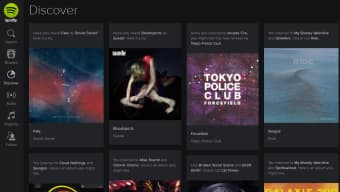
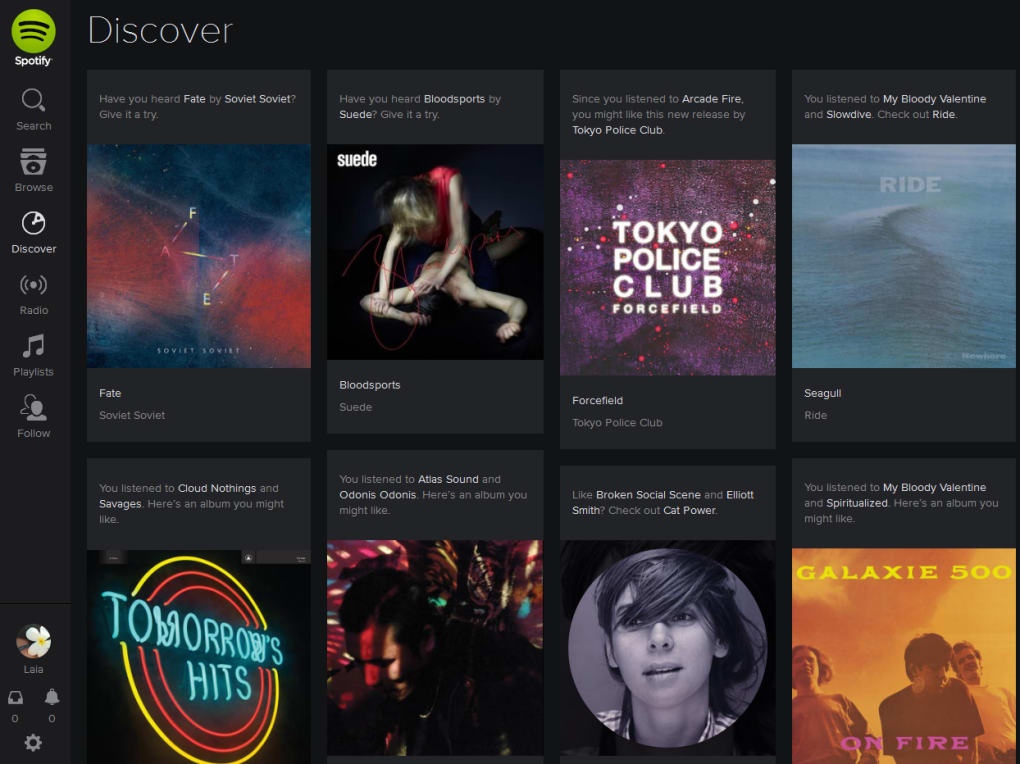
- AI‑generated daily mixes, Discover Weekly, and Release Radar playlists.
- Audio birth chart that aligns artists with your zodiac signs.
- Integrated podcast library with automatic transcript support.
- Lyrics synchronization powered by Musixmatch for sing‑along sessions.
- Spotify Connect – turn any compatible device into a remote speaker.
- Offline listening for Premium members on mobile and desktop.
- High‑resolution audio streaming (up to 320 kbps) for Premium users.
- Cross‑platform support: Windows 10/11, macOS 10.15+, Linux, Android 8+, iOS 13+, ChromeOS.
- Family, Student, and Duo plans that share benefits across multiple accounts.
Spotify runs natively on Windows, macOS, Linux, Android, iOS, and ChromeOS. The web player works in any modern browser, providing a secure, instant way to stream without installing additional software. Compatibility with over 2,000 devices via Spotify Connect means you can control playback on smart speakers, TVs, gaming consoles, and car infotainment systems—all from the same account.
Installation, Usage & Pros/Cons
How to Install Spotify
1. Visit spotify.com/download and select your operating system.
2. Download the installer (Windows .exe, macOS .dmg, or Linux .deb/.rpm).
3. Run the installer and follow the on‑screen prompts to create a desktop shortcut.
4. Launch Spotify, sign up with an email address or use your Facebook/Google account, and start exploring the library.
Mobile users can find Spotify in the Google Play Store or Apple App Store. After installation, log in with the same credentials to sync your playlists, liked songs, and podcasts across all devices. For the web player, simply navigate to open.spotify.com, log in, and enjoy streaming without any download.
Using Spotify Effectively
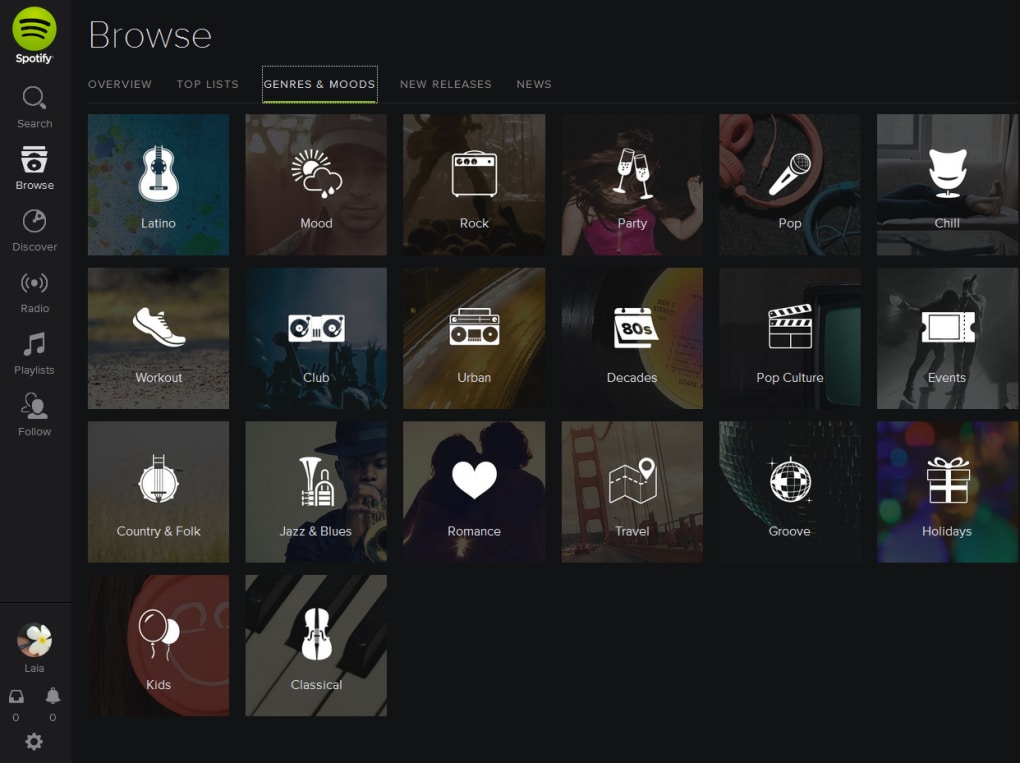
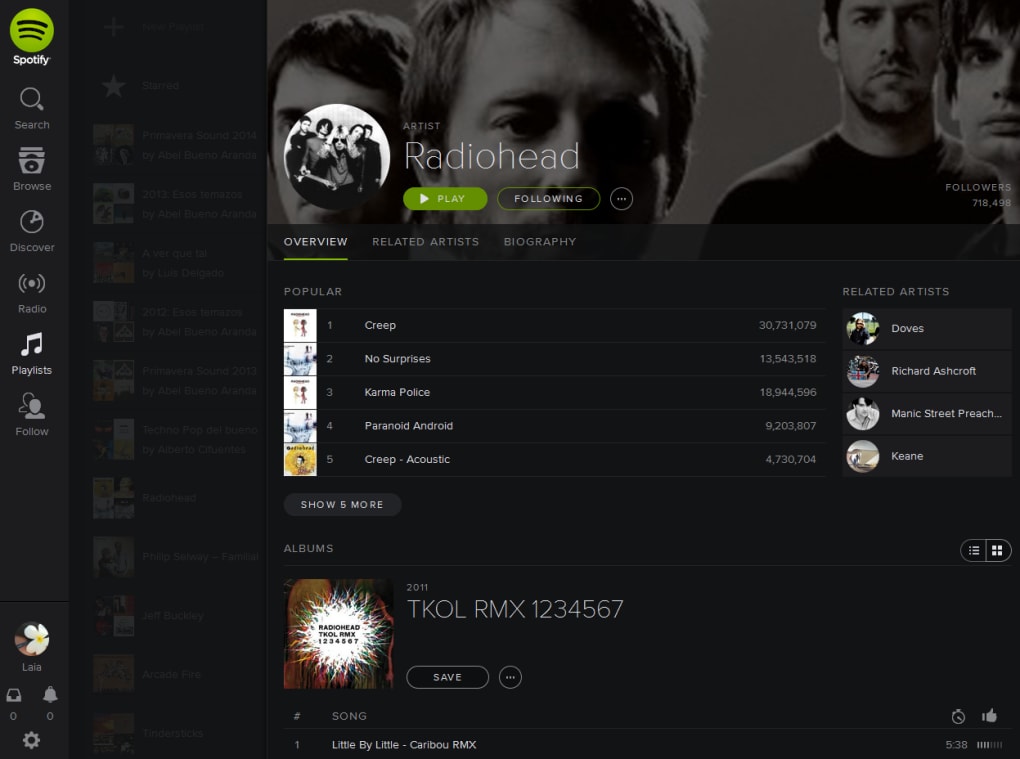
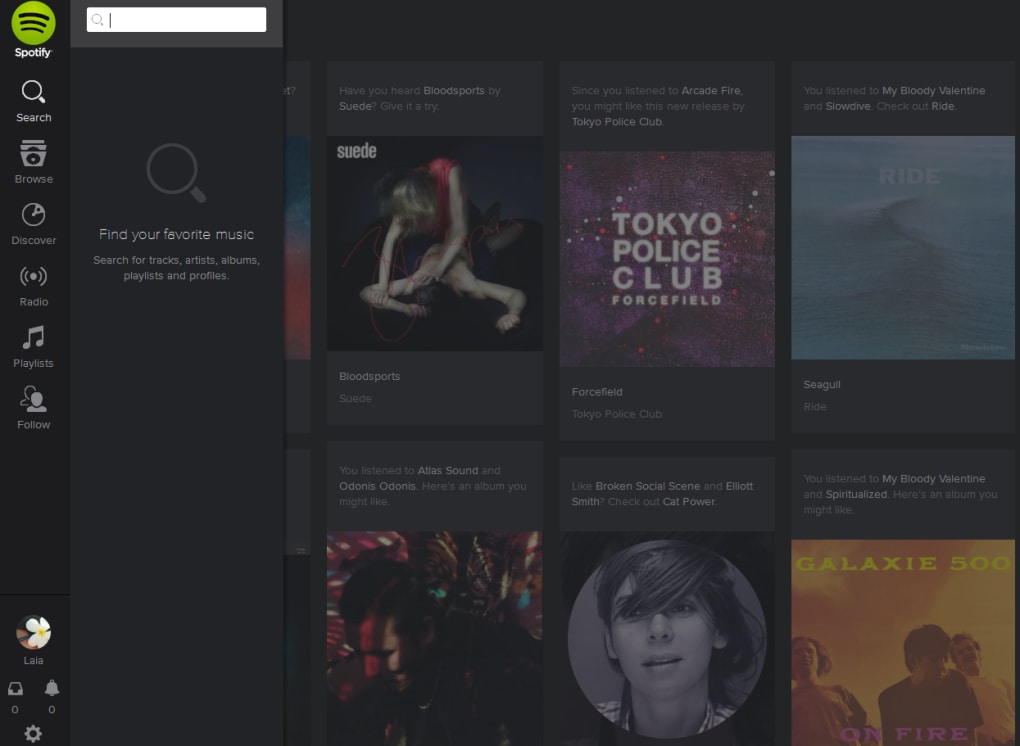
Once inside the app, the Home tab curates recommendations based on your recent activity. Use the Search bar to locate specific tracks, albums, or podcasts. The “Your Library” section stores liked songs, created playlists, and followed artists. To create a new playlist, click “Create Playlist,” add a cover image, title, and description, then drag songs into it. The “Radio” feature generates an endless stream of similar tracks, perfect for background listening. Premium users can enable “Smart Shuffle,” which adapts in real time to your mood and listening context.
Pros and Cons
- Pros
- Vast music and podcast catalog.
- Highly accurate AI recommendations.
- Cross‑platform syncing and Spotify Connect.
- Free tier available for casual listeners.
- Offline playback for Premium members.
- Cons
- Free tier includes audio and visual ads.
- Limited skips on the free version.
- Premium subscription required for full feature set.
- Some high‑profile artists may be missing due to licensing.
- Occasional UI clutter with sponsored banners.
Spotify delivers a compelling mix of music, podcasts, and AI‑driven personalization that keeps users engaged for hours. While the free tier is functional, the ad interruptions can be frustrating for heavy listeners. Upgrading to Premium unlocks the full potential, especially the offline mode and unlimited skips, making it worth the monthly fee for most avid music fans.
Frequently Asked Questions
Is Spotify truly free or is it a trial?
Spotify offers a permanent free tier that includes ads and limited skips. It is not a limited‑time trial; you can continue using the free version indefinitely, but many users upgrade to Premium for an ad‑free experience.
Can I download songs for offline listening on the free plan?
Offline downloads are exclusive to Spotify Premium. Free users can only stream music while connected to the internet.
How does Spotify Connect work with other devices?
Spotify Connect turns any compatible speaker, TV, or gaming console into a remote playback device. Simply tap the “Connect” icon in the lower‑right corner of the player, select the target device, and your music will start playing there while you control it from your phone or computer.
What are the differences between Family, Duo, and Student plans?
The Family plan allows up to six members living at the same address to enjoy Premium benefits at a reduced per‑person cost. Duo is for two people sharing a household. The Student plan offers a discounted rate for eligible university students and includes all Premium features.
Does Spotify have a built‑in lyrics feature?
Yes. Spotify partners with Musixmatch to display synchronized lyrics for millions of tracks. The lyrics appear in a scrollable pane while the song plays, making it easy to sing along.
Conclusion – Should You Download Spotify?
With its massive library, intelligent recommendations, and cross‑platform availability, Spotify remains one of the most versatile streaming services on the market. The free tier provides ample value for casual listeners, while Premium unlocks the full suite of features that power users expect—ad‑free playback, offline listening, and higher audio quality. If you enjoy discovering new music, curating personal playlists, and diving into podcasts, Spotify is a solid investment. Click the button below to start your free download and experience the world of music at your fingertips.
Download Spotify NowGuides & Tutorials
How to install Spotify
- Click the Download button above.
- Once redirected, accept the terms and click Install.
- Wait for the Spotify download to finish on your device.
How to use Spotify
This software is primarily used for its core features described above. Open the app after installation to explore its capabilities.
User Reviews
No reviews yet. Be the first to share your experience.
You may also like
more
3D AI Studio
3D AI Studio Overview 3D AI Studio is a web-based AI-powered tool developed by S...

3D textures by Polycam
Generate Realistic 3D Textures Effortlessly 3D Textures by Polycam is an innovat...

3DAiLY
Customizable 3D Modeling Tool: 3DAiLY 3DAiLY is an online platform that harnesse...

3DFY
Revolutionizing 3D Model Creation: 3DFY Review 3DFY is an AI-powered service, de...

AI Dungeon
AI Dungeon: Deep Learning Text Adventure AI Dungeon is an artificial intelligenc...

Alpha3D
A subscription-based program for Web apps, by alpha3d. Alpha3D is a subscription...
