Tutorials

Z-Image on ComfyUI
Z-Image is a fast and open-sourced image model released by Alibaba Tongyi Lab. It quickly gains popularity because of its …

How to use SAM3 on ComfyUI to segment images
SAM 3 (Segment Anything Model 3) from Meta is the latest frontier in prompt-based segmentation: you can provide a text …
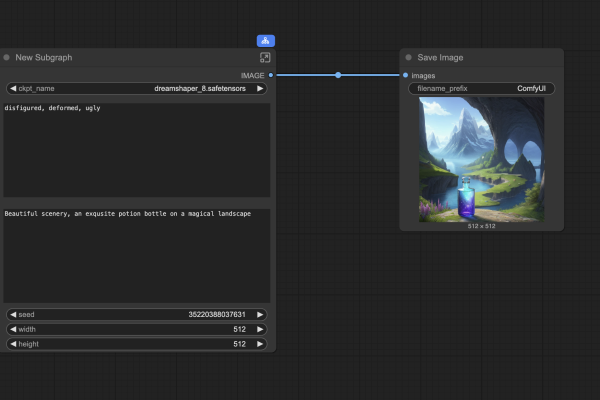
ComfyUI subgraph: Game changer or a nice try?
ComfyUI is the leading local AI image and video generator. But it can be daunting for new users because many …

Qwen Image Edit: Multiple-image workflow
Qwen Image Edit is a competent AI image editing model. You can use it to edit images using a text …

Qwen Image Edit Inpaint – Precise mask edit
Qwen Image Edit is an image-editing AI model. It can be used to edit the image with text prompts alone …

Qwen Image Edit: Direct characters with prompts
Qwen Image Edit is an image-editing model. It enables you to make precise edits to images, from subtle retouches to …

ComfyUI Desktop: Installation & review
ComfyUI Desktop makes it easier than ever to run ComfyUI locally without messing with the command line. It’s the most …

Qwen Image model Guide
Qwen Image is a new open-source text-to-image model developed by Alibaba’s Qwen team. It’s quickly gaining thumbs-up from AI creators …
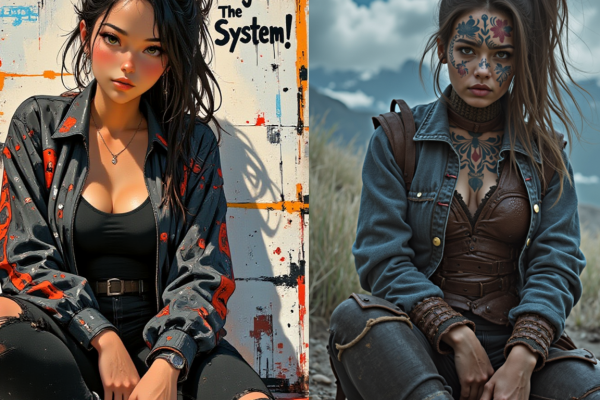
ControlNet ComfyUI workflows
You can use a reference image to direct AI image generation using ControlNet. Below is an example of copying the …

