Screen start issues
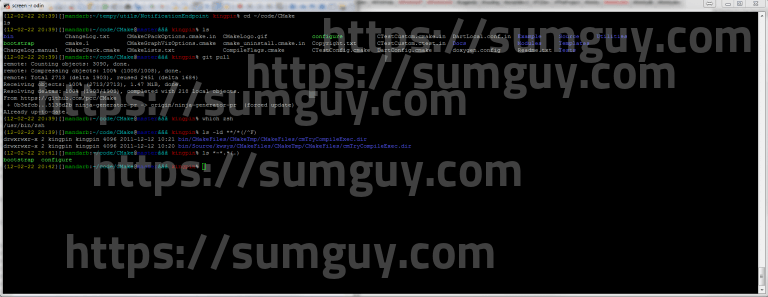
Screen is a tool that allows users to resume a session after they have disconnected. Screen prevents a session from “timing out” or disconnecting SSH connections or local terminal emulators. A single Screen session has the ability to host multiple sessions or “windows.” I just spun up a new ubuntu 12.04 VPS and installed some basics, I needed to use the screen utility but for some reason i was having issues with screen starting up. well it seems screen didn’t create the socket storage directory and kept giving me this error :
Cannot make directory ‘/var/run/screen’: Permission denied
It’s a very simple fix :- sudo mkdir /var/run/screen
- sudo chmod 775 /var/run/screen
- sudo chgrp utmp /var/run/screen