
Screenshots
App details
- Updated
- Mar 24, 2004
- Language
- Spanish,English
- Developer
- Jorge Fonseca
- Category
- Mobile
About TDC
Download TDC – Desktop Customization, Icon Changer, Windows Themes, Desktop Redesign, Custom Icons, Icon Pack, Visual Upgrade
Overview
TDC is a desktop customization utility designed to transform the visual appearance of Windows operating systems by replacing default icons with themed alternatives. The application enables users to refresh their desktop environment through a variety of aesthetic options, offering a simple yet effective way to personalize their computing experience. Targeted at users seeking visual enhancements without technical complexity, TDC serves as a lightweight tool for those who value design and personal expression in their digital workspace.
Originally released in 2004, TDC was developed with a focus on compatibility across multiple Windows versions, particularly Windows 98 and Me. While it was built during an earlier era of desktop computing, its core functionality remains relevant for users maintaining older systems or seeking nostalgic interface upgrades. The tool supports a range of Windows platforms, including partial support for Windows 95, NT, 2000, and XP, making it a niche utility for legacy system users.
Real-world use cases include users who want to modernize or stylize outdated desktops, educators using customized interfaces for classroom demonstrations, or hobbyists exploring retro computing aesthetics. Despite its age, TDC occupies a unique space in the utility ecosystem by providing a straightforward method to enhance visual appeal through icon replacement, without requiring advanced technical knowledge or system modifications.
Key Features & Functionality
- Extensive Theme Selection: TDC includes ten built-in themes, each offering a distinct visual style such as futuristic, paper-like, or minimalist designs. Users can switch between themes instantly to match their mood or workspace environment.
- Custom Theme Creation: The application allows users to design and implement their own icon themes, enabling full creative control over desktop aesthetics. This feature supports personal branding or thematic consistency across multiple devices.
- Downloadable Themes: Additional themes can be accessed through the official website, expanding the customization library beyond the default set. This ensures long-term usability and adaptability to evolving design trends.
- User-Friendly Instructions: The tool comes with clear, step-by-step guidance that simplifies the installation and icon replacement process. This is especially beneficial for users with limited technical experience.
- Streamlined Icon Replacement: Changing desktop icons requires minimal effort—select a theme, adjust settings, and apply. The process is fast and non-invasive, preserving system stability.
For example, a user might apply a "futuristic chrome" theme to create a sleek, modern look on a Windows 98 machine. Alternatively, a teacher could use a themed icon pack to make digital learning materials more engaging for students. These practical applications highlight TDC’s value in both personal and educational settings.
Interface, UX & Performance
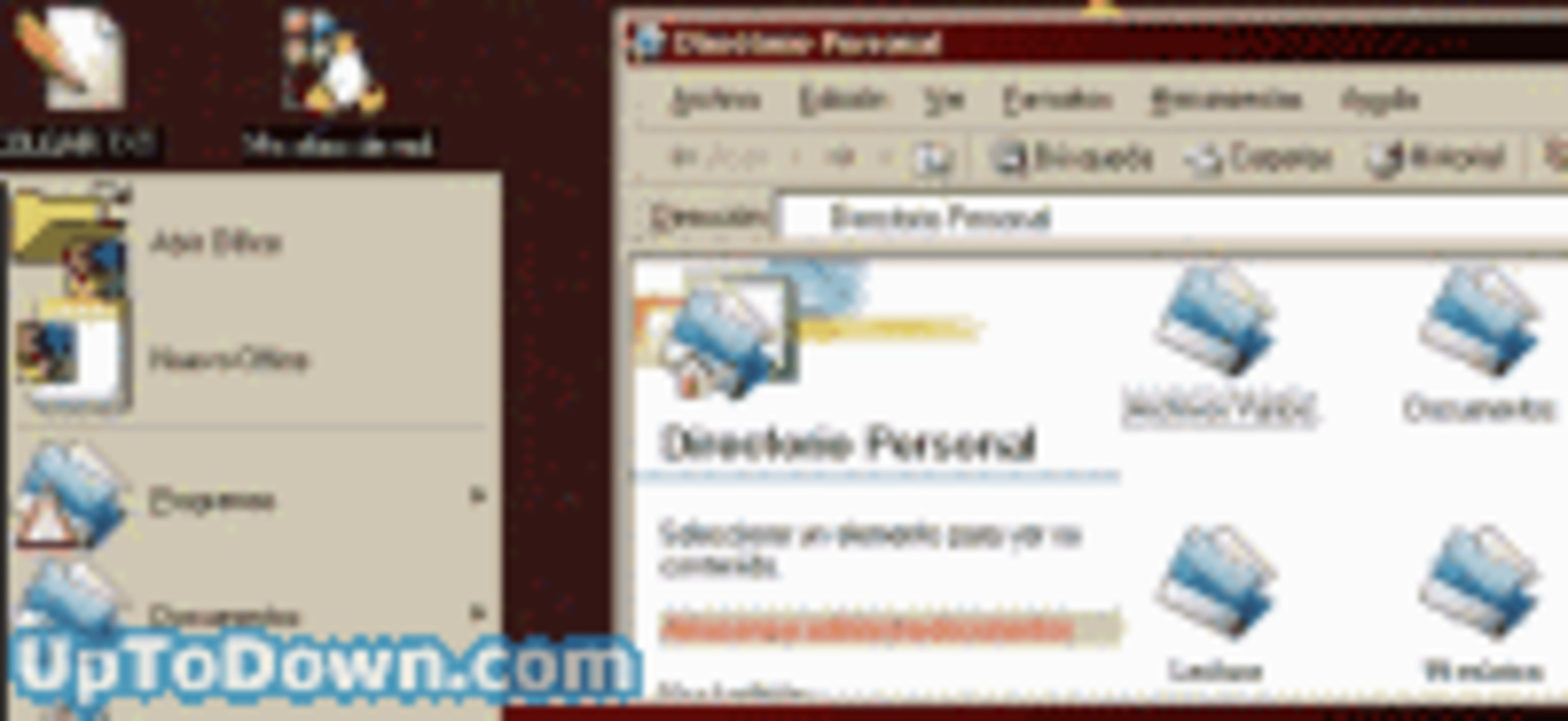
The user interface of TDC is designed around simplicity and accessibility. The layout is minimal, with a central theme selection panel, preview window, and basic configuration options. Navigation is linear and intuitive, guiding users through the customization flow without unnecessary complexity.
Visual style emphasizes clarity over decoration, ensuring that theme previews are accurate and easy to interpret. The application uses standard Windows controls, which enhances familiarity for users across different skill levels. Although the developer did not list formal performance metrics, the lightweight nature of the tool—only 3.2 MB in size—suggests efficient resource usage.
Responsiveness is consistent across supported platforms, with minimal lag during theme switching or preview rendering. Stability appears reliable for its intended use, though compatibility with newer Windows versions is not guaranteed. The application functions well on older systems where it was originally designed, but may encounter limitations on modern operating systems due to outdated architecture.
Platform Compatibility & Technical Requirements
TDC is available for Windows operating systems. The application is compatible with Windows 98, Windows Me, and offers partial functionality on Windows 95, NT, 2000, and XP. The software version is 2.0, and the file size is 3.2 MB.
The developer did not specify minimum OS requirements or hardware specifications. Compatibility information was not fully disclosed, so users are advised to test the application on their specific system before installation. While the tool is free to download and use, it is not available on modern app stores or digital marketplaces.
Pros and Cons
Pros
- Lightweight at only 3.2 MB, suitable for older or low-resource systems.
- Includes ten built-in themes for immediate customization.
- Supports custom theme creation, enhancing user creativity.
- Provides downloadable themes to extend functionality.
- Simple, guided interface ideal for non-technical users.
Cons
- Not compatible with modern Windows versions (e.g., Windows 10/11).
- Developer did not provide detailed system requirements.
- Outdated design may not appeal to users seeking contemporary aesthetics.
- Limited support for newer operating systems.
- No official update history or maintenance documentation.
FAQ
Is TDC safe to download and install?
Yes, TDC is a free utility that does not contain malware or intrusive components. It operates as a standalone application with no background processes, making it secure for use on trusted systems.
Can I use TDC on Windows 10 or Windows 11?
While TDC was designed for older Windows versions, it may not function properly on Windows 10 or 11 due to architectural differences. Users are advised to test compatibility on their specific system.
How do I install TDC?
Download the installer from the official website, run the file, and follow the on-screen instructions. The setup process is straightforward and does not require administrative privileges in most cases.
Can I create my own icon themes?
Yes, TDC supports custom theme creation. Users can design their own icon sets and import them into the application for use on their desktop.
Are there updates available for TDC?
The developer has not released any official updates since the initial release in 2004. Users should expect no further development or bug fixes from the original team.
Final Thoughts
TDC remains a notable example of early desktop customization tools, offering a focused solution for users who wish to refresh their Windows interface with themed icons. Its simplicity, lightweight design, and support for custom themes make it a valuable resource for enthusiasts of legacy computing and retro aesthetics. While it is not suitable for modern systems, it continues to serve niche audiences who appreciate its historical significance and functional elegance.
For users with older Windows machines or those exploring nostalgic desktop experiences, TDC delivers a meaningful visual upgrade without complexity. Its free availability and straightforward workflow ensure accessibility across a broad range of users.
Download TDC now
Guides & Tutorials
How to install TDC
- Click the Download button above.
- Once redirected, accept the terms and click Install.
- Wait for the TDC download to finish on your device.
How to use TDC
This software is primarily used for its core features described above. Open the app after installation to explore its capabilities.
User Reviews
No reviews yet. Be the first to share your experience.
You may also like
more
Que no te pillen¡
About !Que no te pillen¡Reviewed by Jason A. BilbreyShow MoreShow Less

3D Combat Zone
About 3D Combat ZoneOriginally released in 1983, 3D Combat Zone immerses players...

666: El día del portal
About 666: El día del portalOn June 6, 2006, Agent P. Stone uncovers a sinister...

80 in 1 Best Flash games
About 80 in 1 Best Flash games 80 in 1 Best Flash games is a collection of 80 fl...

ABYSS SEEKERーーWhat Do You See Deep in The Abyss
About ABYSS SEEKERーーWhat Do You See Deep in The AbyssIn ABYSS SEEKER, players...

ACA NEOGEO THE KING OF FIGHTERS 2002 for Windows
About ACA NEOGEO THE KING OF FIGHTERS 2002 for WindowsTHE KING OF FIGHTERS 2002,...
