
Download Tech-Freedom – accessibility, visual impairment, screen reader, AI assistant, document reader, image reader, OCR, scene description, inclusive technology, free tool, Windows app, assistive technology
Overview
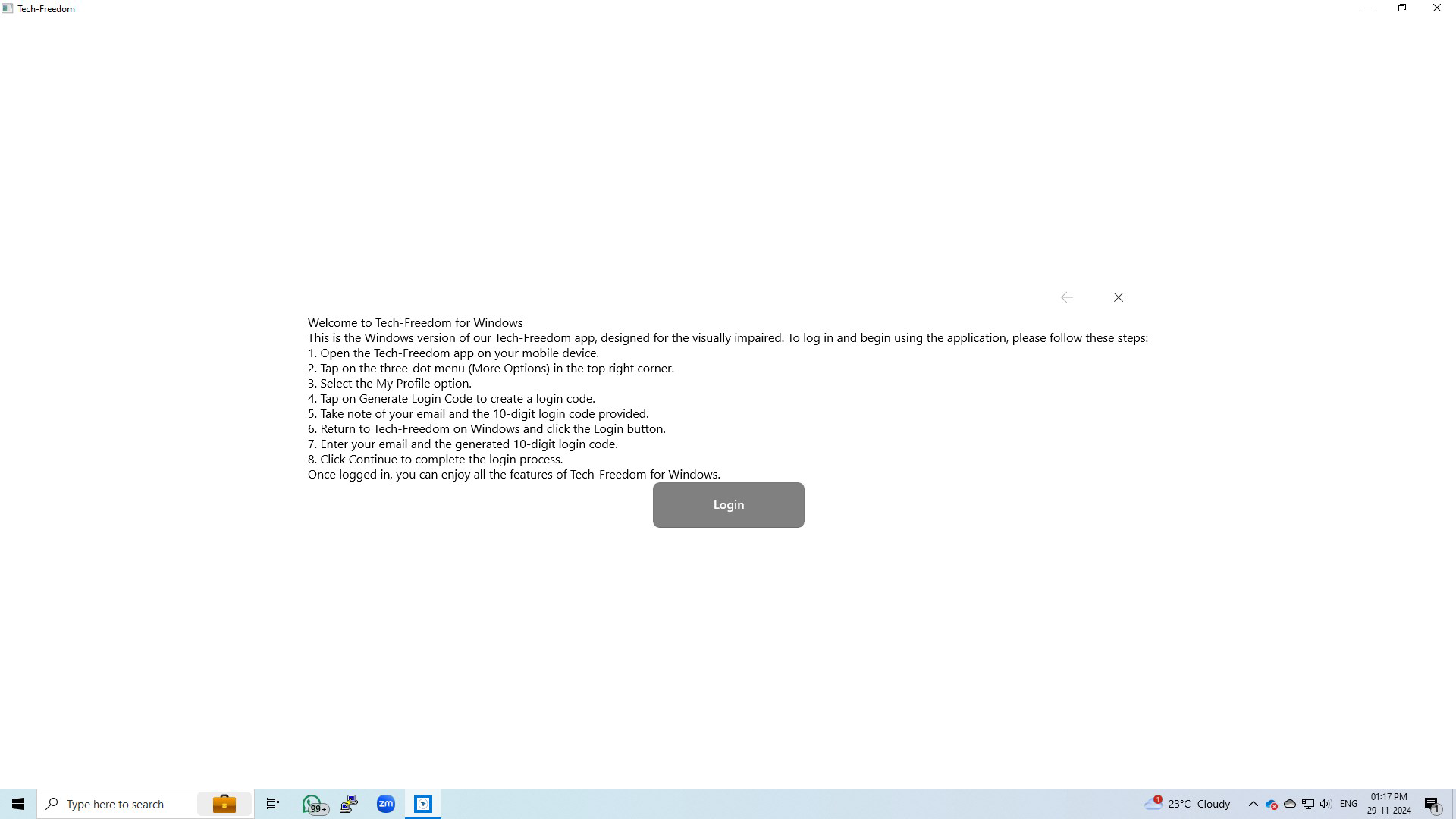
Designed specifically for individuals with visual impairments, Tech-Freedom is a Windows-based application developed by the non-profit organization V.I. Developers. Its primary purpose is to enhance digital and physical independence by offering a suite of tools tailored to the unique challenges faced by visually impaired users. The app aims to bridge accessibility gaps in everyday tasks such as reading documents, interpreting images, and navigating digital content through advanced assistive technologies. By integrating features like a conversational AI assistant, document reader, and image reader, Tech-Freedom empowers users to engage more confidently with both personal and professional environments.
Target users include students, professionals, and everyday individuals who rely on accessible tools to manage digital workflows and interact with visual content. The app is particularly valuable in educational and workplace settings where access to text-based materials is critical. Real-world use cases include reading academic papers, extracting information from scanned forms, or understanding visual content in social media or public spaces. As part of the broader assistive technology ecosystem, Tech-Freedom contributes to a more inclusive digital landscape by ensuring that visually impaired individuals are not excluded from essential information and services.
Developed by a non-profit entity, the app reflects a mission-driven approach to accessibility, prioritizing user needs over commercial interests. The commitment to being free and ad-free further underscores its dedication to equitable access. While specific technical details about system integration or compatibility were not provided, the application’s focus on usability and inclusivity positions it as a meaningful addition to the assistive technology space.
Key Features & Functionality
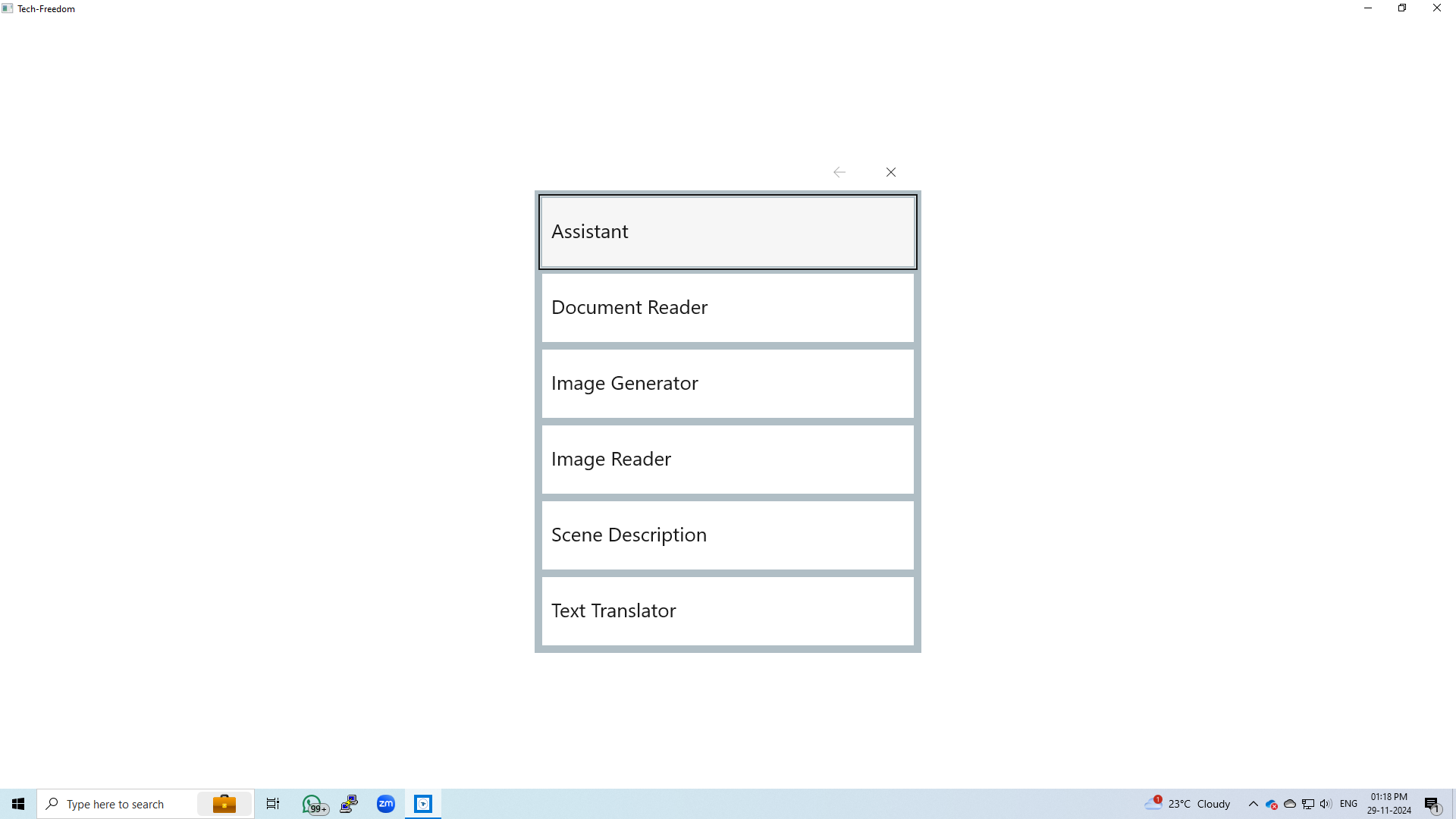
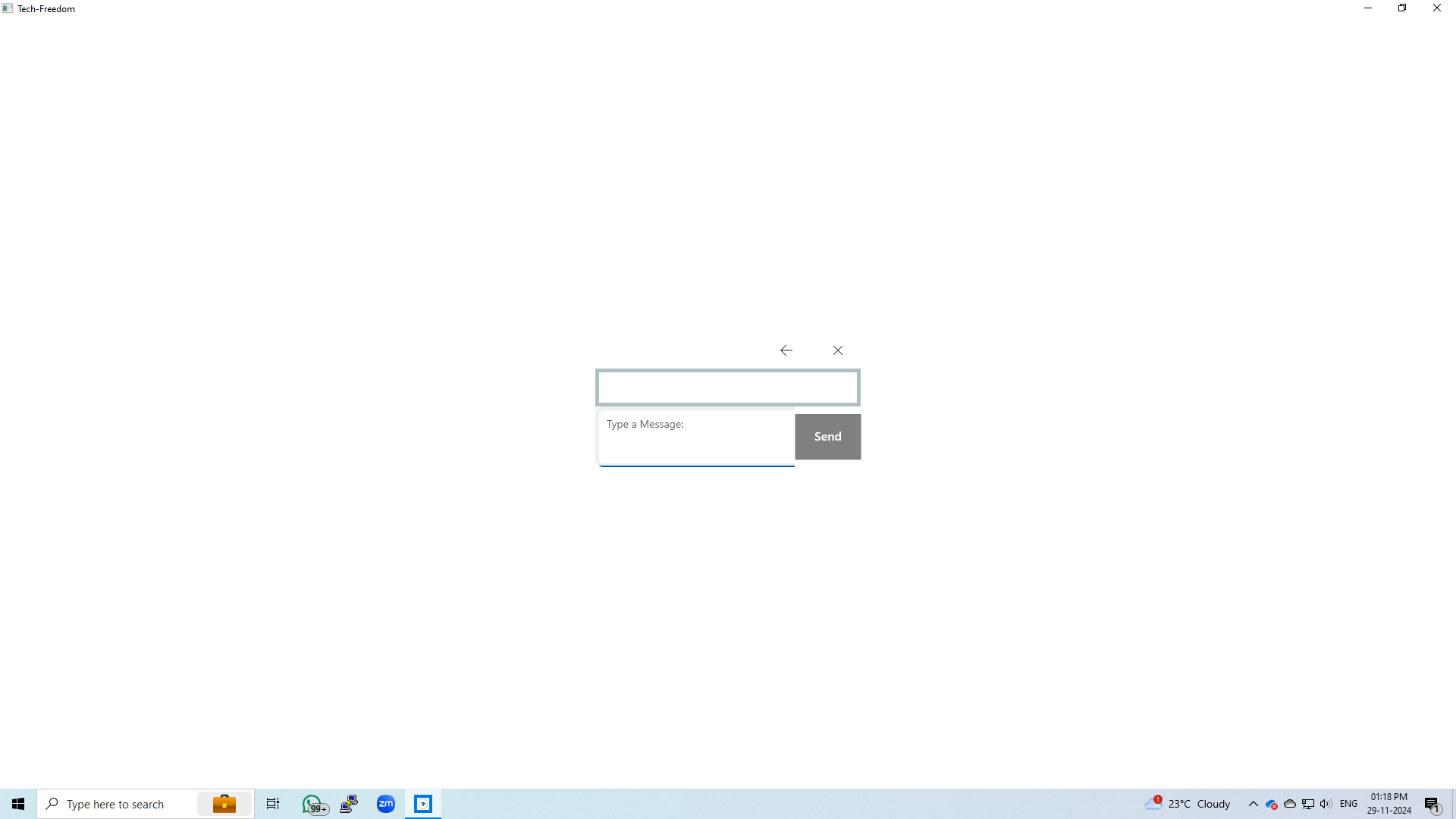
- Conversational AI Assistant: Users can interact with the app through natural language queries, receiving instant responses on topics ranging from general knowledge to task-specific guidance. This feature supports learning, decision-making, and daily problem-solving, especially in environments where visual cues are absent.
- Document Reader: The app supports multiple document formats, including PDF and DOCX, using an advanced OCR engine to convert scanned or digital text into spoken output. This allows users to access academic materials, official documents, and work-related files without relying on sighted assistance.
- Image Reader: Powered by OCR technology, this tool enables users to capture images and extract embedded text. Whether scanning a menu, a label, or a sign, the feature delivers accurate text-to-speech conversion, increasing autonomy in public and private spaces.
- Scene Description: Using image analysis, the app generates detailed verbal descriptions of visual scenes, including objects, people, and spatial arrangements. This helps users understand visual content in photos, artwork, or real-world environments, fostering a deeper connection to their surroundings.
- Free and Ad-Free: The application is fully accessible at no cost and without advertisements, ensuring an uninterrupted user experience. This commitment to affordability and uninterrupted functionality is a significant advantage for users who depend on consistent access to assistive tools.
These features collectively support real-life scenarios such as reading a grocery receipt, understanding a classroom presentation, or navigating a new city using a photograph. Each function is designed to reduce dependency on others and promote self-reliance, making Tech-Freedom a vital tool for daily living and productivity.
Interface, UX & Performance
Although the developer did not provide detailed information about the UI layout or visual style, the app is designed with accessibility as a core principle. The interface likely prioritizes voice feedback, keyboard navigation, and screen reader compatibility to ensure seamless interaction for visually impaired users. Navigation is expected to be intuitive, with clear audio cues and logical flow between features.
Performance is likely optimized for stability and responsiveness, especially when processing documents or images. The use of OCR technology suggests that background processing may occur, but the app appears to maintain usability without significant lag. Although the developer did not list formal performance metrics, the absence of ads and the focus on core functionality indicate a streamlined design aimed at consistent operation.
Responsiveness across different device categories cannot be confirmed, as no specific hardware requirements were disclosed. However, given its 24.7 MB file size, the app is lightweight and likely compatible with a broad range of Windows systems. Users can expect smooth operation on both older and modern devices, assuming standard Windows compatibility.
Platform Compatibility & Technical Requirements
Tech-Freedom is available exclusively on the Windows platform. The current version is 2.1.0, with a file size of 24.7 MB. The app is offered at no cost, making it accessible to a wide audience. While the developer did not specify minimum OS requirements, the application is designed to function on standard Windows environments, likely supporting Windows 10 and later versions.
Compatibility information was not fully disclosed, so users are advised to ensure their system meets general Windows application standards. The absence of detailed technical specifications does not detract from the app’s core functionality, as it remains focused on delivering essential accessibility tools within its intended ecosystem.
Pros and Cons
Pros
- Designed specifically for users with visual impairments, ensuring high relevance and usability.
- Free and ad-free, removing financial and interruption barriers to access.
- Includes multiple assistive tools, such as document reader, image reader, and scene description.
- Uses advanced OCR technology for accurate text extraction from images and documents.
- Supports natural language interaction via a conversational AI assistant.
Cons
- Platform is limited to Windows, restricting availability on mobile or other operating systems.
- Specific system requirements and compatibility details were not provided.
- No information on update frequency or long-term development plans.
- Limited visual feedback options, as the app is optimized for audio and voice interaction.
- Only available on desktop platforms, which may limit portability for some users.
FAQ
Is Tech-Freedom available for mobile devices?
As of now, the app is only available for Windows desktop systems. There is no information on mobile versions for Android or iOS.
Does Tech-Freedom require an internet connection?
While the app includes a conversational AI assistant, the need for an internet connection depends on the specific implementation. Some features may function offline, but real-time AI responses likely require connectivity.
Can I use Tech-Freedom without a screen reader?
The app is designed to work with screen readers, but its core features rely on audio output. Users may still benefit from its functionality even without a separate screen reader, depending on system-level accessibility settings.
Is Tech-Freedom safe to download and install?
Yes, the app is developed by a non-profit organization and distributed free of charge. It does not contain ads or known malware, making it a secure tool for users with visual impairments.
How often is Tech-Freedom updated?
The developer has not disclosed update frequency. However, the app is currently at version 2.1.0, released on November 30, 2024.
Final Thoughts
Tech-Freedom stands as a powerful, mission-driven tool that significantly enhances accessibility for individuals with visual impairments. Its combination of a conversational AI assistant, document reader, image reader, and scene description feature offers a comprehensive solution for navigating both digital and physical environments. The app’s commitment to being free and ad-free ensures that users can access these tools without financial or usability barriers.
While its availability is currently limited to Windows, the app fills a critical gap in assistive technology by providing robust, reliable features in a lightweight package. It is especially beneficial for students, professionals, and independent users who rely on accessible tools for daily tasks. For those seeking a secure, efficient, and inclusive digital experience, Tech-Freedom delivers substantial value.
Download Tech-Freedom now


