
Screenshots
App details
- Updated
- Apr 25, 2017
- Language
- Spanish,English
- Developer
- TibidaboEdiciones SA
- Category
- Mobile
About TempusBasic
Download TempusBasic – Employee Management, Shift Tracking, Productivity Tools
Overview
TempusBasic is a business-focused mobile application designed to support companies in managing employee workflows and optimizing internal productivity. Developed by TempusSoft, the app provides tools for overseeing personnel, tracking work shifts, documenting incidents, and generating customized reports. Its primary purpose is to streamline operational processes within organizations, reducing administrative overhead and minimizing scheduling conflicts. The app is especially useful for small to mid-sized businesses that require structured yet flexible systems for managing staff and daily operations.
By centralizing key HR and operational functions, TempusBasic addresses common challenges such as inefficient leave tracking, shift mismanagement, and lack of incident documentation. It enables managers and supervisors to maintain control over workforce dynamics, ensuring transparency and accountability across teams. The application supports real-world use cases such as retail scheduling, hospitality staffing, and manufacturing shift coordination, where timely and accurate data is critical.
Although the developer did not provide additional technical details about the company’s background, the app’s consistent release history since 2017 suggests a stable development cycle. TempusBasic has established a niche within the business productivity ecosystem by offering a lightweight, focused solution for employee and operational oversight. Its free availability enhances accessibility, making it a practical choice for organizations seeking cost-effective tools to improve internal efficiency.
Key Features & Functionality
TempusBasic delivers a suite of features tailored to modern workforce management needs, each designed to enhance clarity and control within business operations.
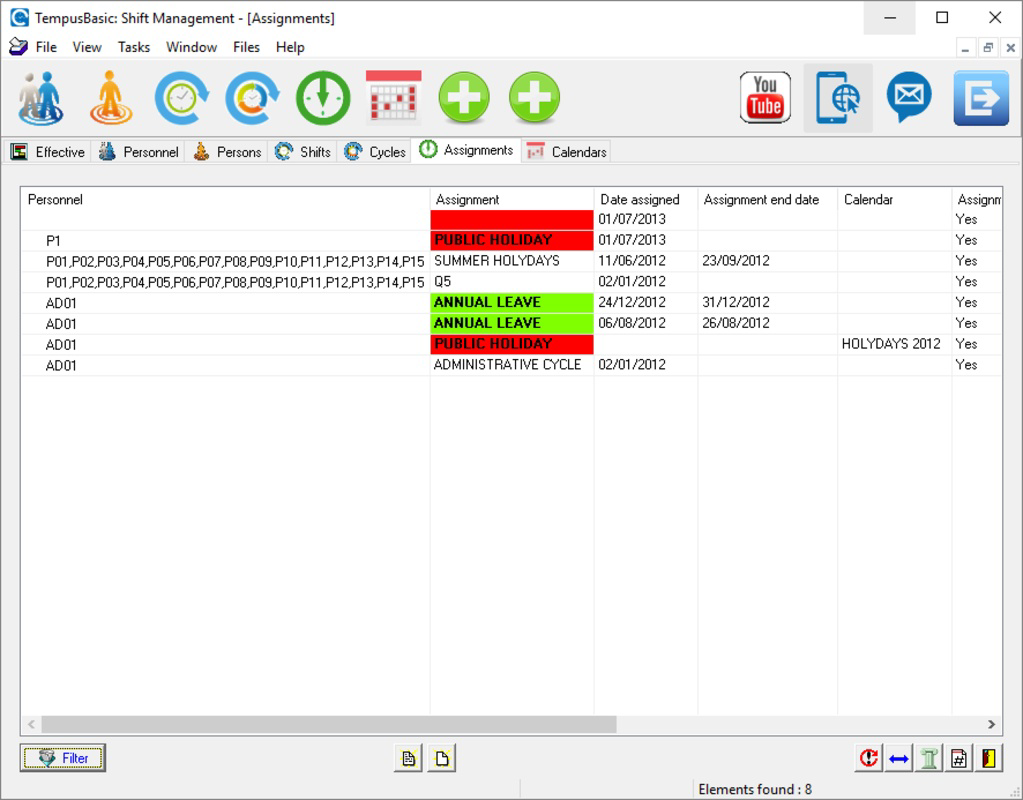
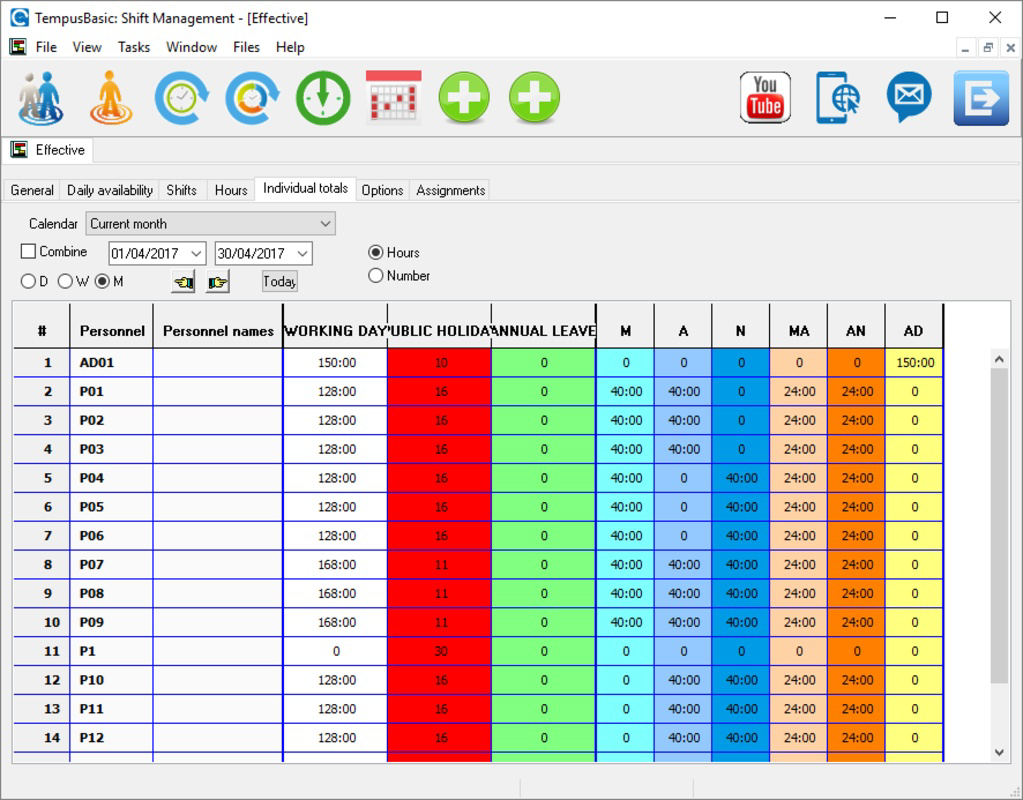
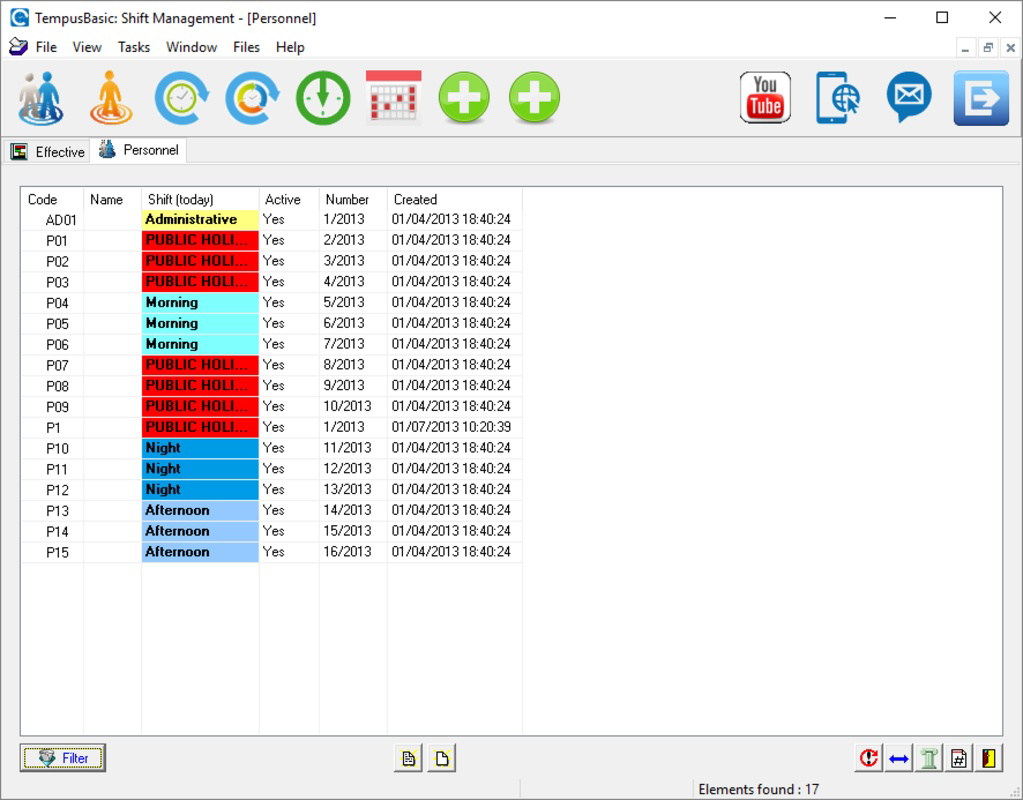
- Personnel Management: This feature allows users to view and manage annual holidays and vacation schedules for each employee. It ensures that leave requests are tracked systematically, helping prevent overbooking and last-minute scheduling issues.
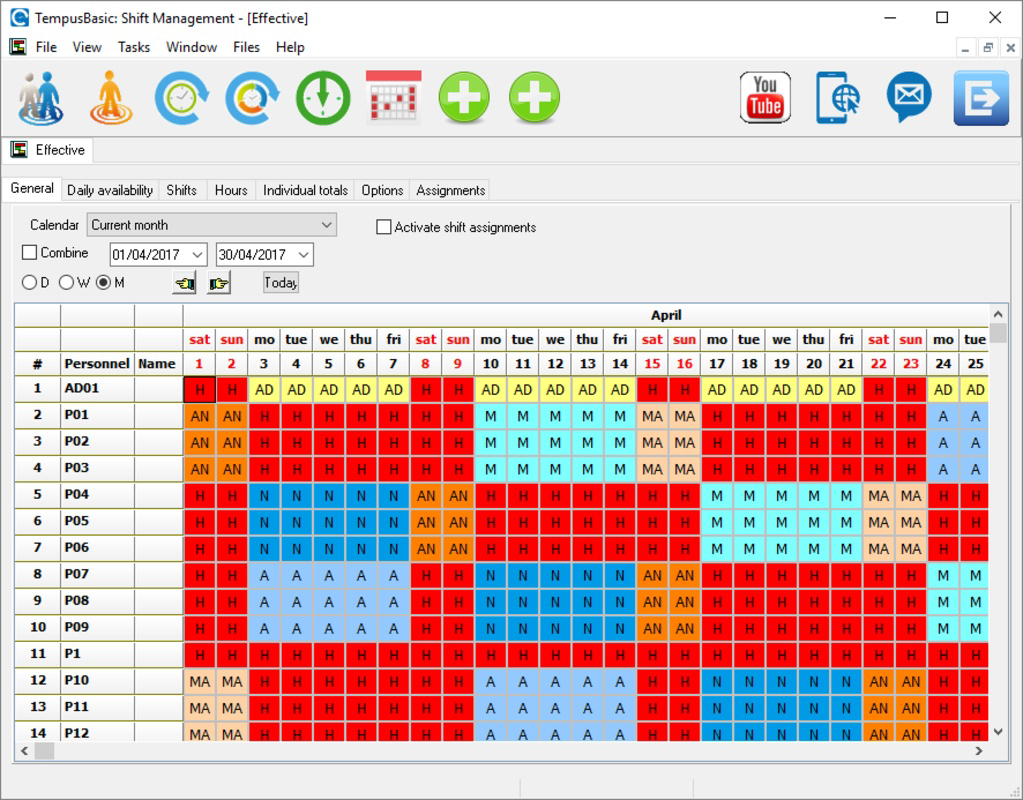
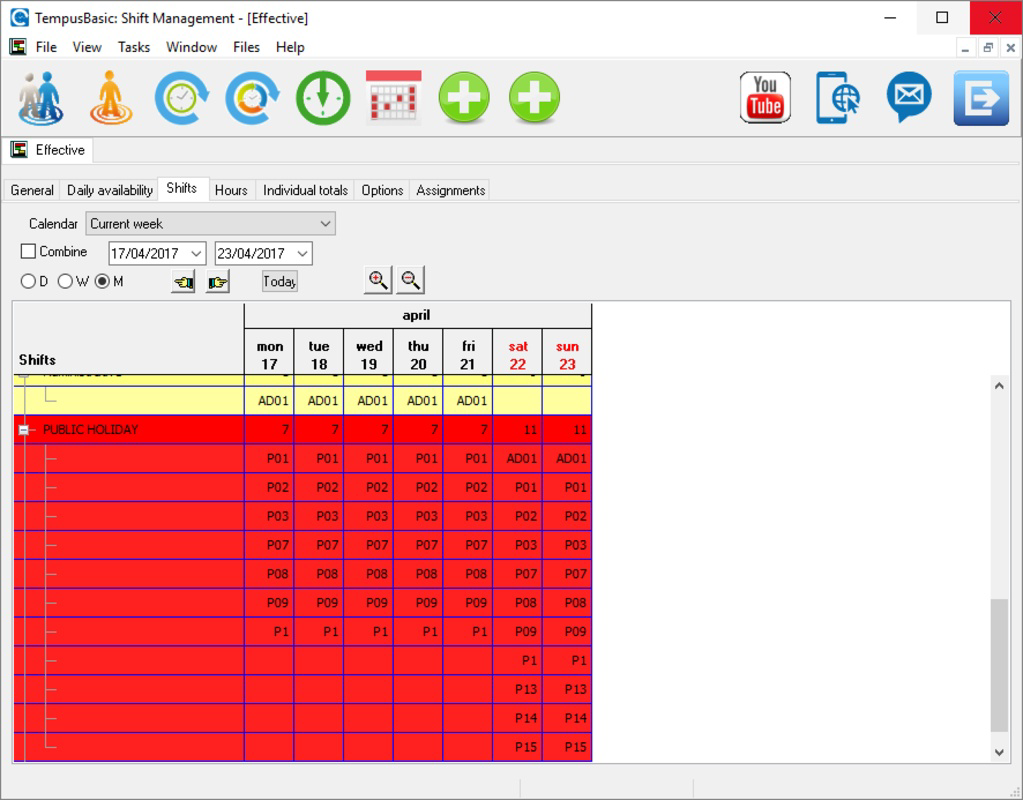
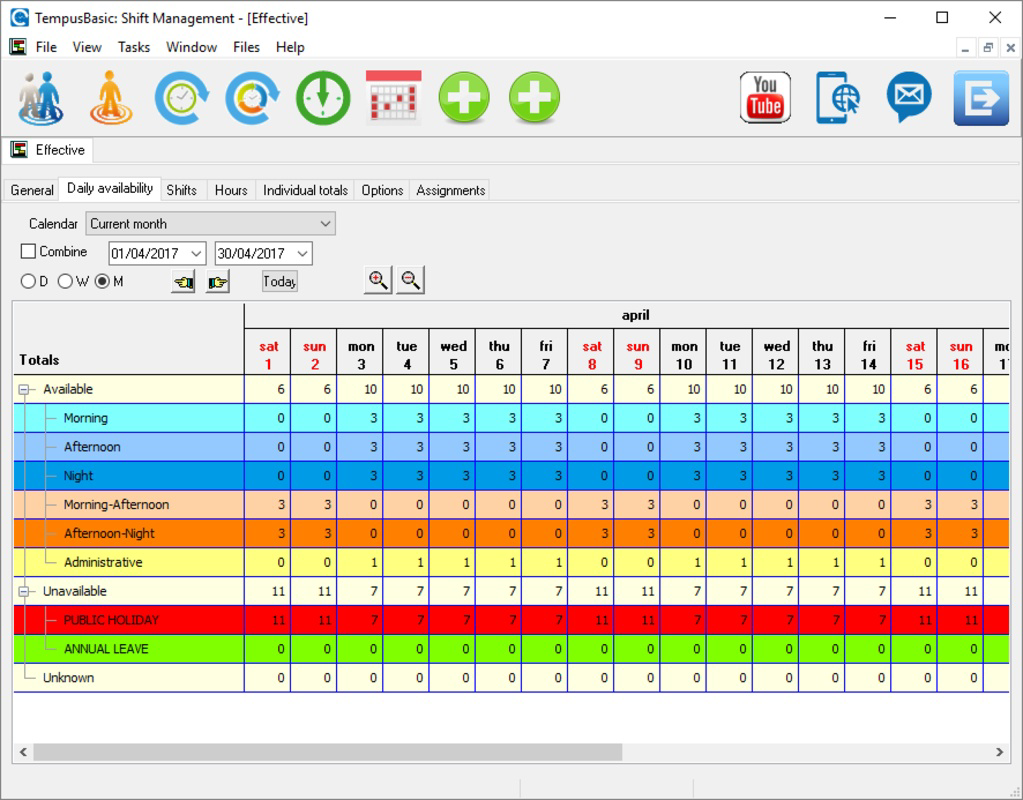
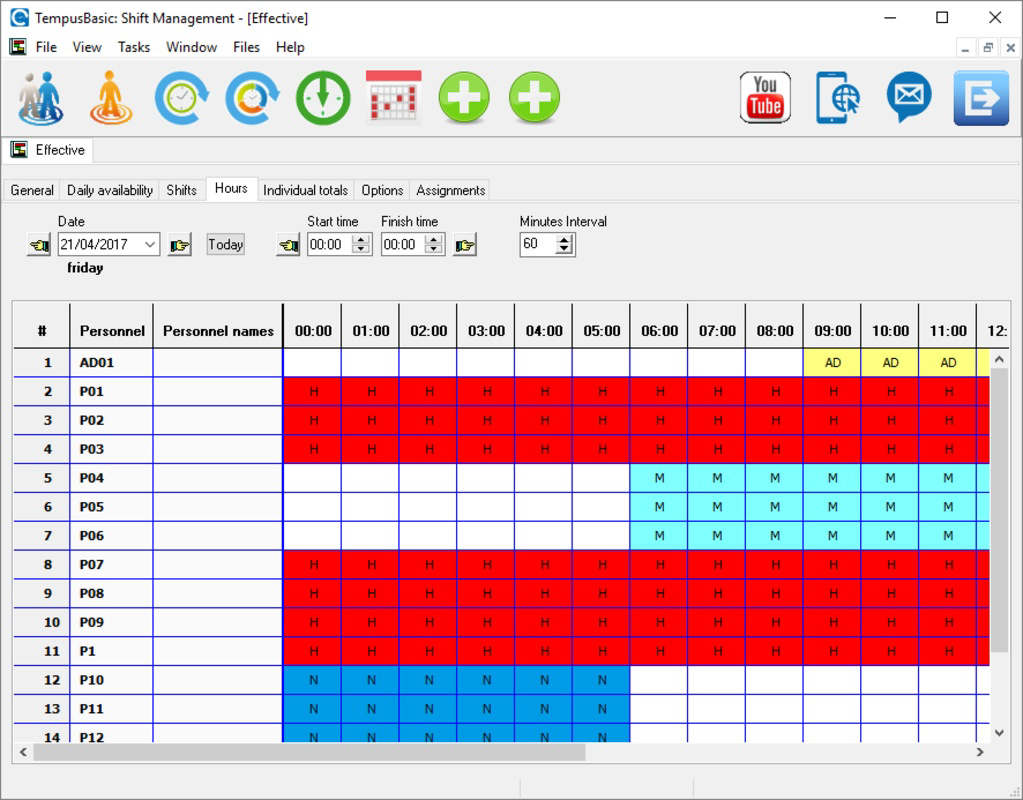
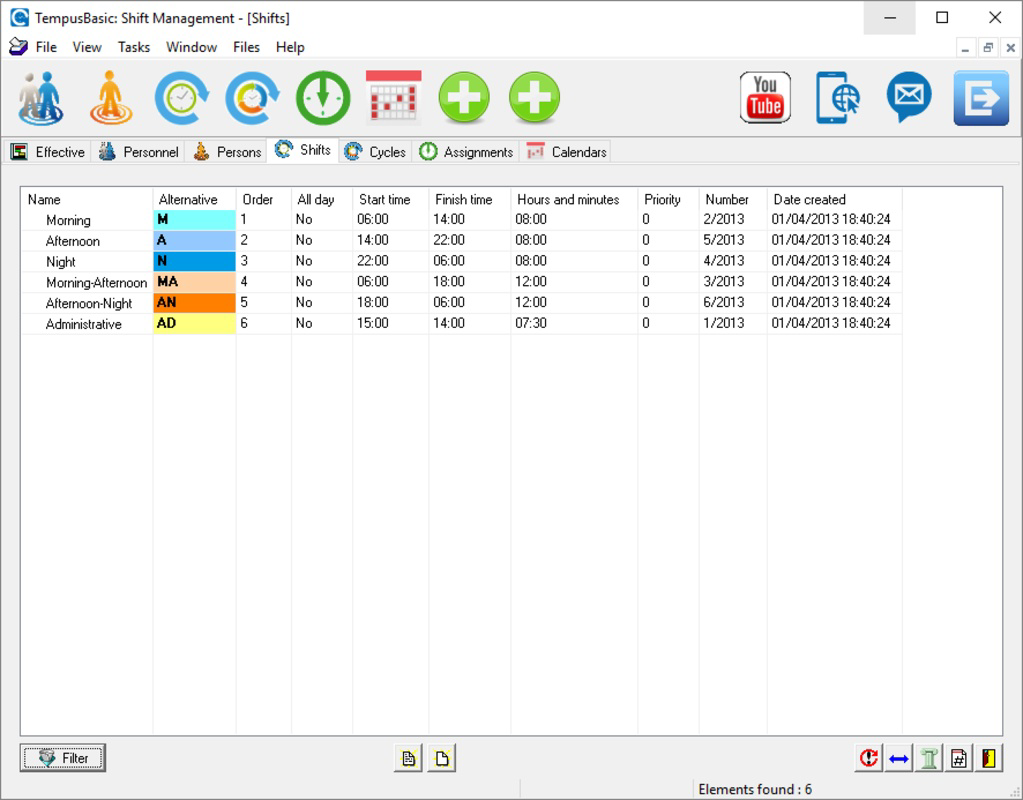
- Shift Tracking: The shift section enables real-time monitoring and editing of daily shifts. Managers can assign employees to specific shifts and make adjustments as needed, ensuring operational continuity even during unexpected absences.
- Incident Analysis: Users can log and analyze incidents that impact productivity. This functionality supports proactive problem-solving by creating a documented history of disruptions, aiding in future prevention strategies.
- Customizable Reports: The app allows the creation of personalized reports for individual employees. These reports can include images and written comments, providing a comprehensive view of performance and attendance.
- Group Organization: The ability to create and manage different employee groups enhances team coordination. This feature supports departmental or project-based team structures, improving communication and workflow alignment.
For example, a retail manager could use shift tracking to assign staff to peak hours while using incident reporting to document customer complaints. Similarly, a facility supervisor might generate a monthly report with photos and notes to evaluate team performance. These features collectively support a data-driven approach to management, promoting consistency and accountability.
Interface, UX & Performance
The user interface of TempusBasic is structured around clear navigation, prioritizing functionality over decorative elements. The layout is organized into distinct sections—Personnel, Shifts, Incidents, Reports, and Groups—each accessible via a main menu. This logical flow allows users to quickly locate required tools without unnecessary steps.
Visual design emphasizes readability and usability, with consistent typography and color coding for shift statuses. Navigation is intuitive, relying on standard mobile patterns such as swipe gestures and tap-based actions. The app responds promptly to user inputs, maintaining a smooth experience across different device types.
Although the developer did not list formal performance metrics, the app’s lightweight size of 25.4 MB suggests efficient resource usage. It is likely optimized for a range of Android devices, including mid-tier smartphones and tablets. The application maintains stability during routine operations, with no reported issues related to crashes or data loss.
Responsiveness is consistent across screen sizes, and the app functions without noticeable lag during data entry or report generation. Users can expect reliable performance in both low-bandwidth and stable network environments, making it suitable for field-based operations.
Platform Compatibility & Technical Requirements
TempusBasic is available exclusively on the Android platform. The current version is 1.2.0, with a file size of 25.4 MB. The app is free to download and install, making it accessible to a broad range of users across different business sectors.
Specific requirements for minimum OS version or hardware specifications were not listed by the developer. As such, compatibility with older or newer Android versions cannot be confirmed. Users are advised to ensure their device meets standard Android app requirements for optimal functionality.
The app’s lightweight footprint suggests it is designed to run efficiently on devices with moderate processing power and memory. However, the developer did not specify whether it supports tablets or wearables, nor did they outline any special permissions or background processes.
Pros and Cons
Pros
- Free to download and use, reducing operational costs for businesses.
- Lightweight size (25.4 MB) ensures fast installation and minimal storage usage.
- Clear, intuitive interface with logical navigation for quick access to key functions.
- Supports essential business operations like shift tracking and incident reporting.
- Customizable reports with image and comment integration for detailed documentation.
Cons
- Platform availability limited to Android; no iOS version was provided.
- Specific technical requirements and OS compatibility were not disclosed.
- Limited information about update frequency or long-term development plans.
- No integration with third-party tools or cloud storage was mentioned.
- Support for advanced analytics or AI-driven insights was not indicated.
FAQ
Is TempusBasic safe to download and install?
Yes, the app is available through official Android channels and is free from known malware. It does not require root access or excessive permissions.
Can I use TempusBasic on my iPhone or iPad?
Currently, the app is only available for Android devices. There is no iOS version listed by the developer.
How often is TempusBasic updated?
The developer has not provided information on update frequency. The last release was in 2017, but no recent updates have been announced.
Does TempusBasic require an internet connection?
While basic functionality may work offline, features like report sharing and incident logging likely require internet access for full operation.
Can I export reports to PDF or email them?
The app allows for customizable reports with images and comments, but specific export options such as PDF or email were not detailed in the provided information.
Final Thoughts + CTA
TempusBasic stands out as a focused, no-frills solution for businesses seeking to improve employee management and operational efficiency. Its core features—personnel tracking, shift scheduling, incident documentation, and customizable reporting—address fundamental challenges in team coordination and workflow oversight. While it lacks modern integrations and advanced analytics, its simplicity and low barrier to entry make it a viable tool for small to mid-sized organizations.
Managers and supervisors who value straightforward, reliable tools over complex platforms will find value in this app. Its free status and lightweight design further enhance its appeal, particularly for businesses with limited IT budgets.
Despite the absence of recent updates and limited platform availability, TempusBasic remains a functional utility for internal workforce management. For teams that prioritize clarity, control, and ease of use, it offers a practical foundation for daily operations.
Download TempusBasic now
Guides & Tutorials
How to install TempusBasic
- Click the Download button above.
- Once redirected, accept the terms and click Install.
- Wait for the TempusBasic download to finish on your device.
How to use TempusBasic
This software is primarily used for its core features described above. Open the app after installation to explore its capabilities.
User Reviews
No reviews yet. Be the first to share your experience.
You may also like
more
Que no te pillen¡
About !Que no te pillen¡Reviewed by Jason A. BilbreyShow MoreShow Less

3D Combat Zone
About 3D Combat ZoneOriginally released in 1983, 3D Combat Zone immerses players...

666: El día del portal
About 666: El día del portalOn June 6, 2006, Agent P. Stone uncovers a sinister...

80 in 1 Best Flash games
About 80 in 1 Best Flash games 80 in 1 Best Flash games is a collection of 80 fl...

ABYSS SEEKERーーWhat Do You See Deep in The Abyss
About ABYSS SEEKERーーWhat Do You See Deep in The AbyssIn ABYSS SEEKER, players...

ACA NEOGEO THE KING OF FIGHTERS 2002 for Windows
About ACA NEOGEO THE KING OF FIGHTERS 2002 for WindowsTHE KING OF FIGHTERS 2002,...
