
Screenshots

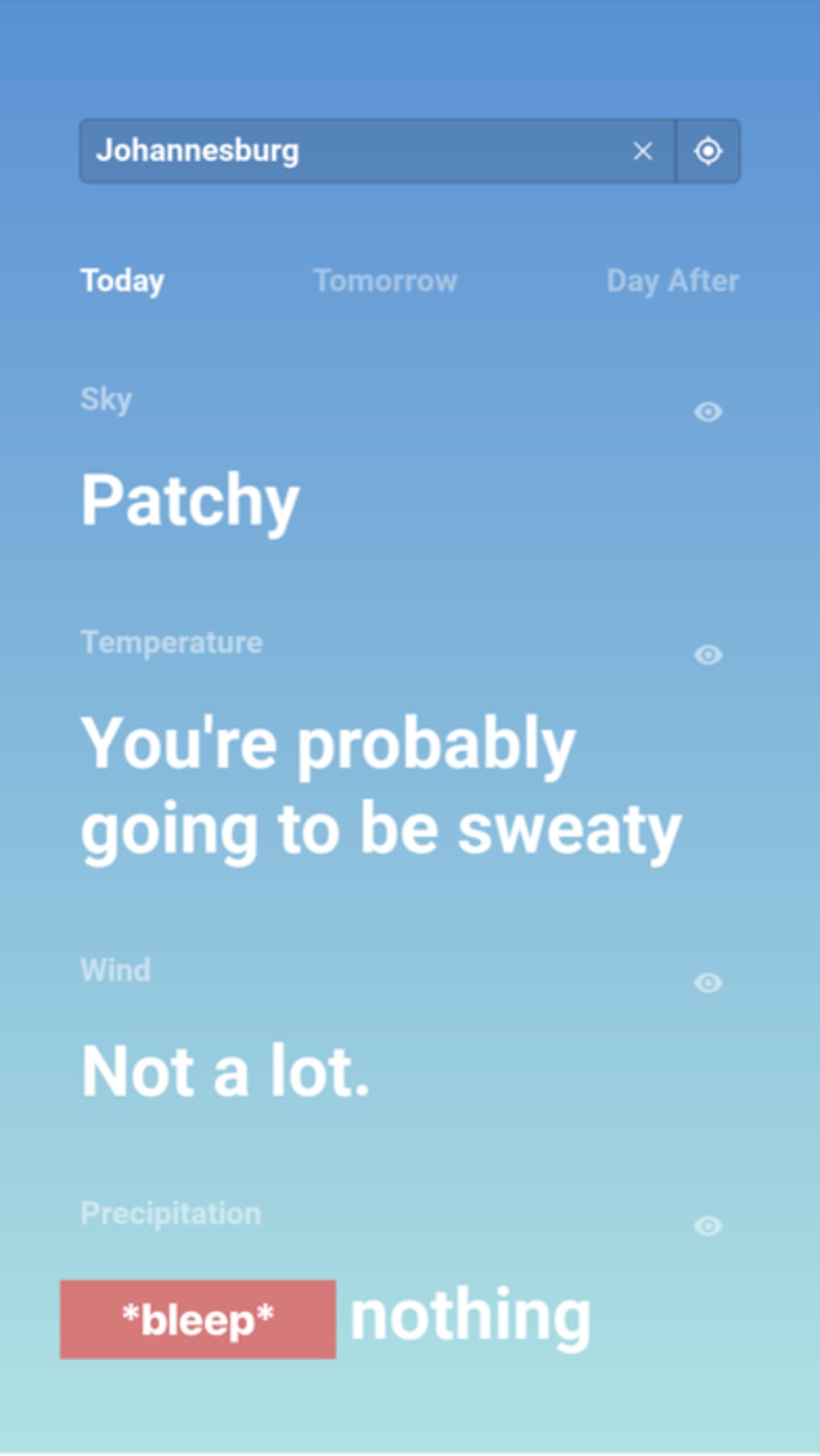
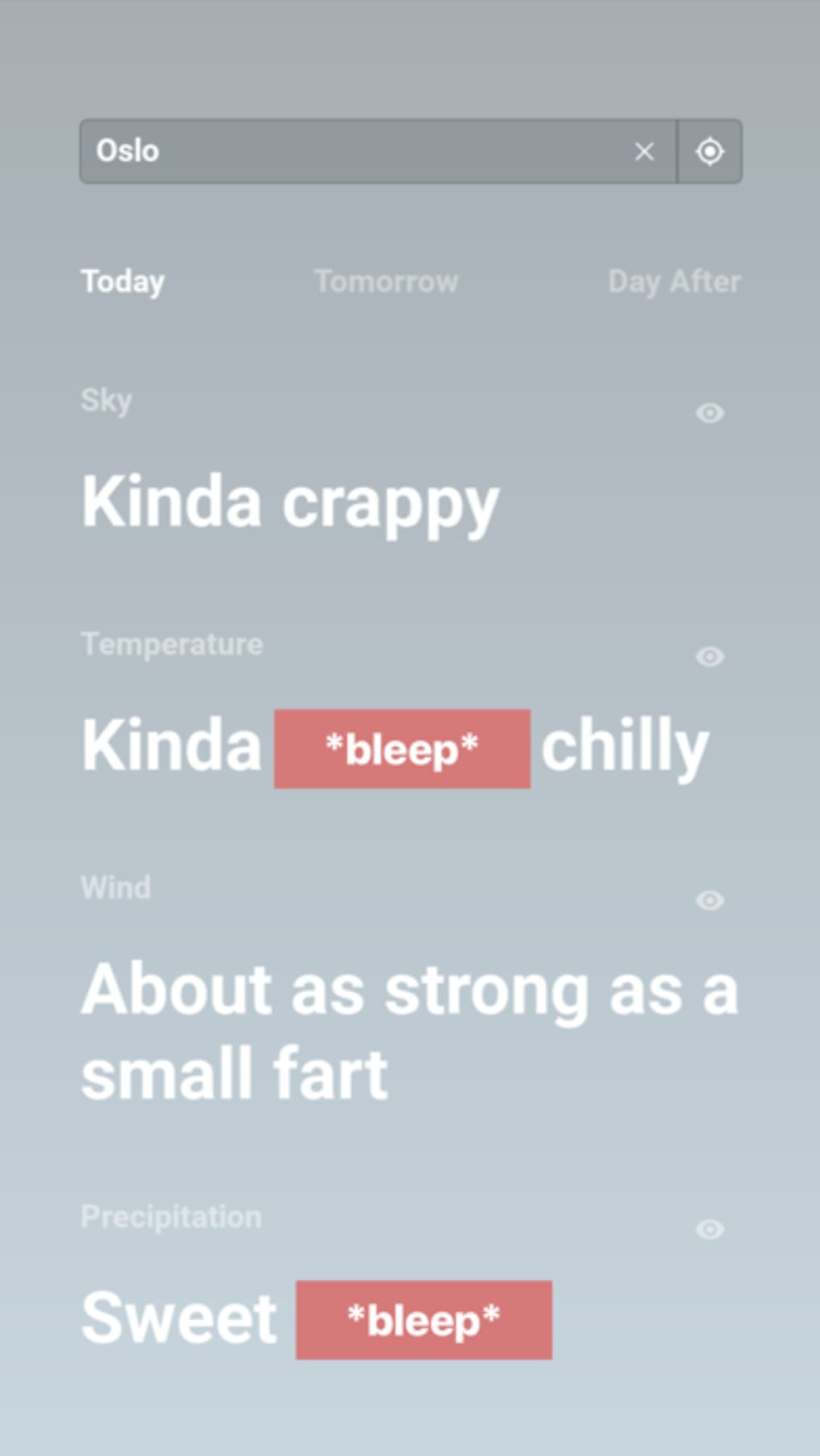
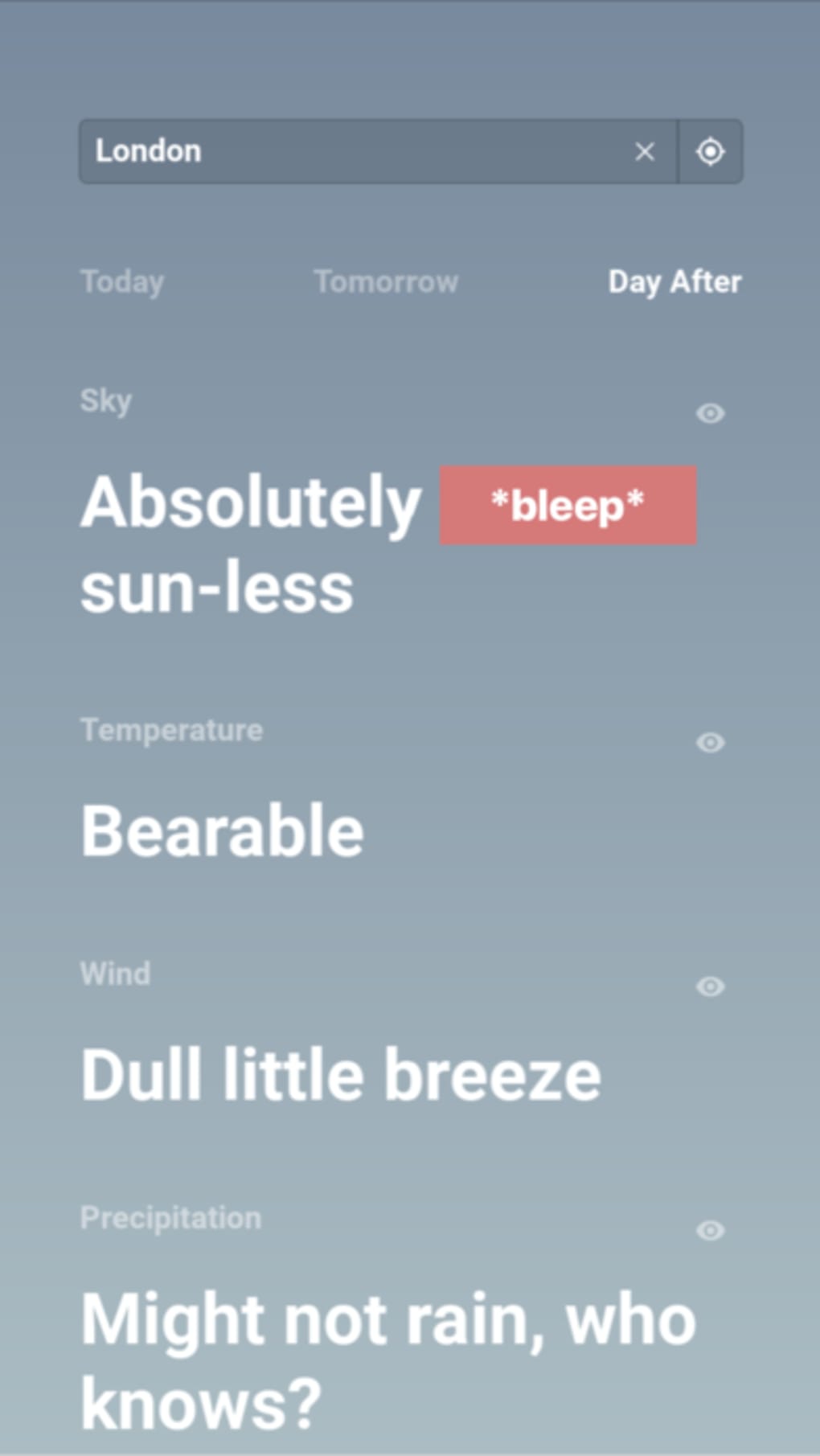
App details
- Version
- 2.0.0
- Updated
- June 9, 2023
- Requires
- iOS 12.1.2
- Language
- English
- License
- Free
- Developer
- Daniel Hollick
- Category
- iPhone OS
About TFW
Download TFW – weather app, iPhone weather app, free weather app, simple weather tool, minimal weather app, weather forecast, weather conditions, weather info, weather for iPhone, weather app for iPhone
Overview
TFW is a minimalist weather application designed for iPhone users who prioritize simplicity over complexity. Developed by Daniel Hollick, the app caters to individuals who want essential weather information without the clutter of excessive data or interactive features. Its core purpose is to deliver immediate, actionable insights—such as whether to carry an umbrella or wear a jacket—through a streamlined interface. The software targets casual users, professionals with time-sensitive routines, and anyone seeking a no-frills approach to weather tracking. It operates entirely on the iPhone platform, offering real-time weather updates based on the user’s current location. The app’s design philosophy centers around reducing cognitive load, making it ideal for users who prefer glanceable, high-impact information. While the developer did not provide additional details about the underlying data sources or update frequency, the app functions as a lightweight tool for on-the-go weather awareness. Its minimal approach positions it as a niche solution for those who value efficiency and clarity in their digital tools.
Key Features & Capabilities
- Minimalist Interface – The app presents only the most essential weather data: current temperature and condition. This reduces distractions and enables instant comprehension.
- 7-Day Forecast – Swiping left or right reveals a forecast spanning seven days, including high and low temperatures, humidity levels, and wind speed.
- Location Search Function – Users can search for weather conditions in other locations, allowing for travel planning or checking conditions in distant areas.
- Glanceable Design – The layout is optimized for quick reading, with large, readable text and intuitive gestures for navigation.
- Free Access – The application is available at no cost, making it accessible to a broad audience seeking a lightweight weather solution.
These features support real-world use cases such as deciding what to wear before leaving home, planning outdoor activities, or checking conditions during travel. The absence of ads or in-app purchases aligns with its focus on simplicity. The developer did not specify whether data is pulled from third-party APIs or local caches, but the app’s responsiveness suggests efficient data handling. Overall, TFW serves as a utility for users who want to minimize decision fatigue while staying informed about weather conditions.
User Interface, Workflow & Performance
TFW features a clean, uncluttered user interface with a focus on visual clarity and gesture-based navigation. The main screen displays the current temperature and weather condition in a large, readable format, with minimal text and no decorative elements. Navigation is intuitive: swiping left or right cycles through the 7-day forecast, enabling quick access to future conditions without additional menus. The app’s workflow is streamlined, requiring minimal interaction to achieve its primary purpose. The developer did not specify resource usage details, but the 12.5 MB installation size suggests low storage impact. Performance observations are based on general software behavior patterns for lightweight iOS applications. The app appears stable during typical use, with no reported crashes or freezes. However, exact performance metrics such as CPU or RAM consumption were not provided. The app does not require a persistent internet connection for display, though real-time updates likely depend on connectivity. Overall, the interface supports efficient user interaction, aligning with the app’s goal of being a frictionless weather tool.
Compatibility & System Requirements
TFW is designed exclusively for iOS devices and is compatible with the latest versions of the operating system as of its release date, May 23, 2024. The app has a file size of 12.5 MB, indicating a lightweight installation footprint. The developer did not specify exact hardware requirements or minimum OS versions beyond the platform. Compatibility information was partially provided, with no mention of iPad support or older iPhone models. Users should ensure their device runs a current version of iOS to use the application. The developer did not provide additional system requirements. For users with older devices or limited storage, the small size may be a favorable factor. However, without detailed compatibility details, it is recommended to verify functionality on individual devices before installation.
Pros and Cons
Pros
- Minimalist, distraction-free interface
- Quick access to current and forecasted weather
- Free to download and use
- Lightweight installation (12.5 MB)
- Intuitive swipe-based navigation
Cons
- Limited feature set may not suit advanced users
- No information on data source or refresh frequency
- Exact system requirements not specified
- App may lack customization options
- Only available on iOS (no Android or desktop support)
FAQ Section
Is TFW available for Android devices?
TFW is currently designed exclusively for iOS devices. The developer did not indicate plans for Android or other platforms.
Is the app free to use?
Yes, TFW is available at no cost on the App Store. There are no in-app purchases or subscription models.
Does TFW require an internet connection?
While the app may display cached data briefly, real-time weather updates require an active internet connection.
How often does the weather data update?
The developer did not specify the update frequency for weather information.
Can I use TFW offline?
Basic weather data may be displayed briefly without connectivity, but full functionality, including forecasts and location updates, requires an internet connection.
Final Thoughts + CTA
TFW stands out in the crowded weather app market by embracing simplicity as its primary design principle. For users who dislike information overload and prefer a no-nonsense approach to weather tracking, this app delivers exactly what it promises: essential data, delivered instantly. Its minimal interface, intuitive gestures, and free access make it a compelling choice for iPhone users seeking efficiency. While it lacks advanced features and detailed analytics, its focus on core functionality ensures reliability and ease of use. The app is best suited for casual users, busy professionals, and anyone who values clarity over complexity. With no hidden costs and a small footprint, TFW offers a refreshing alternative to feature-heavy weather tools. Download TFW now and experience a weather app that respects your time and attention.
Guides & Tutorials
How to install TFW
- Click the Download button above.
- Once redirected, accept the terms and click Install.
- Wait for the TFW download to finish on your device.
How to use TFW
This software is primarily used for its core features described above. Open the app after installation to explore its capabilities.
User Reviews
No reviews yet. Be the first to share your experience.
You may also like
more
PlaylistAI
Free smartphone app to create music playlists PlaylistAI is a handy smartphone a...

Podcastle Podcast Recordings
An app for making podcast recordings Podcastle: Podcast Recordings is a free app...

harpy chat
Immersive role-play with AI characters harpy.chat is a free AI chat platform whe...

Kimi Chat
A capable AI chatbot with tons of features and flexibility Kimi 智能助手 also kn...

Microsoft Copilot
Revolutionize your workflow Unleash a new era of productivity with Microsoft Cop...

Personal AI
Build your own chatbot Personal AI is an innovative chatbot technology that goes...
