
Tickmill: Trade Diverse Assets with Speed and Security
Overview
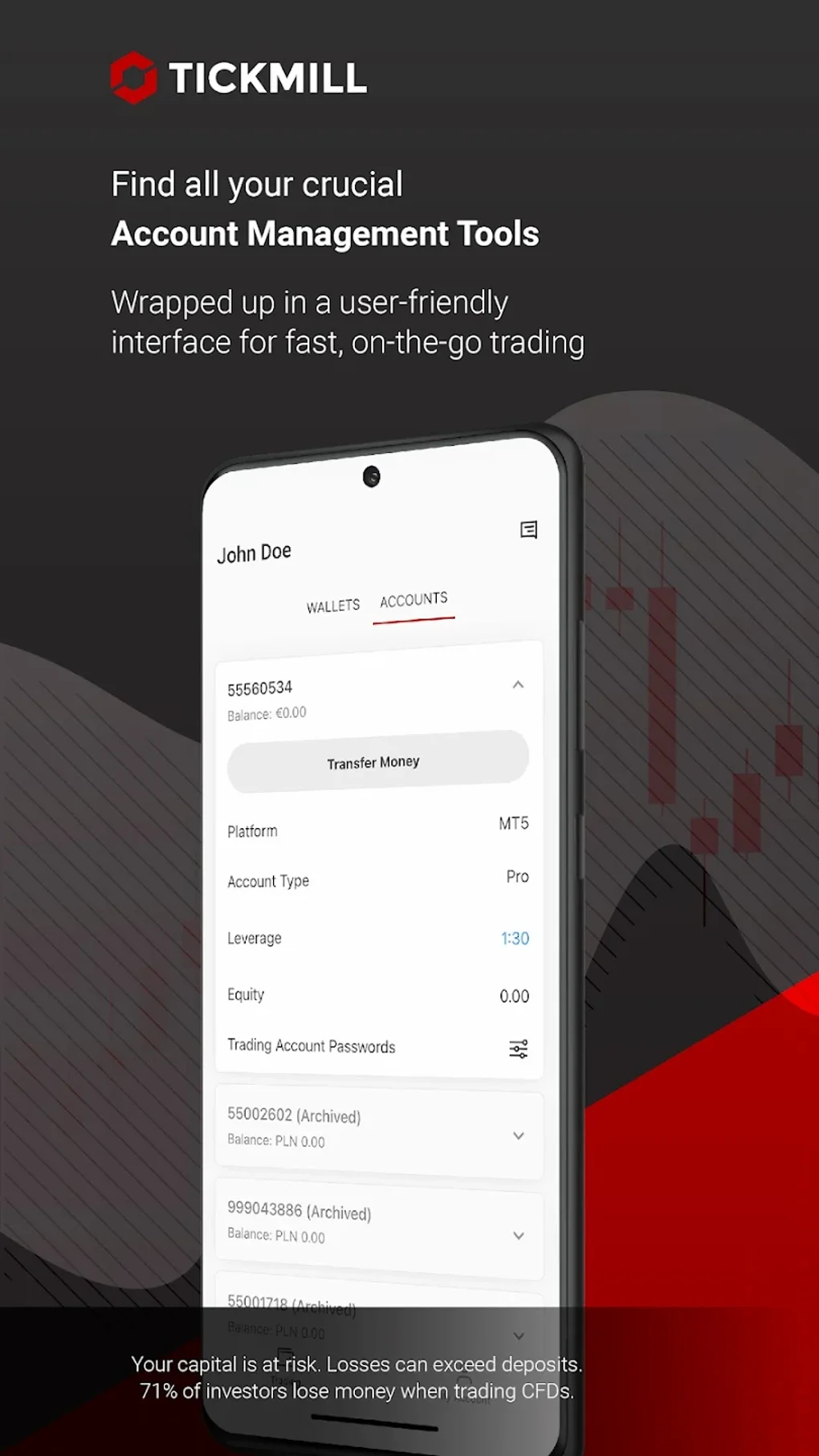
Tickmill is a desktop trading application developed by Tickmill Ltd, designed for global traders seeking access to a broad range of financial instruments. The software enables users to engage in trading across multiple asset classes, including Forex, Stock Indices, Metals, Bonds, Commodities, and Futures. It caters primarily to active traders and investors who prioritize speed, reliability, and security in their trading activities. The application supports both Windows and Mac operating systems, offering a consistent experience across desktop environments. Its primary purpose is to provide a seamless platform for account management, real-time market access, and efficient trade execution. Users can create, monitor, and manage their trading accounts, deposit and withdraw funds, and review transaction histories through an integrated interface. The software also features biometric login options, including fingerprint and facial recognition, for enhanced security and convenience. The developer did not specify additional system requirements. Performance observations are based on general software behavior patterns. Tickmill is positioned as a professional-grade tool for traders aiming to execute strategies with minimal latency and maximum control.
Key Features & Capabilities
- Multi-Asset Trading Access – Offers exposure to over 80 instruments across Forex, Stock Indices, Metals, Bonds, Commodities, and Futures, enabling diversified investment strategies.
- High-Speed Trade Execution – Averages 0.20 seconds per trade with no requotes, supporting rapid order processing and minimizing slippage.
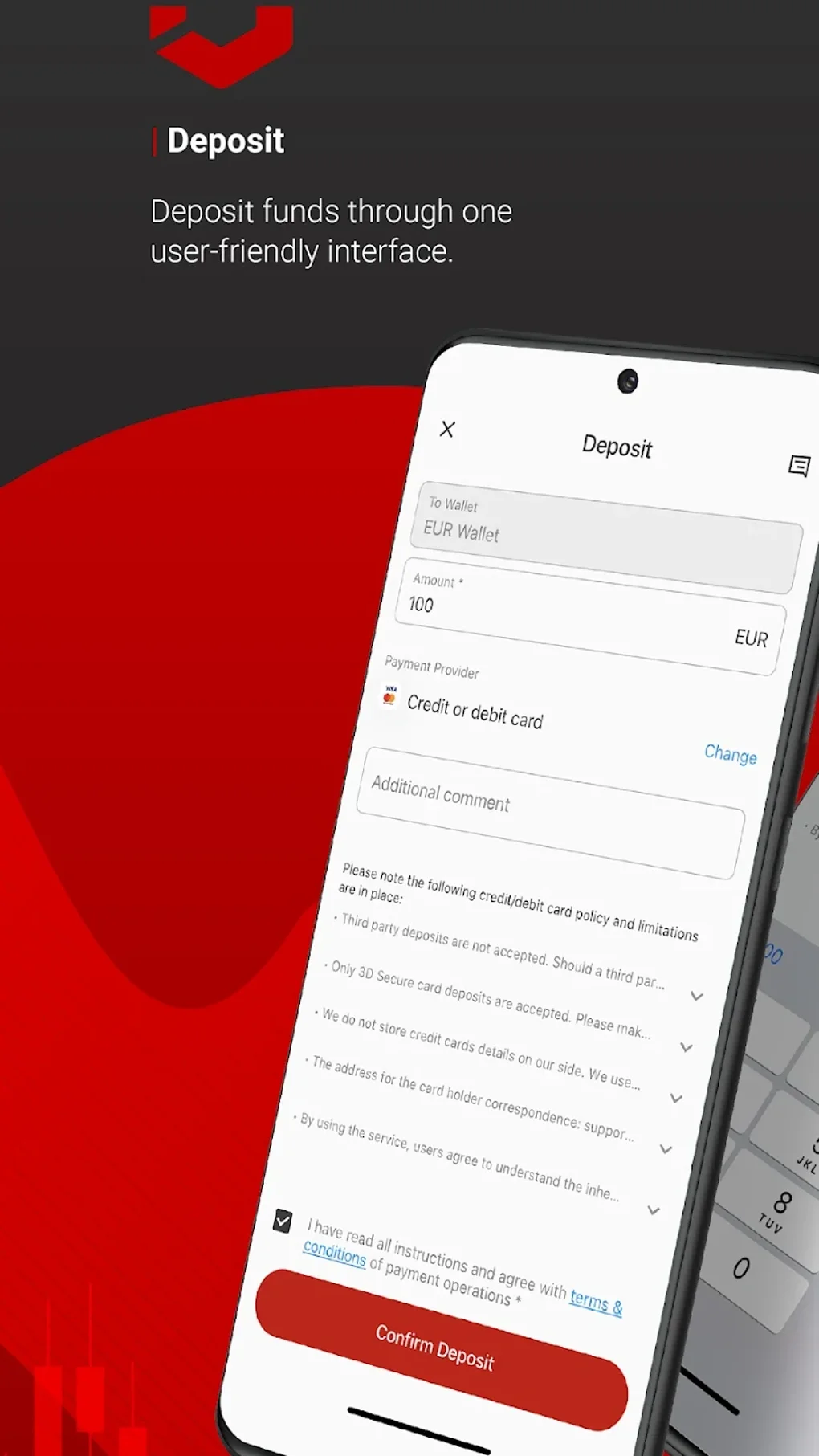
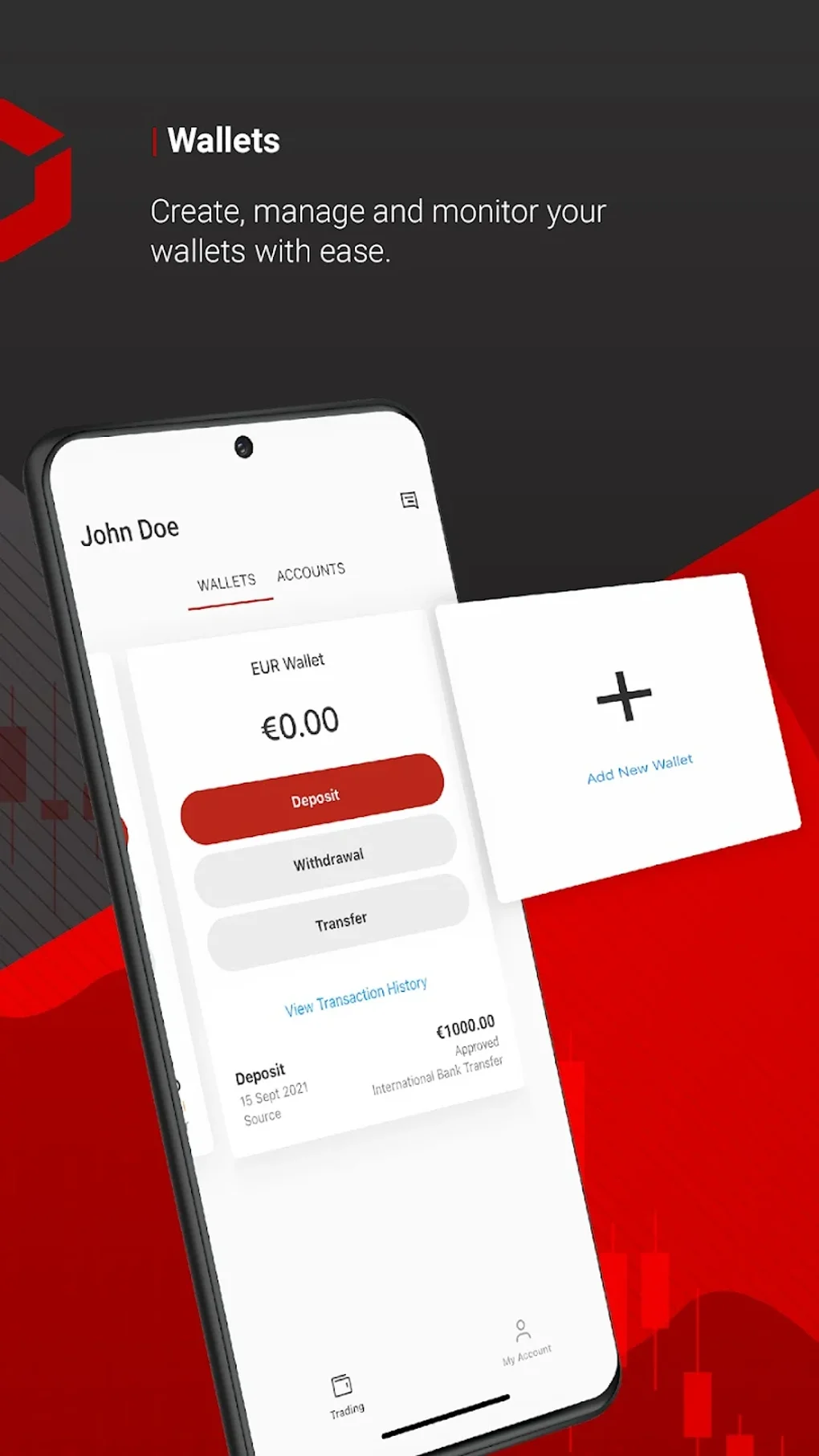
- Secure Account Management – Provides tools for depositing, withdrawing, and tracking transactions, with client funds held in segregated accounts with top-tier banks.
- Biometric Authentication – Supports fingerprint and facial recognition for secure and instant login, reducing the risk of unauthorized access.
- Negative Balance Protection – Ensures traders are not liable for losses exceeding their account balance, enhancing risk management.
- 24/5 Live Chat Support – Offers multilingual customer service via live chat, available five days a week, to assist with technical and account-related inquiries.
- Mobile App Integration – Complements the desktop experience with a free mobile application available in multiple languages, ensuring trading continuity across devices.
These features collectively support a streamlined workflow for traders managing multiple positions across global markets. For instance, a trader using the desktop app can initiate a trade in Gold futures, verify execution speed, and immediately review the transaction history. The biometric login reduces onboarding friction, while the segregated account model provides peace of mind regarding fund safety. The combination of fast execution and robust security makes Tickmill suitable for both short-term traders and long-term investors. The developer did not provide details on platform-specific feature variations. Real-world usage scenarios include day trading, swing trading, and portfolio diversification across asset classes.
User Interface, Workflow & Performance
The user interface of Tickmill is designed with usability in mind, featuring a clean layout that prioritizes accessibility and functionality. Navigation is structured around core trading and account management functions, allowing users to quickly access trading instruments, view real-time quotes, and execute orders. The workflow is optimized for efficiency, minimizing steps between trade initiation and confirmation. Users can monitor open positions, manage risk settings, and review historical data without switching between multiple panels. The interface supports responsive design principles, adapting to different screen sizes within the desktop environment. The developer did not specify resource usage details. Performance observations are based on general software behavior patterns. Stability appears consistent across standard desktop configurations, though exact CPU and RAM behavior were not disclosed. The software does not require background processes that may impact system performance. Login via fingerprint or facial recognition is fast and reliable, enhancing user experience. Overall, the workflow supports a high degree of operational efficiency, particularly for traders managing multiple assets simultaneously. The absence of reported crashes or freezes in public documentation suggests a stable runtime environment. However, no independent performance benchmarks were provided.
Compatibility & System Requirements
Tickmill is compatible with Windows and Mac operating systems, supporting both platforms for desktop use. The software version is 2024.1, with a file size of 120 MB. The developer did not specify additional system requirements. Exact system requirements were not listed. Compatibility information was partially provided. Users should ensure their system meets general desktop software standards to run the application smoothly. No hardware-specific dependencies were mentioned. The installation process is expected to be straightforward, though detailed instructions were not included in the provided data. The software is designed to function as a standalone desktop application without requiring external dependencies. Users should verify compatibility with their specific OS version, especially when using older or less common configurations. The developer did not provide information on backward compatibility or future updates.
Pros and Cons
Pros
- Access to over 80 financial instruments across diverse asset classes
- Exceptional trade execution speed averaging 0.20 seconds
- Biometric login via fingerprint or facial recognition for enhanced security
- Client funds held in segregated accounts with top-tier banks
- Negative Balance Protection to limit risk exposure
- 24/5 live chat support available in multiple languages
- Free mobile app for on-the-go trading across devices
Cons
- Initial deposit of $1,000 required for Futures trading, which may deter beginners
- Limited support availability (five days a week, not 24/7)
- Exact system requirements not disclosed
- No information on offline functionality or data caching
- Price details for premium features not provided
FAQ Section
Is Tickmill available for both Windows and Mac?
Yes, Tickmill is compatible with both Windows and Mac operating systems, offering a consistent desktop experience across platforms.
Is the software free to download and use?
Yes, Tickmill is available at no cost. There are no fees for downloading or using the core trading features.
How secure is my data and funds with Tickmill?
Tickmill holds client funds in segregated accounts with top-tier banks and provides Negative Balance Protection, ensuring that losses cannot exceed the account balance. Biometric login options further enhance account security.
Can I use Tickmill without an internet connection?
The developer did not specify whether the software supports offline functionality. It is recommended to use the application with an active internet connection for real-time trading and data access.
What kind of customer support is available?
Tickmill offers multilingual live chat support five days a week. The team is available to assist with technical issues, account queries, and trading-related concerns.
Final Thoughts
Tickmill stands out as a robust desktop trading solution for traders seeking speed, security, and access to a wide range of global markets. Its high-speed execution, biometric authentication, and strong risk management features make it a reliable choice for both experienced and aspiring traders. The integration of a free mobile app enhances flexibility, while the segregated account model ensures fund safety. Despite the $1,000 initial deposit requirement for Futures trading, which may limit accessibility for some users, the platform's strengths in performance and support outweigh this barrier for many. Traders who value a secure, efficient, and feature-rich environment will find Tickmill to be a top-tier option. Its professional-grade tools and responsive support team reinforce its position in the competitive trading landscape. Download Tickmill now to experience seamless trading across diverse asset classes with confidence.








