
Screenshots
App details
- Version
- 0.6
- Size
- 386.09 KB
- Updated
- February 28, 2024
- Requires
- Windows 7
- Language
- English | German | French
- License
- Free
- Developer
- celio-cidral-junior
- Category
- Windows OS
About Tomighty
Download Tomighty – Free Task Timer for Windows, Mac & Mobile (Lightweight, Secure, Open Source)
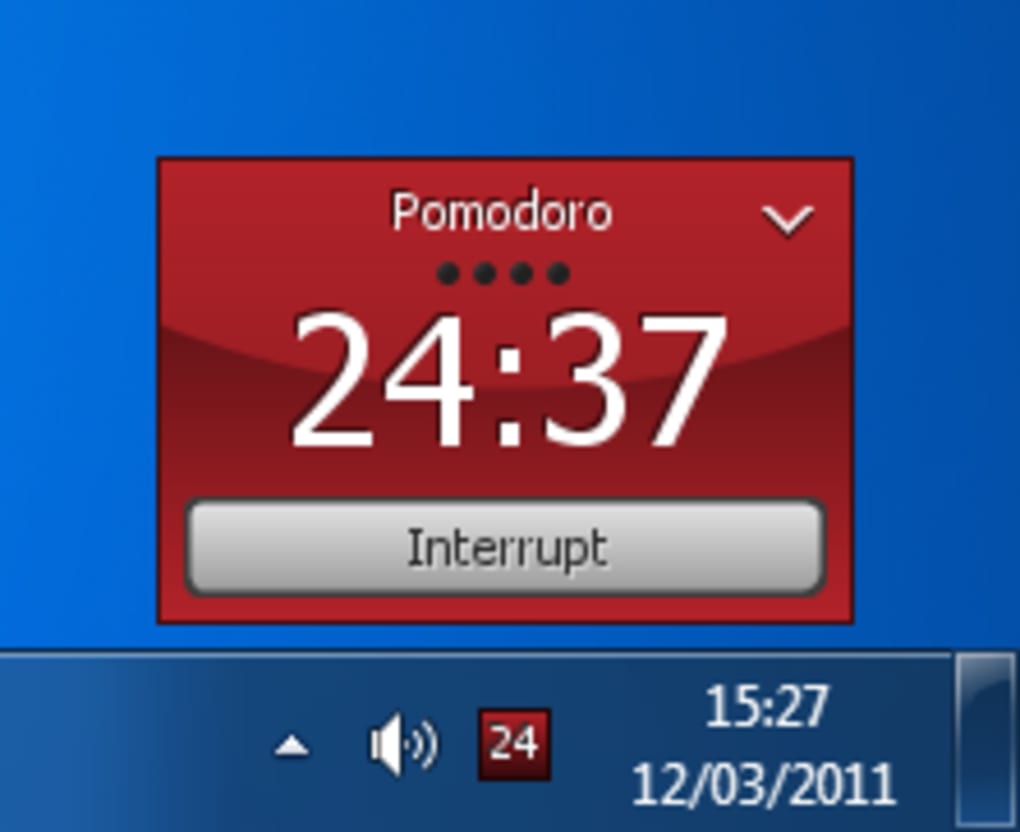
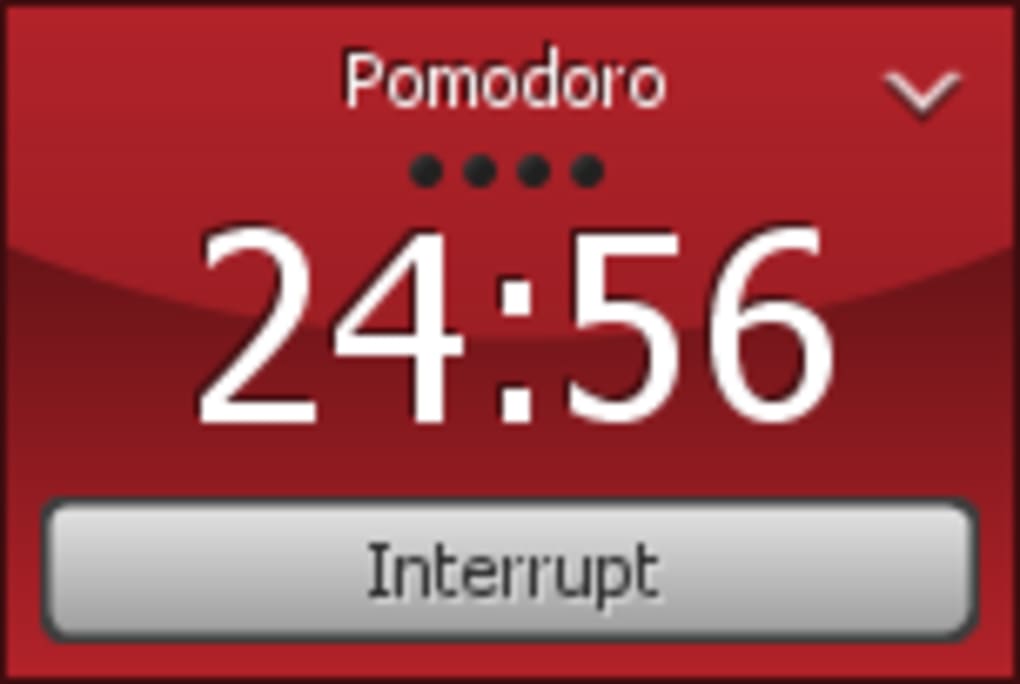
Tomighty is a sleek, open-source task timer designed for users who want to master time management without the clutter. This free software, built under the GPL license, brings the Pomodoro Technique to your desktop with a minimalist approach. Whether you're working on a project, studying, or tackling daily tasks, Tomighty helps you stay focused by setting customizable timers that run quietly in your system tray. With its lightweight footprint and support for multiple languages including English, German, and French, Tomighty is ideal for users on older systems like Windows 2000 or modern machines alike. Since its initial release in 2011, it has gained popularity across the U.S., U.K., and Belgium, earning over 10,500 downloads and remaining a favorite among productivity enthusiasts. Its simplicity and reliability make it a go-to tool for anyone seeking a distraction-free way to structure their workday. No ads, no bloat—just a clean timer that works when you need it.
Why Tomighty Stands Out Among Productivity Tools
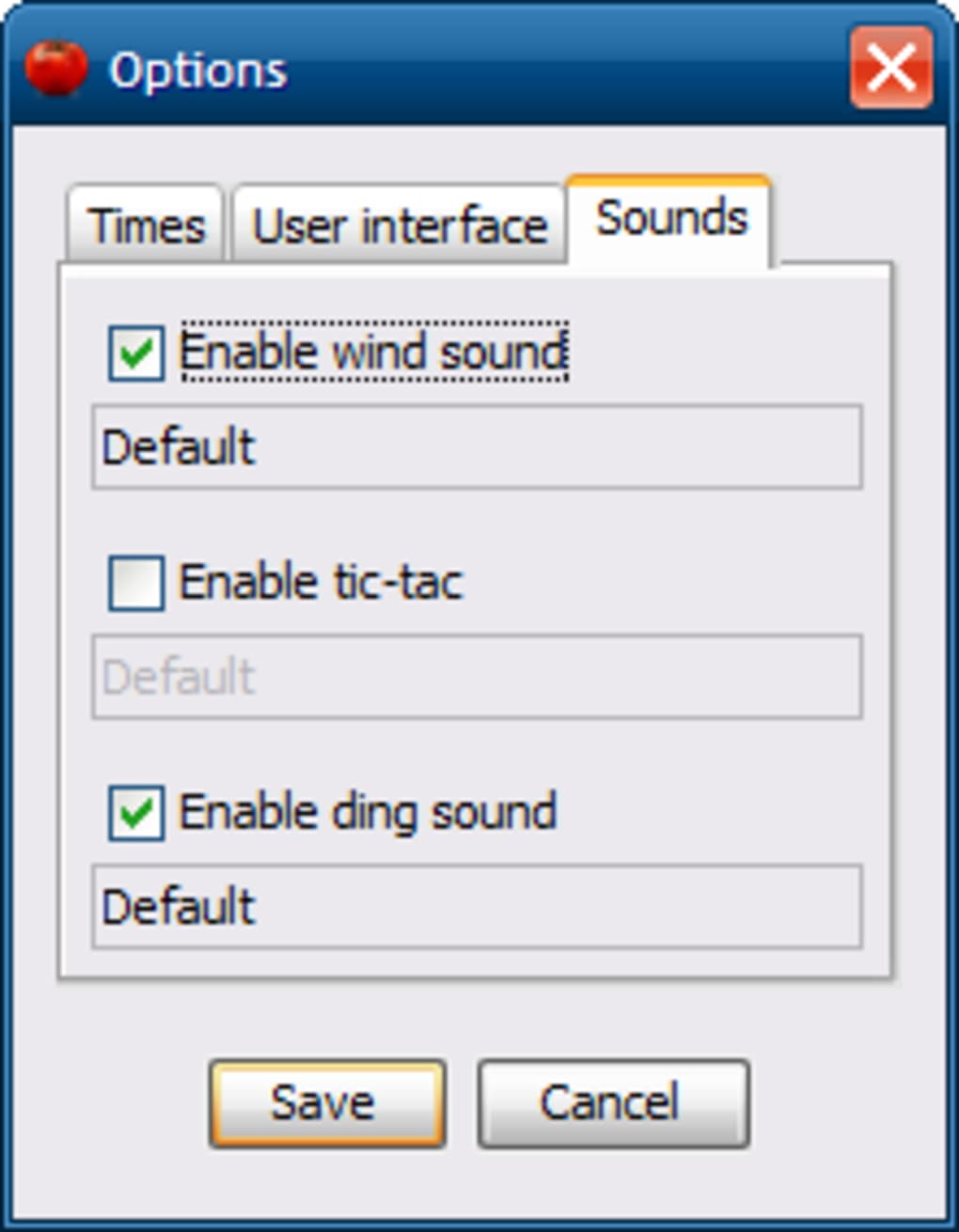
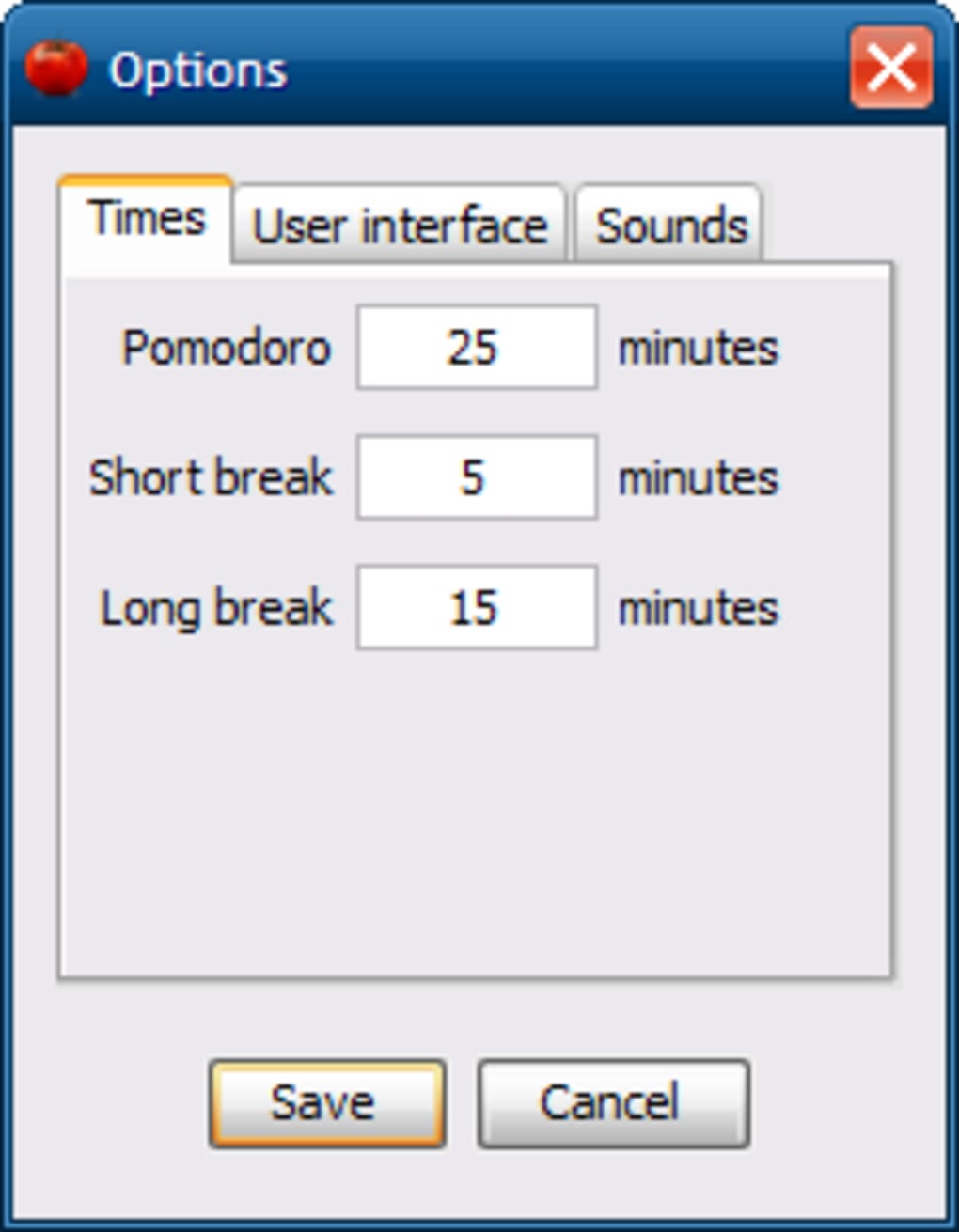
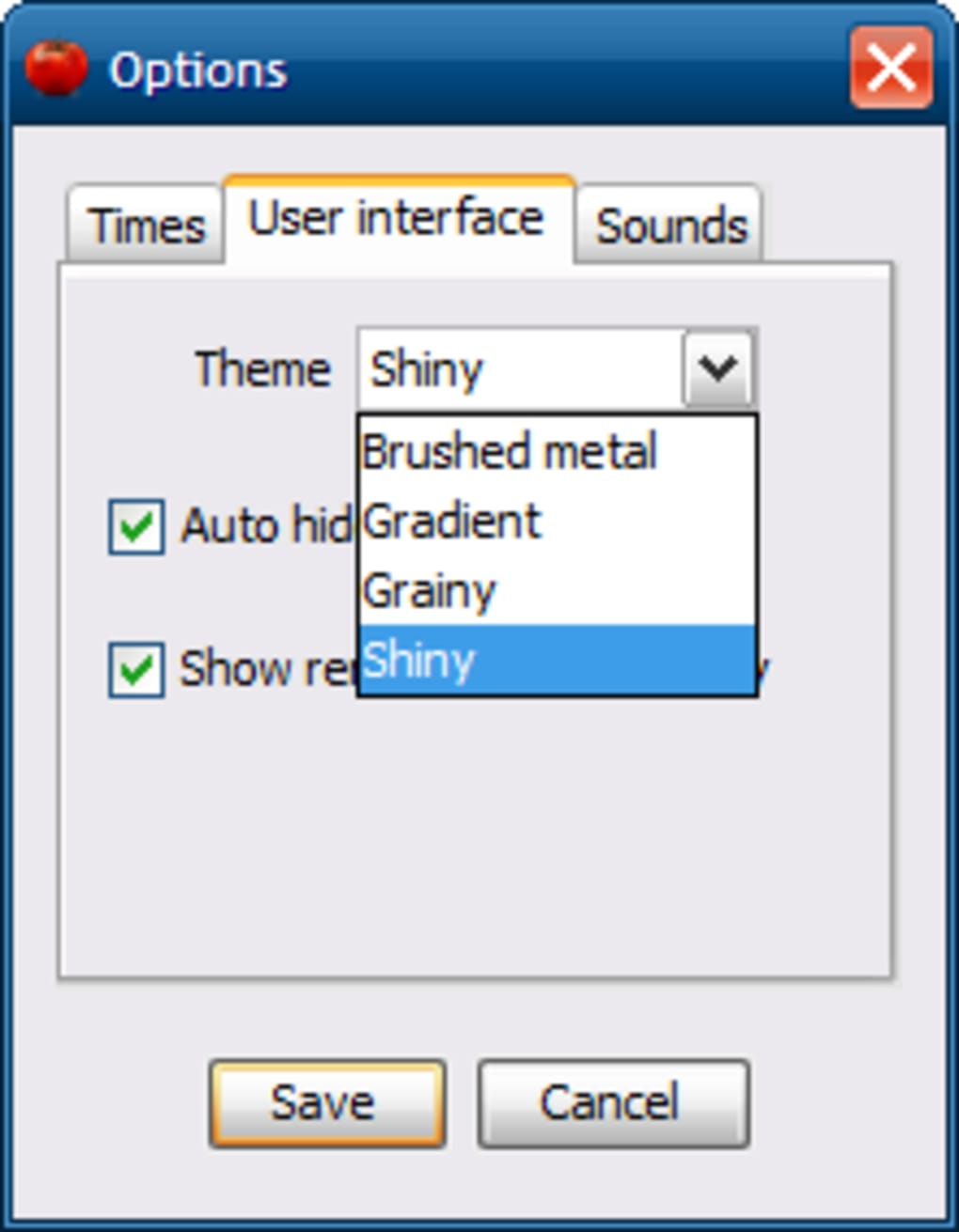
When it comes to time management software, Tomighty distinguishes itself through its commitment to minimalism and user control. Unlike many bloated apps that come with excessive features, Tomighty focuses solely on one thing: helping you work in focused intervals. It’s perfect for students, freelancers, and remote workers who rely on the Pomodoro Technique to maintain concentration and avoid burnout. The app runs silently in the background, with a small icon in your taskbar that you can double-click to access settings or start a new session. One of its most appreciated features is the ability to customize the length of work and break intervals—whether you prefer 25-minute work blocks with 5-minute breaks or longer sessions tailored to your workflow. It also supports multiple languages, making it accessible to a global audience. What truly sets Tomighty apart is its open-source nature. Being released under the GPL license means the code is transparent, community-reviewed, and free from hidden tracking or data collection. This ensures a secure and trustworthy experience. The software is also incredibly lightweight—using minimal system resources—so it won’t slow down older machines or drain your battery. For users who value privacy, performance, and simplicity, Tomighty delivers a refreshing alternative to commercial timers that often come with intrusive ads or subscription models.
Easy Installation & Seamless Daily Use
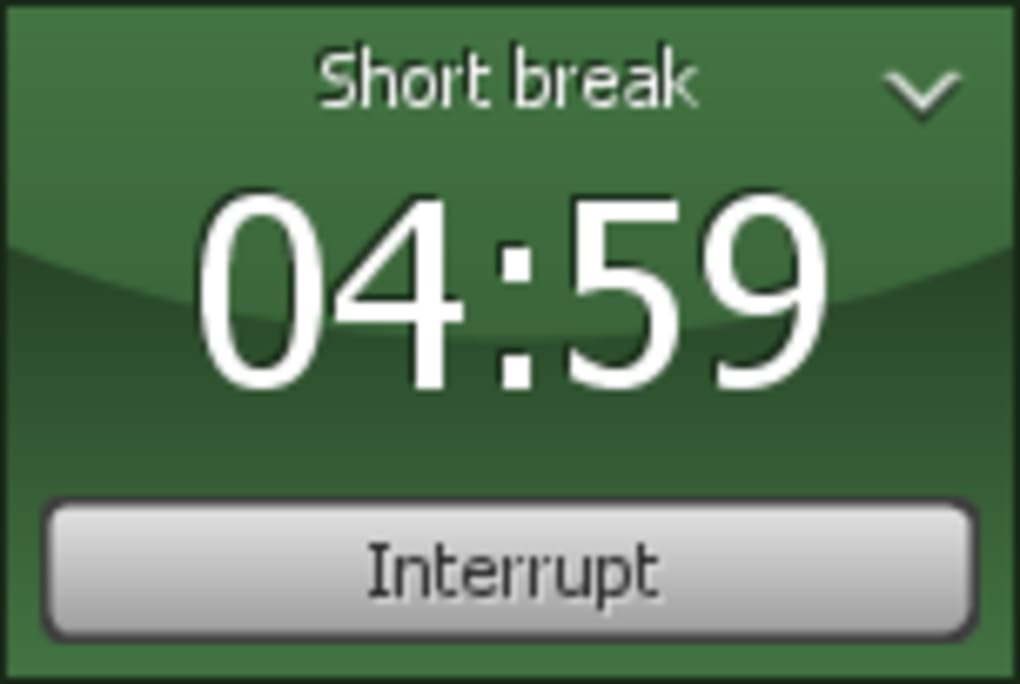
Getting started with Tomighty is quick and hassle-free. The software is available as a standalone executable file, meaning there’s no complex setup or installation wizard. Simply download the .exe file from the official website, run it, and the timer is ready to use—no admin rights required. This makes it ideal for users in restricted environments like schools or workplaces. Once launched, Tomighty appears in your system tray, where it remains unobtrusive yet accessible. Right-click the icon to open the settings menu, where you can adjust work time, break duration, and even set a custom number of sessions before a long break. The timer runs with a soft chime or visual alert when time is up, gently nudging you to switch tasks or take a rest. For users who prefer keyboard shortcuts, Tomighty supports quick-start commands, allowing you to launch a session with a single key combination. It’s also compatible with multiple monitors and doesn’t interfere with full-screen applications, making it perfect for video editing, coding, or online meetings. Because it’s open-source, updates are transparent and community-driven. While the last official update was in 2011, the project remains stable and functional on modern systems thanks to its lightweight design. For those seeking a secure, free, and reliable timer that just works, Tomighty offers a frictionless experience that fits seamlessly into your daily routine.
Compatibility, Features & User Benefits
Tomighty is designed to work across a wide range of systems, including Windows 2000 and later versions, making it accessible to users on older hardware. While it doesn’t currently offer native support for Mac or Linux, its lightweight architecture means it can often run via compatibility layers like Wine. For mobile users, the open-source nature allows developers to create unofficial ports for Android and iOS, though these are community-driven. The app’s feature set is intentionally simple but powerful. Key features include customizable timer intervals, session tracking, visual and audio alerts, and multi-language support. It also includes a “pause” function, allowing you to temporarily stop the timer without losing progress—perfect for unexpected interruptions. Another standout feature is the ability to run multiple timers simultaneously, which is useful for managing different tasks throughout the day. For example, you can set one timer for writing, another for emails, and a third for deep work. This flexibility makes Tomighty more than just a Pomodoro tool—it’s a versatile productivity companion. The software is completely free and open-source, so there are no hidden costs or subscription fees. Its secure, ad-free environment ensures your data stays private. Whether you’re using it for personal productivity, academic work, or professional tasks, Tomighty helps you stay on track without distractions. With over 10,500 downloads and a loyal user base, it’s clear that this tool has earned its reputation as a trusted, no-frills timer.
Pros & Cons of Tomighty
- Pros: Lightweight and fast, open-source and secure, free to use, supports multiple languages, minimal system impact, integrates well with Pomodoro technique, no ads or tracking.
- Cons: No official updates since 2011 (though stable), limited mobile support (only via unofficial ports), no built-in progress tracking or reports, lacks modern UI design.
FAQ: Frequently Asked Questions
- Is Tomighty free to download? Yes, Tomighty is completely free and released under the GPL license. You can download and use it on any device without cost.
- Can I use Tomighty on Windows 10 or Windows 11? Yes, Tomighty runs smoothly on Windows 10 and 11, despite its last official update being in 2011. Its lightweight design ensures compatibility with modern systems.
- Does Tomighty work on Mac or Linux? There’s no official Mac or Linux version, but it may run via compatibility tools like Wine. Community members have created unofficial versions for these platforms.
- Is Tomighty safe to install? Yes, Tomighty is open-source and free from malware. The code is publicly available, so users can verify its safety before installation.
- Can I customize the timer length? Absolutely. You can set custom work and break times, adjust the number of sessions, and even pause the timer without losing progress.
- Does Tomighty track my productivity? It doesn’t store data locally or send information to servers. It tracks sessions only during active use, with no long-term analytics or reports.
Final Verdict: A Timeless Tool for Focus & Productivity
Despite its age, Tomighty remains a standout choice for anyone seeking a reliable, secure, and distraction-free timer. Its minimalist design, open-source transparency, and low system requirements make it a smart pick for users across all tech skill levels. While it lacks modern features like cloud sync or mobile apps, its core functionality is rock-solid and purpose-built. If you're looking to boost focus with the Pomodoro Technique, manage your tasks efficiently, or simply keep time without distractions, Tomighty delivers exactly what it promises—no more, no less. For those who value simplicity, privacy, and freedom from commercial clutter, this free software is a must-download. Don’t wait—grab your copy today and start mastering your time with one of the most trusted productivity tools available.
CTA: Download Tomighty Now – Free, Secure, Open Source Timer for Windows
Guides & Tutorials
How to install Tomighty
- Click the Download button above.
- Once redirected, accept the terms and click Install.
- Wait for the Tomighty download to finish on your device.
How to use Tomighty
This software is primarily used for its core features described above. Open the app after installation to explore its capabilities.
User Reviews
No reviews yet. Be the first to share your experience.
You may also like
more
Llama 2
Free-to-use large language model As the new addition to Meta’s arsenal of langua...

NotebookLM
Revolutionizing the note-taking and idea-generation process NotebookLM is an exp...

Github co pilot
AI-inspired software development and coding platform GitHub Copilot is a browser...

Google Gemma
Google’s lightweight AI models Introducing Google Gemma , a family of cutting-ed...

AI Image Enlarger
A free app for Windows, by ai-image-larger. AI Image Enlarger is a free software...

DALL E
AI-driven text-to-image transformation engine DALL·E is a free graphic and desig...
