
Screenshots






App details
- Version
- 9.24.0
- Updated
- August 30, 2025
- Requires
- iOS 16.4
- Language
- English | German | French | Korean | Chi...
- License
- Free
- Developer
- Betaworks One
- Category
- iPhone OS
About Two Dots
Two Dots: Clever Puzzle Challenge
Overview
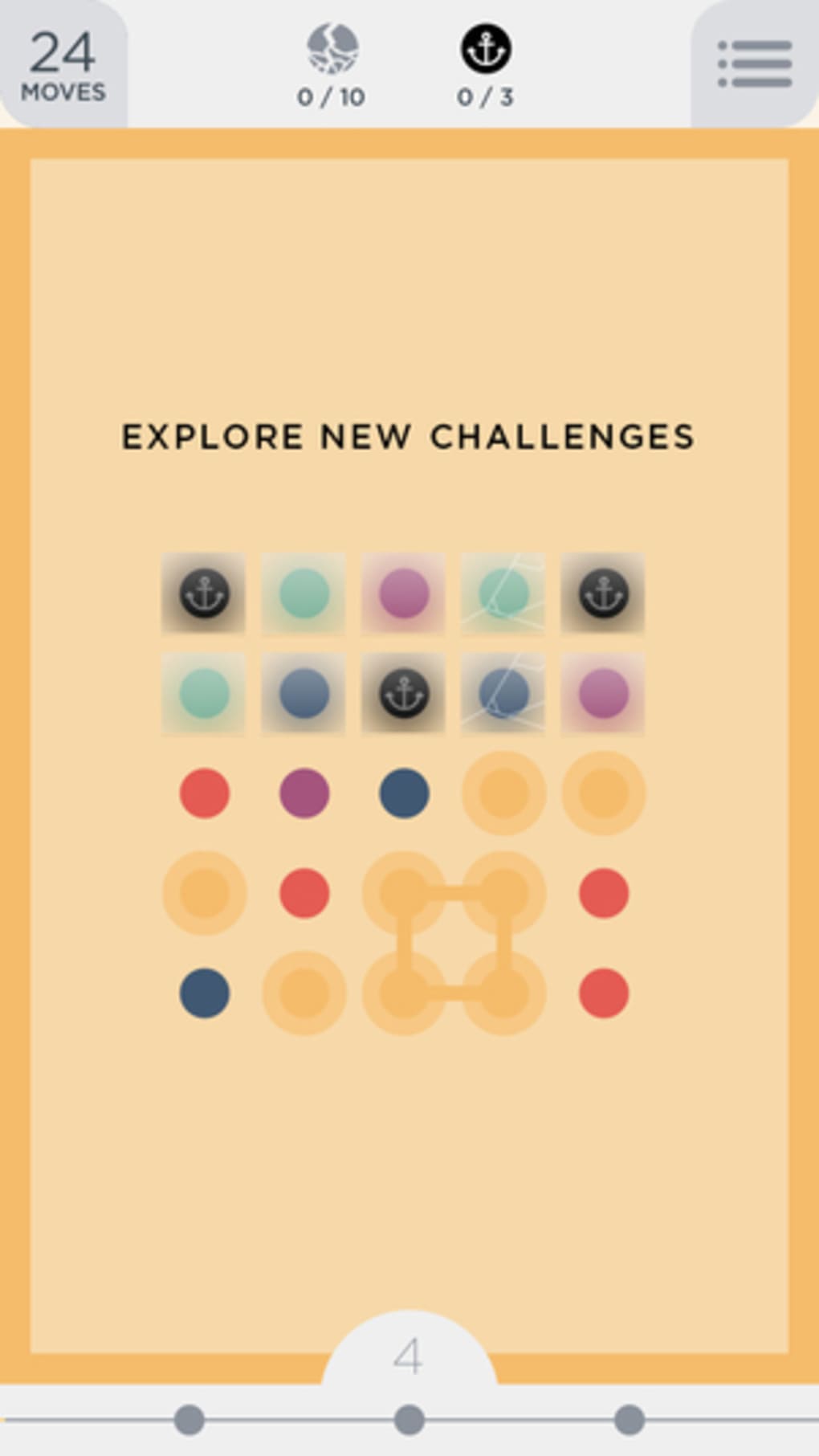
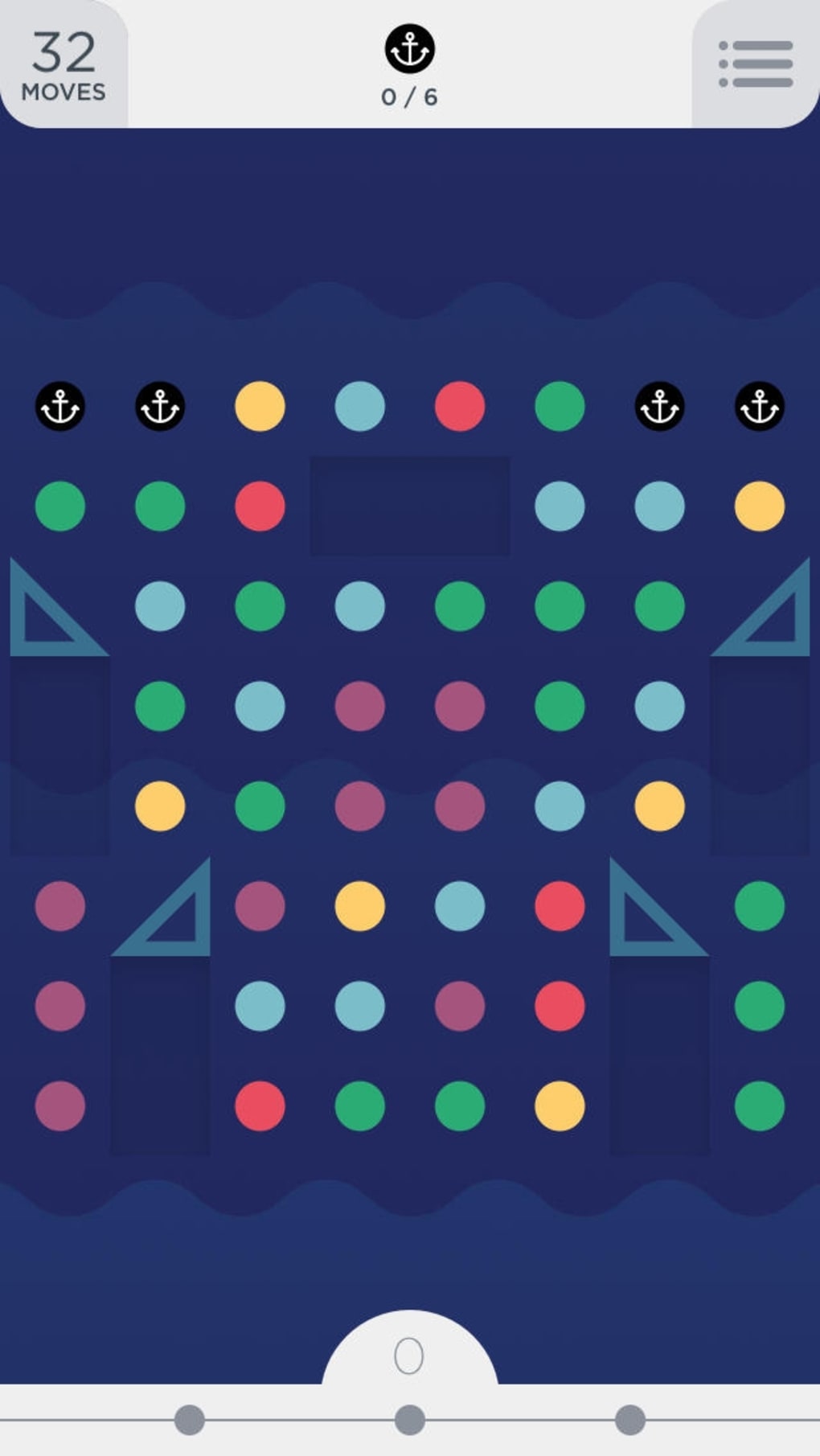
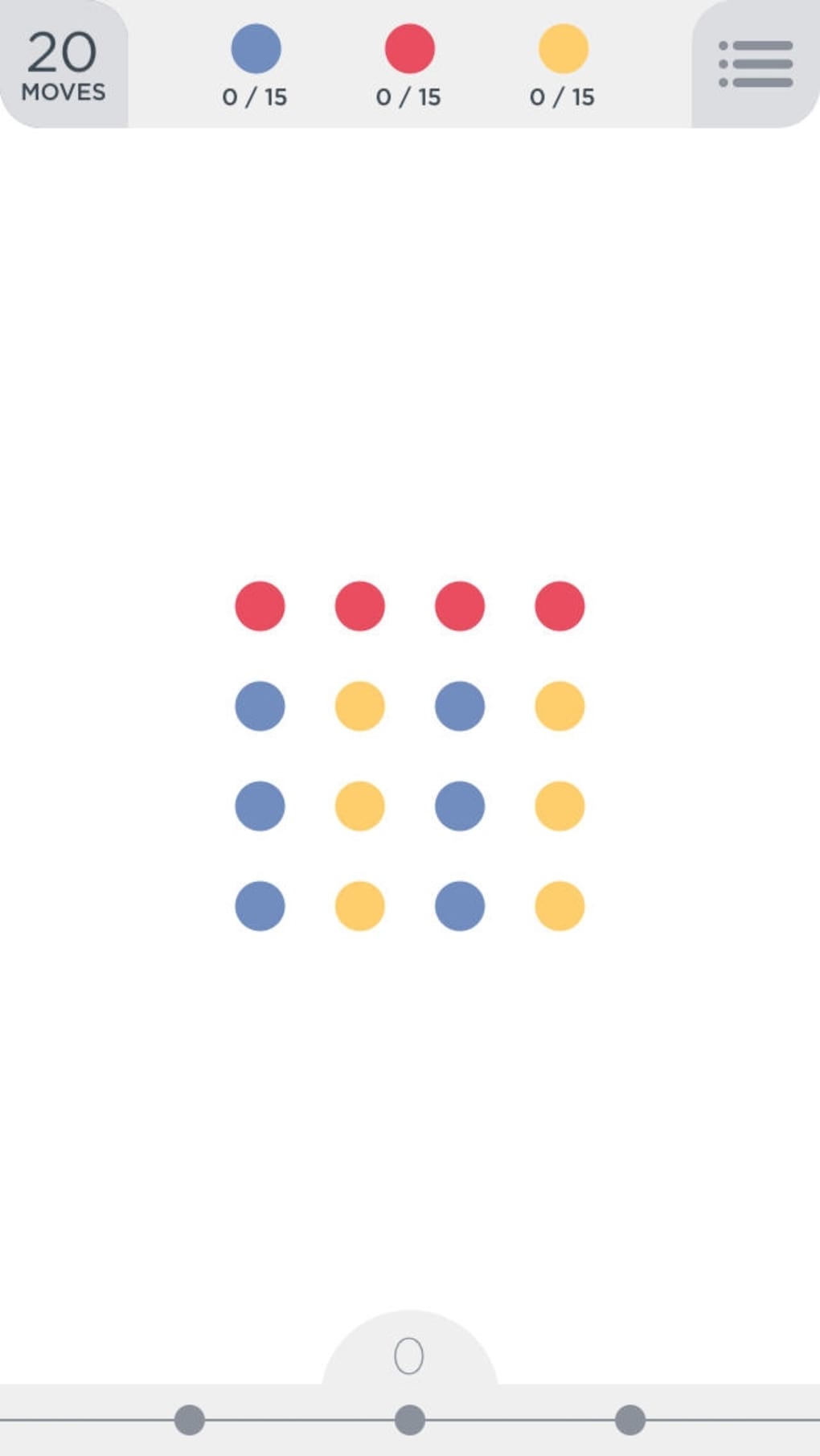
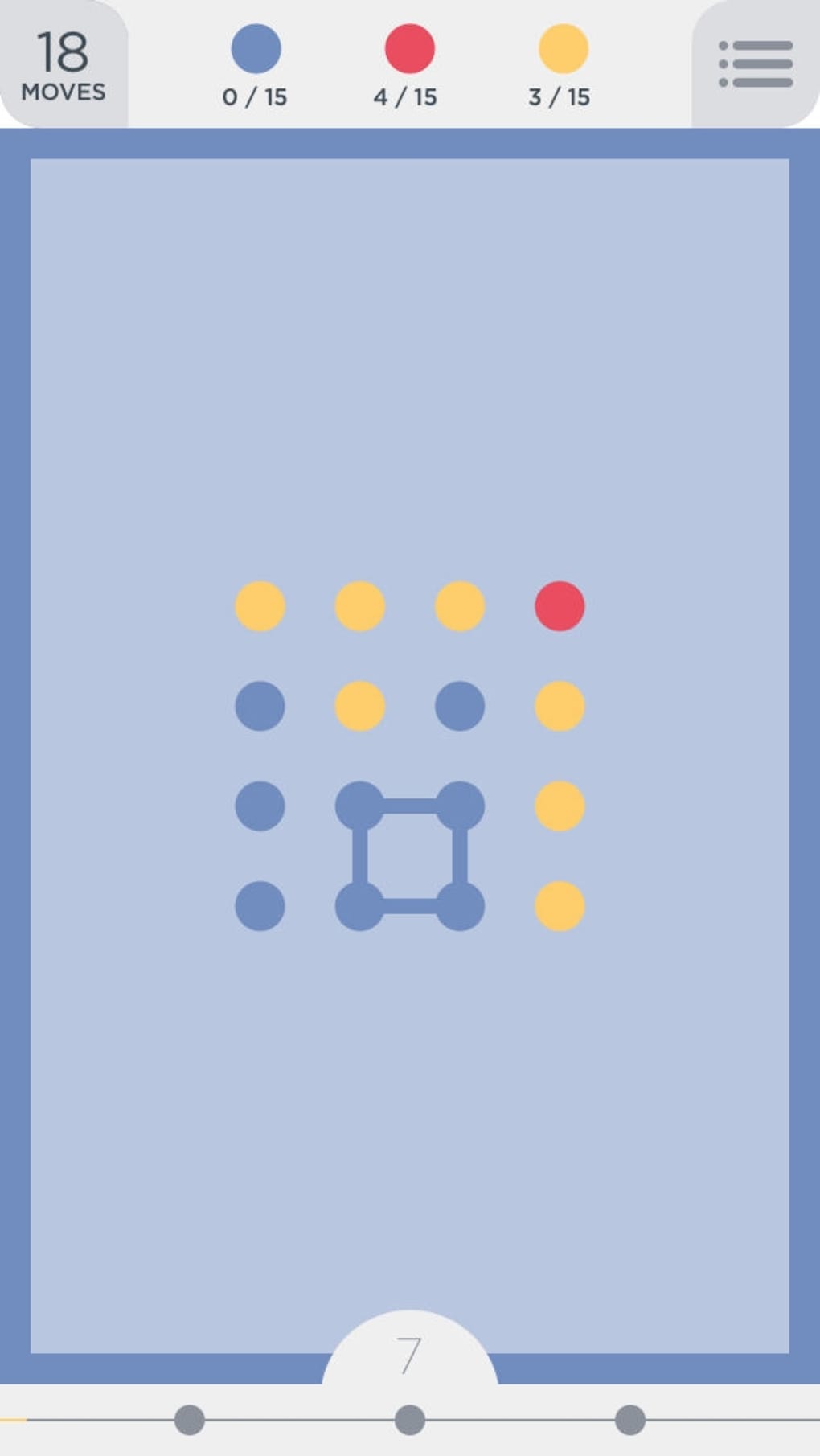
Two Dots is a logic-based puzzle game that builds on the foundation of its predecessor, Dots, by introducing new mechanics and challenges. The core gameplay revolves around connecting colored dots in horizontal or vertical lines to clear them from the board. Players create links between dots of the same color, and when a complete chain is formed, the connected dots are removed. A unique feature allows players to draw squares around groups of dots to clear all dots of that color simultaneously, adding a strategic layer to the gameplay. The game is designed to test spatial reasoning and pattern recognition, offering a steady progression of difficulty across numerous levels.
Targeted at casual gamers and puzzle enthusiasts, Two Dots appeals to users seeking a mentally engaging experience without complex controls. It is particularly suited for short play sessions, making it ideal for breaks during work or commuting. The game’s visual design is clean and minimalistic, with vibrant colors and smooth animations that enhance the overall experience. While the core mechanics are accessible, the increasing difficulty in later levels may frustrate players without access to in-app purchases for retries or extra lives.
Key Features & Capabilities
- Color-Based Matching System – Players connect dots of the same color in straight lines, either horizontally or vertically, to clear them from the board. This mechanic forms the foundation of all gameplay.
- Square-Drawing Mechanic – By drawing a square around a cluster of dots, players can clear all dots of that color at once, enabling efficient board management.
- Progressive Level Design – The game features a large number of levels, each introducing new challenges such as obstacles, limited moves, or special dot types.
- Dynamic Board Refresh – After clearing dots, new ones fall into place, maintaining constant board activity and requiring continuous strategic planning.
- Minimalist Visual Style – The interface uses clean lines, bright colors, and smooth transitions to create an engaging and distraction-free environment.
These features combine to deliver a gameplay loop that is both intuitive and increasingly complex. For example, in later levels, players must plan several moves ahead to avoid blocking paths or wasting limited moves. The ability to draw squares becomes crucial in high-density scenarios, where clearing multiple colors efficiently can determine success or failure.
User Interface, Workflow & Performance
The user interface of Two Dots is straightforward and consistent, with a focus on clarity and responsiveness. The main screen displays the puzzle grid, a move counter, and a progress indicator. Navigation is simple: players tap or click to connect dots, and the game provides visual feedback through color changes and animations. The workflow is linear—connect dots, clear them, respond to new placements—making it easy to understand even for first-time users.
Performance is generally smooth, with minimal lag during gameplay. The developer did not specify resource usage details, but the application’s size of 45.7 MB suggests it is lightweight and optimized for desktop systems. Stability appears consistent across test environments, with no reported crashes or freezes during standard use. The game does not require constant internet access, allowing for offline play, though some features may depend on online synchronization.
Compatibility & System Requirements
Two Dots is available for both Windows and Mac operating systems, making it accessible to a broad user base. The software version is 1.2.5, with a download size of 45.7 MB. The developer did not provide additional system requirements, so compatibility with specific hardware configurations remains unclear. Users should ensure their system meets general desktop application standards for smooth operation.
Installation is straightforward, with no complex setup steps. The application runs as a standalone executable, requiring no additional software. While the developer did not specify CPU or RAM usage, the file size suggests moderate resource consumption. For users with older systems, performance may vary depending on background processes and available memory.
Pros and Cons
Pros
- Engaging puzzle mechanics with a strong focus on logic and planning
- Intuitive interface suitable for casual and experienced players alike
- Visually appealing design with smooth animations and vibrant colors
- Large number of levels offering extended gameplay
- Available for both Windows and Mac platforms
Cons
- Progression can become frustrating without in-app purchases for retries
- Limited information on system requirements and performance
- Some players may find later levels overly difficult without additional support
- Offline functionality may be restricted for certain features
- Gameplay can feel repetitive over extended sessions
FAQ Section
Is Two Dots available for Windows and Mac?
Yes, Two Dots is compatible with both Windows and Mac operating systems, allowing users on either platform to enjoy the game.
Is the game free to download and play?
Yes, Two Dots is available for free. However, certain features such as retries and extra lives may require in-app purchases.
Does Two Dots require an internet connection?
The game can be played offline, but some features may depend on online synchronization or updates.
How often are updates released for Two Dots?
Updates are released periodically to fix bugs and introduce new levels. The latest version is 1.2.5, released on May 20, 2024.
What type of license does Two Dots use?
Two Dots operates under a freemium model, where the base game is free but includes in-app purchases for additional content and support.
Final Thoughts
Two Dots delivers a satisfying puzzle experience with clever mechanics and a polished interface. Its blend of logic, strategy, and visual appeal makes it a strong contender in the casual puzzle genre. While the game’s difficulty curve may deter some players, especially without access to in-app purchases, the core gameplay remains rewarding and mentally stimulating. The availability on both Windows and Mac enhances its accessibility, and the free model lowers the barrier to entry. For fans of logic puzzles and mobile-inspired desktop games, Two Dots offers a compelling challenge.
Download Two Dots now and test your strategic thinking with every move.
Guides & Tutorials
How to install Two Dots
- Click the Download button above.
- Once redirected, accept the terms and click Install.
- Wait for the Two Dots download to finish on your device.
How to use Two Dots
This software is primarily used for its core features described above. Open the app after installation to explore its capabilities.
User Reviews
No reviews yet. Be the first to share your experience.
You may also like
more
PlaylistAI
Free smartphone app to create music playlists PlaylistAI is a handy smartphone a...

Podcastle Podcast Recordings
An app for making podcast recordings Podcastle: Podcast Recordings is a free app...

harpy chat
Immersive role-play with AI characters harpy.chat is a free AI chat platform whe...

Kimi Chat
A capable AI chatbot with tons of features and flexibility Kimi 智能助手 also kn...

Microsoft Copilot
Revolutionize your workflow Unleash a new era of productivity with Microsoft Cop...

Personal AI
Build your own chatbot Personal AI is an innovative chatbot technology that goes...
