
Download Uizard – Free AI-Powered Design Tool for Web & Mobile Apps
Transform your ideas into stunning digital designs in minutes with Uizard, the free AI-powered design tool that’s revolutionizing how professionals and beginners create web pages and mobile apps. Whether you're sketching on paper or uploading a screenshot, Uizard’s intelligent technology instantly converts your rough concepts into clean, editable wireframes and prototypes. With a library of pre-made templates, intuitive design tools, and seamless collaboration features, Uizard makes it easy to bring your vision to life—no design experience required. Ideal for startups, developers, product teams, and creative freelancers, this software streamlines the design process, saving you hours of manual work. Compatible with Windows, Mac, Android, and iOS, Uizard is accessible from any device, ensuring you can design on the go. Its smart AI engine analyzes your input and suggests layouts, icons, and components, making it one of the fastest tools for digital prototyping. Plus, with real-time collaboration and secure cloud storage, Uizard is trusted by teams worldwide.
Why Uizard Stands Out as a Top Design Software
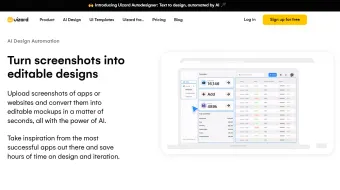
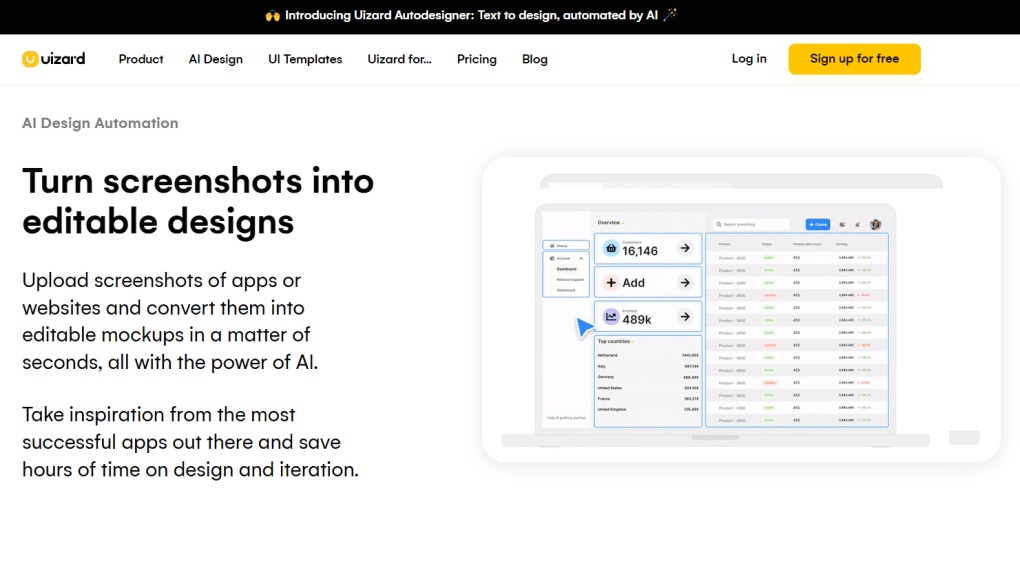
Uizard isn’t just another design tool—it’s a game-changer for anyone looking to create professional-grade digital products quickly and efficiently. At its core, Uizard leverages artificial intelligence to transform hand-drawn sketches, screenshots, or even vague ideas into fully functional wireframes and interactive prototypes. This means you don’t need to start from scratch. Just upload a sketch, and within seconds, Uizard’s AI interprets your design intent, converting it into a clean, responsive layout. The tool supports both web and mobile app design, offering a wide range of customizable templates for landing pages, dashboards, e-commerce sites, and more.
One of the most powerful features is the AI-powered design conversion. Whether you’re a seasoned designer or a non-technical founder, you can turn a rough doodle into a structured wireframe in minutes. The AI identifies elements like buttons, text fields, navigation bars, and image placeholders, then arranges them logically. You can then fine-tune the design using built-in tools like drag-and-drop components, color pickers, and responsive grids. The library of pre-made UI components and mini-icons saves time and ensures consistency across your project.
Another standout feature is the real-time collaboration system. Multiple team members can work on the same design simultaneously, leaving comments, suggestions, and feedback directly on the canvas. This is especially valuable for remote teams or agile product development cycles. Changes are synced instantly, reducing version control issues. Uizard also integrates with popular tools like Figma and Zeplin, allowing for smooth handoffs between design and development teams. With its intuitive interface and powerful automation, Uizard eliminates the learning curve and lets you focus on creativity, not technicalities.
How to Use Uizard: Installation & Design Workflow
Getting started with Uizard is simple and doesn’t require any installation. Since it’s a web-based application, you can access it directly through your browser on Windows, Mac, Android, or iOS devices. All you need is a stable internet connection and a free account. Visit the official Uizard website, click “Sign Up,” and choose the free plan. The registration process takes less than a minute, and you’re ready to design immediately.
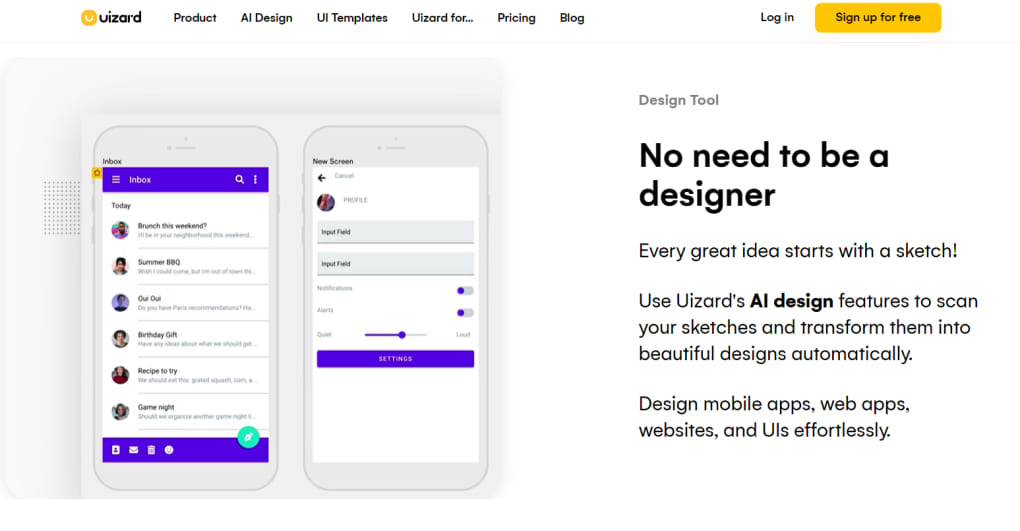
Once logged in, you’ll land on the dashboard, where you can create a new project from scratch or use one of the many templates. To begin with a sketch, click on the “Upload Sketch” option and select your image—whether it’s a hand-drawn wireframe or a rough screenshot. Uizard’s AI will analyze the image and automatically generate a digital wireframe. You can then refine the layout by dragging and dropping elements from the component library, adjusting spacing, adding text, and changing colors.
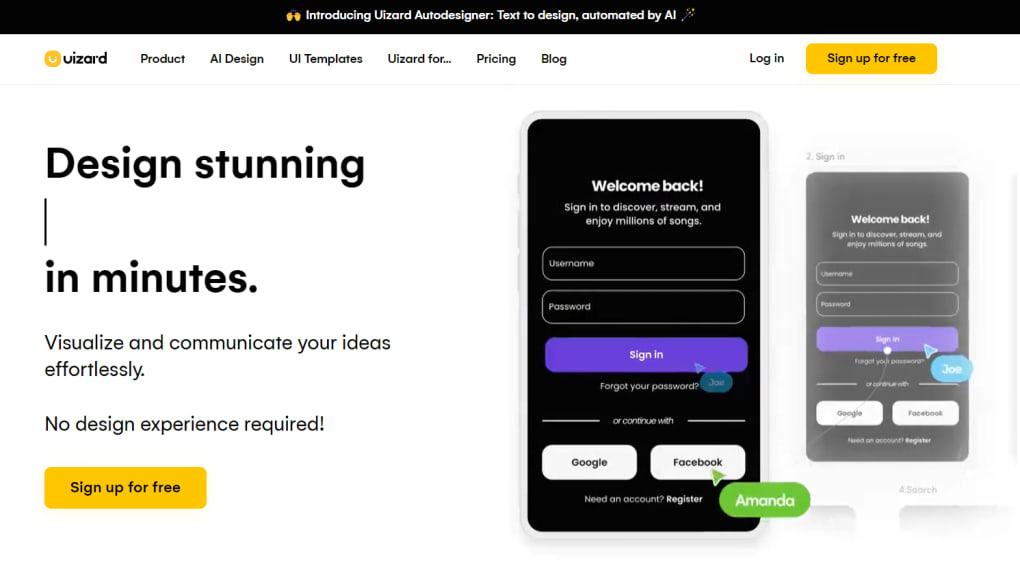
For those who prefer starting with a template, browse the extensive collection of ready-made designs for mobile apps, SaaS platforms, landing pages, and more. Each template is fully editable, so you can customize it to match your brand identity. Once your design is complete, you can create an interactive prototype by linking screens together. Add hover effects, transitions, and navigation flows to simulate real user experiences. You can also generate code snippets (HTML/CSS) for developers or export your design as PNG, SVG, or PDF.
Sharing your work is effortless. Click the “Share” button to generate a link that can be sent to clients, stakeholders, or team members. You can set permissions to allow viewing, commenting, or editing. All projects are stored securely in the cloud, so you can access them anytime from any device. With its seamless workflow and intuitive tools, Uizard makes the entire design process—from concept to prototype—fast, simple, and enjoyable.
Compatibility & System Requirements
Uizard is a cloud-based software, meaning it doesn’t require any installation or complex setup. This makes it highly accessible across different platforms and devices. Whether you're using a Windows PC, Mac laptop, Android tablet, or iOS smartphone, you can access Uizard through any modern web browser like Chrome, Safari, Firefox, or Edge.
There are no specific hardware requirements—just a stable internet connection and a screen resolution of at least 1024x768 for optimal usability. The tool is optimized for both desktop and mobile use, so you can start designing on your laptop and continue on your tablet during a meeting. This flexibility is ideal for freelancers, remote teams, and entrepreneurs who need to work on the go.
One of the key advantages of Uizard’s web-based model is automatic updates. You don’t need to worry about downloading patches or managing software versions. Every time you log in, you get the latest features and security improvements. This ensures you’re always working with the most up-to-date version of the tool, without any downtime or manual intervention.
Additionally, Uizard supports integrations with popular third-party tools such as Slack, Google Drive, and Notion, making it easy to incorporate into your existing workflow. Whether you’re sharing design files in a Slack channel or storing project assets in Google Drive, Uizard fits seamlessly into modern digital environments. This cross-platform compatibility and continuous update cycle make Uizard a reliable choice for both individual creators and large organizations.
Pros & Cons of Uizard
- Pros:
- Free plan with robust features for beginners and startups
- AI-powered sketch-to-wireframe conversion saves hours of work
- Extensive library of customizable templates and UI components
- Real-time collaboration for remote teams and agile workflows
- Web-based—no installation, works on Windows, Mac, Android, iOS
- Automatic updates and secure cloud storage
- Seamless export options and developer-friendly code generation
- Cons:
- Advanced features (like team permissions and custom branding) are locked behind the paid plan
- AI interpretation isn’t always perfect—may require manual corrections
- Heavy reliance on internet connection for full functionality
- Limited animation effects compared to premium tools like Figma
- Free plan has a cap on the number of projects and team members
Final Verdict: Is Uizard Worth It?
After testing Uizard extensively, it’s clear that this tool is a must-have for anyone involved in product design, UX prototyping, or digital innovation. Its ability to turn a simple sketch into a polished wireframe in minutes is nothing short of impressive. The AI engine delivers accurate and logical layouts, significantly reducing the time spent on initial design stages. The free version is generous, offering enough functionality for solo creators and small teams to build real prototypes.
While the paid plans unlock advanced collaboration and branding features, the free tier remains highly capable. For startups, freelancers, and students, Uizard offers an unbeatable combination of power, ease of use, and affordability. The interface is clean, the tools are intuitive, and the support team is responsive. Whether you’re designing a mobile app for your side project or prototyping a new SaaS platform, Uizard streamlines the entire process.
If you’re looking for a secure, fast, and free design tool that works across all devices and integrates well with modern workflows, Uizard is one of the best options available today. It’s not just a design app—it’s a creative accelerator.
Ready to turn your ideas into reality? Download Uizard today and start designing in minutes!



.png)




