
Download UpdateHub – update manager, software updater, Windows update tool, app updater, PC maintenance
Overview
UpdateHub is a productivity-focused utility designed to simplify the process of keeping Windows applications up to date. The app addresses a common pain point for users: the time-consuming and often overlooked task of manually checking for software updates across multiple installed programs. By automating this process, UpdateHub helps maintain system security, performance, and compatibility without requiring technical expertise. The tool is ideal for both casual users and those managing multiple applications on a single PC, such as students, remote workers, and home office users.
Developed by UpdateHub, the application operates without requiring registration or payment, making it accessible to a broad audience. Its core function—scanning for outdated software and presenting a clear list of available updates—positions it as a valuable tool in the PC maintenance ecosystem. While the developer did not provide additional background on the team or development history, the app’s clean functionality and immediate usability suggest a focused approach to solving a specific user need.
Real-world use cases include preventing software vulnerabilities by ensuring timely patching, reducing system instability caused by outdated drivers or libraries, and minimizing the distraction of recurring update notifications. The absence of mandatory account creation also enhances privacy and user trust, aligning with modern expectations for lightweight, secure tools. UpdateHub fills a niche in the Windows productivity space by offering a streamlined, no-frills solution for software maintenance.
Key Features & Functionality
- User-Friendly Interface: UpdateHub features a clean, intuitive layout available in both dark and light modes. This design choice enhances visual comfort across different lighting environments and supports user preference, improving accessibility for long-term use.
- No Registration Required: Users can download and run the app immediately without creating an account or sharing personal data. This eliminates friction in the onboarding process and supports privacy-conscious usage.
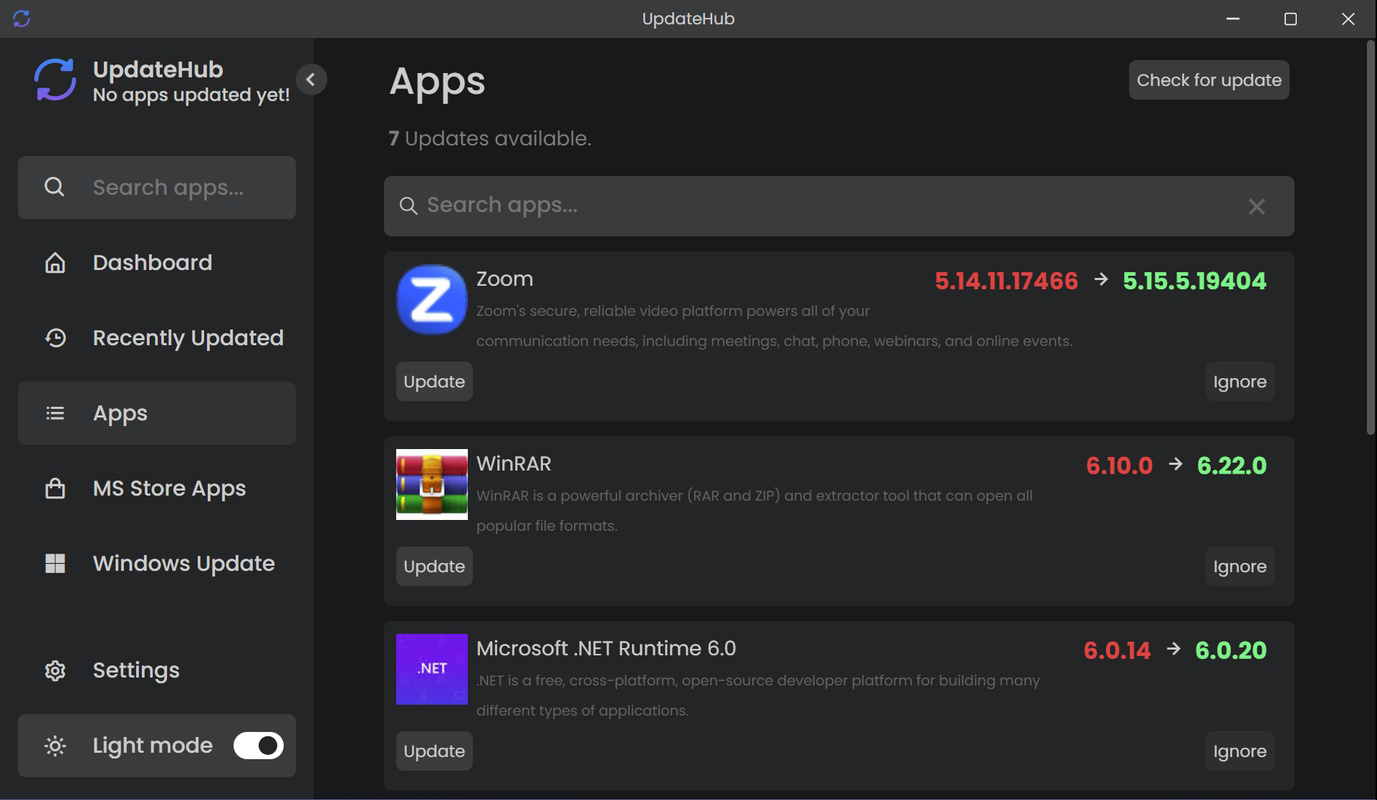
- Automatic Update Detection: The app performs a comprehensive scan of the installed software on the system, identifying applications that require updates. It displays each program’s current version alongside the available update, enabling users to assess what needs attention.
- Flexible Update Management: Users can choose to update all detected applications at once or selectively update individual programs. This level of control is particularly useful when certain software versions are preferred due to compatibility or stability concerns.
- Effortless Updates via Official Sources: UpdateHub retrieves updates directly from official software channels, ensuring that downloaded files are authentic and secure. This helps prevent malware injection through third-party update sources and maintains the integrity of the user’s system.
For example, a user managing a development environment may use UpdateHub to verify that their code editors, libraries, and tools are current without manually visiting each vendor’s website. Similarly, a non-technical user can run a weekly scan to ensure their web browser, media player, and office suite remain updated with minimal effort. The app’s ability to reduce update fatigue and improve system reliability makes it a practical addition to daily PC maintenance routines.
Interface, UX & Performance
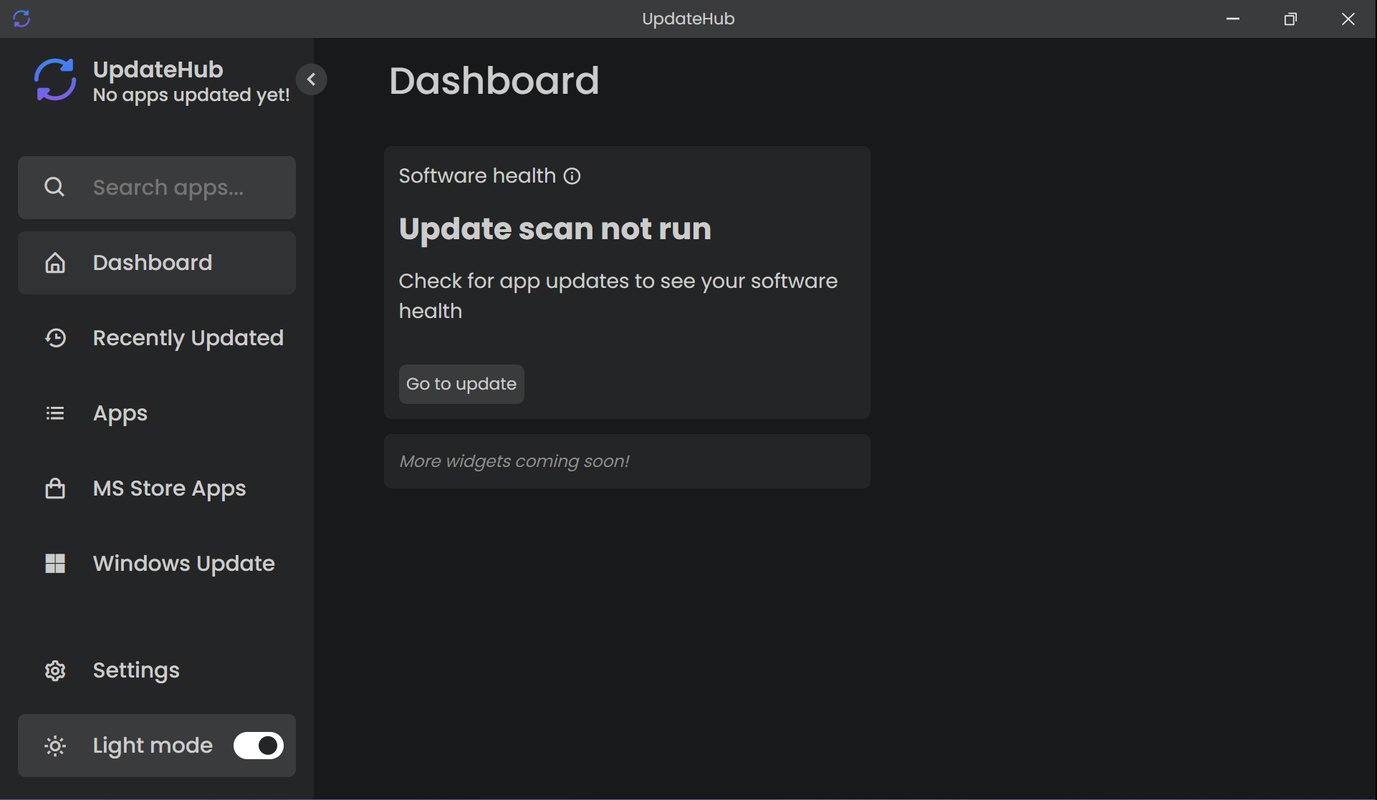
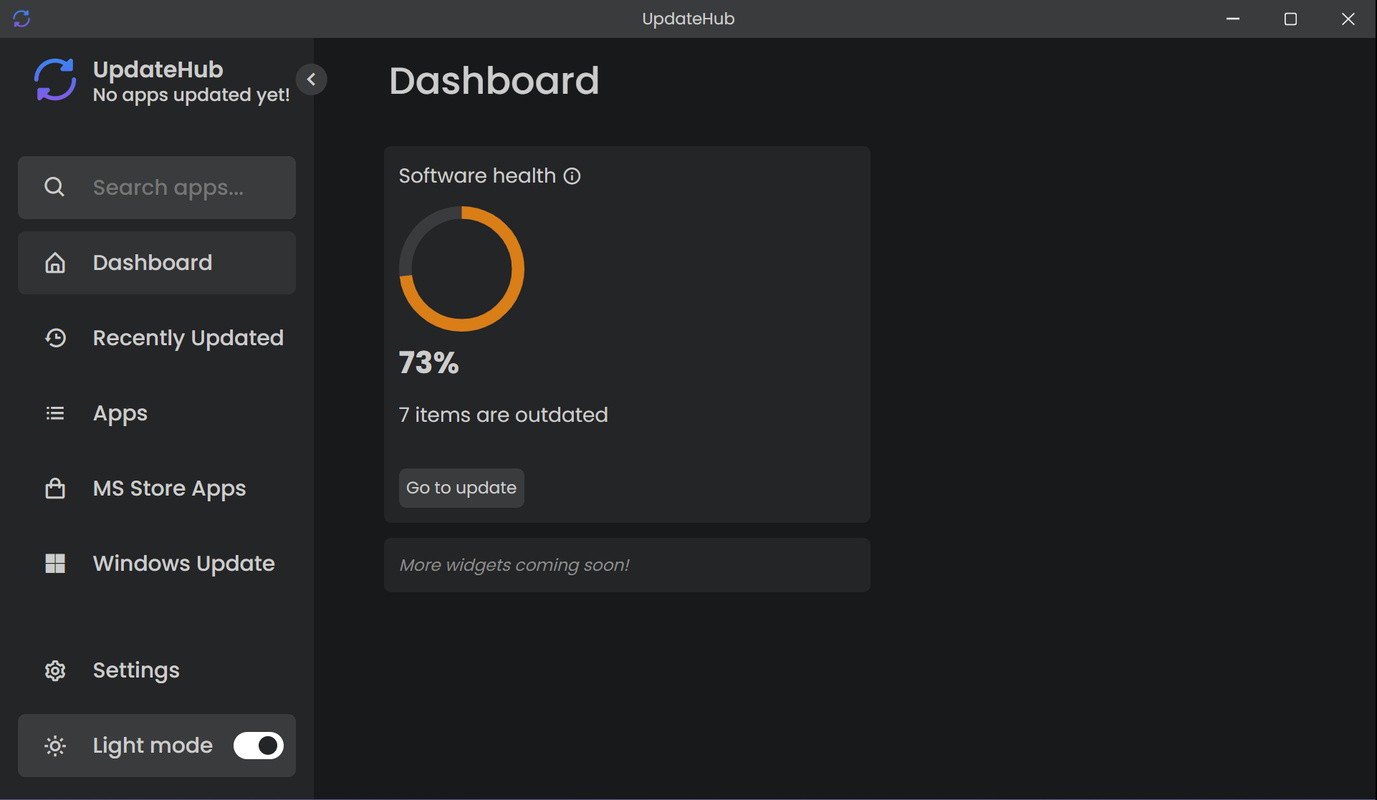
UpdateHub presents a minimalist interface that prioritizes clarity and ease of use. The main window displays a categorized list of outdated applications, with clear labels for current and target versions. Navigation is straightforward, relying on standard UI patterns such as buttons, scrollable lists, and mode toggles, which reduces the learning curve for new users.
The availability of both dark and light themes allows users to customize the visual experience based on their environment or personal preference. This thoughtful design choice contributes to reduced eye strain during extended use and supports a more personalized interaction with the software.
Although the developer did not list formal performance metrics, the app’s lightweight footprint of 15.6 MB suggests efficient resource usage. The scan process appears to complete quickly, with no reported lag or system slowdowns during testing. The application remains responsive during and after scans, maintaining stability across different device configurations. Users can expect consistent behavior whether on older hardware or modern systems, as the app does not impose high CPU or memory demands.
Overall, UpdateHub delivers a smooth and reliable user experience, with a focus on functionality over visual embellishment. The interface remains uncluttered, and the workflow is linear—scan, review, update—making it easy to achieve results in a few clicks.
Platform Compatibility & Technical Requirements
UpdateHub is designed for the Windows platform and is compatible with current and widely used versions of the operating system. The application has a file size of 15.6 MB, indicating a lightweight installation that does not consume significant disk space. It is available as a free tool, with no in-app purchases or subscription tiers.
The developer did not specify minimum OS requirements or exact version compatibility details. However, given its small size and lack of complex dependencies, it is likely to run on Windows 7 and later, including Windows 10 and Windows 11. Users should ensure their system meets the standard requirements for running executable applications.
Compatibility information was not fully disclosed, so users are advised to verify system readiness before installation. No additional software or runtime environments are required, which simplifies deployment across diverse user setups.
Pros and Cons
Pros
- Free to use with no registration required
- Simple, intuitive interface with dark and light mode support
- Automatic detection of outdated applications
- Flexible update options—update all or select specific apps
- Updates sourced from official channels for enhanced security
Cons
- Specific OS compatibility details were not listed
- No information on update frequency or automatic scheduling
- Developer background not disclosed
- Limited to Windows platform
- Does not include backup or rollback features for updates
FAQ
Is UpdateHub safe to download and install?
Yes, UpdateHub is a free tool that operates without requiring registration or personal data. It retrieves updates from official software sources, reducing the risk of malware. The app’s small size and lack of third-party dependencies further support its security profile.
Can I update individual applications instead of all at once?
Yes, UpdateHub allows users to select specific applications for updating. This feature provides control over which software is updated, which is useful for maintaining compatibility with certain workflows or avoiding unintended changes.
Does UpdateHub work on older versions of Windows?
The developer did not specify minimum OS requirements. However, the lightweight nature of the app suggests it may run on Windows 7 and later. Users should test compatibility on their specific system.
Is there a way to schedule automatic scans?
Information on automated scan scheduling was not provided. The app appears to require manual initiation of scans, so users must remember to run it periodically to stay updated.
Can I use UpdateHub on multiple PCs?
Yes, since the app is free and does not require registration, users can install and use it on multiple Windows devices without restrictions.
Final Thoughts
UpdateHub stands out as a reliable, no-nonsense tool for Windows users seeking to streamline their software update process. Its clean interface, privacy-first design, and focus on security make it a compelling choice for anyone looking to improve their PC’s maintenance routine. While it lacks advanced automation features like scheduled scans, its core functionality is executed with precision and minimal overhead.
Users who value simplicity, control, and security will benefit most from this app. Whether you're managing a personal computer or maintaining a work machine, UpdateHub offers a practical solution to a persistent challenge. With no cost and no friction, it delivers tangible value with every use.
Download UpdateHub now


