
Download Watomatic – automated reply, WhatsApp, Facebook Messenger, auto-reply, open-source, privacy-focused, lightweight, background tool, Android
Overview
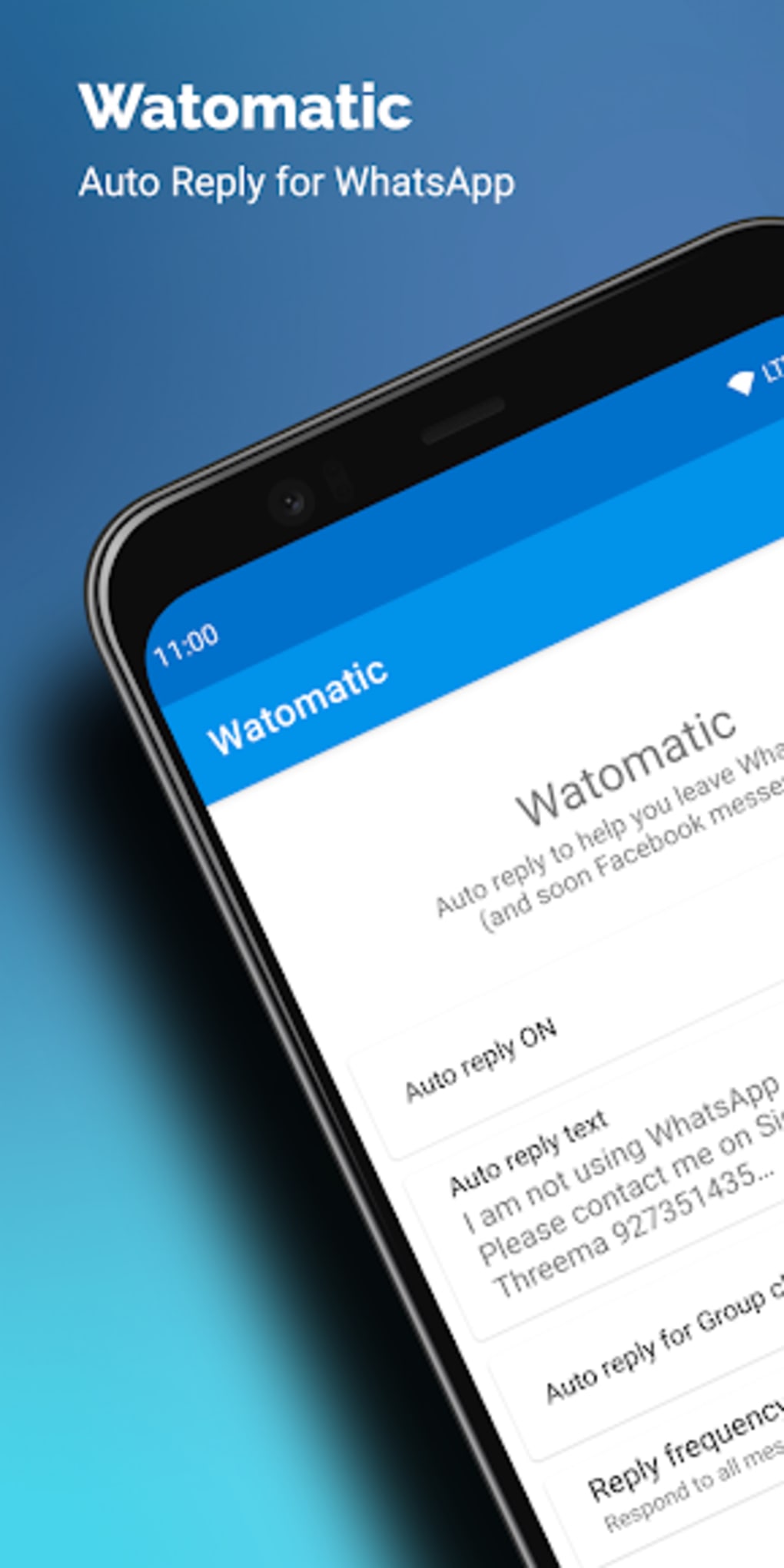
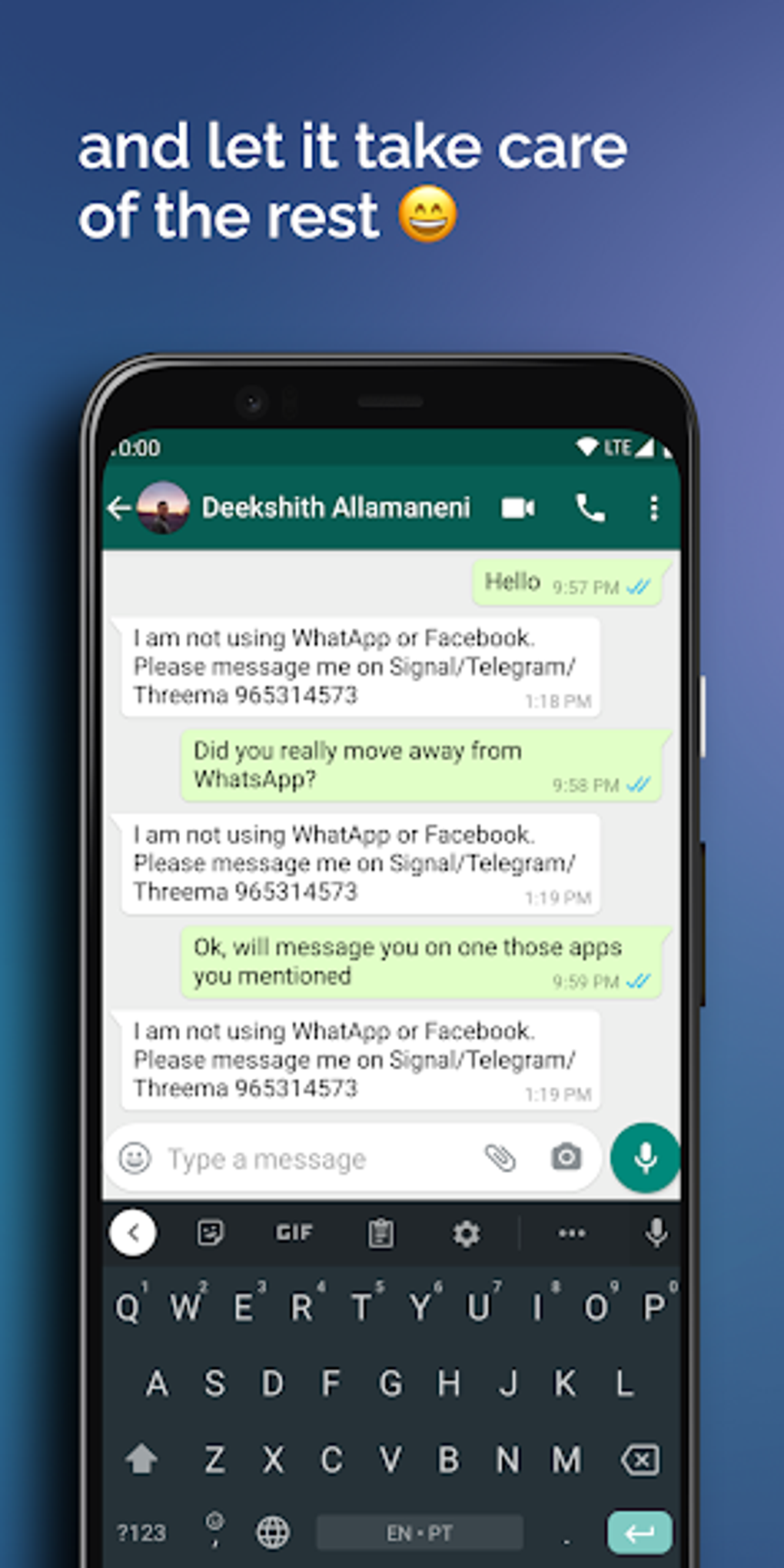
Watomatic is a free communication tool designed for Android users seeking to automate responses to incoming messages on WhatsApp and Facebook Messenger. Developed by Deekshith Allamaneni, the software functions as a background utility rather than a standalone messaging application. Its primary purpose is to send automatic replies when users are unable to respond manually, making it particularly useful during periods of absence or when transitioning away from popular messaging platforms due to privacy concerns. The tool is especially relevant in the current digital climate, where users are reevaluating their reliance on apps with evolving privacy policies. Target users include individuals managing personal and professional communications, those seeking to reduce digital fatigue, and privacy-conscious users looking to maintain control over their online presence. The software operates without requiring an internet connection, relying instead on system-level notification access to trigger responses. It is positioned as a lightweight, open-source solution that avoids advertising and does not track user activity, aligning with privacy-first principles. Real-world use cases include notifying contacts of a temporary unavailability, announcing a move to a new messaging platform, or ensuring consistent communication without constant device monitoring.Key Features & Capabilities
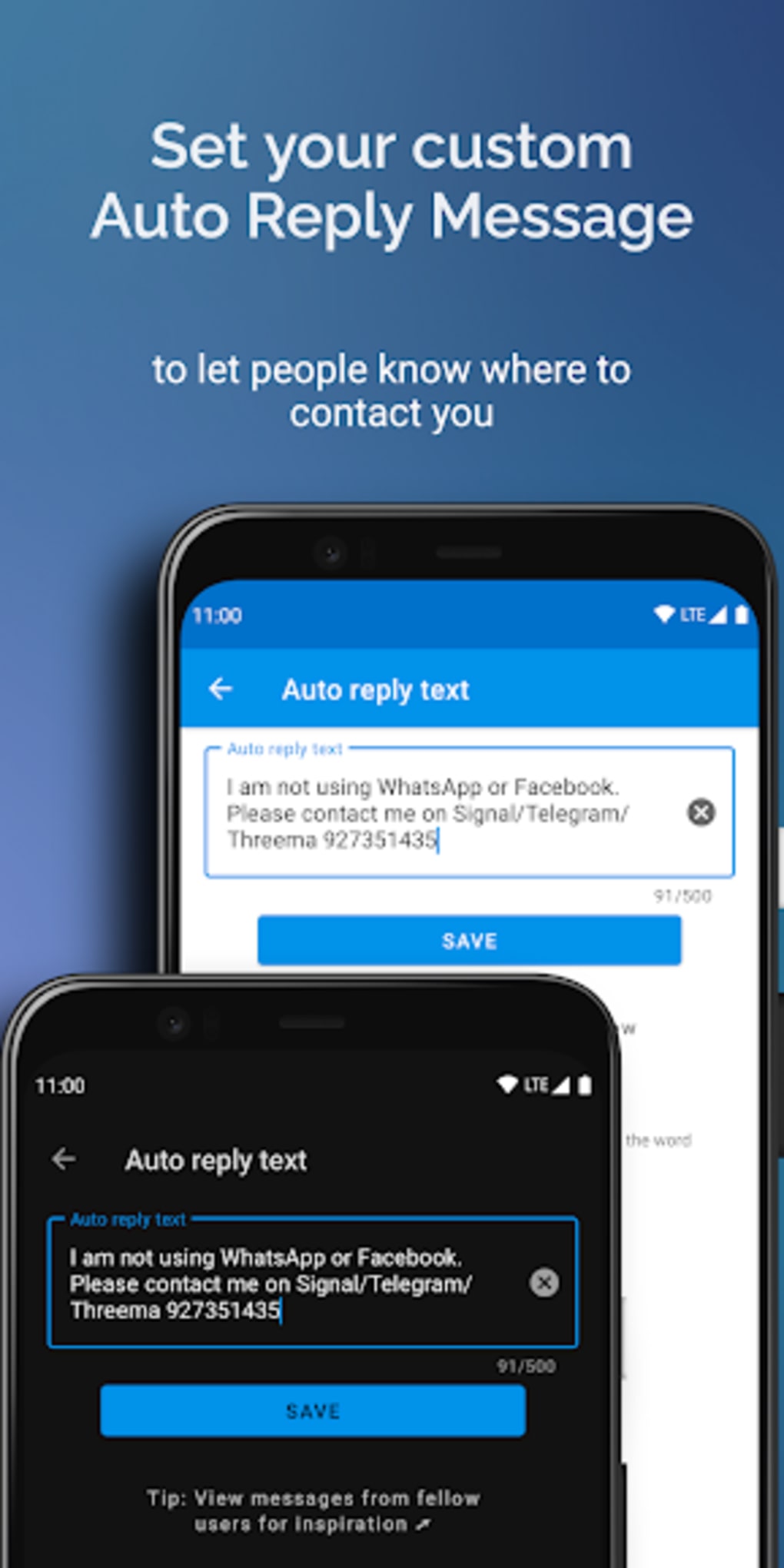
- Automated Reply System: Watomatic sends pre-defined replies to incoming messages from WhatsApp and Facebook Messenger. Users can customize the message content to suit their needs, such as informing contacts of a temporary absence or a migration to another platform.
- Customizable Reply Frequency: The tool allows users to set how often the auto-reply is sent, helping prevent message flooding and ensuring responses are delivered at appropriate intervals.
- Privacy-First Design: As an open-source application with no ads, Watomatic does not collect or track user data. It respects user privacy by not storing messages or monitoring online behavior beyond what is necessary for functionality.
- Background Operation: The software runs silently in the background, minimizing interference with other apps. It activates only when a new message notification is detected, ensuring low resource usage.
- Platform Compatibility: Designed exclusively for Android devices, the tool leverages system-level notification access to function. It is intended to work with most Android devices, though compatibility is not guaranteed across all models.
User Interface, Workflow & Performance
The user interface of Watomatic is described as straightforward and intuitive, designed for ease of use across all user skill levels. Navigation is minimal, focusing on core settings such as message customization and reply frequency. The workflow begins with enabling notification access for the app, followed by configuring the desired auto-reply text and frequency. Once set, the tool operates automatically in the background without requiring user interaction. Performance details were not specified by the developer. However, the software is described as lightweight, suggesting low CPU and memory consumption. It functions without an internet connection, relying solely on local system events. The developer did not provide information on stability, battery impact, or long-term behavior. Performance observations are based on general software behavior patterns for background automation tools. Users are advised to ensure that notification settings are enabled and that WhatsApp’s fingerprint lock is disabled for the auto-reply function to work correctly. No additional system resources are required beyond standard Android permissions.Compatibility & System Requirements
Watomatic is available exclusively for Android devices. The developer did not specify the minimum Android version or hardware requirements. Compatibility information was partially provided, indicating that the app is designed to work with most Android devices. However, it cannot guarantee functionality across all models due to reliance on lesser-known Android features. The application does not support iOS devices, limiting its availability to Android users only. Exact system requirements were not listed. The developer did not provide details on installation size, RAM, or processor specifications. Users should expect the app to be lightweight, as stated in the description. It operates without internet access and functions as a background service. For optimal performance, users are advised to keep their Android system updated and ensure that the app has the necessary notification permissions. The developer did not specify whether updates are automatic or manual.Pros and Cons
Pros
- Free to use with no ads or in-app purchases
- Open-source and transparent, promoting trust and community contributions
- Privacy-focused with no data tracking or collection
- Lightweight and runs efficiently in the background
- Simple setup and intuitive interface suitable for non-technical users
- Works offline without requiring an internet connection
Cons
- Exclusive to Android; not available for iOS or other platforms
- Compatibility not guaranteed on all Android devices
- Requires disabling WhatsApp fingerprint lock for full functionality
- Does not support message editing or response customization beyond text
- Limited to WhatsApp and Facebook Messenger; no support for other messaging apps




.png)



