
Download WinPing – network test, ping tool, connection monitor, server monitoring, response time check
Overview
WinPing is a compact, efficient utility designed for rapid network diagnostics, particularly suited for users managing local networks or online servers. Its primary purpose is to deliver immediate feedback on connection response times, making it a valuable tool for identifying latency issues in real time. This makes it especially useful for private game server administrators who rely on stable and fast connections to maintain seamless gameplay experiences. The app also supports general internet connectivity checks, helping users troubleshoot slow or unreliable connections across various environments.
Target users include system administrators, gamers, IT professionals, and anyone requiring a quick way to assess network health without complex tools. The minimalistic design ensures accessibility for both technical and non-technical users, eliminating the need for advanced networking knowledge. The developer, WinPing Team, has focused on creating a no-frills solution that prioritizes speed and reliability over feature overload. Although the developer did not provide additional technical details, the app’s lightweight nature and free availability suggest a commitment to accessibility and broad usability.
Real-world use cases include monitoring server uptime, validating network stability before hosting online events, and diagnosing connectivity drops during gameplay. In the broader app ecosystem, WinPing fills a niche for portable, fast-acting diagnostic tools that don’t require installation or system resources. Its presence underscores a growing demand for lightweight utilities that deliver essential functionality without complexity.
Key Features & Functionality
- Lightweight and Portable: At just 500 KB, WinPing requires minimal storage space, enabling easy transport on USB drives or cloud folders. This allows users to run it on any Windows machine without installation, ideal for on-the-go diagnostics.
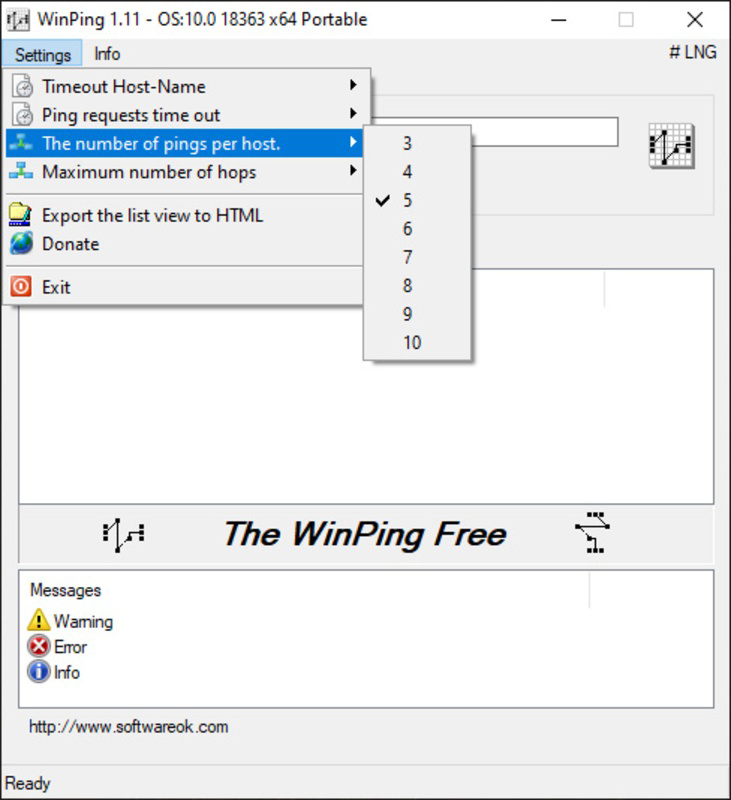
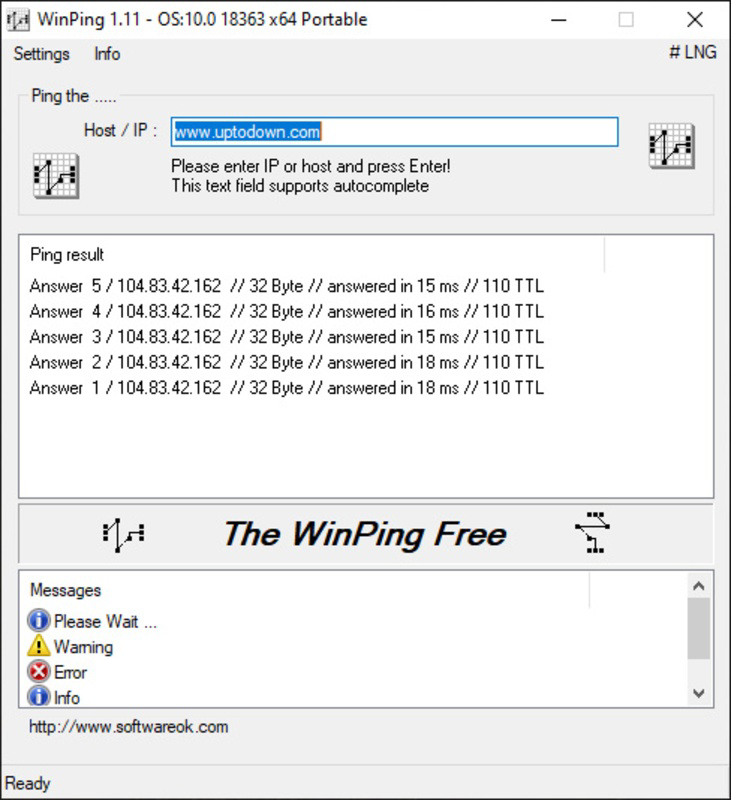
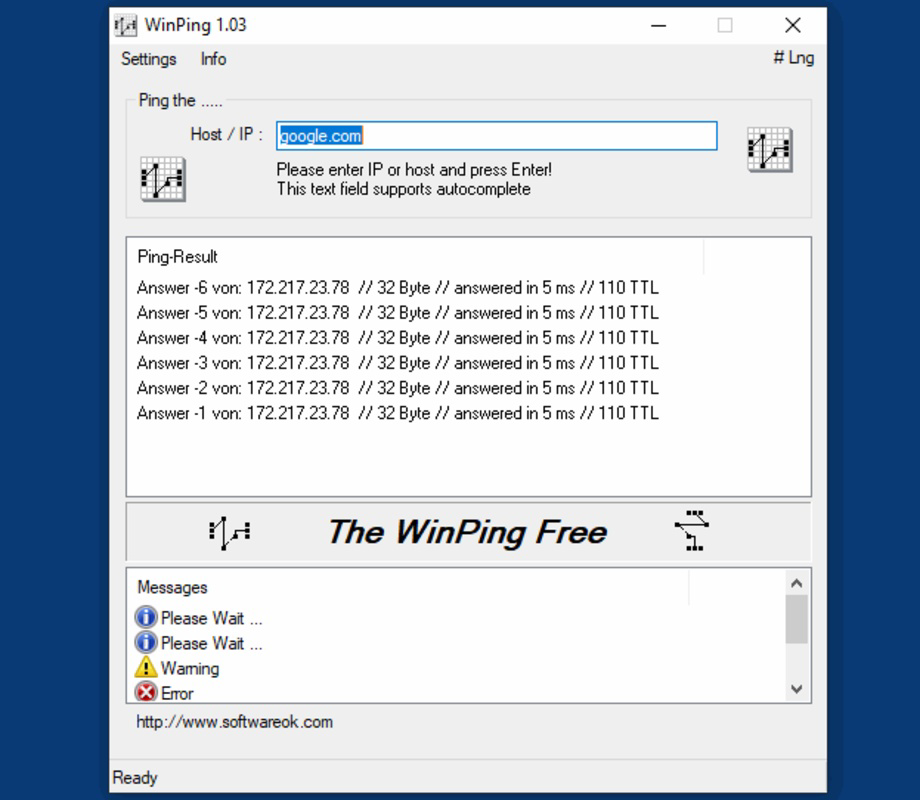
- User-Friendly Interface: The program features a clean, intuitive layout with straightforward controls. Users can enter a target IP or domain and initiate a ping test with a single click, receiving real-time response times and packet statistics.
- Multilingual Support: Available in over a dozen languages, WinPing ensures usability across diverse regions. This inclusivity allows non-English speakers to operate the tool confidently without language barriers.
- Low Processing Power Use: Designed to operate efficiently, WinPing consumes negligible CPU and memory resources. It can run in the background while users perform other tasks without impacting system performance.
- Fast Connectivity Testing: The core function delivers instant results, measuring round-trip response times and success rates. This is critical for server administrators who need to detect and resolve network anomalies quickly, especially during high-stakes gaming sessions.
For example, a game server host can use WinPing to verify their server’s ping to a player’s location before a scheduled match. Similarly, a remote worker might use it to test connection stability before joining a video conference. The tool’s simplicity ensures that users can focus on results, not setup.
Interface, UX & Performance
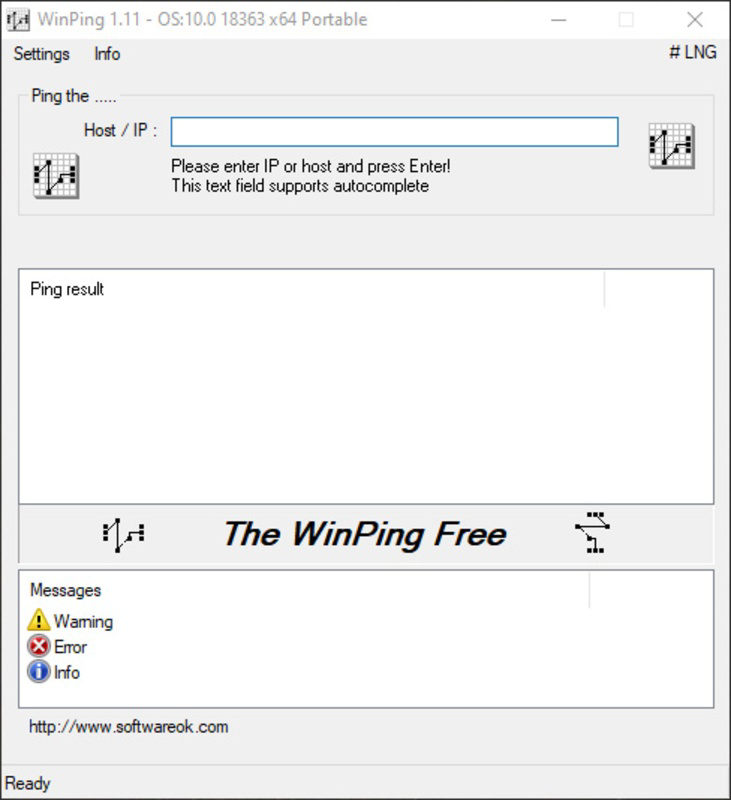
WinPing presents a minimalistic interface with a focus on clarity and function. The layout is clean, with essential input fields and real-time output displayed in a straightforward format. Navigation is intuitive, requiring only a few interactions to initiate and interpret a test. The absence of cluttered menus or unnecessary options enhances usability, especially for users unfamiliar with network diagnostics.
Although the developer did not list formal performance metrics, the app’s reported size of 500 KB and its emphasis on low resource usage suggest optimized execution. It is designed to launch quickly and respond without delays, even on older or less powerful hardware. Responsiveness is maintained across various device categories, including desktops, laptops, and thin clients, as long as the Windows platform is supported.
Stability appears to be a priority, given the app’s portability and lack of installation requirements. Users can run it repeatedly without risk of system conflicts or background processes accumulating. The consistent behavior across sessions indicates reliable operation, though no formal testing data was provided.
Platform Compatibility & Technical Requirements
WinPing is available exclusively for the Windows platform. The current version is 1.0.0, with a file size of 500 KB. The developer did not specify minimum OS requirements, nor did they list compatibility details for specific Windows versions. This lack of information suggests that the app may be compatible with a broad range of Windows systems, including recent and legacy versions.
Given its lightweight nature and portable design, WinPing is likely to function on devices with limited resources. However, without official confirmation, users should exercise caution when deploying it on older or unsupported Windows editions. The absence of installation steps implies it can be run directly from a folder or removable drive, enhancing flexibility for temporary or shared environments.
Pros and Cons
Pros
- Extremely lightweight at only 500 KB, ideal for portable use.
- Free to download and use with no hidden costs.
- Simple interface suitable for users of all technical levels.
- Runs efficiently without consuming significant system resources.
- Portable design allows use on any Windows device without installation.
Cons
- Platform limited to Windows; no support for macOS, Linux, or mobile OS.
- Developer did not disclose specific OS compatibility or system requirements.
- Limited to basic ping functionality; no advanced network diagnostics included.
- No update notifications or automatic version checks built into the app.
- Language availability, while broad, may not cover all regional dialects.
FAQ
Is WinPing safe to download and use?
Yes, WinPing is free and designed for legitimate network diagnostics. It does not include malware or intrusive behavior. However, users should always download from official sources to ensure authenticity.
Can I use WinPing on multiple Windows devices?
Yes, due to its portable nature, WinPing can be used on any Windows computer without installation. Simply copy the executable file to a USB drive or shared folder.
Does WinPing require internet access to function?
Yes, WinPing requires an active internet connection to test external servers or websites. However, it can also test local network devices when used within a LAN environment.
Is WinPing available for Android or iOS?
No, WinPing is currently only available for Windows. There is no official version for mobile platforms.
How often should I update WinPing?
While the developer did not specify update frequency, users should check the official website periodically for new versions, especially if new features or security patches are released.
Final Thoughts
WinPing delivers a focused, efficient solution for users needing a reliable way to test network response times. Its lightweight footprint, ease of use, and portability make it a standout tool in the productivity category. Whether you're a game server administrator, remote worker, or IT technician, this app provides immediate value without complexity.
While it lacks advanced features and mobile support, its core functionality is executed with precision. For users who prioritize speed, simplicity, and low system impact, WinPing is a dependable choice. The fact that it’s completely free further enhances its appeal.
Download WinPing now


